

編輯:關於 Android 開發
今天要介紹的是一個相當實用的通知工具庫 NotifyUtil。作者把常用的通知樣式都封裝得相當完整,使用起來非常方便,而且程式碼精簡,直接 Copy 進專案就能用。(由於國內不少廠商有各自的 ROM 定製,效果可能略有差異,以下以未刷機的原生效果為準。)
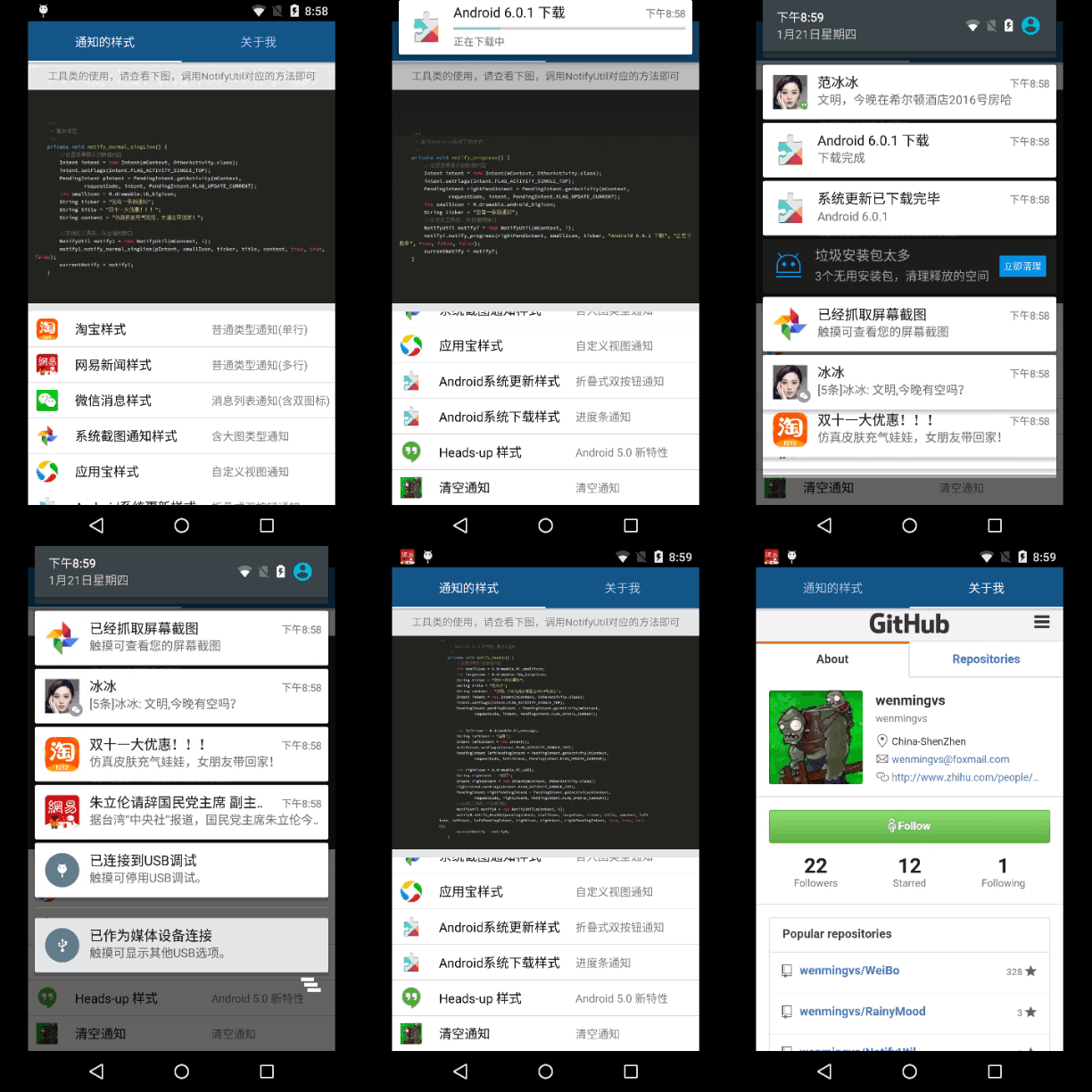
效果預覽:
private void notify_normal_singLine() {
 Intent intent = new Intent(mContext, OtherActivity.class);
 intent.setFlags(Intent.FLAG_ACTIVITY_SINGLE_TOP);
 PendingIntent pIntent = PendingIntent.getActivity(mContext, requestCode, intent, PendingIntent.FLAG_UPDATE_CURRENT);
 int smallIcon = R.drawable.tb_bigicon;
 String ticker = "您有一條新通知";
 String title = "雙十一大優惠!!!";
 String content = "仿真皮膚充氣娃娃,女朋友帶回家!";

 NotifyUtil notify1 = new NotifyUtil(mContext, 1);
 notify1.notify_normal_singline(pIntent, smallIcon, ticker, title, content, true, true, false);
 currentNotify = notify1;
}
像這樣自己再包一層,使用起來更加順手。
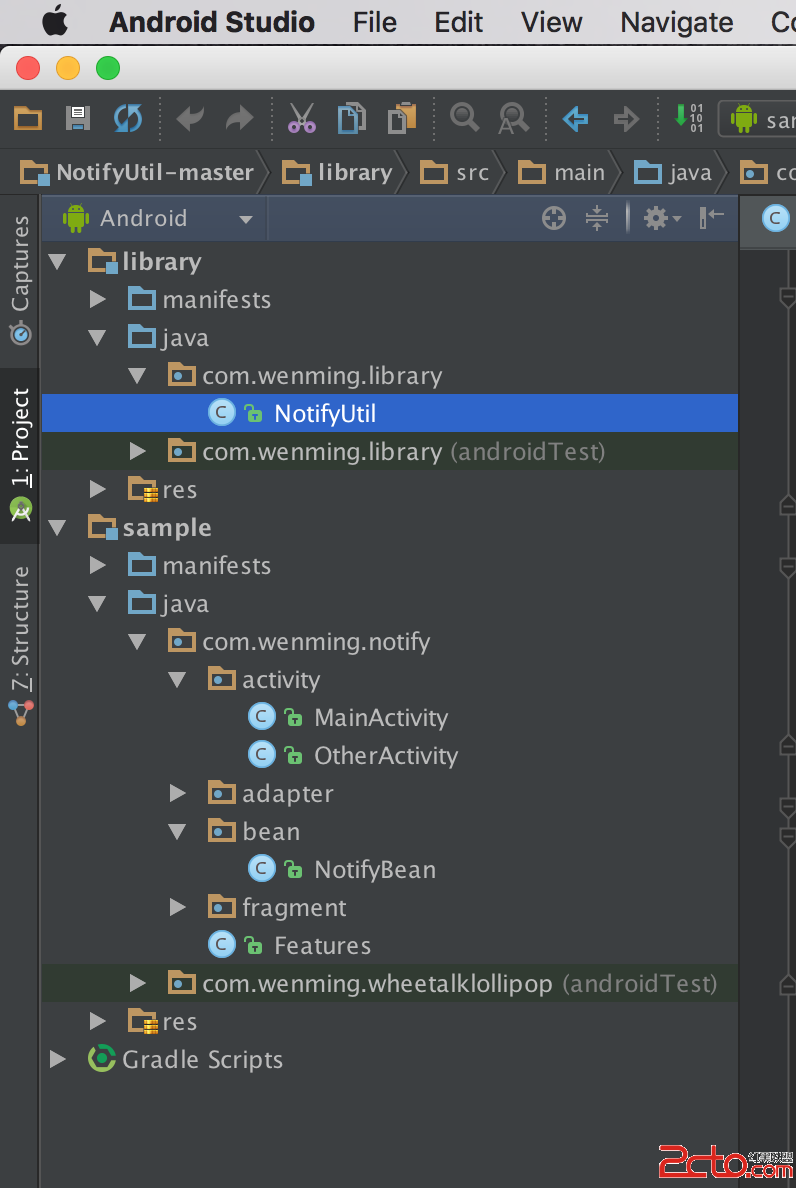
只要把 NotifyUtil 複製進自己的專案即可。作者共實作了八種通知樣式,並在 Demo 中完整示範:
1. 普通類型通知(單行)
2. 普通類型通知(多行)
3. 消息列表通知(含雙圖標)
4. 含大圖類型通知
5. 自定義視圖通知
6. 折疊式雙按鈕通知
7. 進度條通知
8. Android 5.0 新特性
下載地址:https://github.com/ddwhan0123/NotifyUtil/archive/master.zip
git 地址:https://github.com/ddwhan0123/NotifyUtil
 手機影音實戰(六):自定義 VideoView 實現全屏切換與保持亮屏
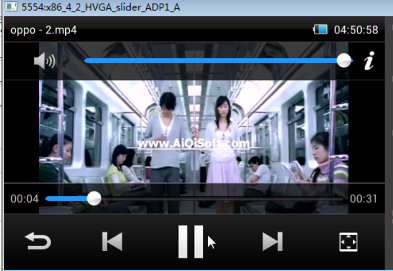
手機影音實戰(六):視頻尺寸控制與全屏播放 系統自帶的 VideoView 有個明顯短板:它總是按 onMeasure 的默認邏輯計算尺寸,無法讓我們靈活指定畫面大小。
 Android MediaPlayer 音樂播放實作指南
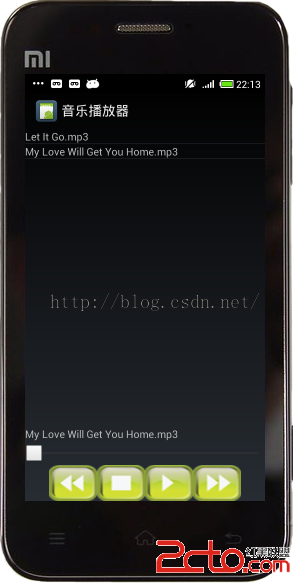
 MediaPlayer 是 Android 中用於播放音訊與影片的常用元件。若要做一個簡單的音樂播放器,通常會搭
 Android ListView 顯示資料庫數據:SQLite 增刪改查整合實作
 這個案例把 SQLite 的增刪改查和 ListView 結合起來:頁面上有四顆按鈕分別
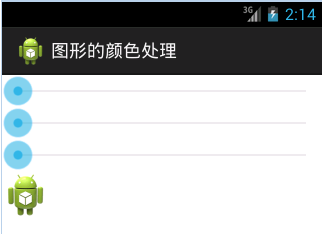 Android 圖片顏色處理:用 ColorMatrix 做即時調色
本文仿照美圖秀秀那類修圖 App 的交互方式,用三個 SeekBar 分別控制圖片的紅、綠、藍通道,拖動時即時改變圖片色調。 版面配置 三條滑桿加上一個 ImageVie