編輯:關於android開發
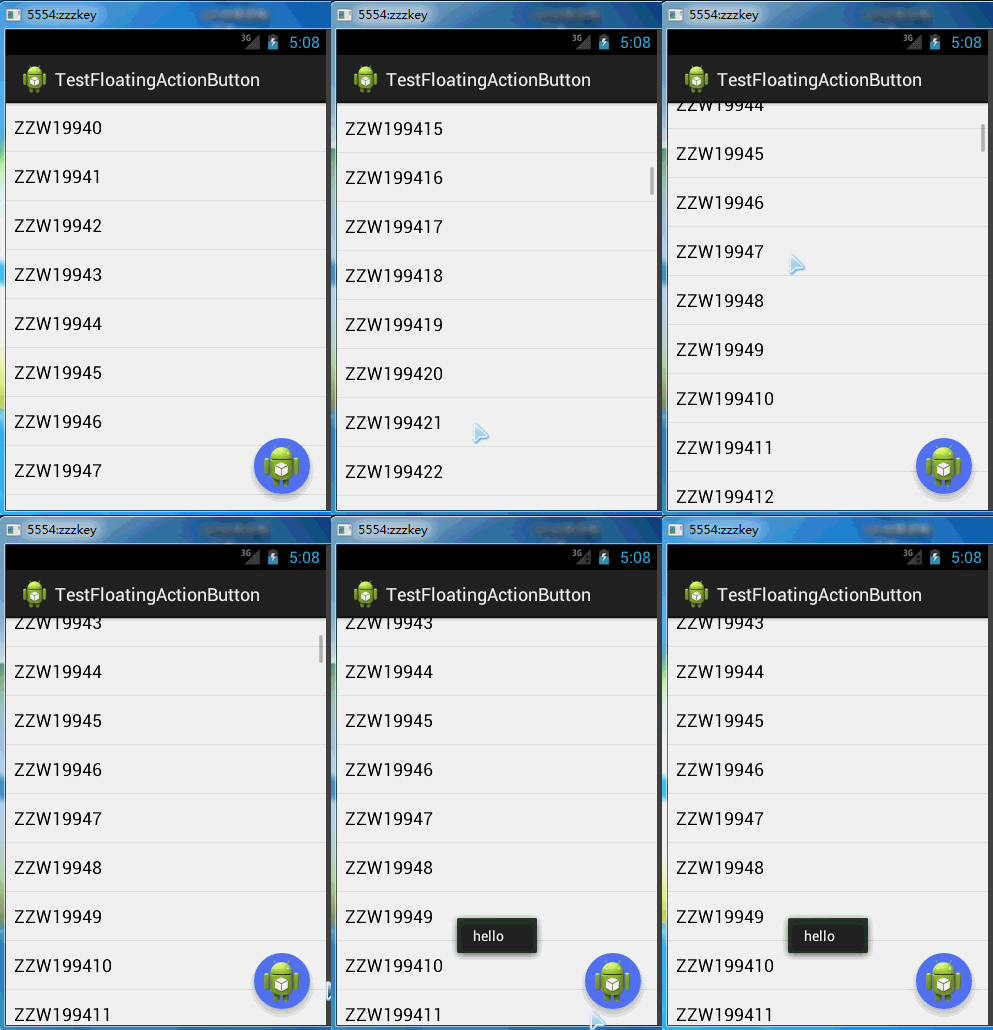
FloatingActionButton在github上的項目主頁是:https://github.com/makovkastar/FloatingActionButton
它的依賴包NineOldAndroids在github上的項目主頁是:https://github.com/JakeWharton/NineOldAndroids
(導包的時候注意要把android-support-v7-appcompat作為它的一個Library,不要重復了NineOldAndroids的引用)
測試代碼:
activity_main.xml:
 1 <RelativeLayout xmlns:android="http://schemas.android.com/apk/res/android"
 2     xmlns:tools="http://schemas.android.com/tools"
 3     xmlns:fab="http://schemas.android.com/apk/res-auto"
 4     android:layout_width="match_parent"
 5     android:layout_height="match_parent"
 6     tools:context="com.zzw.testfloatingactionbutton.MainActivity" >
 7
 8     <ListView
 9         android:id="@+id/listView"
10         android:layout_width="match_parent"
11         android:layout_height="match_parent" />
12
13     <com.melnykov.fab.FloatingActionButton
14         android:id="@+id/fab"
15         android:layout_width="wrap_content"
16         android:layout_height="wrap_content"
17         android:layout_alignParentBottom="true"
18         android:layout_alignParentRight="true"
19         android:layout_margin="16dip"
20         android:src="@drawable/ic_launcher"
21         fab:fab_shadow="true"
22         fab:fab_type="normal" />
23
24 </RelativeLayout>
MainActivity.java:
 1 package com.zzw.testfloatingactionbutton;
 2
 3 import com.melnykov.fab.FloatingActionButton;
 4
 5 import android.app.Activity;
 6 import android.os.Bundle;
 7 import android.view.View;
 8 import android.view.View.OnClickListener;
 9 import android.widget.ArrayAdapter;
10 import android.widget.ListView;
11 import android.widget.Toast;
12
13
14 public class MainActivity extends Activity {
15
16     @Override
17     protected void onCreate(Bundle savedInstanceState) {
18         super.onCreate(savedInstanceState);
19         setContentView(R.layout.activity_main);
20
21         String[] data=new String[100];
22         for(int i=0;i<data.length;i++){
23             data[i]="ZZW1994"+i;
24         }
25
26         ListView listView=(ListView) findViewById(R.id.listView);
27
28         ArrayAdapter adapter=new ArrayAdapter(this,android.R.layout.simple_list_item_1,data);
29         listView.setAdapter(adapter);
30
31         //附著在ListView,跟隨ListView滾動滑入滑出
32         FloatingActionButton fab = (FloatingActionButton) findViewById(R.id.fab);
33         fab.attachToListView(listView);
34         fab.setColorPressed(0xffb71c1c);
35
36
37         fab.setOnClickListener(new OnClickListener() {
38
39             @Override
40             public void onClick(View v) {
41                 Toast.makeText(getApplicationContext(), "hello", 0).show();
42
43             }
44         });
45     }
46
47 }
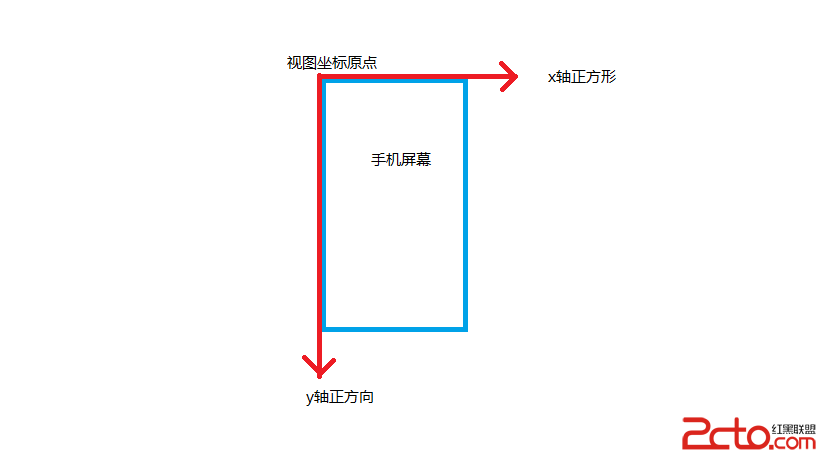 Android Scroll詳解(一):基礎知識
Android Scroll詳解(一):基礎知識 Android Scroll詳解(一):基礎知識 在前邊
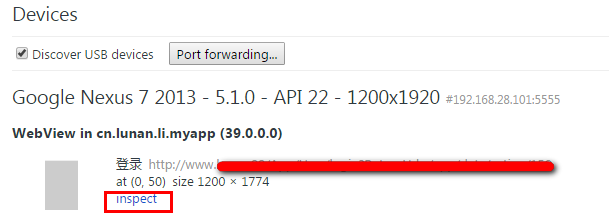 使用Chrome遠程調試GenyMotion上的WebView程序,genymotionwebview
使用Chrome遠程調試GenyMotion上的WebView程序,genymotionwebviewWebView讓我們方便的使用熟悉的Html/JS/Css來開發AP
 Android Studio2.1.2 Java8環境下引用Java Library編譯出錯,studio2.1.2java8
Android Studio2.1.2 Java8環境下引用Java Library編譯出錯,studio2.1.2java8問題:在Android Studio2.1.
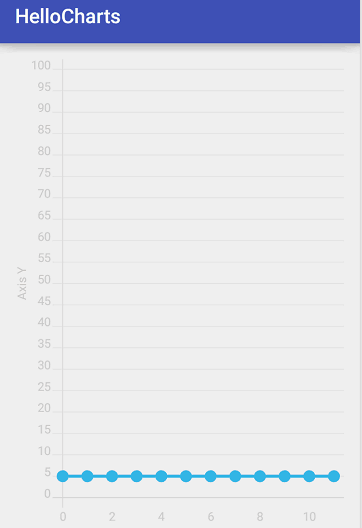 圖表框架HelloCharts(1)線形圖,hellocharts線形
圖表框架HelloCharts(1)線形圖,hellocharts線形效果圖 1. 導入 .aar 2. fragment_