編輯:關於android開發
繼續在之前監聽來電的服務AddressService裡,添加成員方法MyToast()
獲取TextView對象,new出來,構造參數:上下文對象
調用TextView對象的setText()方法,設置文本
調用TextView對象的setTextSize()方法,設置大小,參數:int
調用TextView對象的setTextColor()方法,設置顏色
獲取WindowManager對象,調用getSystemService()方法,參數:WINDOW_SERVICE
調用WindowManager對象的addView()方法,添加進視圖,參數:View對象,WindowManager.LayoutParams對象
LayoutParams對象的設置參考Toast類的show()方法
此時,打電話和接電話會顯示出來這個View,但是消不掉了
在之前判斷來電的方法裡,進行監聽電話空閒狀態,去除這個View
switch判斷中添加TelephonyManager.CALL_STATE_IDLE
判空一下,判斷TextView對象不為空
調用WindowManager對象的 removeView()方法,參數:View對象(上面添加的TextView)
使用布局文件
新建一個布局文件address_toast.xml
線性布局,橫向排列,一個ImageView,一個TextVIew,TextView定義id
在自定義吐司的方法中
調用View.inflate()方法,獲取View對象,參數:上下文,資源文件,null
添加這個View就可以了
package com.qingguow.mobilesafe.service;

import android.app.Service;
import android.content.Intent;
import android.content.IntentFilter;
import android.graphics.Color;
import android.os.IBinder;
import android.telephony.PhoneStateListener;
import android.telephony.TelephonyManager;
import android.view.WindowManager;
import android.view.WindowManager.LayoutParams;
import android.widget.TextView;

import com.qingguow.mobilesafe.receiver.OutcallReceiver;
import com.qingguow.mobilesafe.utils.NumberQueryAddressUtil;

/**
 * 來電顯示
 *
 * @author taoshihan
 *
 */
public class AddressService extends Service {
    private TelephonyManager tm;
    private MyPhoneStateListener phoneStateListener;
    private OutcallReceiver outcallReceiver;
    private WindowManager wm;
    private TextView view;
    @Override
    public IBinder onBind(Intent arg0) {
        // TODO Auto-generated method stub
        return null;
    }
    /**
     * 服務創建
     */
    @Override
    public void onCreate() {
        super.onCreate();
        tm = (TelephonyManager) getSystemService(TELEPHONY_SERVICE);
        phoneStateListener = new MyPhoneStateListener();
        tm.listen(phoneStateListener, PhoneStateListener.LISTEN_CALL_STATE);

        //注冊廣播
        outcallReceiver=new OutcallReceiver();
        IntentFilter filter=new IntentFilter();
        filter.addAction("android.intent.action.NEW_OUTGOING_CALL");
        registerReceiver(outcallReceiver, filter);
    }

    private class MyPhoneStateListener extends PhoneStateListener {
        @Override
        public void onCallStateChanged(int state, String incomingNumber) {
            super.onCallStateChanged(state, incomingNumber);
            switch (state) {
            case TelephonyManager.CALL_STATE_RINGING:
                String info = NumberQueryAddressUtil
                        .queryAddress(incomingNumber);
                //Toast.makeText(getApplicationContext(), info, 1).show();
                //自定義吐司
                myToast(info);
                break;
            case TelephonyManager.CALL_STATE_IDLE://空閒狀態
                if(view!=null){
                    wm.removeView(view);
                }
                break;
            default:
                break;
            }
        }
    }
    /**
     * 服務銷毀
     */
    @Override
    public void onDestroy() {
        // TODO Auto-generated method stub
        super.onDestroy();
        //取消監聽
        tm.listen(phoneStateListener, PhoneStateListener.LISTEN_NONE);
        phoneStateListener=null;
        //解除注冊廣播
        unregisterReceiver(outcallReceiver);
        outcallReceiver=null;
    }
    /**
     * 自定義吐司
     * @param info
     */
    public void myToast(String info) {
        wm=(WindowManager) getSystemService(WINDOW_SERVICE);
        view=new TextView(getApplicationContext());
        view.setText(info);
        view.setTextColor(Color.GREEN);
        view.setTextSize(18);

        LayoutParams params = new LayoutParams();
        params.height = WindowManager.LayoutParams.WRAP_CONTENT;
        params.width = WindowManager.LayoutParams.WRAP_CONTENT;
        params.flags = WindowManager.LayoutParams.FLAG_NOT_FOCUSABLE
                | WindowManager.LayoutParams.FLAG_NOT_TOUCHABLE
                | WindowManager.LayoutParams.FLAG_KEEP_SCREEN_ON;
        params.type = WindowManager.LayoutParams.TYPE_TOAST;

        wm.addView(view, params);
    }
}
 自定義水平進度條樣式:黑色虛線,進度條虛線
自定義水平進度條樣式:黑色虛線,進度條虛線布局layout中使用: 下面為xml源代碼myprogress.xml: 1 <?xml v
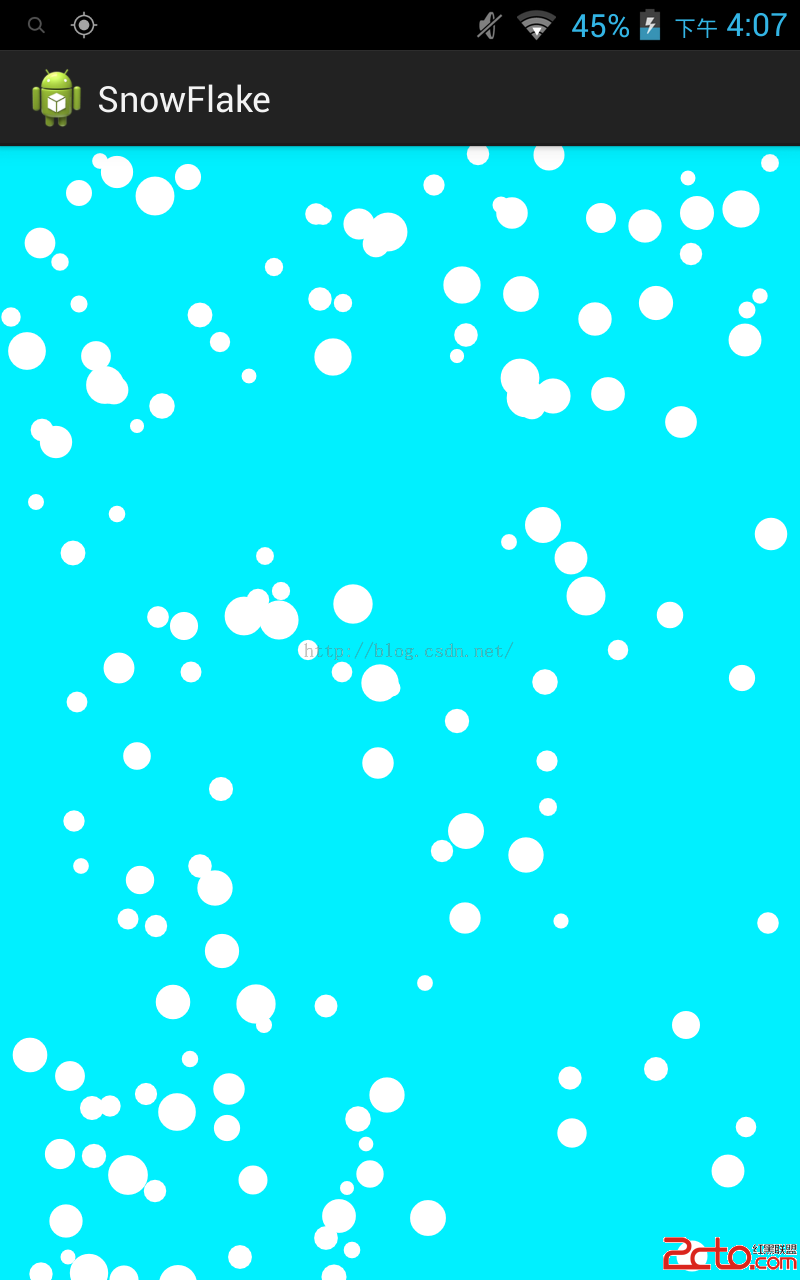 android 實現漫天飛舞雪花以及下雨天的效果
android 實現漫天飛舞雪花以及下雨天的效果 前言: 這個效果實現的原作者是國外一位大神。我在其基礎上測試,以及在代碼上加了不少注釋,以及局部修改。後面我有根據漫
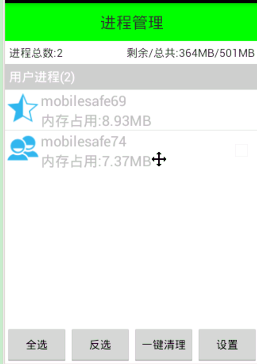 Android 手機衛士12--進程管理,android12--
Android 手機衛士12--進程管理,android12-- 1.本進程不能被選中,所以先將checkbox隱藏掉--手機衛士 不能自殺 if(getItem(po
 Xamarin Android 應用程序內圖標上數字提示,xamarinandroid
Xamarin Android 應用程序內圖標上數字提示,xamarinandroid最近在用 Xamarin 做一個 Android 應用,打開應用時,如果有新消息,需