編輯:關於android開發
官網給出如下介紹:

greenDAO是一個對象關系映射(ORM)的框架,能夠提供一個接口通過操作對象的方式去操作關系型數據庫,它能夠讓你操作數據庫時更簡單、更方便。

在使用greenDAO的時候需要創建兩個project,其中一個是java工程,它用來生成特定於您的項目的代碼域(即生成了bean對象和操作數據庫的dao)

DaoMaster:
DaoMaster保存了數據庫對象和管理DAO類的classes,其提供了一些靜態方法創建和刪除表,內部類OpenHelper和DevOpenHelper 實現了SQLiteOpenHelper並創建數據庫的框架。
DaoSession:
管理所有可用的DAO對象,可以通過getter方法獲得。DaoSession還提供了一些通用的持久性方法比如插入、加載、更新,刷新和刪除實體。
DAOs:
數據訪問對象,每一個實體類都有對應的greenDAO對象。
Entities:
實體類對象
helper = new DaoMaster.DevOpenHelper(
this, "notes-db", null);
db = helper.getWritableDatabase();
daoMaster = new DaoMaster(db);
daoSession = daoMaster.newSession();
noteDao = daoSession.getNoteDao();
//buildTypes{}中配置
sourceSets {
    main {
        java.srcDirs = ['src/main/java', 'src/main/java-gen']
    }
}

//dependencies{}中配置
compile 'de.greenrobot:greendao:2.1.0'

在build.gradle中添加
compile 'de.greenrobot:greendao-generator:2.1.0'
創建模式對象,並添加實體(表)
public class Generator {
    public static void main(String[] args) throws Exception {

        int version=1;
        String defaultPackage="test.greenDAO.bean";
        //創建模式對象,指定版本號和自動生成的bean對象的包名
        Schema schema=new Schema(version,defaultPackage);
        //指定自動生成的dao對象的包名,不指定則都DAO類生成在"test.greenDAO.bean"包中
        schema.setDefaultJavaPackageDao("test.greenDAO.dao");

        //添加實體
        addEntity(schema);

        String outDir="D:/adt-bundle-windows-x64/workspace/studio/frame/study_demo/testgreendao/src/main/java-gen";
        //調用DaoGenerator().generateAll方法自動生成代碼到之前創建的java-gen目錄下
        new DaoGenerator().generateAll(schema,outDir);

    }

    private static void addEntity(Schema schema) {
        //添加一個實體,則會自動生成實體Entity類
        Entity entity = schema.addEntity("Entity");
        //指定表名,如不指定,表名則為 Entity(即實體類名)
        entity.setTableName("student");
        //給實體類中添加屬性(即給test表中添加字段)
        entity.addIdProperty().autoincrement();//添加Id,自增長
        entity.addStringProperty("name").notNull();//添加String類型的name,不能為空
        entity.addIntProperty("age");//添加Int類型的age
        entity.addDoubleProperty("score");//添加Double的score
    }
}

public class MyApplication extends Application{

    public DaoSession daoSession;
    public SQLiteDatabase db;
    public DaoMaster.DevOpenHelper helper;
    public DaoMaster daoMaster;

    @Override
    public void onCreate() {
        super.onCreate();
        setupDatabase();
    }

    private void setupDatabase() {
        //創建數據庫
        // 注意:默認的 DaoMaster.DevOpenHelper 會在數據庫升級時,刪除所有的表,意味著這將導致數據的丟失。
        // 所以,在正式的項目中,你還應該做一層封裝,來實現數據庫的安全升級。
        helper = new DaoMaster.DevOpenHelper(this, "test", null);
        //得到數據庫連接對象
        db = helper.getWritableDatabase();
        //得到數據庫管理者
        daoMaster =new DaoMaster(db);
        //得到daoSession,可以執行增刪改查操作
        daoSession = daoMaster.newSession();
    }

    public DaoSession getDaoSession() {
        return daoSession;
    }

    public SQLiteDatabase getDb() {
        return db;
    }

}
布局文件
初始化視圖
tv_id = (TextView)findViewById(R.id.tv_id);
et_name = (EditText) findViewById(R.id.et_name);
et_age = (EditText) findViewById(R.id.et_age);
et_score = (EditText) findViewById(R.id.et_score);
btn_add = (Button) findViewById(R.id.btn_add);
btn_delete = (Button) findViewById(R.id.btn_delete);
btn_update = (Button) findViewById(R.id.btn_update);
btn_query = (Button) findViewById(R.id.btn_query);
lv_list = (ListView) findViewById(R.id.lv_list);
得到cursor對象
String orderBy = EntityDao.Properties.Id.columnName + " DESC";//根據Id降序排序

//查詢,得到cursor
cursor = getDb().query(getEntityDao().getTablename(), getEntityDao().getAllColumns(), null, null, null, null, orderBy);
設置監聽
btn_add.setOnClickListener(this);
btn_delete.setOnClickListener(this);
btn_update.setOnClickListener(this);
btn_query.setOnClickListener(this);

adapter = new MyAdapter(this, cursor);
lv_list.setAdapter(adapter);
lv_list.setOnItemClickListener(new AdapterView.OnItemClickListener() {
    @Override
    public void onItemClick(AdapterView parent, View view, int position, long id_index) {
        id = cursor.getLong(0);
        tv_id.setText("id: "+id);
        et_name.setText(cursor.getString(1));
        et_age.setText(cursor.getInt(2) + "");
        et_score.setText(cursor.getDouble(3) + "");
    }
});
自定義CursorAdapter
class MyAdapter extends CursorAdapter {


    public MyAdapter(Context context, Cursor cursor) {
        super(context, cursor);
    }

    @Override
    public View newView(Context context, Cursor cursor, ViewGroup parent) {
        ViewHolder holder = new ViewHolder();
        LayoutInflater inflater = (LayoutInflater) context.getSystemService(Context.LAYOUT_INFLATER_SERVICE);
        View view = inflater.inflate(R.layout.item_db, parent, false);
        holder.tv_id = (TextView) view.findViewById(R.id.tv_id);
        holder.tv_name = (TextView) view.findViewById(R.id.tv_name);
        holder.tv_age = (TextView) view.findViewById(R.id.tv_age);
        holder.tv_score = (TextView) view.findViewById(R.id.tv_score);
        view.setTag(holder);
        return view;
    }

    @Override
    public void bindView(View view, Context context, Cursor cursor) {
        ViewHolder holder = (ViewHolder) view.getTag();
        long id = cursor.getLong(0);
        String name = cursor.getString(1);
        int age = cursor.getInt(2);
        double score = cursor.getDouble(3);
        holder.tv_id.setText(id + "");
        holder.tv_name.setText(name);
        holder.tv_age.setText(age + "");
        holder.tv_score.setText(score + "");
    }
}

static class ViewHolder {
    TextView tv_id;
    TextView tv_name;
    TextView tv_age;
    TextView tv_score;
}
數據庫操作:增刪改查的方法
/**
 * 添加
 */
private void addEntity() {
    if (!TextUtils.isEmpty(name)) {
        Entity entity = new Entity(null, name, age, score);
        //面向對象添加表數據
        getEntityDao().insert(entity);
        cursor.requery();//刷新
    } else {
        Toast.makeText(MainActivity.this, "name不能為空", Toast.LENGTH_SHORT).show();
    }
}

/**
 * 根據id刪除
 *
 * @param id
 */
private void deleteEntity(long id) {
    getEntityDao().deleteByKey(id);
    cursor.requery();
}

/**
 * 更新
 */
private void updateList() {
    Entity entity = new Entity(id, name, age, score);
    getEntityDao().update(entity);
    cursor.requery();
}

/**
 * 根據name查詢
 *
 * @param name
 */
private void query(String name) {
    if (!TextUtils.isEmpty(this.name)) {
        // Query 類代表了一個可以被重復執行的查詢
        Query query = getEntityDao().queryBuilder()
                .where(EntityDao.Properties.Name.eq(this.name))
                .orderAsc(EntityDao.Properties.Id)
                .build();
        // 查詢結果以 List 返回
        List count = query.list();
        Toast.makeText(MainActivity.this, count.size() + "條數據被查到", Toast.LENGTH_SHORT).show();
    } else {
        Toast.makeText(MainActivity.this, "name不能為空", Toast.LENGTH_SHORT).show();
    }
}
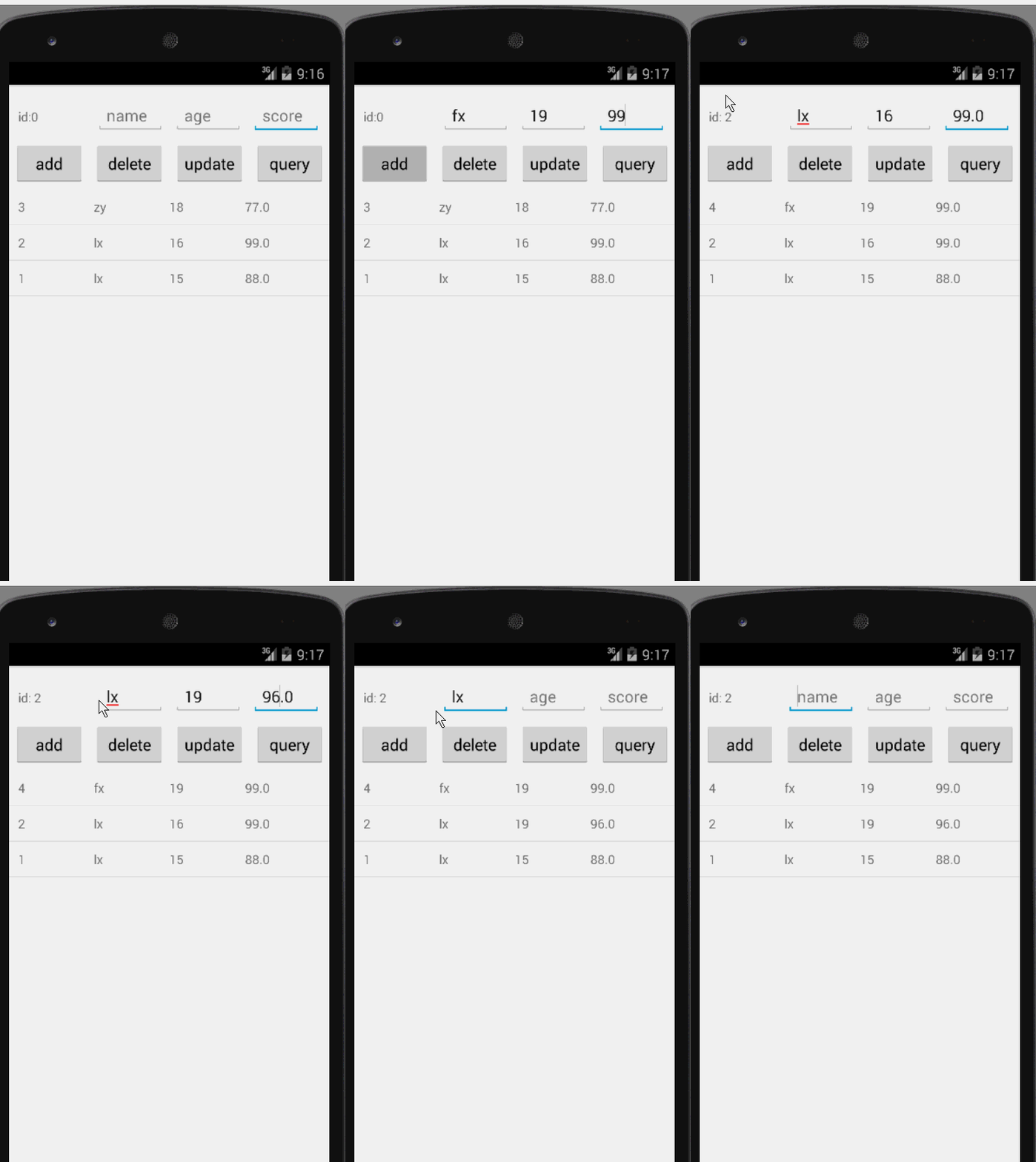
demo演示:
 Access中使用sql查詢
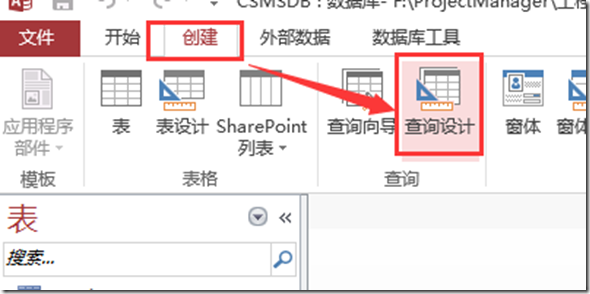
Access中使用sql查詢在ACCESS中使用SQL查詢語句檢查SQL語法時非常有用。 操作步驟如下: 【查詢設計】 直接關閉彈出的【顯示表】 找到【SQL視圖】:
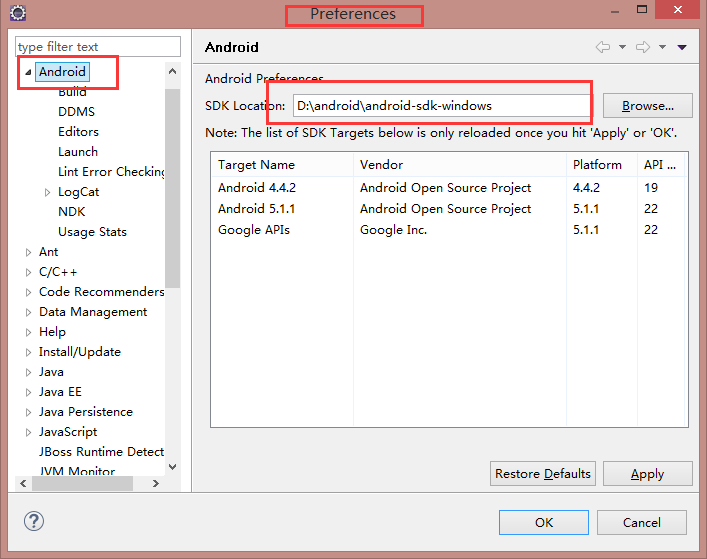 location of the android sdk has not been setup in the preferences,androidpreferences
location of the android sdk has not been setup in the preferences,androidpreferences打
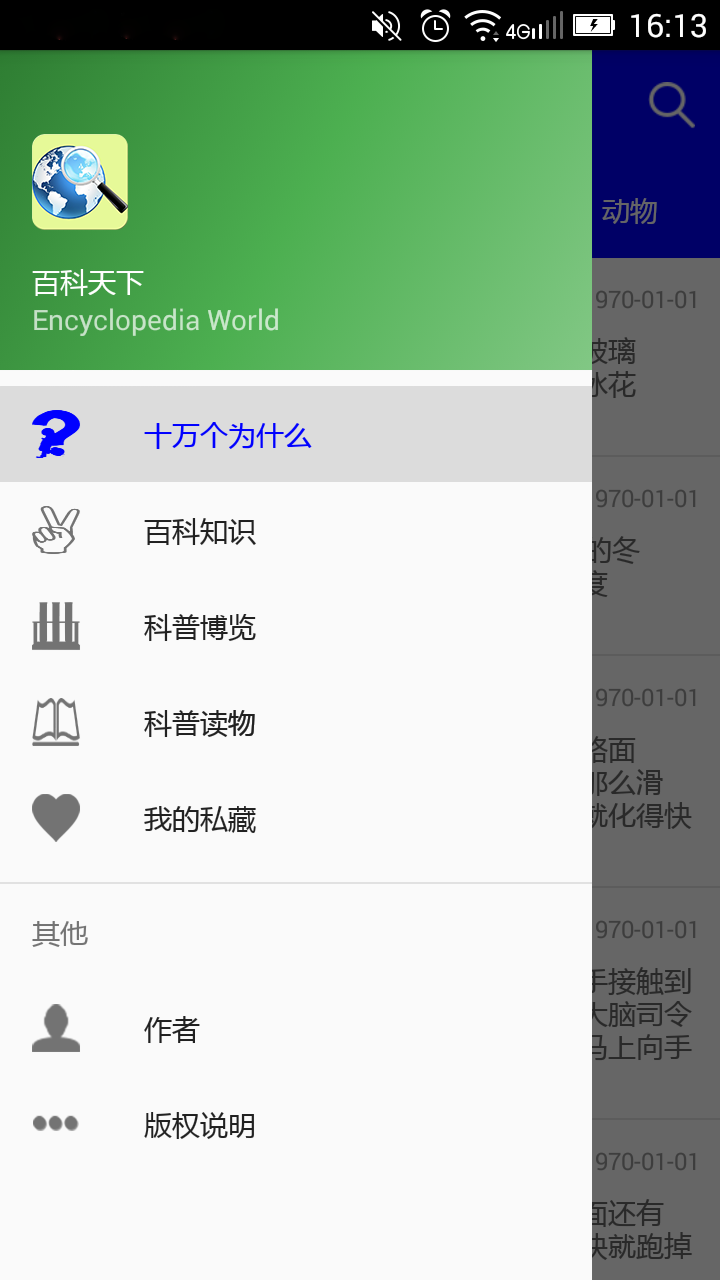 Android Material Design之 NavigationView側滑界面自定義 隨筆,android側滑菜單
Android Material Design之 NavigationView側滑界面自定義 隨筆,android側滑菜單一、側滑界面Menu自定義: 在menu文件夾下
 安卓生成二維碼 ==。以及中文亂碼問題,安卓生成中文亂碼
安卓生成二維碼 ==。以及中文亂碼問題,安卓生成中文亂碼參考了http://blog.csdn.net/books1958/article/details/4634653