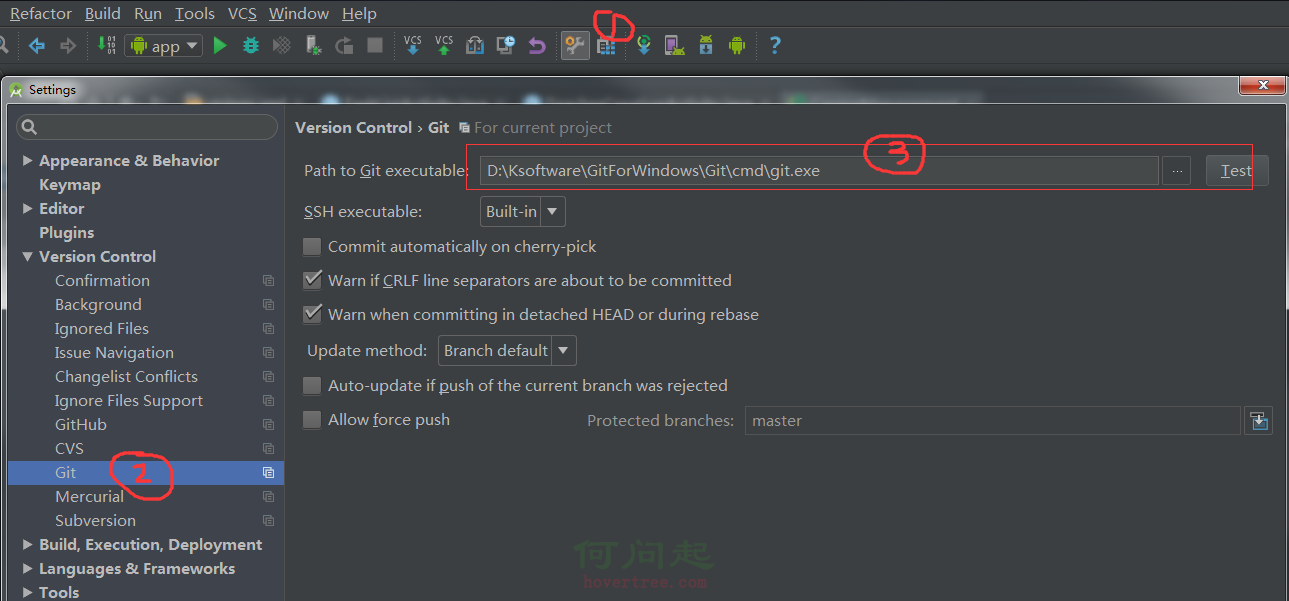
編輯:Android編程入門
/**
     * 判斷GPS是否開啟,GPS或者AGPS開啟一個就認為是開啟的
     * @param context
     * @return true 表示開啟
     */
    public static final boolean isGPSOPen(final Context context) {
        LocationManager locationManager = (LocationManager) context.getSystemService(Context.LOCATION_SERVICE);
        // 通過GPS衛星定位,定位級別可以精確到街(通過24顆衛星定位,在室外和空曠的地方定位准確、速度快)
        boolean gps = locationManager.isProviderEnabled(LocationManager.GPS_PROVIDER);
        // 通過WLAN或移動網絡(3G/2G)確定的位置(也稱作AGPS,輔助GPS定位。主要用於在室內或遮蓋物(建築群或茂密的深林等)密集的地方定位)
        boolean network = locationManager.isProviderEnabled(LocationManager.NETWORK_PROVIDER);
        if (gps || network) {
            return true;
        }
        return false;
    }
    /**
     * 轉到設置GPS界面
     * @param context
     */
    public static final void gotoSetGPS(Context context) {
        Intent intent = new Intent();
        intent.setAction(Settings.ACTION_LOCATION_SOURCE_SETTINGS);
        intent.setFlags(Intent.FLAG_ACTIVITY_NEW_TASK);
        try{
            context.startActivity(intent);
        } catch(ActivityNotFoundException ex) {
            // The Android SDK doc says that the location settings activity
            // may not be found. In that case show the general settings.
            // General settings activity
            intent.setAction(Settings.ACTION_SETTINGS);
            context.startActivity(intent);
        }
    }
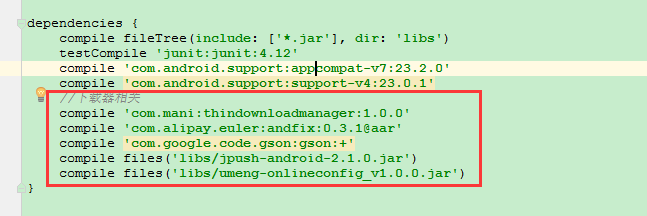 Android熱修復實踐應用--AndFix
一直關注App的熱修復的技術發展,之前做的應用也沒用使用到什麼熱修復開源框架。在App的熱修復框架沒有流行之前,做的應用上線後發現一個小小的Bug,就要馬上發一個新的版本
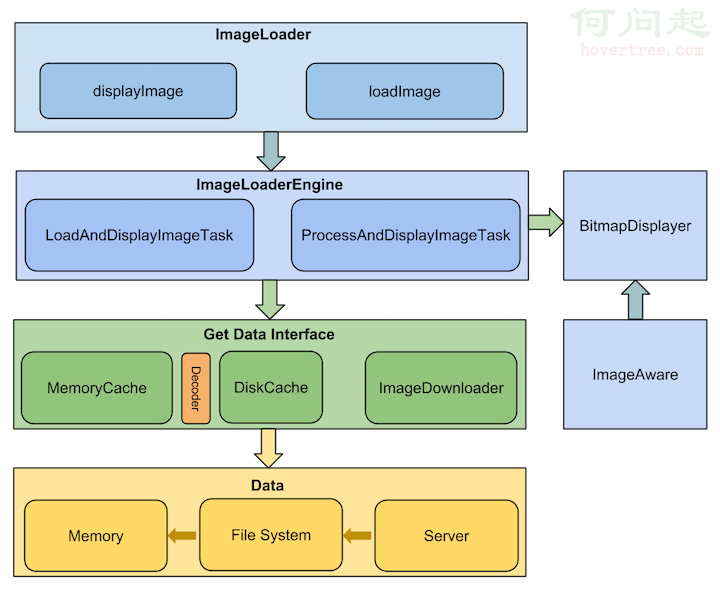 Android圖片加載庫的理解
前言 這是“基礎自測”系列的第三篇文章,以Android開發需要熟悉的20個技術點為切入點,本
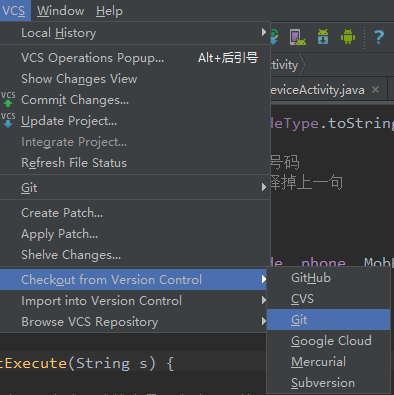 android studio如何把本地項目上傳到git@osc
1.5版本的android studio上傳本地項目到git@osc上:1、在git上創建一個項目;2、在studio上導入git上新創建的項目:把git上的地址復制下來
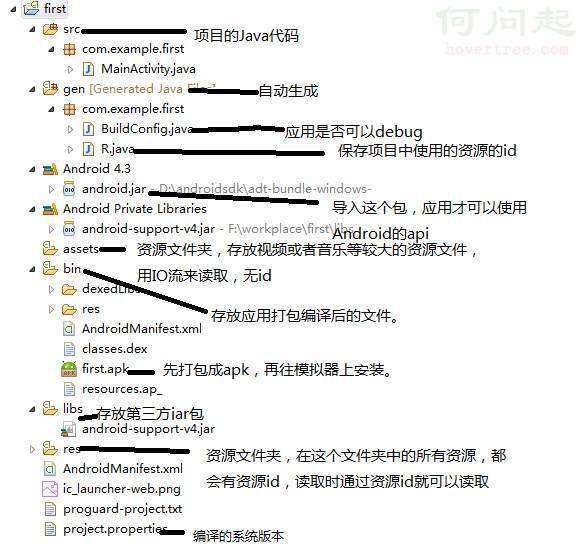 Android開發學習——Android項目的目錄結構
Android項目的目錄結構: 資源文件夾:清單配置文件:Android的四大組件在使用前全部需要在清單文件中配置<?xml version