編輯:Android編程入門
1,傳統的手機狀態欄是呈現出黑色或者白色條狀的,有的和手機主界面有很明顯的區別。這樣就在一定程度上犧牲了視覺寬度,界面面積變小。看一下QQ的應用
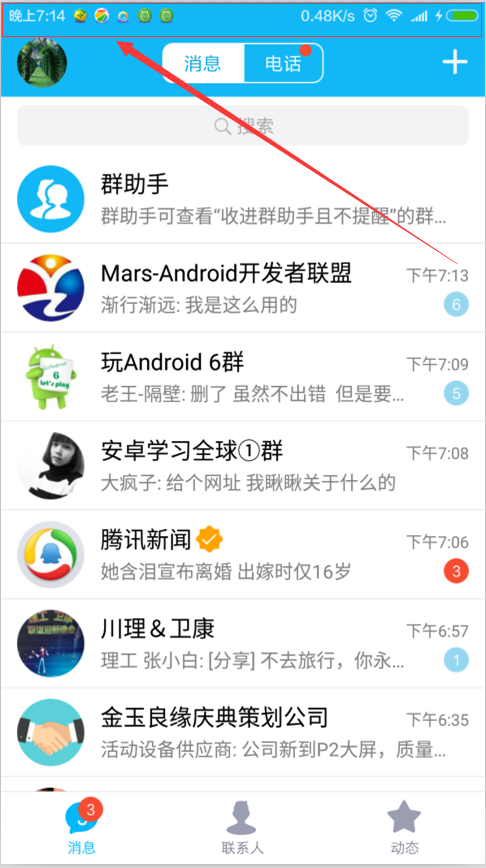
2,實現起來也挺簡單的,來一起看一下吧
MainActivity.class
public class MainActivity extends AppCompatActivity {

    @Override
    protected void onCreate(Bundle savedInstanceState) {
        super.onCreate(savedInstanceState);
        setContentView(R.layout.activity_main);
        setImmerseLayout(findViewById(R.id.leave_message_layout));
        //透明狀態欄
        getWindow().addFlags(WindowManager.LayoutParams.FLAG_TRANSLUCENT_STATUS);
        //透明導航欄
        getWindow().addFlags(WindowManager.LayoutParams.FLAG_TRANSLUCENT_NAVIGATION);

    }
}
activity_main.xml
<LinearLayout xmlns:android="http://schemas.android.com/apk/res/android"
              xmlns:tools="http://schemas.android.com/tools"
              android:layout_width="match_parent"
              android:layout_height="match_parent"
              android:background="#ffffff"
              android:orientation="vertical"
              tools:context=".MainActivity">


    <TextView
        android:paddingLeft="5dp"
        android:fitsSystemWindows="true"
        android:clipToPadding="true"
        android:textColor="#f1e5e5"
        android:text="你有男朋友嗎?"
        android:layout_width="match_parent"
        android:layout_height="100dp"
        android:background="#009959" />
</LinearLayout>
主要是這兩句代碼:
android:fitsSystemWindows="true"
android:clipToPadding="true"
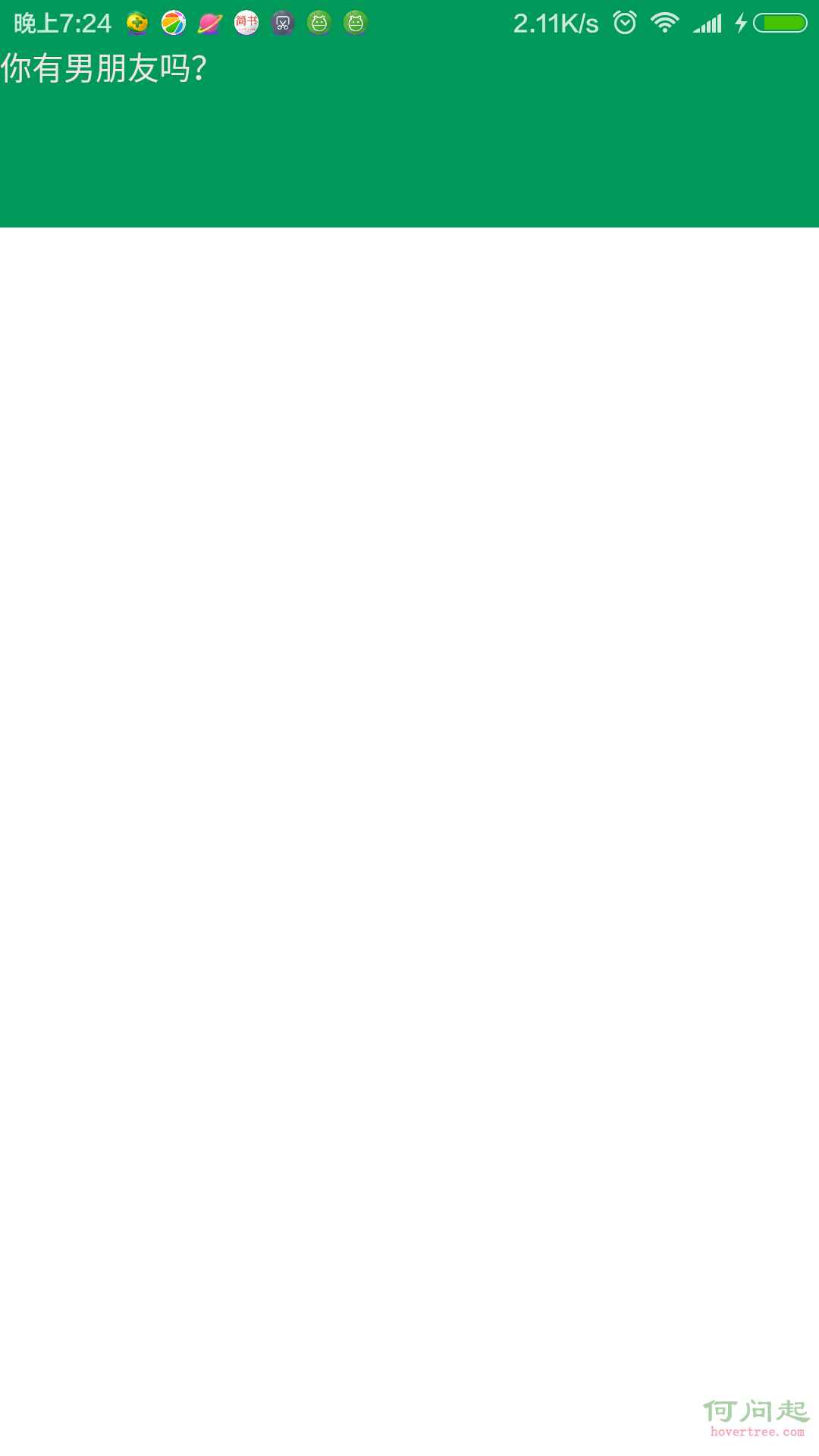
可以了 ,看一下效果
補:沉浸式狀態欄條用軟鍵盤沖突(待補充,騷等)
 Android消息推送
1.推送方式基礎知識: 在移動互聯網時代以前的手機,如果有事情發生需要通知用戶,則會有一個窗口彈出,將告訴用戶正在發生什麼事情。可能是未接電話的提示,日歷的
 Android Studio導入第三方庫(SlidingMenu)教程
搞了半天,android的初學者,看著網上各種例子,特此記錄。注意:本教程針對像SlidingMenu這樣使用Android Studio結構的第三方庫。開始:第一步,去
 Android面試,與Service交互方式
五種交互方式,分別是:通過廣播交互、通過共享文件交互、通過Messenger(信使)交互、通過自定義接口交互、通過AIDL交互。(可能更多)Service與Thread的
 Android消息機制:Looper,MessageQueue,Message與handler
Android消息機制好多人都講過,但是自己去翻源碼的時候才能明白。今天試著講一下,因為目標是講清楚整體邏輯,所以不追究細節。Message是消息機制的核心,所以從Mes