編輯:關於Android編程
Chronometer是一個簡單的定時器,你可以給它一個開始時間,並以此定時,或者如果你不給它一個開始時間,它將會使用你的時間通話開始。默認情況下它會顯示在當前定時器的值的形式“分:秒”或“H:MM:SS的”,或者可以使用的Set(字符串)格式的定時器值到一個任意字符串
1.重要屬性
android:format:定義時間的格式如:hh:mm:ss
2.重要方法
setBase(long base):設置倒計時定時器
setFormat(String format):設置顯示時間的格式。
start():開始計時
stop() :停止計時
setOnChronometerTickListener(Chronometer.OnChronometerTickListener listener):當計時器改變時調用。
3.實例
布局文件
<?xml version="1.0" encoding="utf-8"?>

<LinearLayout xmlns:android="http://schemas.android.com/apk/res/android" android:orientation="vertical" android:padding="4dip"
 android:gravity="center_horizontal"
 android:layout_width="match_parent"
 android:layout_height="match_parent">

 <Chronometer android:id="@+id/chronometer"
 android:format="Initial format: "
 android:layout_width="wrap_content"
 android:layout_height="wrap_content"
 android:layout_weight="0"
 android:paddingBottom="30dip"
 android:paddingTop="30dip"
 />

 <Button android:id="@+id/start"
 android:layout_width="wrap_content"
 android:layout_height="wrap_content"
 android:text="開始">
 <requestFocus />
 </Button>

 <Button android:id="@+id/stop"
 android:layout_width="wrap_content"
 android:layout_height="wrap_content"
 android:text="停止">
 </Button>

 <Button android:id="@+id/reset"
 android:layout_width="wrap_content"
 android:layout_height="wrap_content"
 android:text="重置">
 </Button>

 <Button android:id="@+id/set_format"
 android:layout_width="wrap_content"
 android:layout_height="wrap_content"
 android:text="設置格式">
 </Button>

 <Button android:id="@+id/clear_format"
 android:layout_width="wrap_content"
 android:layout_height="wrap_content"
 android:text="清除格式">
 </Button>

</LinearLayout>
主程序:
package wjq.WidgetDemo;

import android.app.Activity;
import android.os.Bundle;
import android.os.SystemClock;
import android.view.View;
import android.view.View.OnClickListener;
import android.widget.Button;
import android.widget.Chronometer;

public class ChronometerDemo extends Activity {
private Chronometer mChronometer;
 /* (non-Javadoc)
 * @see android.app.Activity#onCreate(android.os.Bundle)
 */
 @Override
 protected void onCreate(Bundle savedInstanceState) {
 // TODO Auto-generated method stub
 super.onCreate(savedInstanceState);
 setContentView(R.layout.chronometerpage);
 Button button;

 mChronometer = (Chronometer) findViewById(R.id.chronometer);

 // Watch for button clicks.
 button = (Button) findViewById(R.id.start);
 button.setOnClickListener(mStartListener);

 button = (Button) findViewById(R.id.stop);
 button.setOnClickListener(mStopListener);

 button = (Button) findViewById(R.id.reset);
 button.setOnClickListener(mResetListener);

 button = (Button) findViewById(R.id.set_format);
 button.setOnClickListener(mSetFormatListener);

 button = (Button) findViewById(R.id.clear_format);
 button.setOnClickListener(mClearFormatListener);
 }

 View.OnClickListener mStartListener = new OnClickListener() {
 public void onClick(View v) {
 mChronometer.start();
 }
 };

 View.OnClickListener mStopListener = new OnClickListener() {
 public void onClick(View v) {
 mChronometer.stop();
 }
 };

 View.OnClickListener mResetListener = new OnClickListener() {
 public void onClick(View v) {
 mChronometer.setBase(SystemClock.elapsedRealtime());
 }
 };

 View.OnClickListener mSetFormatListener = new OnClickListener() {
 public void onClick(View v) {
 mChronometer.setFormat("Formatted time (%s)");
 }
 };

 View.OnClickListener mClearFormatListener = new OnClickListener() {
 public void onClick(View v) {
 mChronometer.setFormat(null);
 }
 };
}
以上就是本文的全部內容,希望對大家的學習有所幫助,也希望大家多多支持本站。
 Android自定義控件之圓形/圓角的實現代碼
一、問題在哪裡?問題來源於app開發中一個很常見的場景——用戶頭像要展示成圓的: 二、怎麼搞?機智的我,第一想法就是,切一張中間圓形透明、四周與底色相同、尺寸與
 Android開發之PullToRefresh的Click點擊事件的監聽實現長按刪除Item
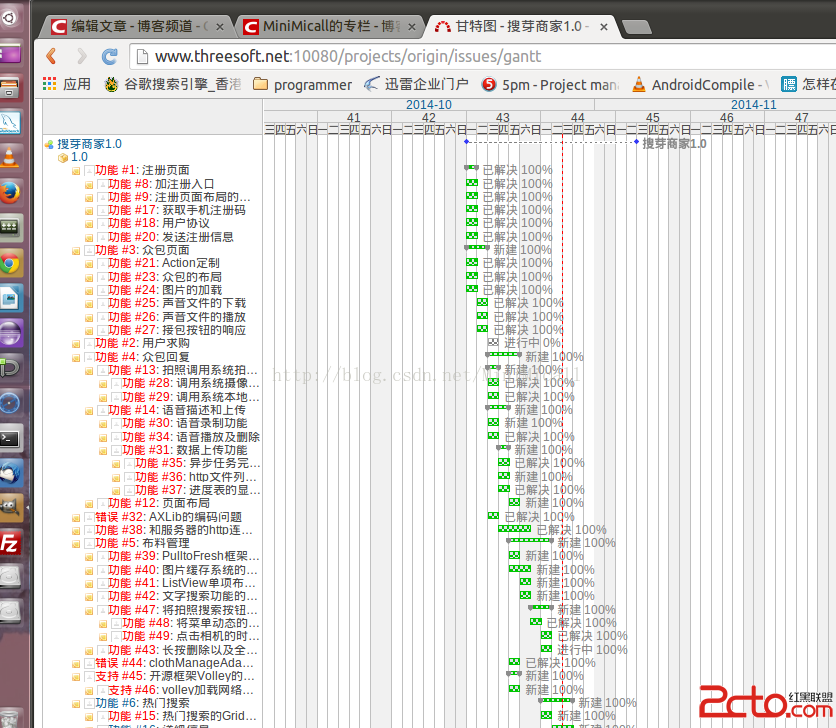
本文為原創博客,出自http://blog.csdn.net/minimicall 到今天為止,搜芽的賣家版本應該來說已經基本完成,攻堅克難的一路過來。速度也控制的比較好
 Android TextView顯示html樣式的文字
先給大家說下項目需求:TextView顯示一段文字,格式為:白雪公主(姓名,字數不確定)向您發來了2(消息個數,不確定)條消息這段文字中名字和數字的長度是不確定的,還要求
 android M 新控件TabLayout 方便快捷實現選項卡功能
1、概述TabLayout是在2015年的google大會上,google發布了新的Android Support Design庫的新組件之一,以此來全面支持Materi