編輯:關於Android編程
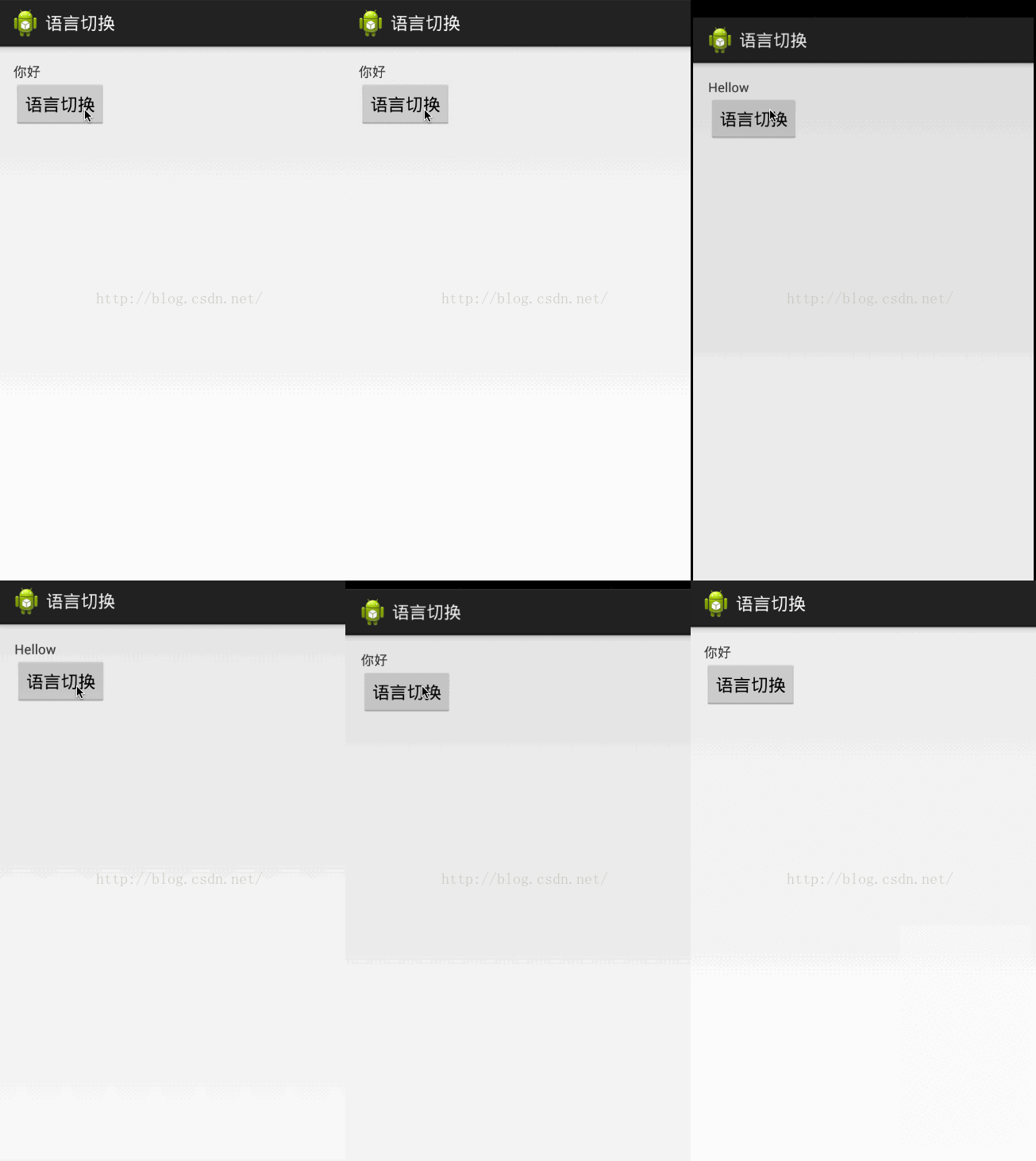
一、效果圖
二、描述
更改Android項目中的語言,這個作用於只用於此APP,不會作用於整個系統
三、解決方案
(一)布局文件
<LinearLayout xmlns:android="http://schemas.android.com/apk/res/android"
  xmlns:tools="http://schemas.android.com/tools"
  android:layout_width="match_parent"
  android:layout_height="match_parent"
  android:orientation="vertical"
  android:padding="20dp" >

  <TextView
    android:layout_width="wrap_content"
    android:layout_height="wrap_content"
    android:text="@string/hellow" />

  <Button
    android:layout_width="wrap_content"
    android:layout_height="wrap_content"
    android:onClick="changeLanguage"
    android:text="語言切換" />

</LinearLayout>
(二)MainActivity主頁面
package com.example.chinesepage;

import java.util.Locale;

import android.app.Activity;
import android.content.Intent;
import android.content.res.Configuration;
import android.content.res.Resources;
import android.os.Bundle;
import android.util.DisplayMetrics;
import android.view.View;
import android.widget.Toast;

public class MainActivity extends Activity {

  @Override
  protected void onCreate(Bundle savedInstanceState) {
    super.onCreate(savedInstanceState);
    setContentView(R.layout.activity_main);
  }

  /**
   * 點擊按鈕,更換語言
   *
   * @param view
   */
  public void changeLanguage(View view) {
    Resources resources = getResources();
    Configuration configuration = resources.getConfiguration(); // 獲取資源配置
    if (configuration.locale.equals(Locale.CHINA)) { // 判斷當前語言是否是中文
      configuration.locale = Locale.ENGLISH; // 設置當前語言配置為英文
    } else {
      configuration.locale = Locale.CHINA; // 設置當前語言配置為中文
    }
    DisplayMetrics metrics = new DisplayMetrics();
    resources.updateConfiguration(configuration, metrics); // 更新配置文件
    sendBroadcast(new Intent("language")); // 發送廣播,廣播接受後重新開啟此Activtiy以重新初始化界面語言.
//    Intent intent = new Intent(MainActivity.this, MainActivity.class); //或者可以直接跳轉MainActivity
//    intent.setFlags(Intent.FLAG_ACTIVITY_NO_ANIMATION); //去除掉跳轉的動畫,讓用戶看起來好像沒有跳轉的感覺
//    startActivity(intent);
    finish();
  }
}
(三)ChangeReceiver廣播類
package com.example.chinesepage;

import android.content.BroadcastReceiver;
import android.content.Context;
import android.content.Intent;

/**
 * 自定義廣播類 語言改變後重啟Activity
 *
 * @author asus
 *
 */
public class ChangeReceiver extends BroadcastReceiver {
  private Intent mIntent;

  @Override
  public void onReceive(Context context, Intent intent) {
    mIntent = new Intent(context, MainActivity.class);
    mIntent.addFlags(Intent.FLAG_ACTIVITY_NEW_TASK);
    context.startActivity(mIntent);
  }
}
(四)在Res下創建Values-en文件夾,復制String.xml,並且把裡面的中文改成英文,實現國際化.
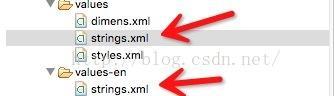
values/strings.xml
<resources>

  <string name="app_name">語言切換</string>
  <string name="hello_world">你好,World!</string>
  <string name="action_settings">設置</string>
  <string name="hellow">你好</string>

</resources>
values-en/strings.xml
<resources>

  <string name="app_name">ChinesePage</string>
  <string name="hello_world">Hello world!</string>
  <string name="action_settings">Settings</string>
  <string name="hellow">Hellow</string>

</resources>
(五)注冊廣播(這個別忘了~)
 <receiver android:name="com.example.chinesepage.ChangeReceiver" >
      <intent-filter>
        <action android:name="language" />
      </intent-filter>
    </receiver>
總結
以上就是詳解Android更改APP語言模式的實現過程的全部內容,希望對大家開發Android有所幫助,如果有疑問歡迎留言討論。
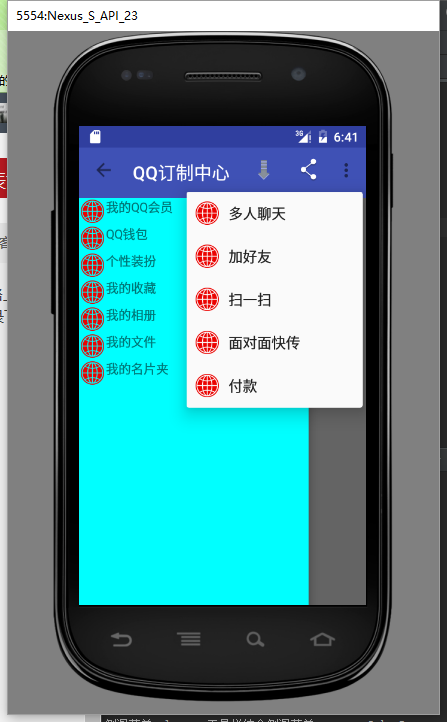 Toolbar+DrawerLayout使用詳情結合網絡各大神
最近也想搞下toolbar+drawerlayout的使用。結合網絡上各大神的傑作,我把大部分的內容效果都完成了遍。現在記錄下各個功能效果的實現以及一些細節注意點。 這圖
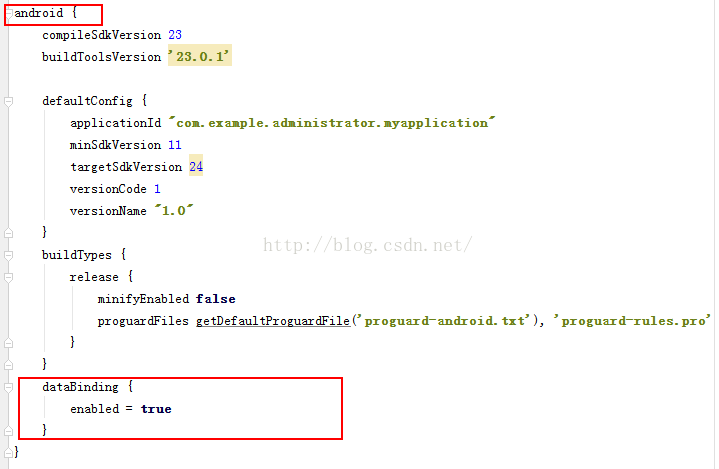 Android數據綁定框架DataBinding用法
一、數據綁定框架DataBinding介紹:Android的新框架DataBinding給我們帶來了很大的方便,以前可能需要在每個Activity裡寫很多的findVie
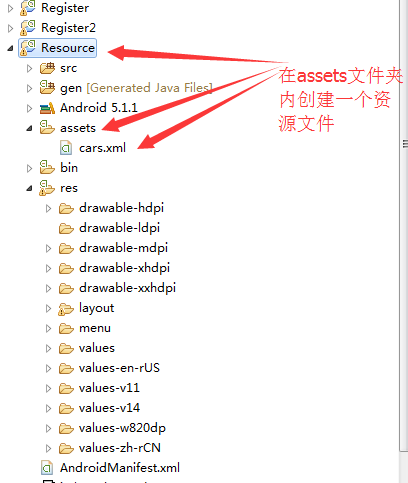 XML 文件解析總結
一.基礎概念的介紹? ??XML在各種開發中都廣泛應用,Android也不例外。作為承載數據的一個重要角色,如何讀寫XML成為Android開發中一項重要的技能。今天就由
 手機怎麼掃描二維碼
手機怎麼掃描二維碼?手機掃描二維碼方法介紹一、通過微信掃描二維碼打開微信,點擊微信右上角的+號,從彈出的菜單中選擇“掃一掃”;在彈出