編輯:關於Android編程
OkHttp 提供了對用戶認證的支持。當 HTTP 響應的狀態代碼是 401 時,OkHttp 會從設置的 Authenticator 對象中獲取到新的 Request 對象並再次嘗試發出請求。Authenticator 接口中的 authenticate 方法用來提供進行認證的 Request 對象,authenticateProxy 方法用來提供對代理服務器進行認證的 Request 對象。
用戶認證的示例:
OkHttpClient client = new OkHttpClient();
client.setAuthenticator(new Authenticator() {
public Request authenticate(Proxy proxy, Response response) throws IOException {
  String credential = Credentials.basic("user", "password");
  return response.request().newBuilder()
      .header("Authorization", credential)
      .build();
}

public Request authenticateProxy(Proxy proxy, Response response)
throws IOException {
  return null;
}
});
進階
當需要實現一個 Basic challenge, 使用 Credentials.basic(username, password) 來編碼請求頭。
private final OkHttpClient client = new OkHttpClient();

public void run() throws Exception {
 client.setAuthenticator(new Authenticator() {
  @Override public Request authenticate(Proxy proxy, Response response) {
   System.out.println("Authenticating for response: " + response);
   System.out.println("Challenges: " + response.challenges());
   String credential = Credentials.basic("jesse", "password1");
   return response.request().newBuilder()
     .header("Authorization", credential)
     .build();
  }

  @Override public Request authenticateProxy(Proxy proxy, Response response) {
   return null; // Null indicates no attempt to authenticate.
  }
 });

 Request request = new Request.Builder()
   .url("http://publicobject.com/secrets/hellosecret.txt")
   .build();

 Response response = client.newCall(request).execute();
 if (!response.isSuccessful()) throw new IOException("Unexpected code " + response);

 System.out.println(response.body().string());
}
 Android中AdapterView/Adapter的深度學習
BaseAdapter的深度學習 博主工作了幾年,也用了幾年的ListView等AdapterView控件,但關於Adapter的一些問題並沒有深入下去,終
 配置一個好用的Android模擬器讓你不再對模擬器那麼失望
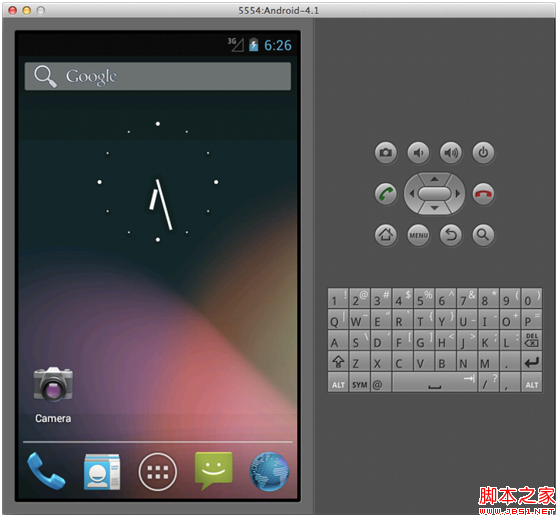
默認情況下的Android模擬器就是下面的這個樣子: 看到這個屏幕截圖最顯眼的問題顯然它的丑陋的界面。模擬器窗口占據了屏幕巨大的空間,而且毫無緣由的放著一個屏幕鍵盤。如果
 u-boot串口和stdio、console初始化及相關操作詳解(三)
console是構建在stdio之上的,console的初始化是board_r中最後收尾的操作。console的初始化函數console_init_r在common/co
 Android Library上傳到JCenter倉庫實踐
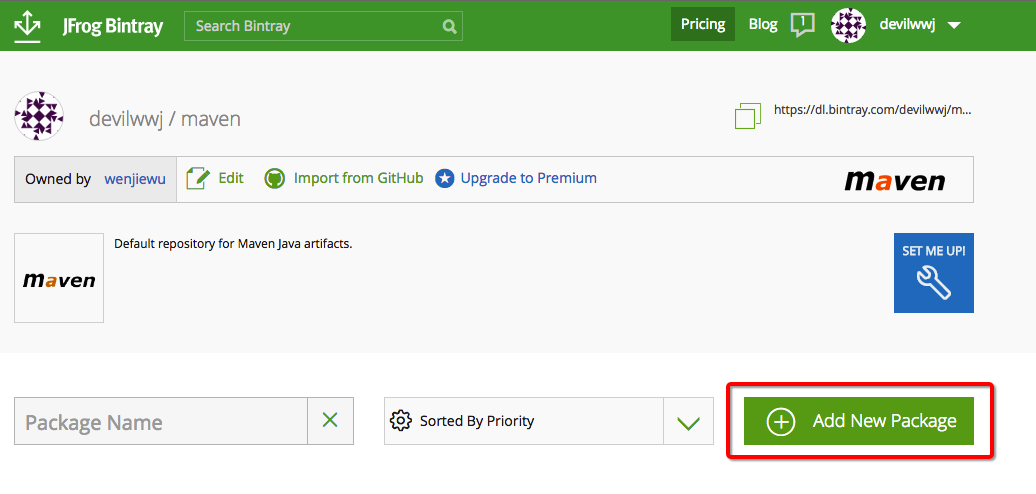
前言這段時間研究了下以前做app開發的時候並沒有太過關注的JCenter倉庫,在實際開發當中通常都是使用第三方開發者上傳到jcenter的library,而我們使用的這些