編輯:關於Android編程
隱藏軟鍵盤一直是我頭痛的事情,沒有找到一種真正能隱藏的方法。點擊EditText的時候總是彈出軟鍵盤。-----杯具
杯具(一):
InputMethodManager im =(InputMethodManager) mEdit
 getContext() .getSystemService(Context.INPUT_METHOD_SERVICE);
 im.hideSoftInputFromWindow(SoftKeyTest.this.getCurrentFocus().getWindowToken(),
      InputMethodManager.HIDE_NOT_ALWAYS);
杯具(二):
<activity android:name=".SoftKeyTest"
          android:windowSoftInputMode="stateAlwaysHidden"//加入這行
          android:label="@string/app_name">
       <intent-filter>
         <action android:name="android.intent.action.MAIN" />
         <category android:name="android.intent.category.LAUNCHER" />
       </intent-filter>
     </activity>
杯具(三):
mEdit.setOnClickListener(new View.OnClickListener() {
  @Override
  public void onClick(View v) {
  // TODO Auto-generated method stub
   求求你別出來了;
  }
 });
一個一個嘗試,這個參數終於把軟鍵盤隱藏了:
洗具(一):
EditText et=(EditText)findViewById(R.id.edit);
 et.setInputType(InputType.TYPE_NULL);
以上所述是小編給大家介紹的Android開發之完全隱藏軟鍵盤的方法,希望對大家有所幫助,如果大家有任何疑問請給我留言,小編會及時回復大家的。在此也非常感謝大家對本站網站的支持!
 Android Drawable之GradientDrawable
GradientDrawable可以在res/drawable目錄下以xml文件用標簽來定義。看看官方文檔給出的xml定義說明吧。
 Android學習筆記(十七)——使用意圖調用內置應用程序
使用意圖調用內置應用程序 1、創建一個新的Android項目並命名為Intents,在main.xml文件中添加兩個Button: 2、
 android一個彈出菜單的動畫(二)
如果做一個彈出的控件,我們可以進行添加view: 寫class SatelliteMenu extends FrameLayout private void init(C
 Material Design Support 8大控件介紹
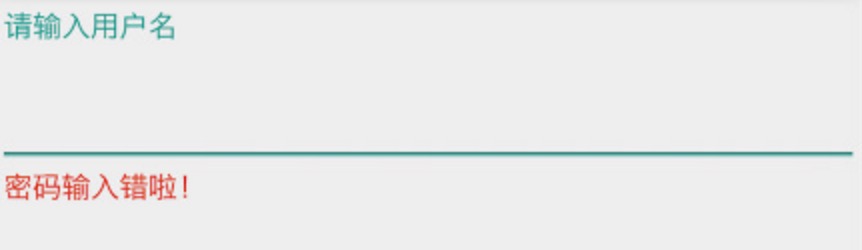
TextInputLayout顯示提示信息可以通過調用setError()在EditText下面顯示一條錯誤信息FloatingActionButton懸浮操作按鈕Sna