編輯:關於Android編程
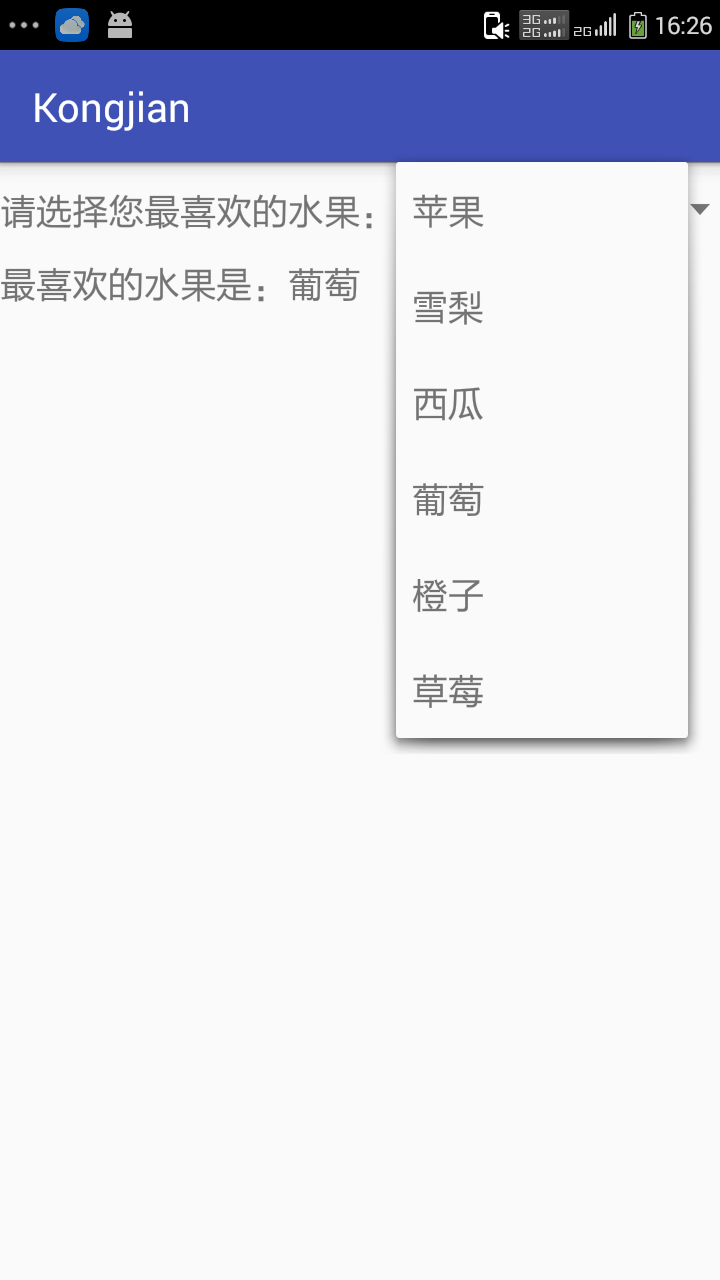
Android 中下拉菜單,即如html中的<select>,關鍵在於調用setDropDownViewResource方法,以XML的方式定義下拉菜單要顯示的模樣
1.1.activity_main.xml
<?xml version="1.0" encoding="utf-8"?>
<LinearLayout xmlns:android="http://schemas.android.com/apk/res/android"
  xmlns:tools="http://schemas.android.com/tools"
  android:layout_width="match_parent"
  android:layout_height="match_parent"
  android:orientation="vertical"
  tools:context="com.rj141.sb.kongjian.MainActivity">

  <LinearLayout
    android:orientation="horizontal"
    android:layout_width="match_parent"
    android:layout_height="wrap_content">
    <TextView
      android:layout_width="wrap_content"
      android:layout_height="wrap_content"
      android:textSize="18dp"
      android:text="請選擇您最喜歡的水果:" />

    <Spinner
      android:layout_width="match_parent"
      android:layout_height="wrap_content"
      android:id="@+id/spinner" />
  </LinearLayout>


  <TextView
    android:layout_width="wrap_content"
    android:layout_height="wrap_content"
    android:textSize="18dp"
    android:id="@+id/tv" />

</LinearLayout>
Spinner是下拉列表的組件
1.2.MainActivity.class
public class MainActivity extends AppCompatActivity {

  private Spinner s;
  String[] data=new String[]{"蘋果","雪梨","西瓜","葡萄","橙子","草莓"};
  private TextView tv;

  @Override
  protected void onCreate(Bundle savedInstanceState) {
    super.onCreate(savedInstanceState);
    setContentView(R.layout.activity_main);

    tv= (TextView) this.findViewById(R.id.tv);
    s= (Spinner) this.findViewById(R.id.spinner);
    s.setAdapter(new ArrayAdapter<String>(this,android.R.layout.simple_list_item_1,data));
    s.setOnItemSelectedListener(new AdapterView.OnItemSelectedListener() {
      @Override
      public void onItemSelected(AdapterView<?> parent, View view, int position, long id) {
        String str=data[position];
        tv.setText("最喜歡的水果是:"+str);
      }
      @Override
      public void onNothingSelected(AdapterView<?> parent) {
      }
    });
  }
}
s.setAdapter(new ArrayAdapter<String>(this,android.R.layout.simple_list_item_1,data));android.R.layout.simple_list_item_1是指安卓自帶的下拉列表格式,data是數據源;
s.setOnItemSelectedListener(new AdapterView.OnItemSelectedListener()){..};是下拉列表的監聽
效果圖:
以上就是本文的全部內容,希望對大家學習掌握Android實現下拉菜單Spinner組件有所幫助。
 Android開發之MVP模式的學習
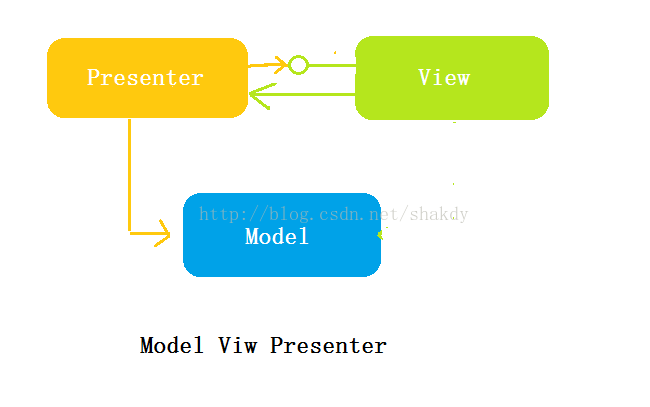
Android開發之MVP模式的學習:提問:明白如何選擇開發框架,和為什麼要學MVP模式觀察:比較MVC模式和MVP模式,理解MVP模式的概念使用:通過一個例子,學習如何
 Andorid學習之游戲背景移動
借助Bitmap和createBitmap方法可以挖取源位圖的一塊,這樣可以在程序中通過定時器不斷的挖取源位圖中的不同塊,給游戲者一種背景在移動,即對象在向前移動的假象。
 Android 通知欄Notification的整合 全面學習 (一個DEMO讓你完全了解它)
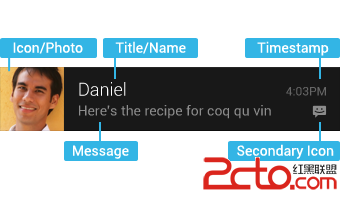
在android的應用層中,涉及到很多應用框架,例如:Service框架,Activity管理機制,Broadcast機制,對話框框架,標題欄框架,狀態欄框架,通知機制,
 Android Gson使用入門及GsonFormat插件的使用
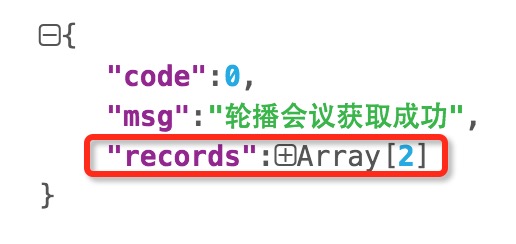
Gson 是 Google 官方提供的用來在 Java 對象和 JSON 之間進行互相轉換的Java類庫。我之前在使用Eclipse開發Android的時候,並沒有經常使