編輯:關於Android編程
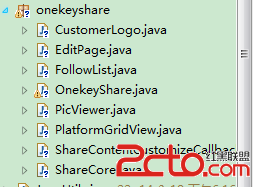
一,工程圖。
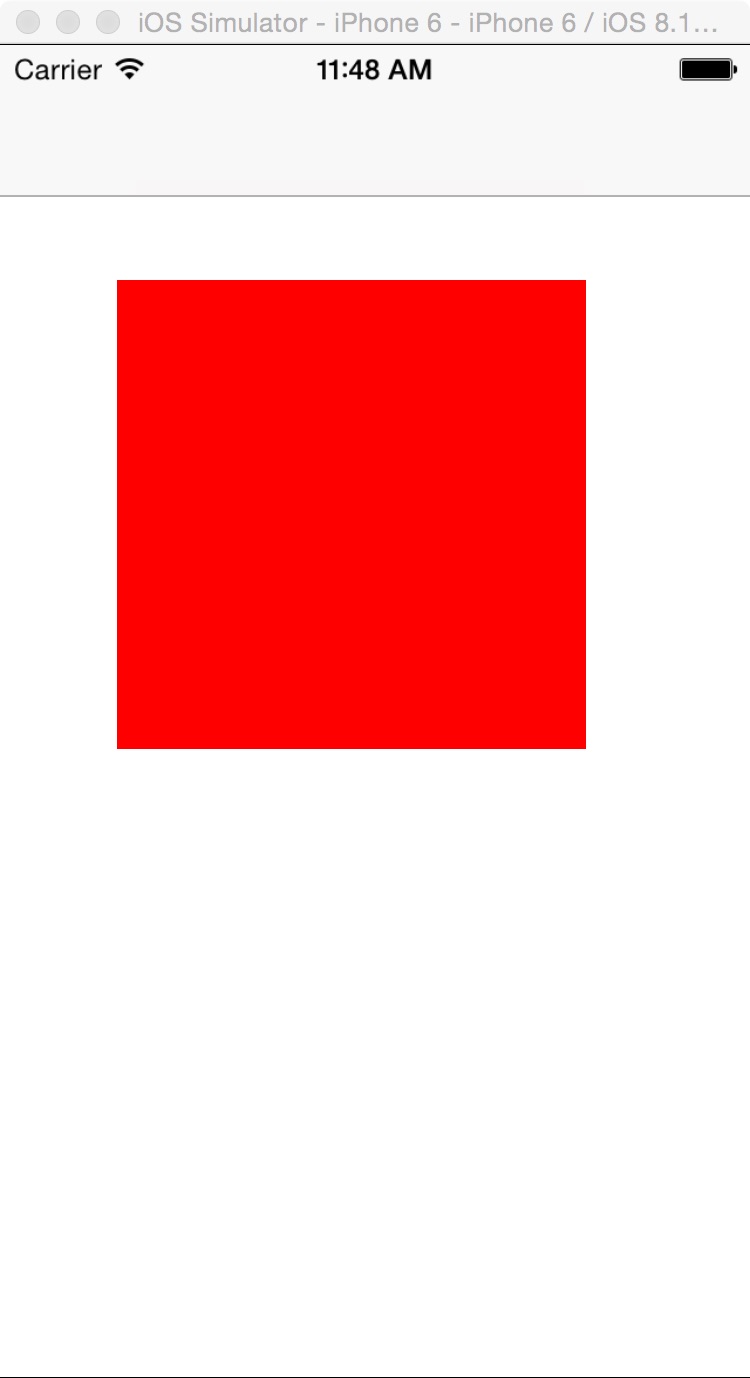
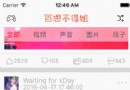
二,效果圖。
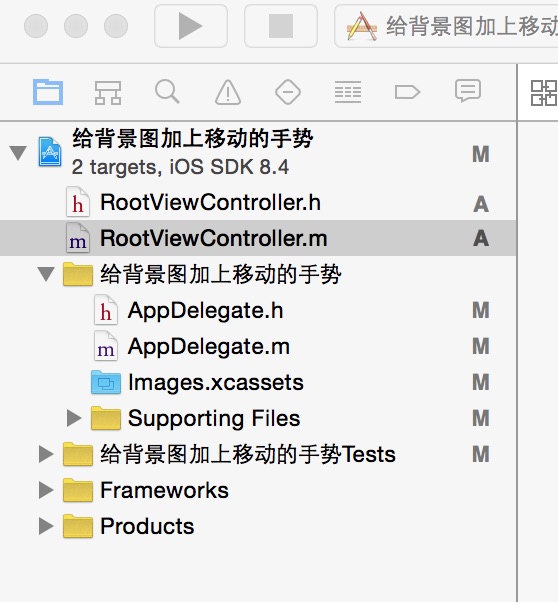
三,代碼。
RootViewController.h
#import <UIKit/UIKit.h>
@interface RootViewController : UIViewController
<UIGestureRecognizerDelegate>
@end
RootViewController.m
#import "RootViewController.h"
@interface RootViewController ()
@end
@implementation RootViewController
- (id)initWithNibName:(NSString *)nibNameOrNil bundle:(NSBundle *)nibBundleOrNil
{
self = [super initWithNibName:nibNameOrNil bundle:nibBundleOrNil];
if (self) {
// Custom initialization
}
return self;
}
- (void)viewDidLoad
{
[super viewDidLoad];
// Do any additional setup after loading the view.
//增加背景圖
[self addView];
}
#pragma -mark -functions
//背景圖
-(void)addView
{
//紅色的背景圖
UIView *parentView=[[UIView alloc]initWithFrame:CGRectMake(50, 100, 200, 200)];
parentView.backgroundColor=[UIColor redColor];
[self.view addSubview:parentView];
[parentView setUserInteractionEnabled:YES];
//移動的手勢
UIPanGestureRecognizer *panRcognize=[[UIPanGestureRecognizer alloc] initWithTarget:self action:@selector(handlePan:)];
panRcognize.delegate=self;
[panRcognize setEnabled:YES];
[panRcognize delaysTouchesEnded];
[panRcognize cancelsTouchesInView];
[parentView addGestureRecognizer:panRcognize];
}
#pragma UIGestureRecognizer Handles
- (void)handlePan:(UIPanGestureRecognizer *)recognizer {
NSLog(@"--移動的手勢-----");
}
- (void)didReceiveMemoryWarning
{
[super didReceiveMemoryWarning];
// Dispose of any resources that can be recreated.
}
以上代碼是有關Android程序開發之給背景圖加上移動的手勢的全部內容,希望對大家有所幫助!
 Android自定義控件基本原理詳解(一)
前言:在日常的Android開發中會經常和控件打交道,有時Android提供的控件未必能滿足業務的需求,這個時候就需要我們實現自定義一些控件,今天先大致了解一下自定義控件
 Android自定義ListView實現下拉刷新
首先呈上效果圖當今APP,哪個沒有點滑動刷新功能,簡直就太落伍了。正因為需求多,因此自然而然開源的也就多。但是若想引用開源庫,則很麻煩,比如PullToRefreshVi
 Android之3.5版的百度地圖的定位、覆蓋物實現以及覆蓋物的點擊事件
概述前段時間,在用到新版(3.5.0版)百度地圖時,在地圖覆蓋物實現以及覆蓋物點擊事件的添加部分遇到點挫折,發現網上很多的資料寫得都不夠詳細,所以我就想寫一個有關從地圖定
 Android提供的系統服務之--SmsManager(短信管理器)
Android提供的系統服務之--SmsManager(短信管理器)