編輯:關於Android編程
本文實例為大家分享Android通過Movie展示Gif格式圖片的相關代碼,供大家參考,具體內容如下
public class CommonGifView extends View {
  private Resources mResources;
  private Movie mMovie;
  private long startTime = 0;
  private float widthRatio;
  private float heightRatio;

  public CommonGifView(Context context) {
    this(context, null);
  }

  public CommonGifView(Context context, AttributeSet attrs) {
    this(context, attrs, 0);
  }

  public CommonGifView(Context context, AttributeSet attrs, int defStyleAttr) {
    super(context, attrs, defStyleAttr);
    mResources = context.getResources();
    TypedArray ta = context.obtainStyledAttributes(attrs, R.styleable.custom_gif_view);
    int src_id = ta.getResourceId(R.styleable.custom_gif_view_gif_src, -1);
    setGifViewBg(src_id);
    ta.recycle();
  }

  /**
   * 為View設置gif格式圖片背景
   * @description:
   * @author ldm
   * @date 2016-2-18 上午9:21:16
   */
  private void setGifViewBg(int src_id) {
    if (src_id == -1) { return; }
    // 獲取對應資源文件的輸入流
    InputStream is = mResources.openRawResource(src_id);
    mMovie = Movie.decodeStream(is);// 解碼輸入流為Movie對象
    requestLayout();
  }

  /*
   * 這個方法供Activity中使用
   */
  public void setGifStream(InputStream is) {
    mMovie = Movie.decodeStream(is);
    requestLayout();
  }

  @Override
  protected void onDraw(Canvas canvas) {
    super.onDraw(canvas);
    long now = SystemClock.uptimeMillis();
    if (startTime == 0) { // 如果第一幀,記錄起始時間
      startTime = now;
    }
    if (mMovie != null) {// 如果返回值不等於null,就說明這是一個GIF圖片
      int duration = mMovie.duration();// 取出動畫的時長
      if (duration == 0) {
        duration = 1000;
      }
      int currentTime = (int) ((now - startTime) % duration);// 算出需要顯示第幾幀
      mMovie.setTime(currentTime);
      // mMovie.draw(canvas, getWidth() - mMovie.width(), getHeight() - mMovie.height());
      float scale = Math.min(widthRatio, heightRatio);
      canvas.scale(scale, scale);
      mMovie.draw(canvas, 0, 0);
      invalidate();
    }
  }

  @Override
  protected void onMeasure(int widthMeasureSpec, int heightMeasureSpec) {
    if (mMovie != null) {// 如果返回值不等於null,就說明這是一個GIF圖片
      int w = mMovie.width();//寬度
      int h = mMovie.height();//高度
      if (w <= 0) {
        w = 1;
      }
      if (h <= 0) {
        h = 1;
      }
      int left = getPaddingLeft();
      int right = getPaddingRight();
      int top = getPaddingTop();
      int bottom = getPaddingBottom();
      int widthSize, heightSize;
      w += left + right;
      h += top + bottom;
      w = Math.max(w, getSuggestedMinimumWidth());
      h = Math.max(h, getSuggestedMinimumHeight());
      widthSize = resolveSizeAndState(w, widthMeasureSpec, 0);//根據你提供的大小和MeasureSpec,返回你想要的大小值
      heightSize = resolveSizeAndState(h, heightMeasureSpec, 0);
      widthRatio = (float) widthSize / w;
      heightRatio = (float) heightSize / h;
      setMeasuredDimension(widthSize, heightSize);
    }
    else {
      super.onMeasure(widthMeasureSpec, heightMeasureSpec);
    }
  }
}
自定義屬性res/values/attrs.xml文件:
<?xml version="1.0" encoding="utf-8"?>
<resources>

  <declare-styleable name="custom_gif_view">
    <attr name="gif_src" format="reference"></attr>
  </declare-styleable>

</resources>
在Activity中使用:
public class MainActivity extends Activity {
  private CommonGifView view;
  private InputStream is;

  @Override
  protected void onCreate(Bundle savedInstanceState) {
    super.onCreate(savedInstanceState);
    setContentView(R.layout.activity_main);
    view = (CommonGifView) findViewById(R.id.gif_test);
    try {
      is = getAssets().open("test01.gif");
      view.setGifStream(is);
    }
    catch (IOException e) {
      e.printStackTrace();
    }

  }
}
以上就是本文的全部內容,希望對大家的學習有所幫助。
 Android仿微信菜單(Menu)(使用C#和Java分別實現)
本篇是對安卓菜單使用編程方式實現,當然可以使用XML的方式完成同樣的功能,基本Java和C#寫法都是一致的,所以使用XML的方式在本篇中使用Java演示,需要注意的是,對
 React-Native Android 與 IOS App使用一份代碼實現方法
React-Native Android 與 IOS 共用代碼React-Native 開發的App, 所有組件iOS & Android 共用, 共享一份代
 android AChartEnginee講解之自定義圖表類
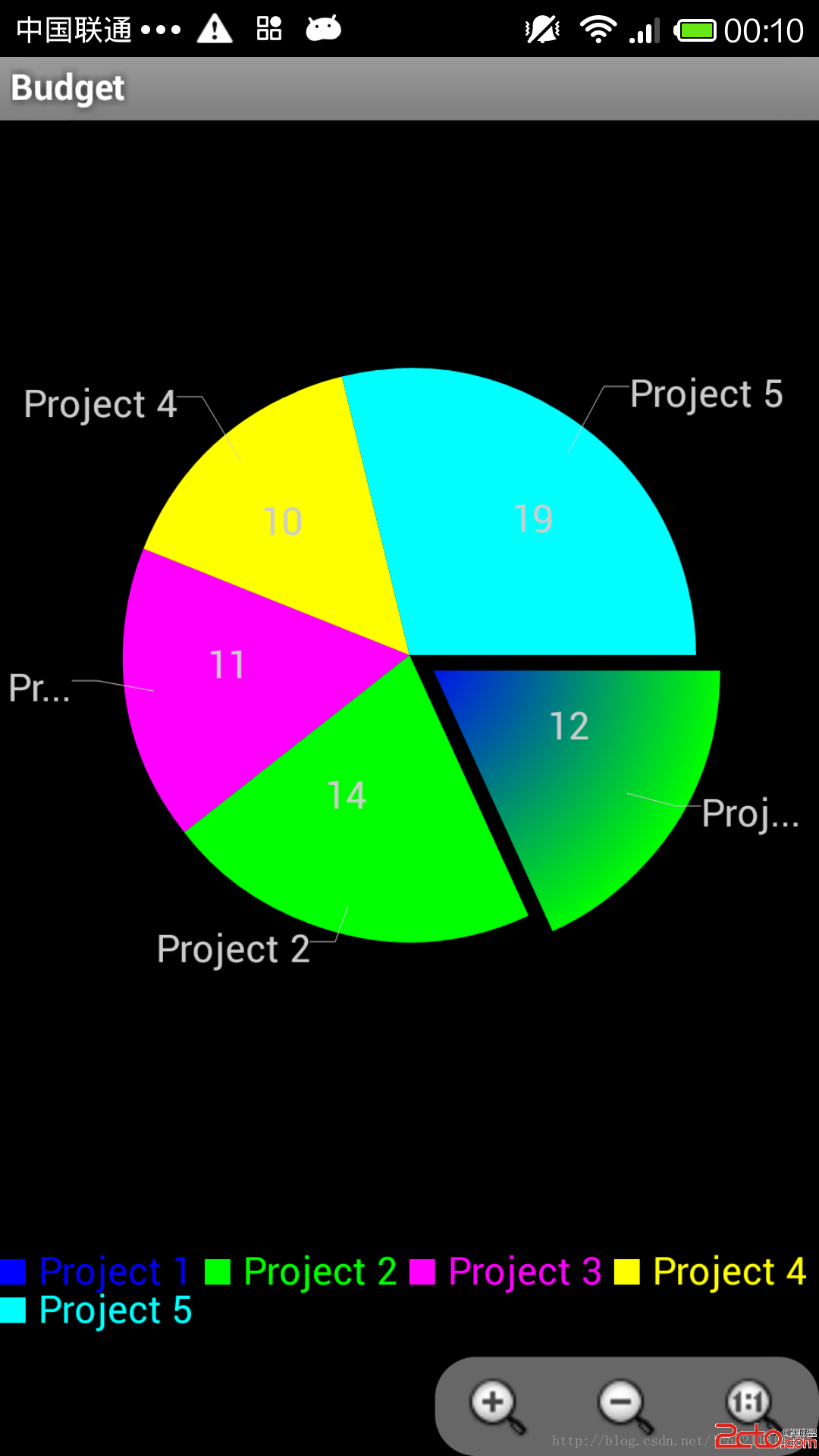
前段時間下載了AChartEnginee的源碼,並且對源碼的框架進行了一些了解,講解了整個框架的組成部分和每個部分的作用,最近一周則主要看了一下源碼中的demo部分,即如
 Android App中使用RatingBar實現星級打分功能的教程
RatingBar簡單介紹RatingBar是基於SeekBar(拖動條)和ProgressBar(狀態條)的擴展,用星形來顯示等級評定,在使用默認RatingBar時,
 Android doc譯文|Building Apps with Content Sharing|Sharing Simple Data
Sharing Simple DataOne of the great