編輯:關於Android編程
本文實例講述了Android編程實現獲取當前連接wifi名字的方法。分享給大家供大家參考,具體如下:
WifiManager wifiMgr = (WifiManager) mActivity.getSystemService(Context.WIFI_SERVICE);
 int wifiState = wifiMgr.getWifiState();
 WifiInfo info = wifiMgr.getConnectionInfo();
 String wifiId = info != null ? info.getSSID() : null;
public static InetAddress getWifiIp() {
 Context myContext = Globals.getContext();
 if (myContext == null) {
  throw new NullPointerException("Global context is null");
 }
 WifiManager wifiMgr = (WifiManager) myContext.getSystemService(Context.WIFI_SERVICE);
 if (isWifiEnabled()) {
  int ipAsInt = wifiMgr.getConnectionInfo().getIpAddress();
  if (ipAsInt == 0) {
  return null;
  } else {
  return Util.intToInet(ipAsInt);
  }
 } else {
  return null;
 }
 }
// 取得wifi的ip地址
InetAddress address = FTPServerService.getWifiIp();
address.getHostAddress();
public static boolean isWifiEnabled() {
 Context myContext = Globals.getContext();
 if (myContext == null) {
  throw new NullPointerException("Global context is null");
 }
 WifiManager wifiMgr = (WifiManager) myContext.getSystemService(Context.WIFI_SERVICE);
 if (wifiMgr.getWifiState() == WifiManager.WIFI_STATE_ENABLED) {
  ConnectivityManager connManager = (ConnectivityManager) myContext
   .getSystemService(Context.CONNECTIVITY_SERVICE);
  NetworkInfo wifiInfo = connManager
   .getNetworkInfo(ConnectivityManager.TYPE_WIFI);
  return wifiInfo.isConnected();
 } else {
  return false;
 }
 }
// 打開wifi設置的頁面
Intent intent = new Intent(android.provider.Settings.ACTION_WIFI_SETTINGS);
startActivity(intent);
希望本文所述對大家Android程序設計有所幫助。
 Android開發之搜索框自動提示細節MatrixCursor學習
1,在ActionBar裡面加入搜索框 在ActionBar裡面加入搜索框是現在APP應用的常用做法。要想把搜索做好,可不是那麼容易。涉及到自動提示和真正的搜索。下圖是我
 Mac中Eclipse連不上Android手機的解決方法
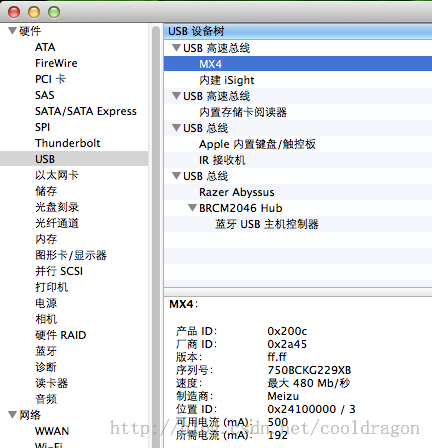
現象是:Windows下Eclipse可以連接Device裡能顯示設備名稱,但是在Mac OS X下的Eclipse Device始終不能顯示連接。解決方法:1.把And
 Android 適配器教程(一)
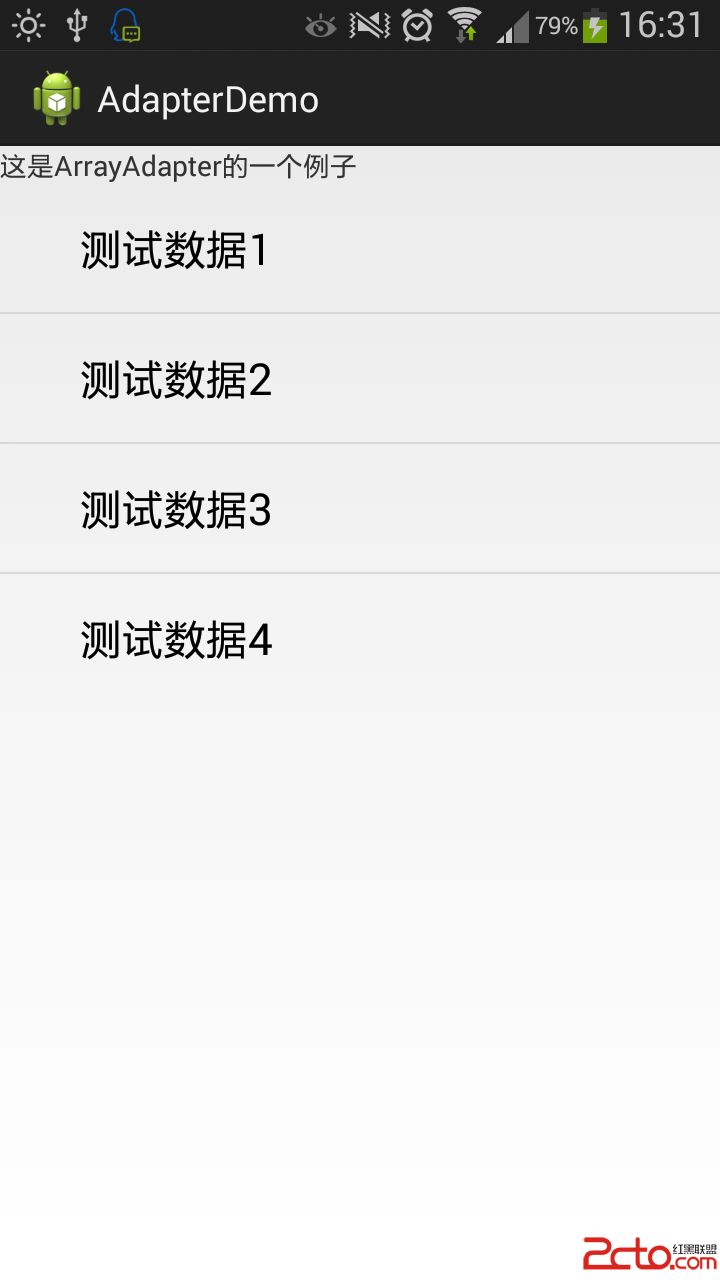
最近在開發安卓的過程中發現ListView無疑是一個經常使用的組件,而提到ListView又不得不提一下適配器了,我打算用幾個實例,由淺入深的向大家仔細講解一下適配器的使
 貝塞爾曲線開發的藝術
貝塞爾曲線開發的藝術一句話概括貝塞爾曲線:將任意一條曲線轉化為精確的數學公式。很多繪圖工具中的鋼筆工具,就是典型的貝塞爾曲線的應用貝塞爾曲線中有一些比較關鍵的名詞,解釋如