編輯:關於Android編程
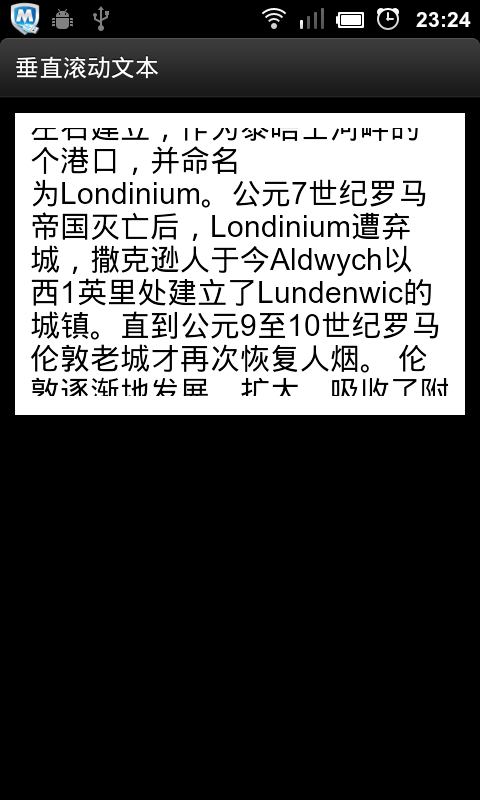
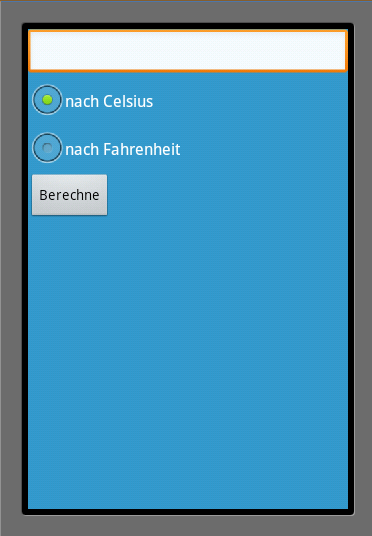
隱藏標題欄需要使用預定義樣式:android:theme=”@android:style/Theme.NoTitleBar”.
隱藏狀態欄:android:theme=”@android:style/Theme.NoTitleBar.Fullscreen”.
<?xml version="1.0" encoding="utf-8"?>
<manifest xmlns:android="http://schemas.android.com/apk/res/android"
   package="de.vogella.android.temperature"
   android:versionCode="1"
   android:versionName="1.0">
  <application android:icon="@drawable/icon" android:label="@string/app_name">
    <activity android:name=".Convert"
         android:label="@string/app_name"
          android:theme="@android:style/Theme.NoTitleBar.Fullscreen" >
      <intent-filter>
        <action android:name="android.intent.action.MAIN" />
        <category android:name="android.intent.category.LAUNCHER" />
      </intent-filter>
    </activity>

  </application>
  <uses-sdk android:minSdkVersion="9" />

</manifest>
@Override
public void onCreate(Bundle savedInstanceState) {
  super.onCreate(savedInstanceState);
  // hide titlebar of application
  // must be before setting the layout
  requestWindowFeature(Window.FEATURE_NO_TITLE);
  // hide statusbar of Android
  // could also be done later
  getWindow().setFlags(WindowManager.LayoutParams.FLAG_FULLSCREEN,
      WindowManager.LayoutParams.FLAG_FULLSCREEN);
  setContentView(R.layout.main);
  text = (EditText) findViewById(R.id.EditText01);

}
以上所述就是本文的全部內容了,希望大家能夠喜歡。
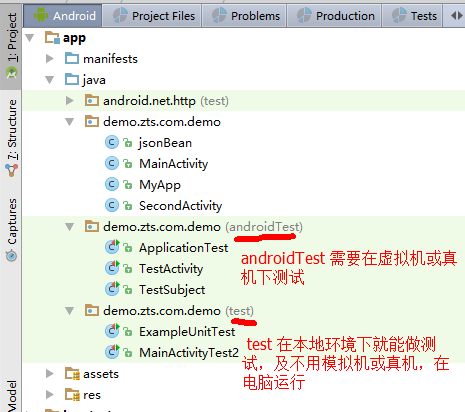 簡單談談android studio 的單元測試
面對android studio Run 一次項目要等好幾分鐘的痛點,不得不研究一下android studio 的單元測試。其實我的目的很簡單,在不對視圖進行操作的前提
 魅藍note3怎麼root 魅藍note3一鍵root教程
魅藍note3怎麼root?魅藍note3的價格相當便宜,作為一款安卓手機,相信有部分玩機愛好者想把魅藍note3 root了,魅藍note3現在root的
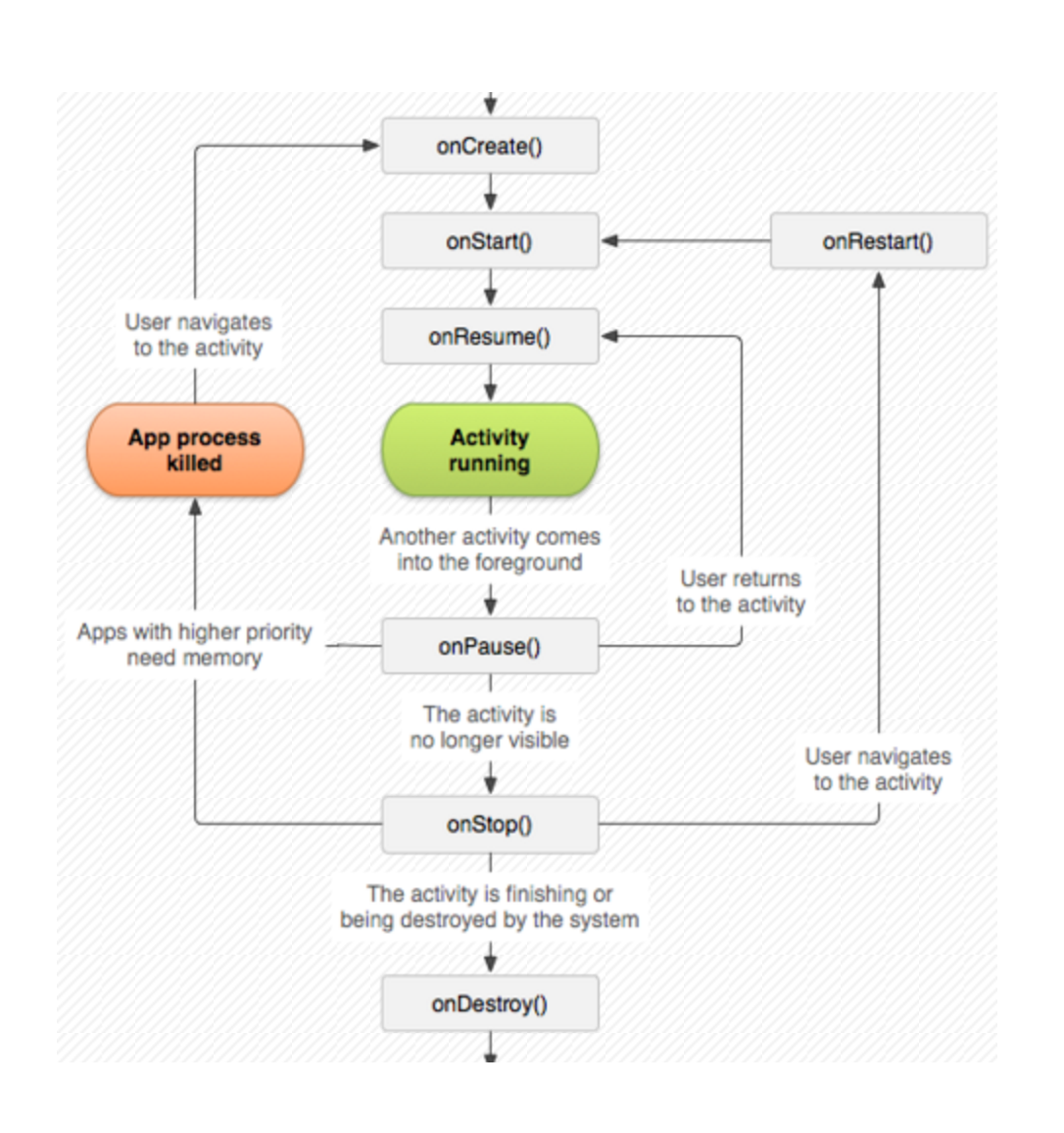 Android開發藝術探索學習筆記(一)—Activity的生命周期和啟動模式
學習章節:第一章 Activity的生命周期和啟動模式學習內容:1正常情況下Activity的生命周期分析先上一張經典圖片鎮樓:測試正常情況Activity生命周期的代碼
 Android Studio使用心得 - 簡介與環境配置
關於Android Studio 在2013 Google IO大會上發布的全新IDE Android Studio相信各位猿們並不陌生,截止2014的Goog