編輯:關於Android編程
1、AES加密工具類
java不支持PKCS7Padding,只支持PKCS5Padding。我們知道加密算法由算法+模式+填充組成,下一篇介紹iOS和Android通用的AES加密,本篇文章使用PKCS5Padding加密方式。
package com.example.aesdemo;

import java.io.UnsupportedEncodingException;
import javax.crypto.Cipher;
import javax.crypto.spec.SecretKeySpec;

///** AES對稱加密解密類 **/
public class AESHelper {

 // /** 算法/模式/填充 **/
 private static final String CipherMode = "AES/ECB/PKCS5Padding";

 ///** 創建密鑰 **/
 private static SecretKeySpec createKey(String password) {
 byte[] data = null;
 if (password == null) {
  password = "";
 }
 StringBuffer sb = new StringBuffer(32);
 sb.append(password);
 while (sb.length() < 32) {
  sb.append("0");
 }
 if (sb.length() > 32) {
  sb.setLength(32);
 }

 try {
  data = sb.toString().getBytes("UTF-8");
 } catch (UnsupportedEncodingException e) {
  e.printStackTrace();
 }
 return new SecretKeySpec(data, "AES");
 }

 // /** 加密字節數據 **/
 public static byte[] encrypt(byte[] content, String password) {
 try {
  SecretKeySpec key = createKey(password);
  System.out.println(key);
  Cipher cipher = Cipher.getInstance(CipherMode);
  cipher.init(Cipher.ENCRYPT_MODE, key);
  byte[] result = cipher.doFinal(content);
  return result;
 } catch (Exception e) {
  e.printStackTrace();
 }
 return null;
 }

 ///** 加密(結果為16進制字符串) **/
 public static String encrypt(String content, String password) {
 byte[] data = null;
 try {
  data = content.getBytes("UTF-8");
 } catch (Exception e) {
  e.printStackTrace();
 }
 data = encrypt(data, password);
 String result = byte2hex(data);
 return result;
 }

 // /** 解密字節數組 **/
 public static byte[] decrypt(byte[] content, String password) {
 try {
  SecretKeySpec key = createKey(password);
  Cipher cipher = Cipher.getInstance(CipherMode);
  cipher.init(Cipher.DECRYPT_MODE, key);
  byte[] result = cipher.doFinal(content);
  return result;
 } catch (Exception e) {
  e.printStackTrace();
 }
 return null;
 }

 ///** 解密16進制的字符串為字符串 **/
 public static String decrypt(String content, String password) {
 byte[] data = null;
 try {
  data = hex2byte(content);
 } catch (Exception e) {
  e.printStackTrace();
 }
 data = decrypt(data, password);
 if (data == null)
  return null;
 String result = null;
 try {
  result = new String(data, "UTF-8");
 } catch (UnsupportedEncodingException e) {
  e.printStackTrace();
 }
 return result;
 }

 // /** 字節數組轉成16進制字符串 **/
 public static String byte2hex(byte[] b) { // 一個字節的數,
 StringBuffer sb = new StringBuffer(b.length * 2);
 String tmp = "";
 for (int n = 0; n < b.length; n++) {
  // 整數轉成十六進制表示
  tmp = (java.lang.Integer.toHexString(b[n] & 0XFF));
  if (tmp.length() == 1) {
  sb.append("0");
  }
  sb.append(tmp);
 }
 return sb.toString().toUpperCase(); // 轉成大寫
 }

 // /** 將hex字符串轉換成字節數組 **/
 private static byte[] hex2byte(String inputString) {
 if (inputString == null || inputString.length() < 2) {
  return new byte[0];
 }
 inputString = inputString.toLowerCase();
 int l = inputString.length() / 2;
 byte[] result = new byte[l];
 for (int i = 0; i < l; ++i) {
  String tmp = inputString.substring(2 * i, 2 * i + 2);
  result[i] = (byte) (Integer.parseInt(tmp, 16) & 0xFF);
 }
 return result;
 }
}
2、使用
新建Android工程
package com.example.aesdemo;

import android.os.Bundle;
import android.app.Activity;
import android.view.Menu;
import android.util.Log;

public class MainActivity extends Activity {

 protected void onCreate(Bundle savedInstanceState) {
 		super.onCreate(savedInstanceState);
 		setContentView(R.layout.activity_main);

	 String masterPassword = "a";
	 String originalText = "於";

	 try {
	  String encryptingCode = AESHelper.encrypt(originalText,masterPassword);
//	  System.out.println("加密結果為 " + encryptingCode);
	  Log.i("加密結果為 ",encryptingCode);
	  String decryptingCode = AESHelper.decrypt(encryptingCode,masterPassword);
//	  System.out.println("解密結果為 " + decryptingCode);
	  Log.i("解密結果",decryptingCode);
	  } catch (Exception e) {
	  // TODO Auto-generated catch block
	  e.printStackTrace();
	 }
	}

	@Override
	public boolean onCreateOptionsMenu(Menu menu) {
		// Inflate the menu; this adds items to the action bar if it is present.
		getMenuInflater().inflate(R.menu.main, menu);
		return true;
	}
}
3、打印結果
09-19 10:41:05.467: I/加密結果為(707): E55C24701F6380478E1940ADDFD08D22
09-19 10:41:05.467: I/解密結果(707): 於
 Android四大組件之ContentProvider(下)
(一)概述學完上一節,相信你已經知道如何去使用系統提供的ContentProvider或者自定義ContentProvider了, 已經基本滿足日常開發的需求了,有趣的是
 Android分包MultiDex原理詳解
MultiDex的產生背景當Android系統安裝一個應用的時候,有一步是對Dex進行優化,這個過程有一個專門的工具來處理,叫DexOpt。DexOpt的執行過程是在第一
 微信支付,支付寶支付的集成和注意部分
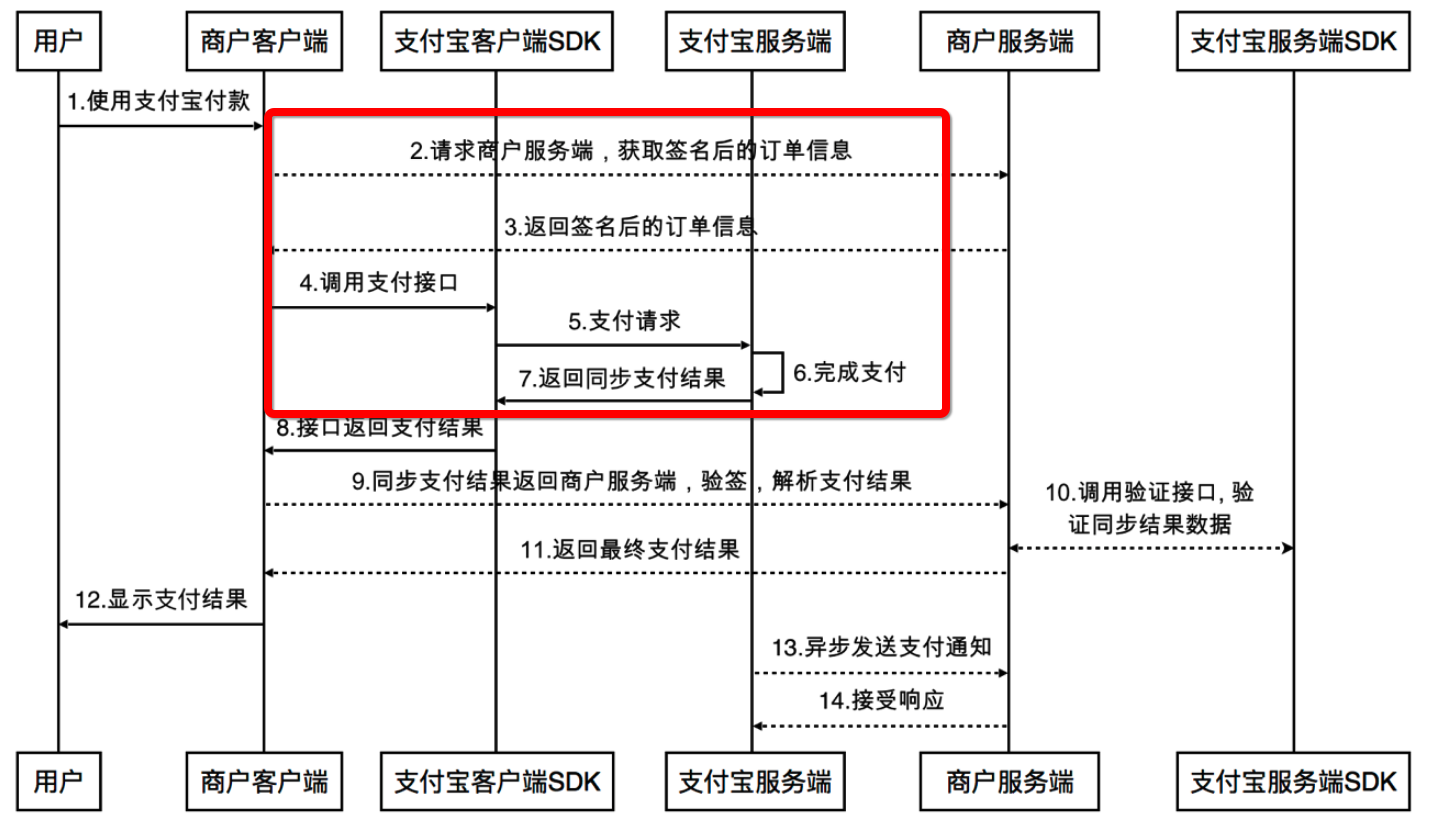
一.支付寶支付1. 集成說明1.1 作為當下最熱門的支付寶和微信支付,相信有很多的app都很樂意的將支付寶集成在app中,畢竟只要你開發的app有一點涉及到買賣的,都需要
 Android中實現iPhone開關
前一段時間在做項目的時候遇到了一個問題,美工在設計的時候設計的是一個iPhone中的開關,但是都知道Android中的Switch開關和IOS中的不同,這樣就需要通過動畫