編輯:關於Android編程
private void blueinit() {
        BluetoothManager bluetoothManager = (BluetoothManager) getSystemService(BLUETOOTH_SERVICE);
        //通過藍牙管理實例獲取適配器,然後通過掃描方法(scan)獲取設備(device)
        bluetoothAdapter = bluetoothManager.getAdapter();
        //打開藍牙
        if(!bluetoothAdapter.isEnabled())
            bluetoothAdapter.enable();
    }
 private void saomiaohuidiao() {
        //掃描設備
        callback = new BluetoothAdapter.LeScanCallback() {
            @Override
            public void onLeScan(final BluetoothDevice bluetoothDevice, int i, byte[] bytes) {
                //重復過濾方法,列表中包含不該設備才加入列表中,並刷新列表
                if (!deviceList.contains(bluetoothDevice)&&bluetoothDevice.getName().length()>1) {
                    //將設備加入列表數據中
                    deviceList.add(bluetoothDevice);
                    handler.sendMessage(new Message());
                }

            }

        };
    }
private void lianjietongxinhuidiao() {
        bcallback = new BluetoothGattCallback() {
            //連接狀態回調
            @Override
            public void onConnectionStateChange(final BluetoothGatt gatt, int status, final int newState) {
                super.onConnectionStateChange(gatt, status, newState);
                runOnUiThread(new Runnable() {
                    @Override
                    public void run() {
                        switch (newState) {
                            //已經連接
                            case BluetoothGatt.STATE_CONNECTED:
                                Log.d("TAG", "已連接");
                                    bluetoothGatt.discoverServices(); //獲取服務
                                break;
                            //正在連接
                            case BluetoothGatt.STATE_CONNECTING:
                                Log.d("TAG", "正在連接");
                                break;
                            //連接斷開
                            case BluetoothGatt.STATE_DISCONNECTED:
                                Log.d("TAG", "已斷開");
                                break;
                            //正在斷開
                            case BluetoothGatt.STATE_DISCONNECTING:
                                Log.d("TAG", "斷開中");
                                break;
                        }
                    }
                });

            }

            //連接上藍牙設備後觸發
            @Override
            public void onServicesDiscovered(BluetoothGatt gatt, int status) {
                super.onServicesDiscovered(gatt, status);
      //這裡可以獲得可以通信的BluetoothGattCharacteristic
            }

            //讀取
            //BluetoothGatt.writeCharacteristic(BluetoothGattCharacteristic);
            @Override
            public void onCharacteristicRead(BluetoothGatt gatt, BluetoothGattCharacteristic characteristic, int status) {
                super.onCharacteristicRead(gatt, characteristic, status);
                Log.d("讀出", characteristic.getUuid() + "-" + characteristic.getValue());
                Log.d("bcallback", "onCharacteristicRead");
            }


            //寫入觸發此方法需要調用
            //BluetoothGatt.writeCharacteristic(BluetoothGattCharacteristic);
            @Override
            public void onCharacteristicWrite(BluetoothGatt gatt, BluetoothGattCharacteristic characteristic, int status) {
                super.onCharacteristicWrite(gatt, characteristic, status);
                Log.d("onCharacteristicWrite", String.valueOf(characteristic.getValue()));
            }

            @Override
            public void onCharacteristicChanged(BluetoothGatt gatt, BluetoothGattCharacteristic characteristic) {
                super.onCharacteristicChanged(gatt, characteristic);
                Log.d("bcallback", "onCharacteristicChanged");
            }

            @Override
            public void onDescriptorRead(BluetoothGatt gatt, BluetoothGattDescriptor descriptor, int status) {
                super.onDescriptorRead(gatt, descriptor, status);
                Log.d("bcallback", "onDescriptorRead");
            }

            @Override
            public void onDescriptorWrite(BluetoothGatt gatt, BluetoothGattDescriptor descriptor, int status) {
                super.onDescriptorWrite(gatt, descriptor, status);
                Log.d("bcallback", "onDescriptorWrite");
            }

            @Override
            public void onReliableWriteCompleted(BluetoothGatt gatt, int status) {
                super.onReliableWriteCompleted(gatt, status);
                Log.d("bcallback", "onReliableWriteCompleted");
            }

            @Override
            public void onReadRemoteRssi(BluetoothGatt gatt, int rssi, int status) {
                super.onReadRemoteRssi(gatt, rssi, status);
                Log.d("bcallback", "onReadRemoteRssi");
            }

            @Override
            public void onMtuChanged(BluetoothGatt gatt, int mtu, int status) {
                super.onMtuChanged(gatt, mtu, status);
                Log.d("bcallback", "onMtuChanged");
            }
        };
    }
 Android 5.X新特性
首先,如果要使用Android 5.X的新特性,我們必須導入5.X的支持包FloatingActionButtonAndroid 的新的設計規范中具有陰影效果的懸浮窗按鈕
 Android中刪除Preference詳解
Android的設置界面實現比較簡單,有時甚至只需要使用一個簡單的xml文件即可.聲明簡單,但是如何從PreferenceScreen或者PreferenceCatego
 Android 實現沉浸式狀態欄的方法
沉浸式狀態欄的來源就是很多手機用的是實體按鍵,沒有虛擬鍵,於是開了沉浸模式就只有狀態欄消失了。於是沉浸模式成了沉浸式狀態欄。我們先來看下具體的效果開啟沉浸模式後,狀態欄消
 Android實現一個自定義相機的界面
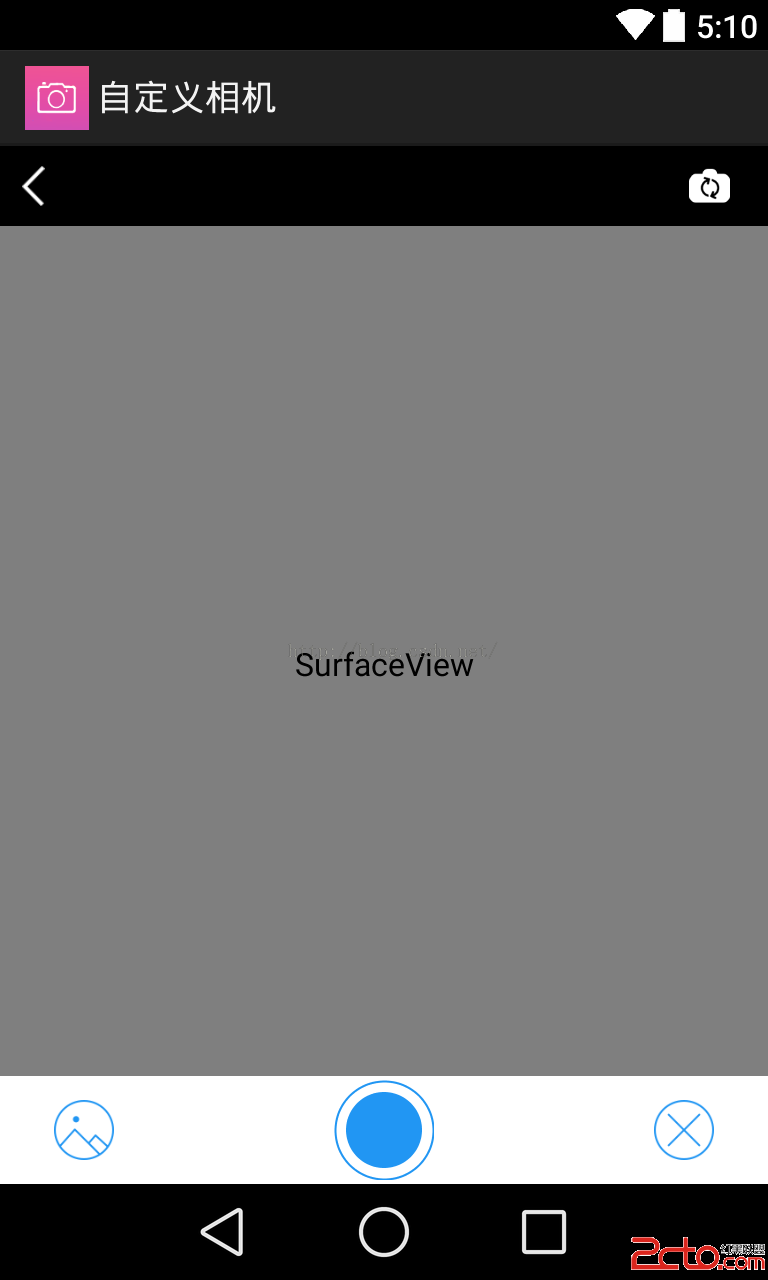
我們先實現拍照按鈕的圓形效果哈,Android開發中,當然可以找美工人員設計圖片,然後直接拿進來,不過我們可以自己寫代碼實現這個效果哈,最常用的的是用layout-lis