編輯:關於Android編程
Retrofit是Square公司開發的一款針對Android網絡請求的框架,Retrofit2底層基於OkHttp實現的,而OkHttp現在已經得到Google官方認可,不了解OKHttp的請查看本系列的前作。
老生長談,先配置build.gradle:
dependencies {
  ...
    compile 'com.squareup.retrofit2:retrofit:2.1.0'
    compile 'com.squareup.retrofit2:converter-gson:2.1.0'
    compile 'com.squareup.retrofit2:converter-scalars:2.1.0'//ConverterFactory的String依賴包
}
當然別忘了在manifest加入訪問網絡的權限:
這次我們訪問的網站產生了變化,我們用淘寶ip庫,裡面有訪問接口的說明:
1. 請求接口(GET):
/service/getIpInfo.php?ip=[ip地址字串]
2. 響應信息:
(json格式的)國家 、省(自治區或直轄市)、市(縣)、運營商
3. 返回數據格式:
{
    “code”: 0,
    ”data”: {
        “ip”: ”210.75.225.254”,
        ”country”: ”\u4e2d\u56fd”,
        ”area”: ”\u534e\u5317”,
        “region”: ”\u5317\u4eac\u5e02”,
        ”city”: ”\u5317\u4eac\u5e02”,
        ”county”: ”“,
        ”isp”: ”\u7535\u4fe1”,
        “country_id”: ”86”,
        ”area_id”: ”100000”,
        ”region_id”: ”110000”,
        ”city_id”: ”110000”,
        “county_id”: ”-1”,
        ”isp_id”: ”100017”
    }
}
其中code的值的含義為,0:成功,1:失敗。
我們可以用JSON字符串轉換成Java實體類(POJO)這個網站將Json轉為實體類,經過修改的實體類如下:
IpModel.java:
public class IpModel {
    private int code;
    private IpData data;
    public void setCode(int code) {
        this.code = code;
    }
    public int getCode() {
        return this.code;
    }
    public void setData(IpData data) {
        this.data = data;
    }
    public IpData getData() {
        return this.data;
    }
}
IpData.java:
public class IpData {
    private String country;
    private String country_id;
    private String area;
    private String area_id;
    private String region;
    private String region_id;
    private String city;
    private String city_id;
    private String county;
    private String county_id;
    private String isp;
    private String isp_id;
    private String ip;
    public void setCountry(String country) {
        this.country = country;
    }
    public String getCountry() {
        return this.country;
    }
    public void setCountry_id(String country_id) {
        this.country_id = country_id;
    }
    ...
 }
public interface IpService{
    @GET("getIpInfo.php")
    Call getIpMsg(@Query("ip")String ip);
}
Retrofit提供的請求方式注解有@GET和@POST等,分別代表GET請求和POST請求,我們在這裡訪問的界面是“getIpInfo.php”。參數注解有@PATH和@Query等,@Query就是我們的請求的鍵值對的設置,在這裡@Query(“ip”)代表鍵,“String ip”則代表值。
   String url = "http://ip.taobao.com/service/";
        Retrofit retrofit = new Retrofit.Builder()
                .baseUrl(url)
                //增加返回值為String的支持
                .addConverterFactory(ScalarsConverterFactory.create())
                .addConverterFactory(GsonConverterFactory.create())
                .build();
這裡的baseUrl加上之前@GET(“getIpInfo.php”)定義的參數形成完整的請求地址;addConverterFactory用於指定返回的參數數據類型,這裡我們支持String和Gson類型。
 IpService ipService = retrofit.create(IpService.class);
 Callcall=ipService.getIpMsg(ip);
用retrofit創建我們之前定義的IpService接口對象,並調用該接口定義的getIpMsg方法得到Call對象。
 call.enqueue(new Callback() {
            @Override
            public void onResponse(Call call, Response response) {
               String country= response.body().getData().getCountry();
                Log.i("wangshu","country"+country);
                Toast.makeText(getApplicationContext(),country,Toast.LENGTH_SHORT).show();
            }

            @Override
            public void onFailure(Call call, Throwable t) {

            }
        });
這裡是異步請求網絡,回調的Callback是運行在主線程的。得到返回的Response後將返回數據的country字段用Toast顯示出來。如果想同步請求網絡請使用 call.execute(),如果想中斷網絡請求則可以使用 call.cancel()。
完整的代碼如下:
public class MainActivity extends AppCompatActivity {
    private Button bt_request;

    @Override
    protected void onCreate(Bundle savedInstanceState) {
        super.onCreate(savedInstanceState);
        setContentView(R.layout.activity_main);
        bt_request = (Button) findViewById(R.id.bt_request);
        bt_request.setOnClickListener(new View.OnClickListener() {
            @Override
            public void onClick(View v) {
                getIpInformation("59.108.54.37");
            }
        });
    }

    private void getIpInformation(String ip) {
        String url = "http://ip.taobao.com/service/";
        Retrofit retrofit = new Retrofit.Builder()
                .baseUrl(url)
                //增加返回值為String的支持
                .addConverterFactory(ScalarsConverterFactory.create())
                .addConverterFactory(GsonConverterFactory.create())
                .build();
        IpService ipService = retrofit.create(IpService.class);
        Callcall=ipService.getIpMsg(ip);
        call.enqueue(new Callback() {
            @Override
            public void onResponse(Call call, Response response) {
               String country= response.body().getData().getCountry();
                Log.i("wangshu","country"+country);
                Toast.makeText(getApplicationContext(),country,Toast.LENGTH_SHORT).show();
            }

            @Override
            public void onFailure(Call call, Throwable t) {

            }
        });
    }
上文講了Retrofit訪問網絡的基本方法,接下來我們來了解下Retrofit常用的請求參數。
請求方法除了上文講到的@GET,還有@POST、@PUT、@DELETE、@HEAD、@OPTIONS、@PATCH、@HTTP。其中@HTTP用來替換以上7個,其他的分別對應著不同的請求方法,不明白的請查看Android網絡編程(一)HTTP協議原理這一篇文章。
前面的例子就用了Query用來查詢參數。
public interface IpService{
    @GET("getIpInfo.php")
    Call getIpMsg(@Query("ip")String ip);
}
如果Query參數比較多,那麼可以通過@QueryMap方式將所有的參數集成在一個Map統一傳遞。
public interface BlueService {
    @GET("book/search")
    Call getSearchBooks(@QueryMap Map options);
}
@Path用來替換路徑。
public interface ApiStores {
    @GET("adat/sk/{cityId}.html")
    Call getWeather(@Path("cityId") String cityId);
}
@Body與@POST注解一起使用,提供查詢主體內容,其中ApiInfo是一個bean類。
public interface ApiStores {
        @POST("client/shipper/getCarType")
        Call getCarType(@Body ApiInfo apiInfo);
    }
interface SomeService {
 @GET("some/endpoint")
 @Headers("Accept-Encoding: application/json")
 Call getCarType();
}
@Headers用來添加頭部信息,上面用的是固定頭部,也可以采用動態頭部:
interface SomeService {
 @GET("some/endpoint")
 Call someEndpoint(
 @Header("Location") String location);
}
@Multipart用來上傳文件
public interface FileUploadService {
    @Multipart
    @POST("upload")
    Call upload(@Part("description") RequestBody description,
                              @Part MultipartBody.Part file);
}
github源碼下載
 2014值得推薦的10個移動 Web 應用程序開發框架
在最近幾年裡,移動互聯網高速發展、市場潛力巨大。繼計算機、互聯網之後,移動互聯網正掀起第三次信息技術革命的浪潮,新技術、新應用不斷湧現。今天這篇文章向大家推薦10大優秀的
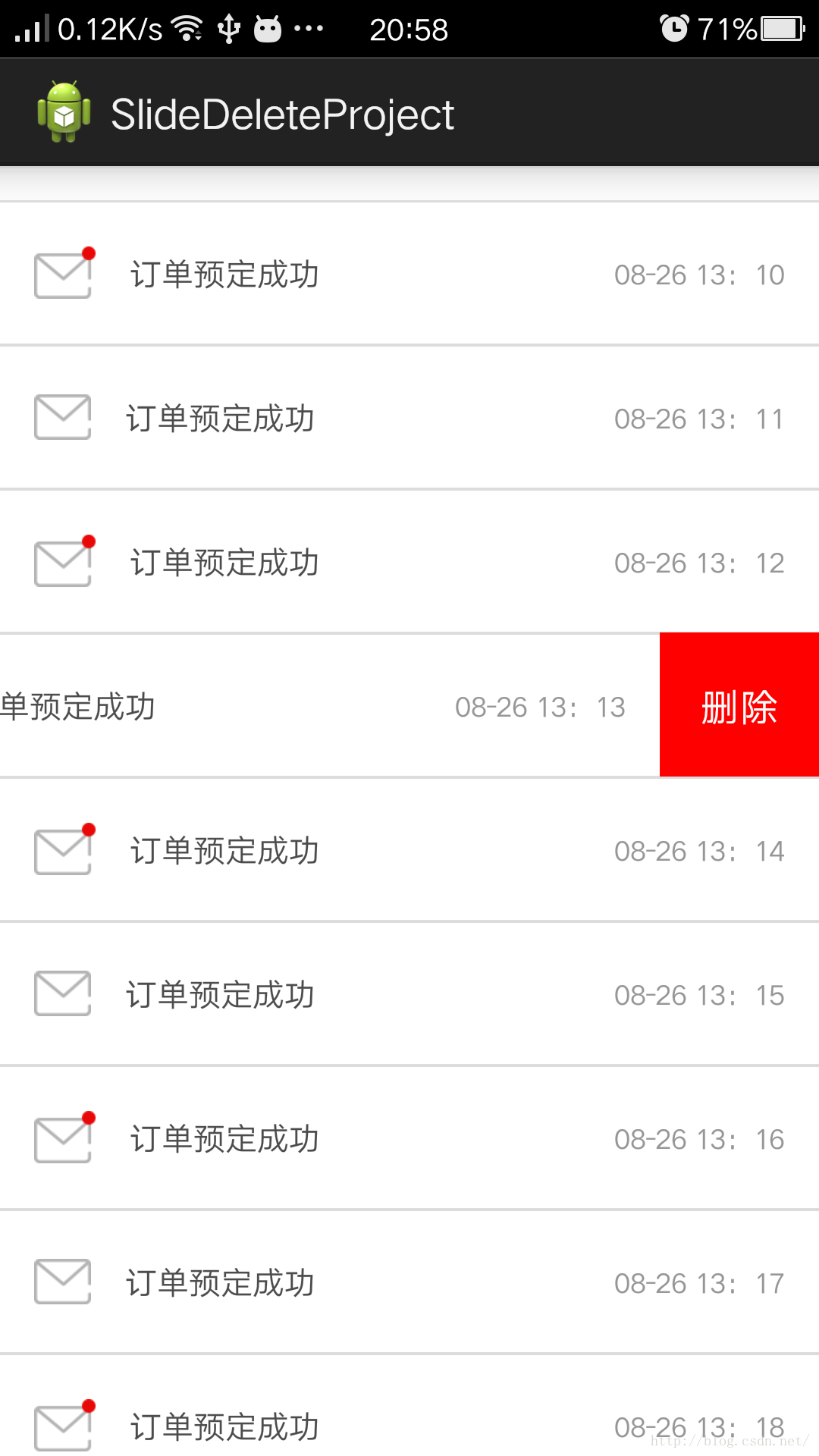 ListView側滑刪除的實現,SlideDeleteListView,針對ScrollView嵌套ListView視圖和手勢沖突優化
關於ListView側滑刪除這是個老話題,大多數APP都具有這樣類似的功能,對於一位Android初涉者來說,實現這樣的功能確實有一點難度,網上的實現方法也層出不窮,我仔
 Android仿微信二維碼和條形碼
本文實例為大家分享了Android仿微信二維碼和條形碼的具體代碼,供大家參考,具體內容如下package your.QRCode.namespace;import jav
 Android 中即時聊天或者後台任務需要發送消息的一種解決方案.
在即時聊天中可能會存在一個隱藏的Bug,這個Bug根據手機的網速和性能有關系,比如你即時聊天中,你發送一消息,你的網絡情況不是很好,這個時候你發送的消息一直處於