編輯:關於Android編程
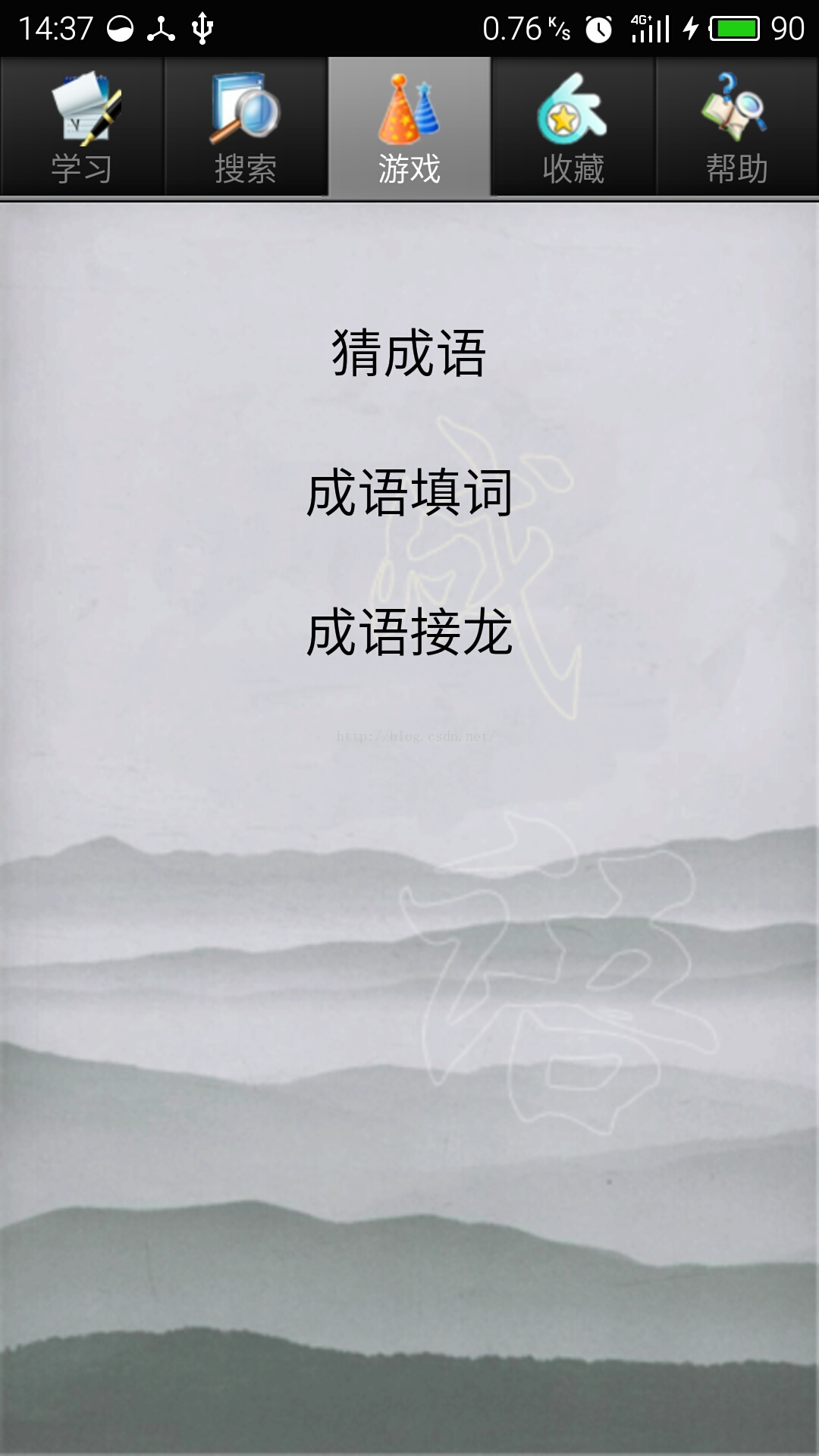
游戲頁面有幾個小游戲,因為時間原因只做了第一個猜成語,是用的選擇題方式,十道題以內答對六題算闖關成功。
目標效果:
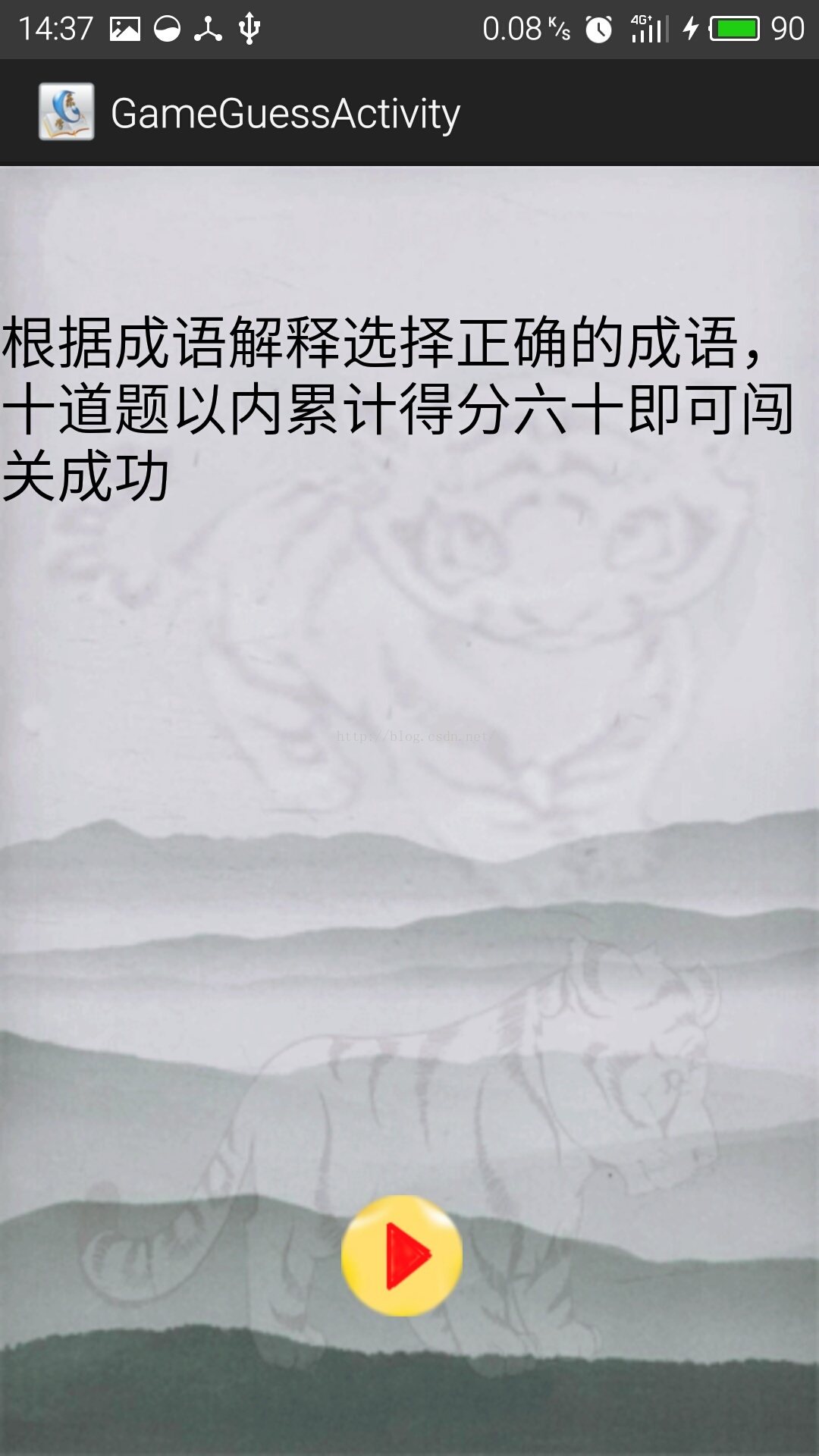
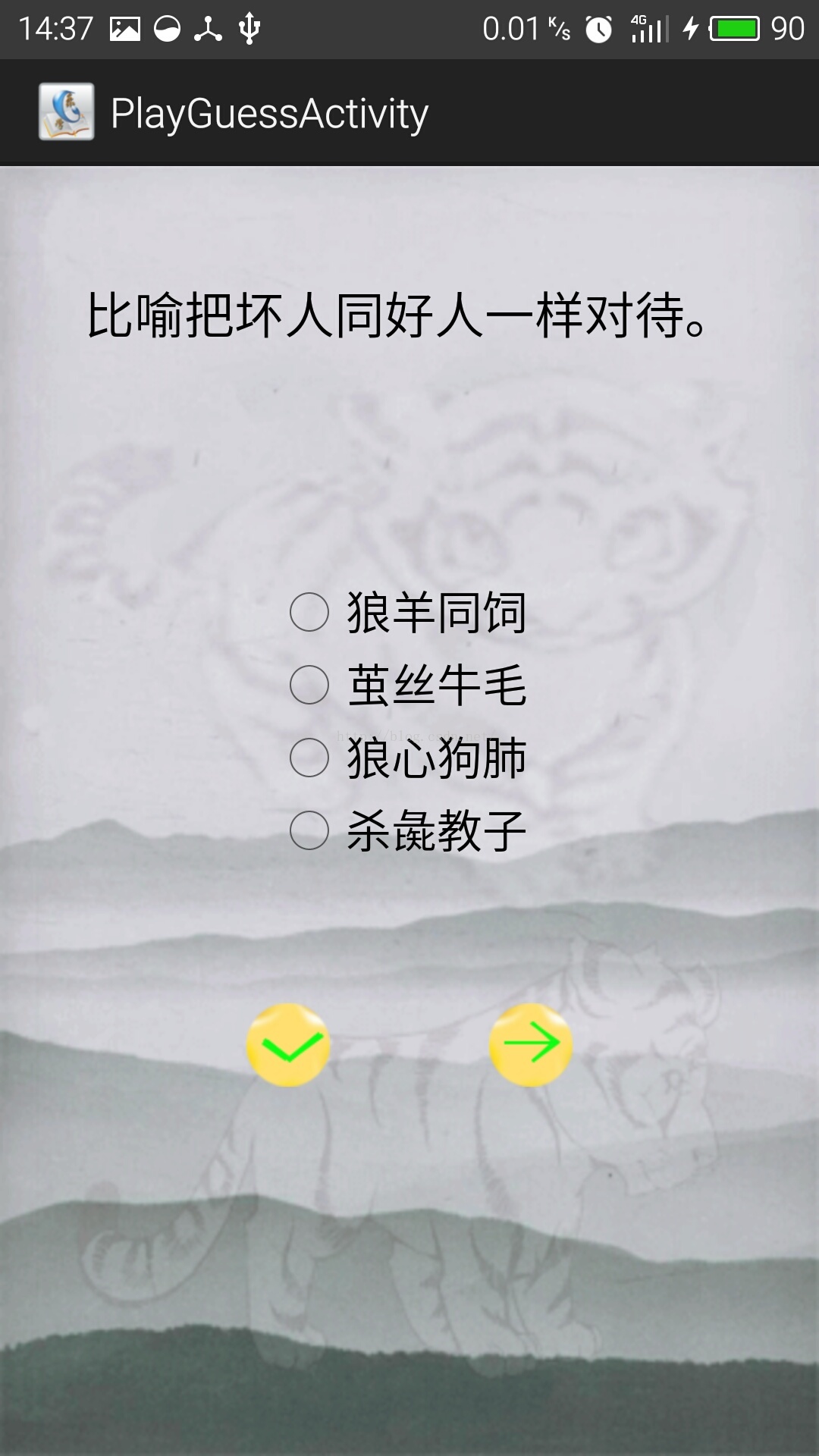
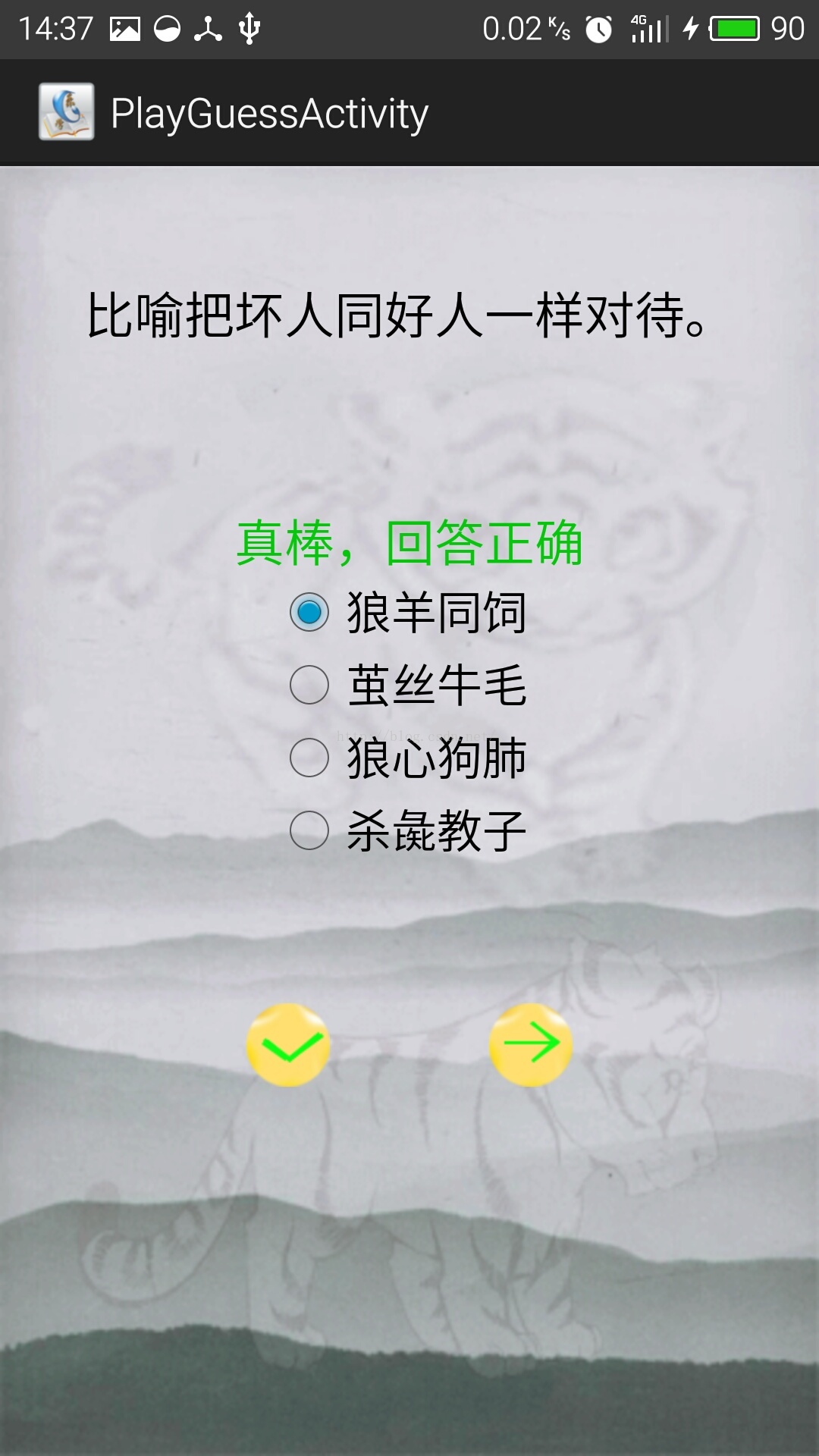
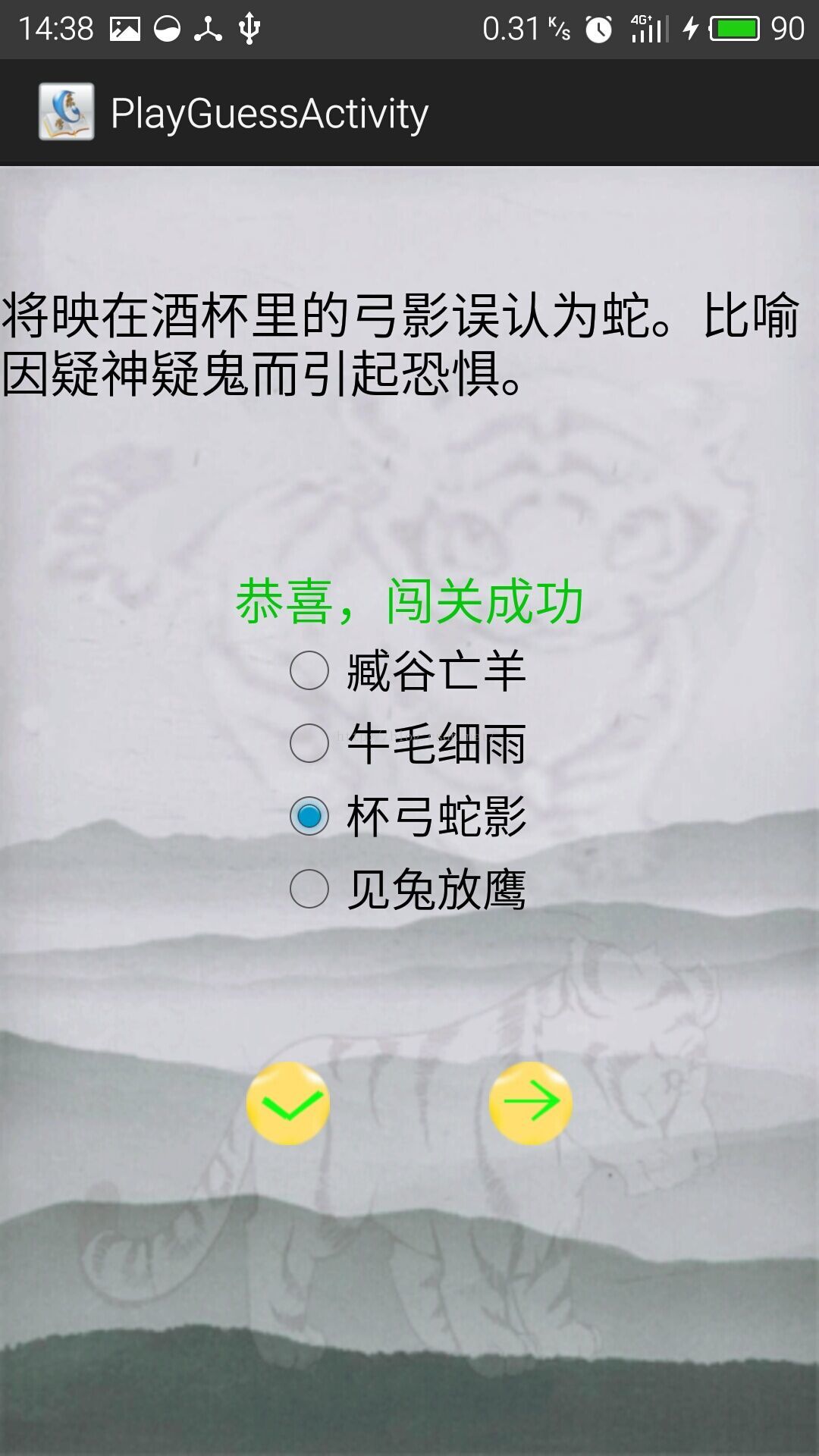
以下是具體操作過程
1.新建GameActivity.java頁面和activity_game.xml頁面,activity_game.xml作為顯示游戲目錄頁面:
activity_game.xml頁面:
2.新建GameGuessActivity.java頁面和activity_game_guess.xml頁面,activity_game_guess.xml頁面顯示猜成語游戲規則。 activity_game_guess.xml頁面:
3.新建PlayGuessActivity.java頁面和activity_play_guess.xml頁面,activity_play_guess.xml頁面作為猜成語游戲界面。 activity_play_guess.xml頁面:
4.GameActivity.java頁面跳轉每一個游戲頁面。 GameActivity.java頁面:
package cn.edu.bztc.happyidion.activity;

import android.os.Bundle;
import android.app.Activity;
import android.content.Intent;
import android.view.Menu;
import android.view.View;
import android.widget.TextView;

public class GameActivity extends Activity {

	private Intent intent;
	@Override
	protected void onCreate(Bundle savedInstanceState) {
		super.onCreate(savedInstanceState);
		setContentView(R.layout.activity_game);
	}

	public void gamePlay(View view) {
		switch (view.getId()) {
		case R.id.tvGameGuess:
			intent=new Intent(this,GameGuessActivity.class);
			startActivity(intent);
			break;
		case R.id.tvGameConn:

			break;

		default:
			break;
		}
	}

}
5.GameGuessActivity.java頁面點擊編寫開始游戲點擊事件。
GameGuessActivity.java頁面:
package cn.edu.bztc.happyidion.activity;

import android.os.Bundle;
import android.app.Activity;
import android.content.Intent;
import android.view.Menu;
import android.view.View;

public class GameGuessActivity extends Activity {

	@Override
	protected void onCreate(Bundle savedInstanceState) {
		super.onCreate(savedInstanceState);
		setContentView(R.layout.activity_game_guess);


	}
	public void startGame(View view){
		switch (view.getId()) {
		case R.id.ibStartGame:
			Intent intent=new Intent(this,PlayGuessActivity.class);
			startActivity(intent);
			finish();
			break;

		default:
			break;
		}
	}
}
6.GameDao.java頁面定義游戲中對成語表的查詢方法。
GameDao.java頁面:
package cn.edu.bztc.happyidiom.dao;

import java.util.ArrayList;
import java.util.List;

import android.content.ContentValues;
import android.content.Context;
import android.database.Cursor;
import android.database.sqlite.SQLiteDatabase;
import android.util.Log;
import cn.edu.bztc.happyidiom.db.DBOpenHelper;
import cn.edu.bztc.happyidiom.db.MyDatabaseHelper;
import cn.edu.bztc.happyidiom.entity.Animal;

public class GameDao {
	private static GameDao gameDao;
	private SQLiteDatabase db;
	public GameDao(Context context){
		DBOpenHelper dbHelper=new DBOpenHelper(context);
		db=dbHelper.openDatabase();
	}

	public synchronized static GameDao getInstance(Context context){
		if(gameDao==null){
			gameDao=new GameDao(context);
		}
		return gameDao;
	}

	/*根據id獲取成語信息*/
	public Animal getPhrase(String id){
		Animal animal = null;
		Cursor cursor=db.query("animal",null,"_id=?",new String[]{id},null,null,null);
		if(cursor.moveToFirst()){
			animal=new Animal();
			animal.setId(cursor.getInt(cursor.getColumnIndex("_id")));
			animal.setName(cursor.getString(cursor.getColumnIndex("name")));
			animal.setPronounce(cursor.getString(cursor.getColumnIndex("pronounce")));
			animal.setAntonym(cursor.getString(cursor.getColumnIndex("antonym")));
			animal.setHomoionym(cursor.getString(cursor.getColumnIndex("homoionym")));
			animal.setDerivation(cursor.getString(cursor.getColumnIndex("derivation")));
			animal.setExamples(cursor.getString(cursor.getColumnIndex("examples")));
			animal.setExplain(cursor.getString(cursor.getColumnIndex("explain")));
		}
		cursor.close();
		return animal;
	}
}
7.PlayGuessActivity.java頁面為游戲界面。
PlayGuessActivity.java頁面:
package cn.edu.bztc.happyidion.activity;

import java.util.ArrayList;
import java.util.HashMap;
import java.util.List;
import java.util.Random;

import cn.edu.bztc.happyidiom.dao.AnimalDao;
import cn.edu.bztc.happyidiom.dao.GameDao;
import cn.edu.bztc.happyidiom.entity.Animal;

import android.R.color;
import android.os.Bundle;
import android.os.IBinder;
import android.app.Activity;
import android.content.SharedPreferences;
import android.content.SharedPreferences.Editor;
import android.graphics.Color;
import android.util.Log;
import android.view.Menu;
import android.view.View;
import android.widget.ImageButton;
import android.widget.RadioButton;
import android.widget.TextView;

public class PlayGuessActivity extends Activity {

	int score=0;// 總成績
	int number=1;// 題目數目
	private TextView tvRightOrWrong;
	private ImageButton ibNext,ibSubmit;
	private Random random;// 隨機數
	private AnimalDao animalDao;
	private GameDao gameDao;
	private List animalList;
	private Animal animal, animalTwo, animalThree, animalFour;// 隨機生成的成語對象
	private SharedPreferences pref;
	private Editor editor;
	private int[] array = { 5, 5, 5, 5 };// 整形數組,用於生成隨機順序顯示選項
	private String answer;// 選擇的答案

	private TextView tvExplain;
	private RadioButton rbPhraseOne, rbPhraseTwo, rbPhraseThree, rbPhraseFour;

	@Override
	protected void onCreate(Bundle savedInstanceState) {
		super.onCreate(savedInstanceState);
		setContentView(R.layout.activity_play_guess);
		tvExplain = (TextView) findViewById(R.id.tvExplain);
		rbPhraseOne = (RadioButton) findViewById(R.id.rbPhraseOne);
		rbPhraseTwo = (RadioButton) findViewById(R.id.rbPhraseTwo);
		rbPhraseThree = (RadioButton) findViewById(R.id.rbPhraseThree);
		rbPhraseFour = (RadioButton) findViewById(R.id.rbPhraseFour);
		tvRightOrWrong = (TextView) findViewById(R.id.tvRightOrWrong);
		ibSubmit=(ImageButton) findViewById(R.id.ibSubmit);
		ibNext=(ImageButton) findViewById(R.id.ibNext);

		pref = getSharedPreferences("FourPhrase", MODE_PRIVATE);// 將正確成語和隨機生成的三個成語保存到文檔
		editor = pref.edit();// 獲取SharedPreferences.Editor對象

		/* 獲取隨機值對應的成語解釋 */
		getNumber();

		/* 顯示解釋到TextView */
		showPhrase();

		/* 獲取三個隨機成語和一個正確成語的選項 */
		getFourPhrase();

		/* 顯示到RadioButton */
		showRadiButton();

	}

	/* 獲取隨機值對應的成語 */
	private void getNumber() {
		animalList = new ArrayList();
		animalDao = AnimalDao.getInstance(this);
		animalList = animalDao.getAllAnimals();
		random = new Random();

		String id = Integer.toString(random.nextInt(animalList.size()));
		gameDao = GameDao.getInstance(this);
		animal = gameDao.getPhrase(id);

		animalList = new ArrayList();
		animalDao = AnimalDao.getInstance(this);
		animalList = animalDao.getAllAnimals();
	}

	/* 顯示解釋到頁面 */
	private void showPhrase() {
		tvExplain.setText(animal.getExplain());
	}

	/* 獲取四個成語選項 */
	private void getFourPhrase() {
		random = new Random();

		String two = null, three = null, four = null;
		two = Integer.toString(random.nextInt(animalList.size()));
		three = Integer.toString(random.nextInt(animalList.size()));
		four = Integer.toString(random.nextInt(animalList.size()));

		gameDao = GameDao.getInstance(this);
		animalTwo = gameDao.getPhrase(two); // 獲取隨機生成值對應的成語
		animalThree = gameDao.getPhrase(three);
		animalFour = gameDao.getPhrase(four);

		editor.putString("0", animal.getName());// 將四個成語存入文檔
		editor.putString("1", animalTwo.getName());
		editor.putString("2", animalThree.getName());
		editor.putString("3", animalFour.getName());
		editor.commit();

		int no;
		for (int i = 0; i < array.length; i++) { // 隨機生成四個不重復的值作為顯示順序
			no = random.nextInt(4);
			int j;
			for (j = 0; j <= i; j++) {
				if (no == array[j]) {
					i--;
					break;
				}
			}
			if (j == i + 1) {
				array[i] = no;
			}
		}
		Log.i("MainActivity", "0:" + array[0] + "1:" + array[1] + "2:"
				+ array[2] + "3:" + array[3]);
	}

	/* 顯示到RadioButton */
	private void showRadiButton() {
		rbPhraseOne.setText(pref.getString(Integer.toString(array[0]), ""));
		rbPhraseTwo.setText(pref.getString(Integer.toString(array[1]), ""));
		rbPhraseThree.setText(pref.getString(Integer.toString(array[2]), ""));
		rbPhraseFour.setText(pref.getString(Integer.toString(array[3]), ""));
	}

	/* 提交答案 */
	public void AnswerSubmit(View view) {
		switch (view.getId()) {
		case R.id.ibSubmit:
			if (rbPhraseOne.isChecked())
				answer = rbPhraseOne.getText().toString();
			else if (rbPhraseTwo.isChecked())
				answer = rbPhraseTwo.getText().toString();
			else if (rbPhraseThree.isChecked())
				answer = rbPhraseThree.getText().toString();
			else
				answer = rbPhraseFour.getText().toString();

			if (answer == animal.getName()) {
				tvRightOrWrong.setText("真棒,回答正確");
				tvRightOrWrong.setTextColor(Color.rgb(7, 200, 12));
				ibSubmit.setClickable(false);      //回答正確或錯誤,提交按鈕不能被點擊,防止一個一個嘗試獲取答案加分
				score+=10;
			} else {
				tvRightOrWrong.setText("啊偶,回答錯了");
				tvRightOrWrong.setTextColor(Color.rgb(255, 00, 00));
				ibSubmit.setClickable(false);
			}
			if(score==60&&number<=10){
				tvRightOrWrong.setText("恭喜,闖關成功");
				tvRightOrWrong.setTextColor(Color.rgb(7, 200, 12));
				ibNext.setClickable(false);      //闖關成功或失敗,下一道題的按鈕不能被點擊
			}else if(score<=60&&number>=10){
				tvRightOrWrong.setText("抱歉,闖關失敗");
				tvRightOrWrong.setTextColor(Color.rgb(255, 00, 00));
				ibNext.setClickable(false);
			}
			break;

		case R.id.ibNext:   //生成下一道題
			clearPhrase();//清空TextView和RadioButton屬性
			getNumber();
			showPhrase();
			getFourPhrase();
			showRadiButton();
			number+=1;  //題目數目加一
			break;
		}
	}
	public void clearPhrase(){     //跳到下一道題,刪除之前控件的屬性
		tvRightOrWrong.setText(" ");      //清空提示語
		ibSubmit.setClickable(true);    //提交按鈕可以點擊
		rbPhraseOne.setChecked(false);    //單選按鈕都不被選中
		rbPhraseTwo.setChecked(false);
		rbPhraseThree.setChecked(false);
		rbPhraseFour.setChecked(false);
	}
}
8.源碼分享:點擊打開鏈接
 Android自定義View——QQ音樂中圓形旋轉碟子
思路分析:1、在onMeasure中測量整個View的寬和高後,設置寬高2、獲取我們res的圖片資源後,在ondraw方法中進行繪制圓形圖片3、通過Handler發送Ru
 初步編寫IDEA\AndroidStudio翻譯插件
先放兩張效果圖 一、准備由於AndroidStudio不具備開發插件的功能,需要安裝IDEA 翻譯使用的是有道的翻譯接口,需要申請,接口申請的網址點這裡 json解析使用
 Android Fragment 簡單實例
Android上的界面展示都是通過Activity實現的,Activity實在是太常用了,我相信大家都已經非常熟悉了,這裡就不再贅述。 但是Activity也有它的局限性
 Android ListFragment實例Demo
該篇文章是一個ListFragment的一個實例,通過了解該實例,更能了解比較常用的ListFragment的用法,以及各Fragment之間的數據傳遞。 實現效果圖: