編輯:關於Android編程
在使用手機時,當有未接來電或者新短消息時,手機會給出響應的提示信息,這些提示信息通常會顯示到手機屏幕的狀態欄上。
Android也提供了用於處理這些信息的類,它們是Notification和NotificationManager。其中,Notification代表的是具有全局效果的通知,而NotificationManager則是用於發送Notification通知的系統服務。
使用Notification和NotificationManager類發送和顯示通知也比較簡單,大致可以分為以下四個步驟
(1)調用getSystemService() 方法獲取系統的NotificationManager服務
(2)創建一個Notification對象,並為其設置各種屬性
(3)為Notification對象設置事件信息
(4)通過NotificationManager類的notify()方法發送Notification通知
下面通過一個實例說明和使用Notification在狀態欄上顯示通知
國際慣例
運行結果: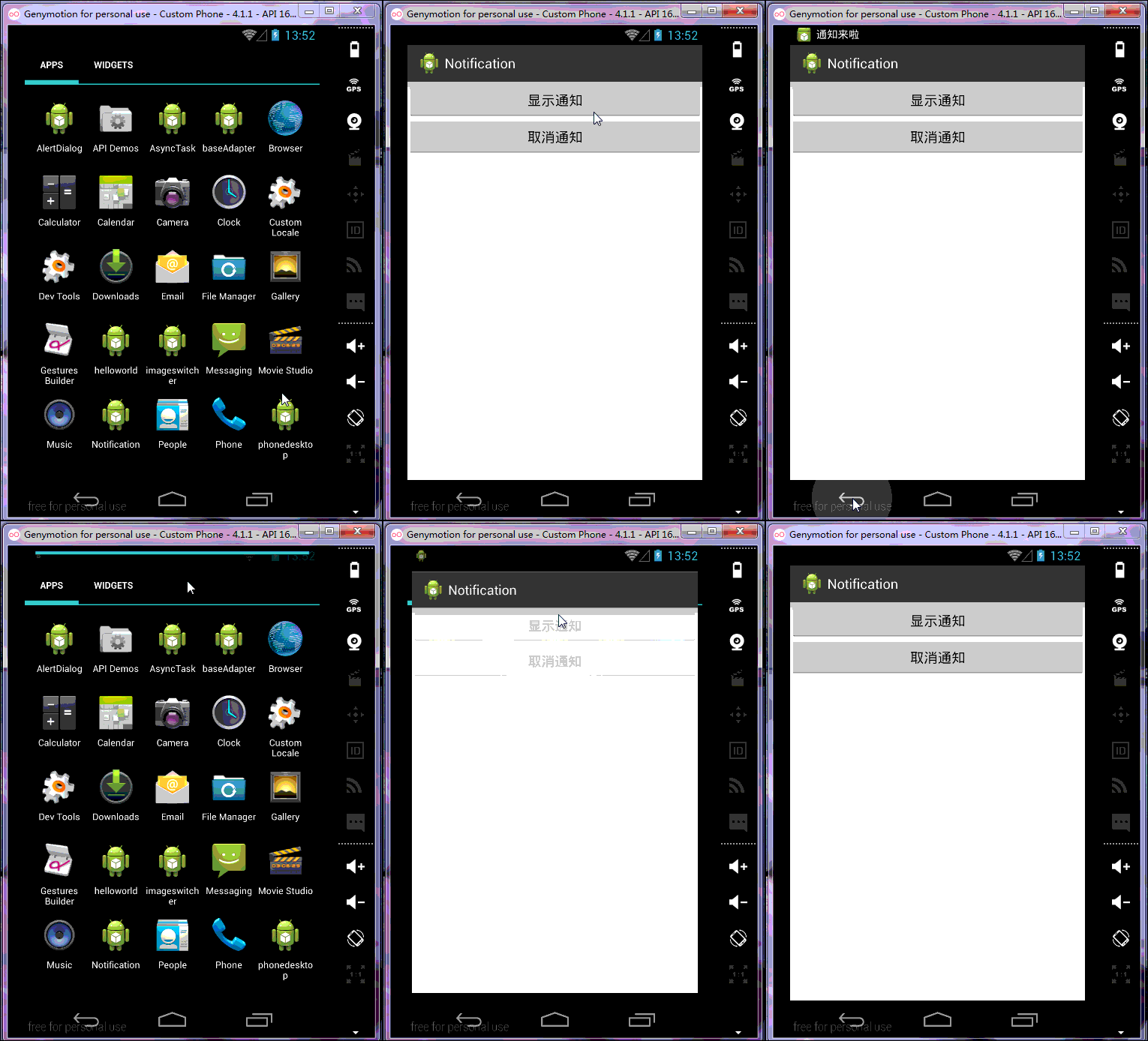
布局文件就不發了 線性垂直布局 兩個按鈕
MainActivity.class
package com.example.notification;

import android.os.Bundle;
import android.app.Activity;
import android.app.Notification;
import android.app.Notification.Builder;
import android.app.NotificationManager;
import android.app.PendingIntent;
import android.content.Context;
import android.content.Intent;
import android.view.View;
import android.view.View.OnClickListener;
import android.widget.Button;

public class MainActivity extends Activity implements OnClickListener{
	private NotificationManager manager;
	private Button button1;
	private Button button2;
	private int Notification_ID;
	@Override
	protected void onCreate(Bundle savedInstanceState) {
		super.onCreate(savedInstanceState);
		setContentView(R.layout.activity_main);
		manager=(NotificationManager) getSystemService(Context.NOTIFICATION_SERVICE);
		button1=(Button) findViewById(R.id.button1);
		button2=(Button) findViewById(R.id.button2);
		button1.setOnClickListener(this);
		button2.setOnClickListener(this);
	}
	@Override
	public void onClick(View v) {
		// TODO Auto-generated method stub
		switch(v.getId()){
		case R.id.button1:{
			showNotification();
			break;
		}
		case R.id.button2:{
			manager.cancel(Notification_ID);
			break;
		}
		}
	}
	private void showNotification() {
		// TODO Auto-generated method stub
		Notification.Builder builder=new Builder(this);
		builder.setSmallIcon(R.drawable.ic_launcher);//設置圖標
		builder.setTicker("通知來啦");//手機狀態欄的提示
		builder.setContentTitle("我是通知標題");//設置標題
		builder.setContentText("我是通知內容");//設置通知內容
		builder.setWhen(System.currentTimeMillis());//設置通知時間
		Intent intent=new Intent(this,MainActivity.class);
		PendingIntent pendingIntent=PendingIntent.getActivity(this, 0, intent, 0);
		builder.setContentIntent(pendingIntent);//點擊後的意圖
		builder.setDefaults(Notification.DEFAULT_LIGHTS);//設置指示燈
		builder.setDefaults(Notification.DEFAULT_SOUND);//設置提示聲音
		builder.setDefaults(Notification.DEFAULT_VIBRATE);//設置震動
		Notification notification=builder.build();//4.1以上,以下要用getNotification()
		manager.notify(Notification_ID, notification);
	}

}
    <uses-permission android:name="android.permission.VIBRATE">
    <uses-permission android:name="android.permission.FLASHLIGHT"></uses-permission></uses-permission>
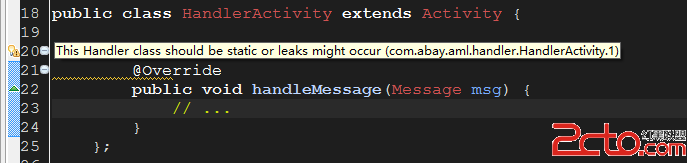 Android App 內存洩露之Handler
Android App 內存洩露之Handler Handler也是造成內存洩露的一個重要的源頭,主要Handler屬於TLS(Thread Local Storage
 Android開發中RecyclerView模仿探探左右滑動布局功能
我在此基礎上優化了部分代碼, 添加了滑動回調, 可自定義性更強. 並且添加了點擊按鈕左右滑動的功能.據說無圖都不敢發文章了.看圖:1:這種功能, 首先需要自己管理布局繼承
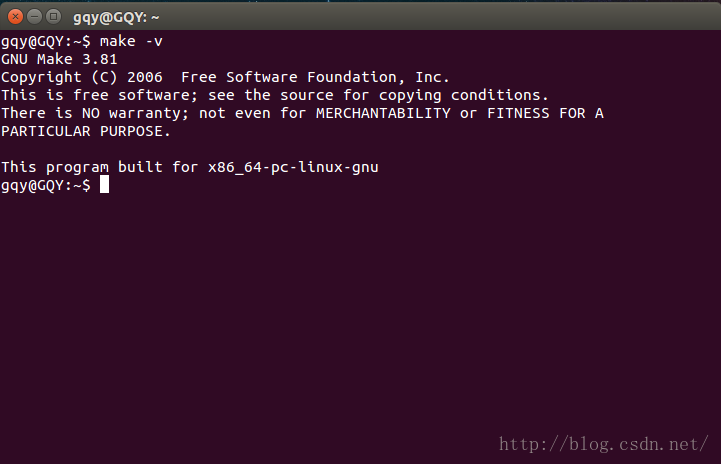 Android源碼編譯之Nexus5真機編譯
1.前言在Android安全的研究工作中,我們時常要對Android進行改進並對其進行源碼編譯,由於目前幾乎所有的手機廠商均對其底層驅動實行封閉政策,導致我們在完成And
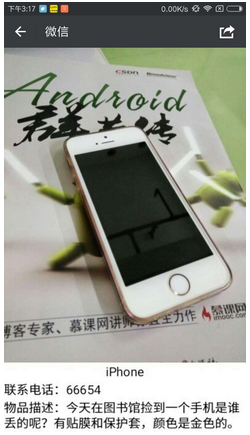 安卓(Android)開發之分享帶文字的圖片
前言想想我們常用的網易雲音樂,允許我們把歌詞連帶著歌曲的圖片拼在一起變成一張圖,我們再把這張圖片分享出去就好了。那麼,本篇的內容就是動手做一個帶文字的圖片。這裡也記錄下上