編輯:關於Android編程
<RelativeLayout xmlns:android="http://schemas.android.com/apk/res/android"
                xmlns:tools="http://schemas.android.com/tools"
                android:layout_width="match_parent"
                android:layout_height="match_parent"
                tools:context=".MainActivity">

    <TextView
        android:id="@+id/tv"
        android:layout_width="wrap_content"
        android:layout_height="wrap_content"
        android:text="@string/hello_world"/>

    <Button
        android:id="@+id/btn"
        android:layout_width="match_parent"
        android:layout_height="wrap_content"
        android:text="按鈕"/>

</RelativeLayout>
上方代碼中,一個文本,一個按鈕,代碼比較簡單。 (2)MainActivity.java:
 1 import android.app.Activity;
 2 import android.os.Bundle;
 3 import android.view.View;
 4 import android.widget.Button;
 5 import android.widget.TextView;
 6
 7 public class MainActivity extends Activity {
 8
 9     private TextView tv;
10     private Button btn;
11
12     @Override
13     protected void onCreate(Bundle savedInstanceState) {
14         super.onCreate(savedInstanceState);
15         setContentView(R.layout.activity_main);
16         tv = (TextView) findViewById(R.id.tv);
17         btn = (Button) findViewById(R.id.btn);
18
19         //點擊按鈕後,嘗試在子線程中更新UI
20         btn.setOnClickListener(new View.OnClickListener() {
21             @Override
22             public void onClick(View v) {
23
24                 new Thread(new Runnable() {
25                     @Override
26                     public void run() {
27                         tv.setText("smyhvae");  //子線程中更新UI
28                     }
29                 }).start();
30
31             }
32         });
33     }
34 }
上方代碼中,核心代碼是第27行:點擊按鈕後,在子線程中更新UI。
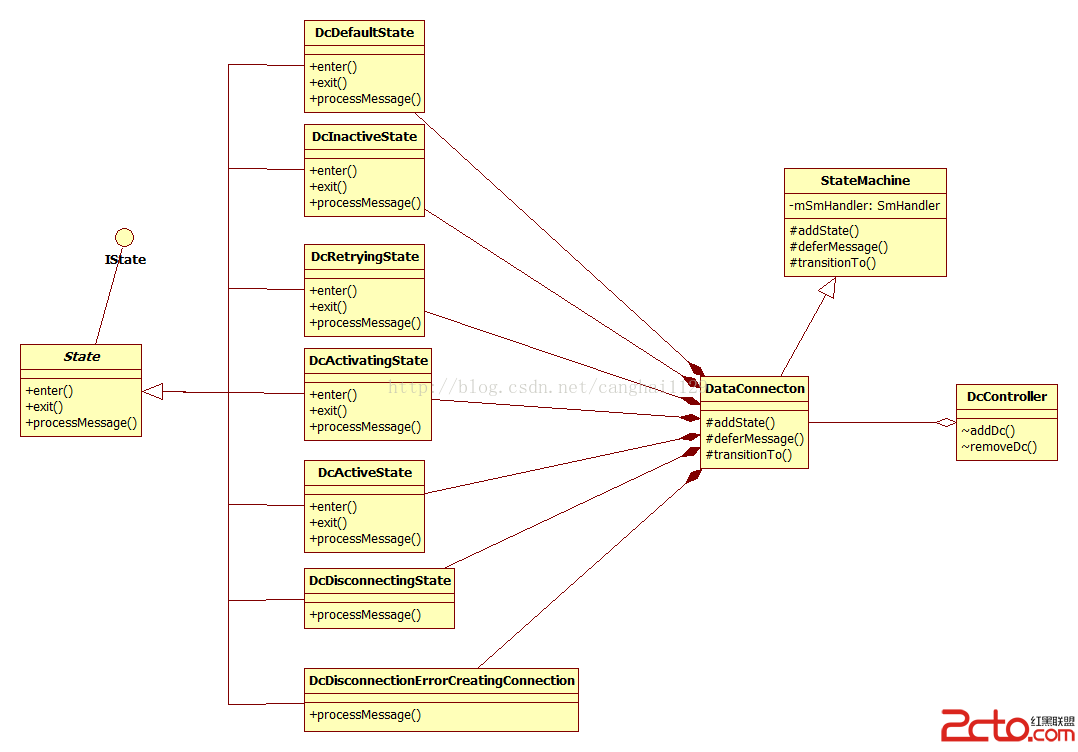 Android與設計模式——狀態(State)模式
在閻宏博士的《JAVA與模式》一書中開頭是這樣描述狀態(State)模式的: 狀態模式,又稱狀態對象模式(Pattern of Objects for States)
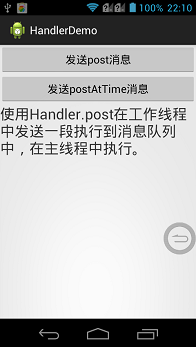 Android Handler多線程詳解
Android--多線程之Handler前言 Android的消息傳遞機制是另外一種形式的“事件處理”,這種機制主要是為了解決Android應用中多線程的問題,在And
 Android 開源柱狀圖分析實現
在平時開發中柱狀形狀偶爾會有項目需求,由於又一次開發需要,去找開源的組件都不好用,要不調用很不方便,要不它們類庫太笨重,下面介紹一個輕巧方便控件,原理就是用View 重新
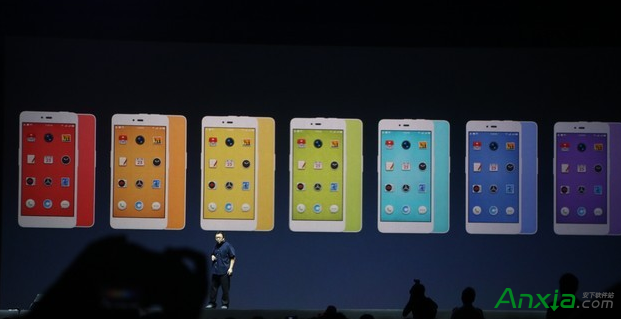 錘子科技堅果手機哪個版本好
其實一般的手機是兩個版本的,但是蘋果6S出來的時候是三個版本的,那麼昨晚發布的堅果手機有幾個版本?從手機ROM存儲角度來說,堅果手機目前有16GB和32GB