編輯:關於Android編程
直接將RefreshProgress添加進xml中當做ImageView就能使用


package com.example.administrator.superrefresh;


import android.content.Context;
import android.graphics.Bitmap;
import android.graphics.Matrix;
import android.graphics.drawable.BitmapDrawable;
import android.util.AttributeSet;
import android.view.animation.Animation;
import android.view.animation.LinearInterpolator;
import android.view.animation.RotateAnimation;
import android.widget.ImageView;


/**
 * Created by SLY on 2015/9/6.
 */
public class RefreshProgress extends ImageView {

    private Matrix m = new Matrix();
    //勻速加速器
    private LinearInterpolator lir = new LinearInterpolator();
    public RefreshProgress(Context context) {
        super(context);
    }

    public RefreshProgress(Context context, AttributeSet attrs) {
        super(context, attrs);
    }

    public void changeAnimation(int num){
        m.reset();
        //
        Bitmap bitmap = ((BitmapDrawable) getResources().getDrawable(R.drawable.loading_rotate))
                .getBitmap();
        this.setImageBitmap(bitmap); //顯示圖像
        //
        m.setRotate(num);
        Bitmap newBitmap = Bitmap.createBitmap(bitmap,0,0,bitmap.getWidth(),bitmap.getHeight(),m,true);
        BitmapDrawable bd = new BitmapDrawable(newBitmap);
        this.setImageDrawable(bd); //顯示新的圖像

    }

    //控制動畫
    public void Animation(){
        RotateAnimation rotate = new RotateAnimation(0, 720, Animation.RELATIVE_TO_SELF, 0.5f, Animation.RELATIVE_TO_SELF, 0.5f);
        //默認為0,為-1時一直循環動畫
        rotate.setRepeatCount(-1);
        //添加勻速加速器
        rotate.setInterpolator(lir);
        rotate.setDuration(2000);
        rotate.setFillAfter(true);
        this.startAnimation(rotate);
    }

}
 Jenkins構建Android項目持續集成之創建項目
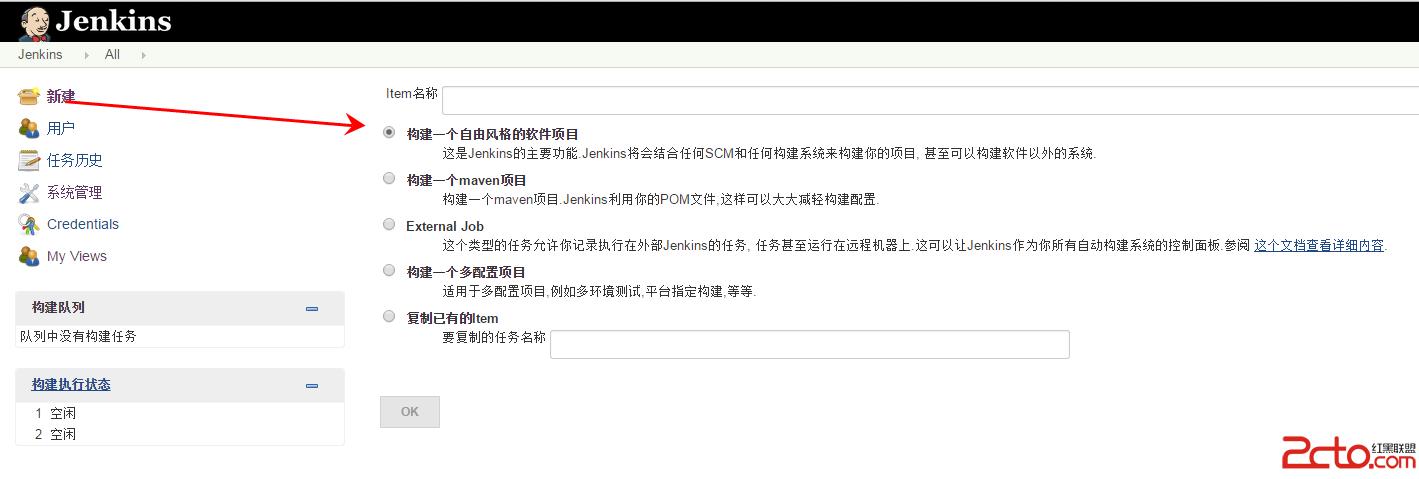
新建項目前面,已經介紹了,系統相關配置,接下來就可以開始創建項目了。選擇新建—>構建一個自由風格的軟件項目,然後填寫項目名稱。項目如下:注意:項目配置源
 Android動畫效果——1.幀動畫2.補間動畫3.跳轉畫面(三)
插值器類 xml屬性值 說明 LinearInterpolator @android:anim/linear_interpolatorr 動畫以均勻的速度改
 Android 使用SharedPreferences進行數據存儲和讀取數據
很多時候我們開發的軟件需要向用戶提供軟件參數設置功能,例如我們常用的QQ,用戶可以設置是否允許陌生人添加自己為好友。對於軟件配置參數的保存,如果是window軟件通常我們
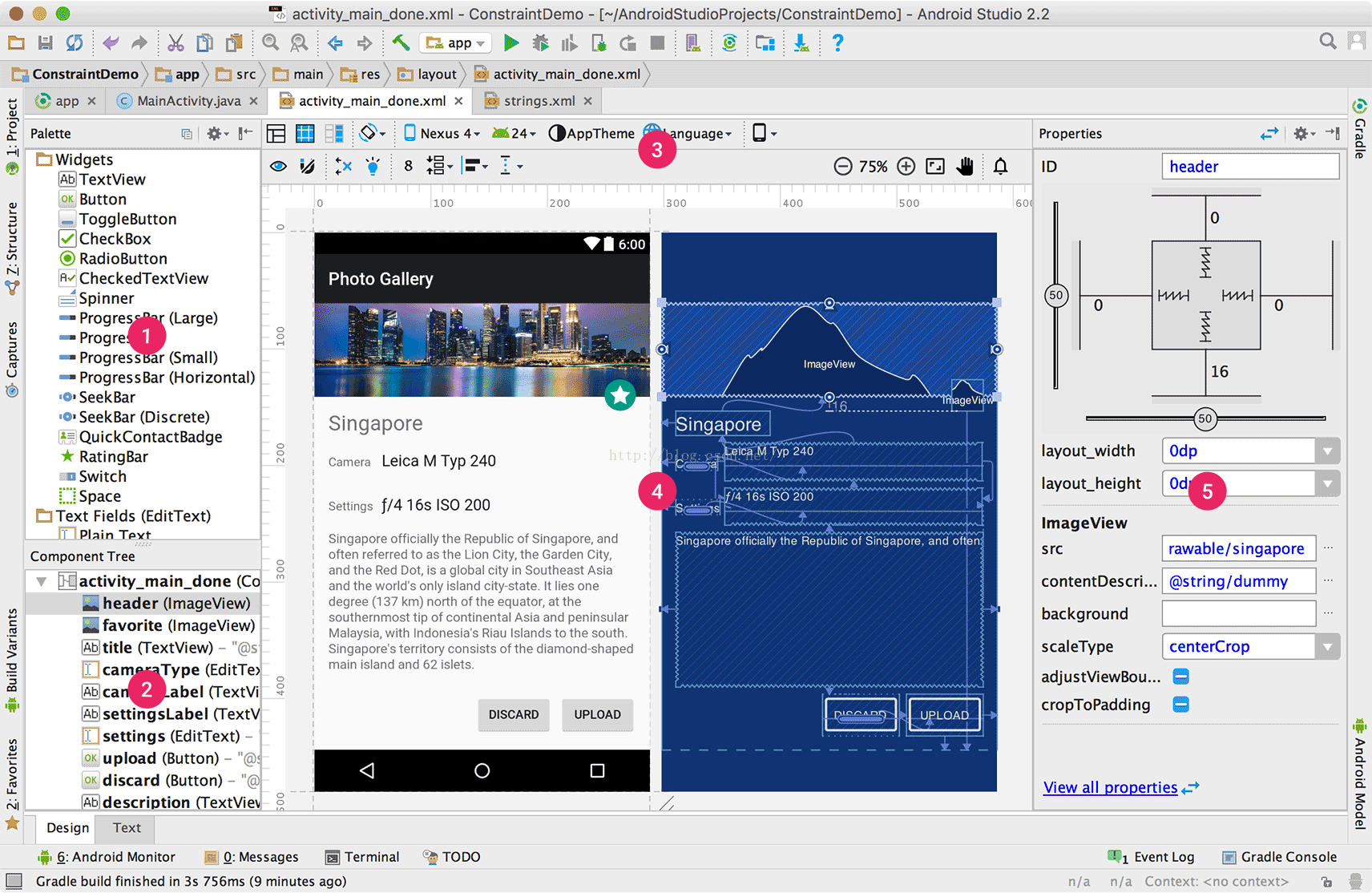 Android Studio 2.2之布局編輯器
通過布局編輯器創建UI在你Android Studio的布局編輯器中,你可以快速地通過將控件拖入視覺編輯器來代替手寫XML來快速地創建布局。編輯器可以預覽布局在不同版本和