編輯:關於Android編程
1、讀取通訊錄時一次讀取時,盡量少讀取所有屬性,特別是列表展示的時候,會讓你的列表加載速度變得難以忍受,建議先加載少量屬性,然後在詳情的時候加載所有屬性。
2、在讀取一類屬性的時候,建議用一個游標,且放在循環外面,能明顯加快速度,用projection(表示需要查詢的列,在下面代碼中是CONTACTOR_ION)。
示例代碼如下:
private static final String[] CONTACTOR_ION = new String[]{
		ContactsContract.CommonDataKinds.Phone.CONTACT_ID,
		ContactsContract.Contacts.DISPLAY_NAME,
		ContactsContract.CommonDataKinds.Phone.NUMBER
	};
。。。
Cursor phones = null;
		ContentResolver cr = getContentResolver();
		try {
			phones = cr
					.query(ContactsContract.CommonDataKinds.Phone.CONTENT_URI
							, CONTACTOR_ION, null, null, "sort_key");

			if (phones != null) {
				final int contactIdIndex = phones.getColumnIndex(ContactsContract.CommonDataKinds.Phone.CONTACT_ID);
				final int displayNameIndex = phones.getColumnIndex(ContactsContract.Contacts.DISPLAY_NAME);
				final int phoneIndex = phones.getColumnIndex(ContactsContract.CommonDataKinds.Phone.NUMBER);
				String phoneString, displayNameString, contactIdString;
				while (phones.moveToNext()) {
					LinkManForm linkManForm = new LinkManForm();
					phoneString = phones.getString(phoneIndex);
					displayNameString = phones.getString(displayNameIndex);
					contactIdString = phones.getString(contactIdIndex);
				}
			}
} catch (Exception e) {
			Log.e(TAG, e.getMessage());
		} finally {
			if (phones != null)
				phones.close();
		}
3、查詢聯系人的部門屬性是ORGANIZATION.TITLE,而不是ORGANZITION.DEPARTMENT,這個是個坑。
 widget窗口小部件
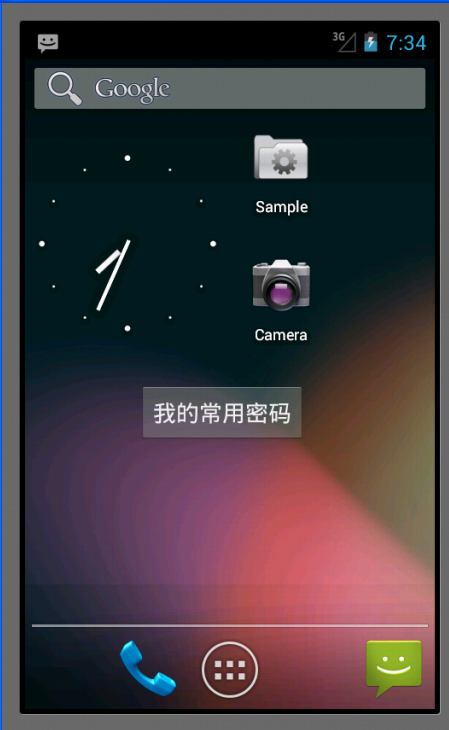
Appwidget就是手機應用中常常放在桌面(即home)上的一些應用程序,比如說鬧鐘等。這種應用程序的特點是它上面顯示的內容能夠根據系統內部的數據進行更新,不需要我們進
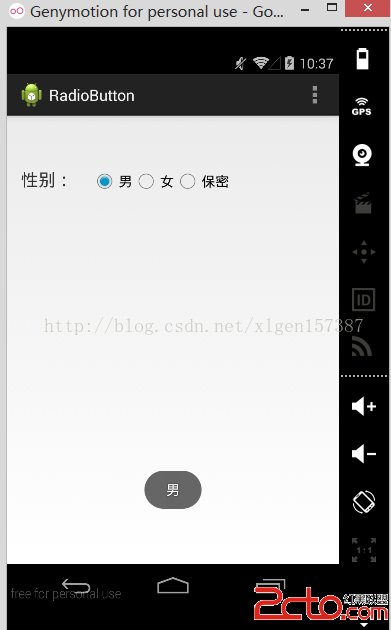 Android學習筆記之RadioButton的使用詳解
(1)選用radioGroup的圖標 (2)控制的類是 package com.lc.radiobutt
 Android View框架總結(六)View布局流程之Draw過程
View的Draw時序圖前面幾篇通過對View樹的measure和layout過程分析事,接下來將結合前兩步得到的測量值及在視圖中的位位置,開始進行繪制操作,一步比一步復
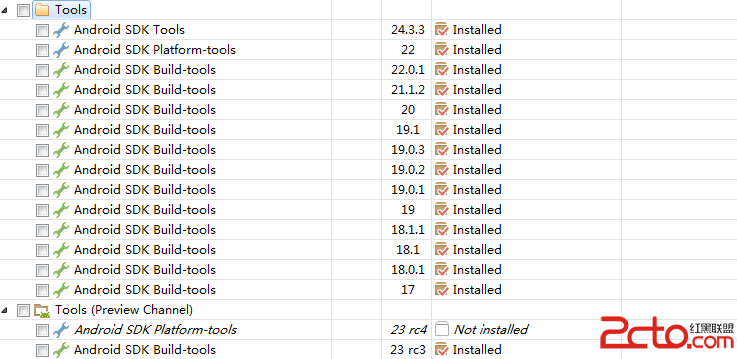 初入Android Studio的感悟
由於在android studio剛推出市場的時候,我已有下載和體驗,當時的studio界面相對簡單,沒有在1.3或1.2版本的密集的功能點,而且但是使用studio還蠻