編輯:關於Android編程
public class MainActivity extends Activity {
	 private music.MyBinder mm;//在activity裡面得到服務ibinder對象的引用

	@Override
	protected void onCreate(Bundle savedInstanceState) {
		super.onCreate(savedInstanceState);
		setContentView(R.layout.activity_main);
	}
   public void open(View view){
	   Intent intent=new Intent(this,music.class);
	   startService(intent);


   }
   public void stop(View view){
	   Intent intent =new Intent(this,music.class);
	   stopService(intent);


   }
   public void play(View view){
	   Intent intent =new Intent(this,music.class);
	   bindService(intent,new myconn(), BIND_AUTO_CREATE);


   }
  private class myconn implements ServiceConnection{

	@Override
	public void onServiceConnected(ComponentName name, IBinder service) {
		System.out.println("服務被綁定");//服務返回的ibinder對象會被傳遞給myconn的回調方法
	    mm= (MyBinder) service;


	}


	@Override
	public void onServiceDisconnected(ComponentName name) {


	}


   }
  public void music(View view){//利用ibinder對象間接的調用了服務裡面的方法
	   mm.callchange("出發");


  }
public class music extends Service {

	@Override
	public IBinder onBind(Intent intent) {
		System.out.println("服務綁定成功");//服務成功綁定的時候惠調用onbind方法返回一個ibinder對象
		return new MyBinder();
	}
   public class MyBinder extends Binder{
	   public void callchange(String name){//利用中間人代理 調用歌曲方法
		   classmusc(name);


	   }


   }
	@Override
	public void onCreate() {
		System.out.println("服務被開啟");
		super.onCreate();

	}
	public void classmusc(String Singname){
		Toast.makeText(getApplicationContext(), "歌曲是"+Singname, 1).show();


	}

	@Override
	public void onDestroy() {
		System.out.println("服務銷毀");
		super.onDestroy();
	}

}
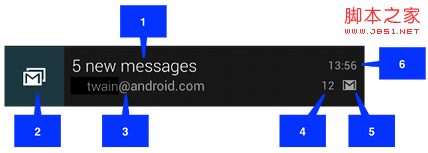 android notification 的總結分析
分類 notification有以下幾種: 1>普通notification 1.內容標題 2.大圖標 3.內容 4.內容附
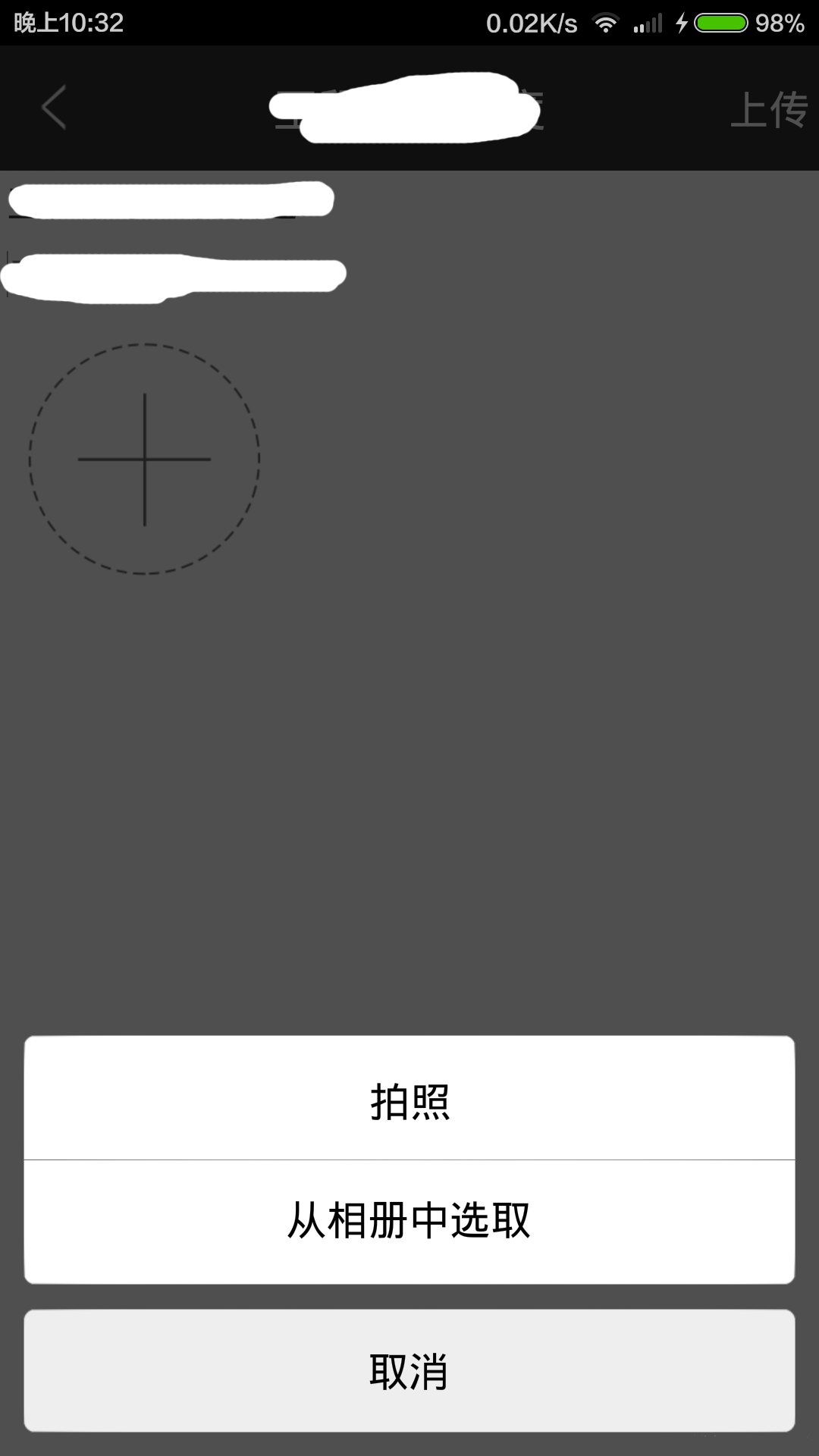 Android圖片上傳實現預覽效果
首先具體分析一下,實現的功能,其中需求分析是必不可少的,需求、邏輯清除之後,再上手寫代碼,思路會很清晰。1.多圖上傳首先得選擇圖片(這裡項目需求是既可以拍照上傳也可以從相
 Android系統進程間通信(IPC)機制Binder中的Server啟動過程源代碼分析
在前面一篇文章Android系統進程間通信(IPC)機制Binder中的Server
 魅藍e和魅藍note3哪個好 魅藍e和魅藍note3有什麼區別
魅藍E與魅藍Note3有哪些區別?魅藍e和魅藍note3哪個好呢?今天小編將帶來魅藍e和魅藍note3這兩款機型的詳細區別對比。魅藍e和魅藍note3詳細區