編輯:關於Android編程
package com.example.myapp;

import android.app.Activity;
import android.content.DialogInterface;
import android.content.Intent;
import android.os.Bundle;
import android.view.View;
import android.widget.Button;

public class MyActivity extends Activity {

    private Button btnOk = null;

    /**
     * Called when the activity is first created.
     */
    @Override
    public void onCreate(Bundle savedInstanceState) {
        super.onCreate(savedInstanceState);
        setContentView(R.layout.main);

        btnOk = (Button)findViewById(R.id.btnCallOther);
        btnOk.setOnClickListener(new MyButtonListener());

    }

    class MyButtonListener implements View.OnClickListener {


        @Override
        public void onClick(View view) {
            Intent intent = new Intent();

            intent.putExtra("key","value");

            intent.setClass(MyActivity.this,otherActivity.class);

            MyActivity.this.startActivity(intent);
        }
    }
}
package com.example.myapp;

import android.app.Activity;
import android.content.Intent;
import android.os.Bundle;
import android.widget.TextView;

/**
 * Created by chang on 14-9-17.
 */
public class otherActivity extends Activity{
    private TextView tv = null;

    @Override
    protected void onCreate(Bundle savedInstanceState) {
        super.onCreate(savedInstanceState);
        setContentView(R.layout.other);

        Intent intent = getIntent();

        String s = intent.getStringExtra("key");

        tv = (TextView)findViewById(R.id.otherTextView);
        tv.setText(s);
    }
}
 Android 基於百度語音的語音交互功能(推薦)
項目裡面用到了語音喚醒功能,前面一直在用訊飛的語音識別,本來打算也是直接用訊飛的語音喚醒,但是訊飛的語音喚醒要收費,試用版只有35天有效期。只好改用百度語音,百度語音所有
 Android--電池相關信息的獲取
1.定義廣播接收,顯示電池信息--BatteryInfoBroadcastReceiver package org.lxh.demo; import a
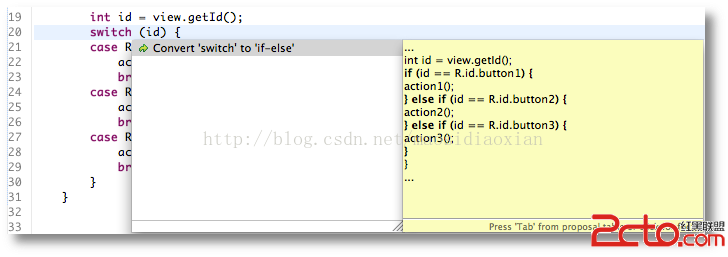 android官方技術文檔翻譯——Case 標簽中的常量字段
Case 標簽中的常量字段 在正常的 Android 項目中,資源R類裡的常量是這樣聲明的: public static final int main=0x
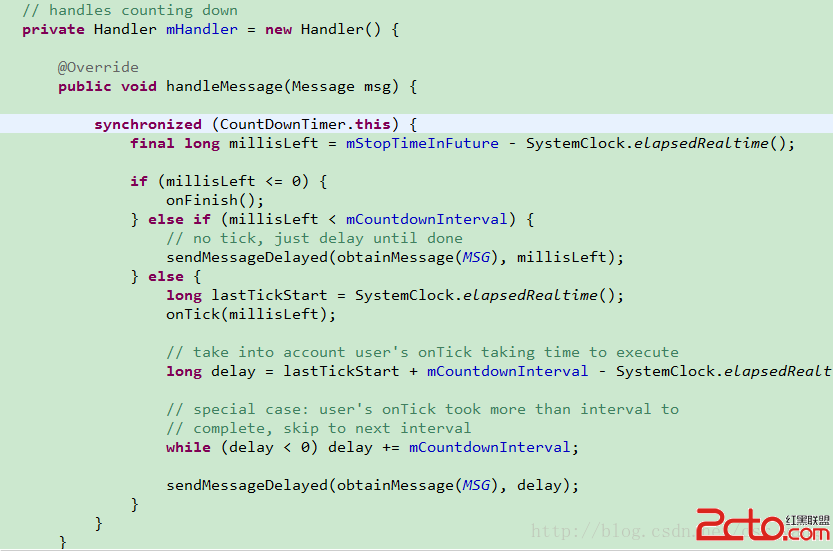 Android基礎之——CountDownTimer類,輕松實現倒計時功能
在發現這個類之前,一直是用的handler,子線程發消息,UI線程進行倒計時的顯示工作。前幾天在做一個倒計時顯示的時候發現了這個類,用起來很方便 翻看了下源碼,內部已經幫