編輯:關於Android編程
WindowManager windowManager = (WindowManager) getSystemService(Context.WINDOW_SERVICE);
Display d = windowManager.getDefaultDisplay();
mWidth = d.getWidth();
mHeight = d.getHeight();
DisplayMetrics dm = getResources().getDisplayMetrics();
mScreenDensity = dm.density;
uiWidth,uiHeight
float scaleWidth = mWidth / uiWidth;
float scaleHeight = mHeight/ uiHeight;
public static int getWidthSize(int size){
    return (int) (size * scaleWidth);
}

public static int getHightSize(int size){
    return (int) (size * scaleHeight);
}

public static float getTextSize(int pxSize){
    return (pxSize*scaleHeight) / mScreenDensity;
}

public static void setViewSize(int width, int height, View v){
    int paramWidth = getWidthSize(width);
    int paramHeight = getHightSize(height);
    ViewGroup.MarginLayoutParams params
           = (ViewGroup.MarginLayoutParams) v.getLayoutParams();
    if (width != INVALID){
        params.width = paramWidth;
    }
    if (height != INVALID){
        params.height = paramHeight;
    }
    v.setLayoutParams(params);
}

public static void setViewPadding(int left, int top, int right, int bottom,
        View v){
    left = getWidthSize(left);
    top = getHightSize(top);
    right = getWidthSize(right);
    bottom = getWidthSize(bottom);
    v.setPadding(left, top, right, bottom);
}


public static void setViewMargin(int left, int top, int right, int bottom,
        View v){
    int paramLeft = getWidthSize(left);
    int paramTop =  getHightSize(top);
    int paramRight = getWidthSize(right);
    int paramBottom = getHightSize(bottom);
    ViewGroup.MarginLayoutParams params = (ViewGroup.MarginLayoutParams)
                 v.getLayoutParams();
    if (left != INVALID){
        params.leftMargin = paramLeft;
    }
    if (right != INVALID){
        params.rightMargin = paramRight;
    }
    if (top != INVALID){
        params.topMargin = paramTop;
    }
    if (bottom != INVALID){
        params.bottomMargin = paramBottom;
    }
    v.setLayoutParams(params);
} Android中Service的詳細解釋與使用
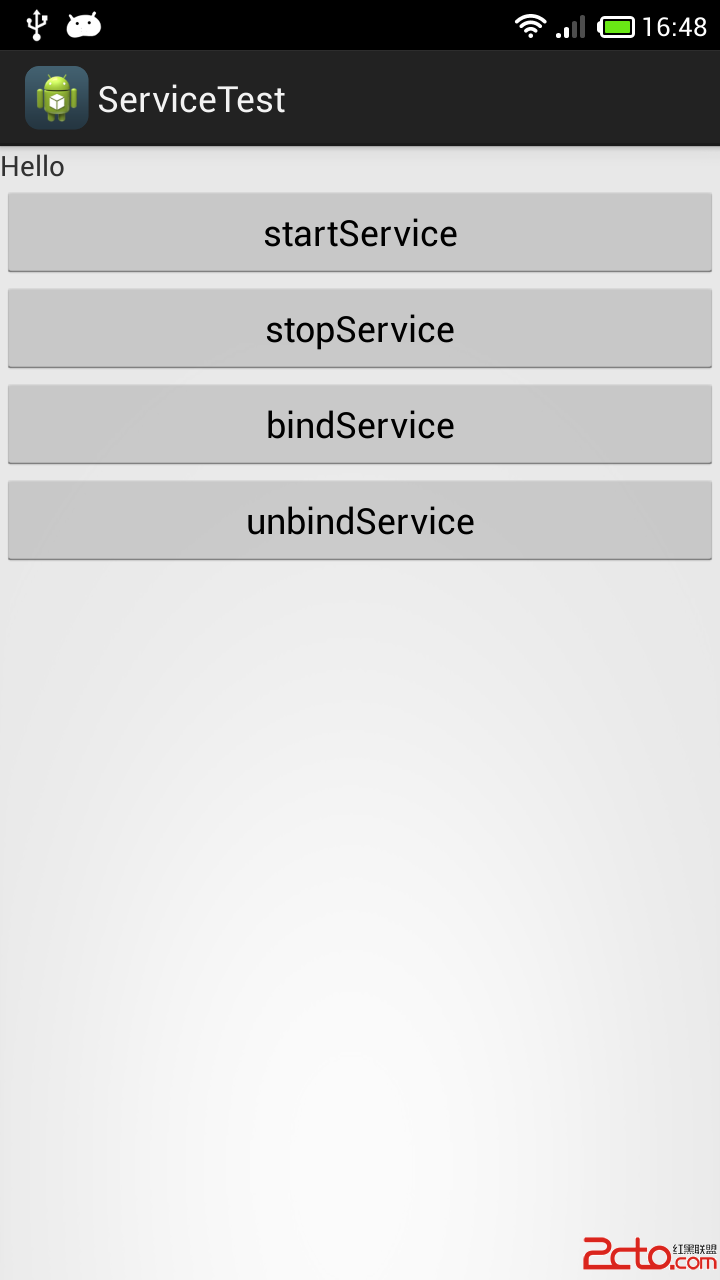
Android中Service的詳細解釋與使用:概念:(1).Service可以說是一個在後台運行的Activity。它不是一個單獨的進程,它只需要應用告訴它要在後台做什
 Android DNS 代碼分析
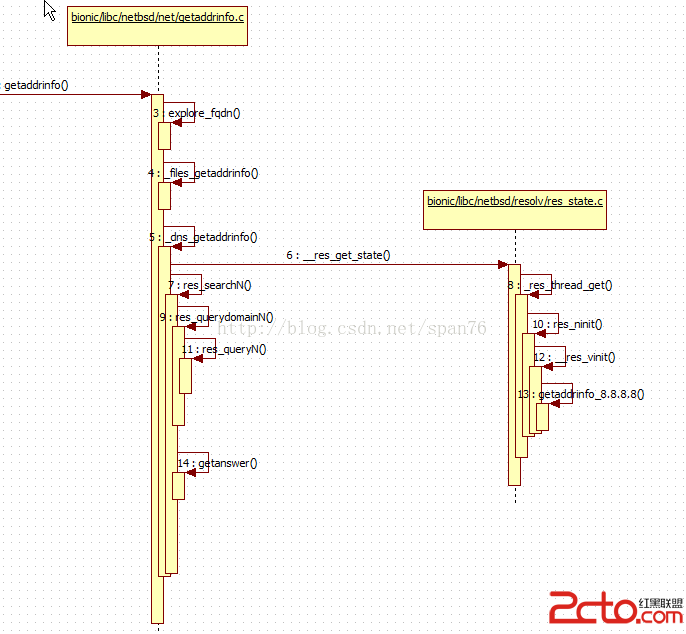
Android DNS 代碼都在bionic/libc/netbsd中 (雖然netbsd 是個廢棄的項目,但dns功能部分代碼被 Android用上了) netbsd
 Material Design系列之自定義Behavior支持所有View
本文實例為大家分享了Android自定義Behavior支持所有View ,供大家參考,具體內容如下一、實現效果圖這個右下角的FAB,動畫當然可以多種多樣,可以放在界面的
 Android 實現控件懸浮效果
隨著移動互聯網的快速發展,它已經和我們的生活息息相關了,在公交地鐵裡面都能看到很多人的人低頭看著自己的手機屏幕,從此“低頭族”一詞就產生了,作為一