編輯:關於Android編程
為什麼會有線程同步的概念呢?為什麼要同步?什麼是線程同步?先看一段代碼:
package com.maso.test;

public class ThreadTest2 implements Runnable{
	private TestObj testObj = new TestObj();

	public static void main(String[] args) {
		ThreadTest2 tt = new ThreadTest2();
		Thread t1 = new Thread(tt, "thread_1");
		Thread t2 = new Thread(tt, "thread_2");
		t1.start();
		t2.start();
	}

	@Override
	public void run() {

		for(int j = 0; j < 10; j++){
			int i = fix(1);
			try {
				Thread.sleep(1);
			} catch (InterruptedException e) {
				e.printStackTrace();
			}

			System.out.println(Thread.currentThread().getName() + " :  i = " + i);
		}

	}

	public int fix(int y){
		return testObj.fix(y);
	}

	public class TestObj{
		int x = 10;

		public int fix(int y){
			return x = x - y;
		}
	}


}
輸出結果後,就會發現變量x被兩個線程同時操作,這樣就很容易導致誤操作。如何才能解決這個問題呢?用線程的同步技術,加上synchronized關鍵字 public synchronized int fix(int y){
return testObj.fix(y);
}加上同步後,就可以看到有序的從9輸出到-10.如果加到TestObj類的fix方法上能不能實現同步呢?
	public class TestObj{
		int x = 10;

		public synchronized int fix(int y){
			return x = x - y;
		}
	}
如果將synchronized加到方法上則等價於 synchronized(this){
}可以判斷出兩個線程使用的TestObj類的同一個實例testOjb,所以後實現同步,但是輸出的結果卻不是理想的結果。這是因為當A線程執行完x = x - y後還沒有輸出則B線程已經進入開始執行x = x - y.所以像下面這樣輸出就不會有什麼問題了:
	public class TestObj{
		public TestObj(){
			System.out.println("調用了構造函數");
		}

		int x = 10;

		public synchronized int fix(int y){
			x = x - y;
			System.out.println(Thread.currentThread().getName() + " :  x = " + x);
			return x;
		}
	}
如果將外部的fix方法修改如下: public int fix(int y){
ax++ ;
if(ax%2 == 0){
return testObj.fix(y, testObj.str1);
}else{
return testObj.fix(y, testObj.str2);
}
} public class TestObj{
String str1 = "a1";
String str2 = "a2";
public TestObj(){
System.out.println("調用了構造函數");
}
int x = 10;
public int fix(int y, String str){
synchronized (str) {
x = x - y;
System.out.println(Thread.currentThread().getName() + " : x = " + x);
}
return x;
}
}此時synchronized中的str對象不是同一個對象,所以兩個線程所持有的對象鎖不是同一個,這樣就不能實現同步。要實現線程之間的互斥就要使用同一個對象鎖。什麼是死鎖呢?舉個例子就是比如你和同學租了個兩室的房子,你拿著你房子的鑰匙,你同學拿著他房子的鑰匙,現在你在房子等你同學將他的鑰匙給你然後你進他房子,你同學在他的房子等你將鑰匙給他然後他進你的房子,這樣就死鎖了。
package com.maso.test;

public class ThreadDieSock implements Runnable {
    private int flag = 1;
    private Object obj1 = new Object(), obj2 = new Object();

    public void run() {
        System.out.println("flag=" + flag);
        if (flag == 1) {
            synchronized (obj1) {
                System.out.println("我已經鎖定obj1,休息0.5秒後鎖定obj2去!");
                try {
                    Thread.sleep(500);
                } catch (InterruptedException e) {
                    e.printStackTrace();
                }
                synchronized (obj2) {
                    System.out.println("1");
                }
            }
        }
        if (flag == 0) {
            synchronized (obj2) {
                System.out.println("我已經鎖定obj2,休息0.5秒後鎖定obj1去!");
                try {
                    Thread.sleep(500);
                } catch (InterruptedException e) {
                    e.printStackTrace();
                }
                synchronized (obj1) {
                    System.out.println("0");
                }
            }
        }
    }

    public static void main(String[] args) {
        ThreadDieSock run01 = new ThreadDieSock();
        ThreadDieSock run02 = new ThreadDieSock();
        run01.flag = 1;
        run02.flag = 0;
        Thread thread01 = new Thread(run01);
        Thread thread02 = new Thread(run02);
        System.out.println("線程開始喽!");
        thread01.start();
        thread02.start();
    }
} android AChartEnginee講解之自定義圖表類
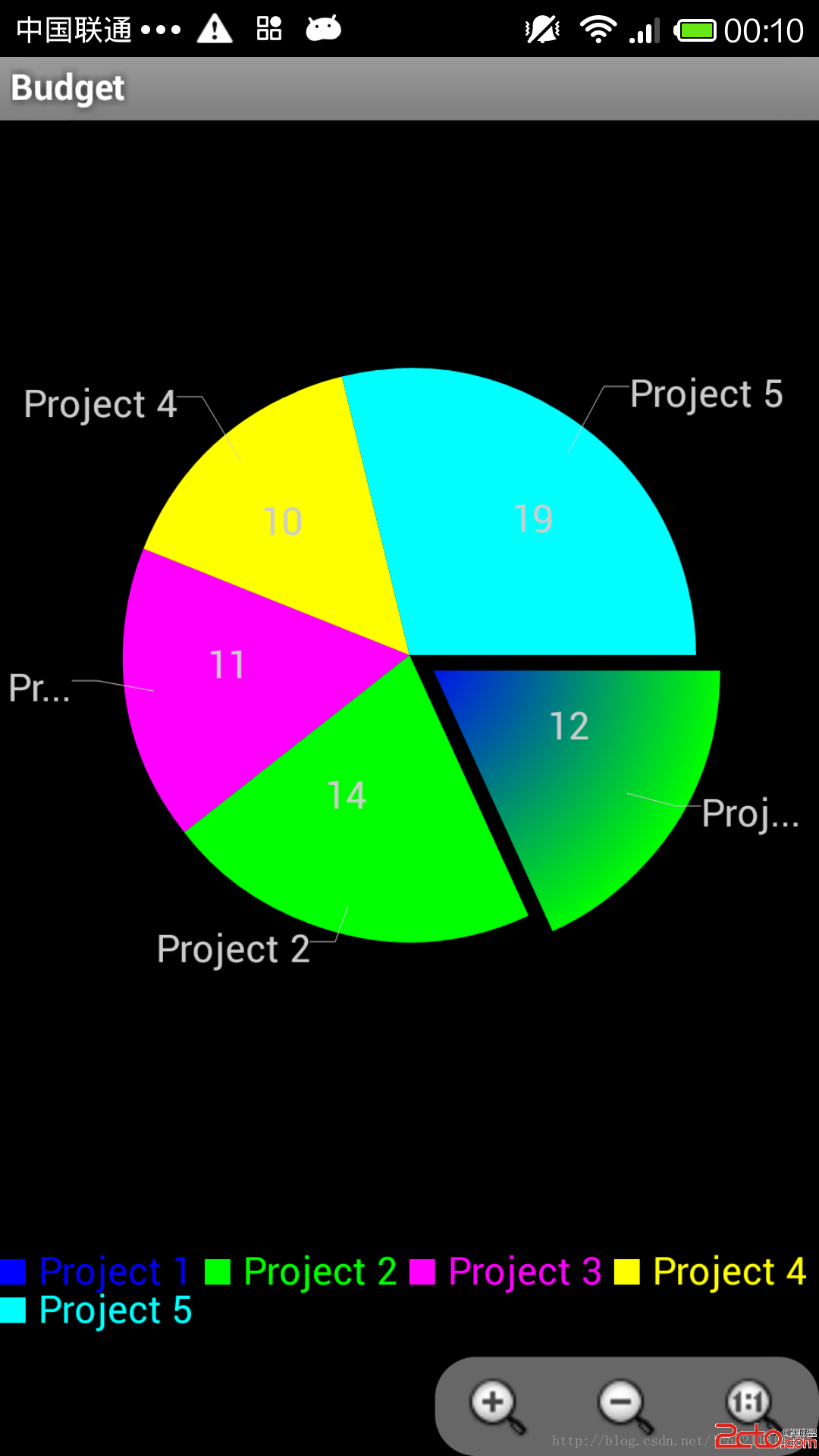
前段時間下載了AChartEnginee的源碼,並且對源碼的框架進行了一些了解,講解了整個框架的組成部分和每個部分的作用,最近一周則主要看了一下源碼中的demo部分,即如
 Android BitmapFactory圖片壓縮處理(大位圖二次采樣壓縮處理)
Android實際開發中,在加載大量圖片的時候,比如ViewPager、GridView、ListView中,加載了大量的比較大圖片就容易出現OOM(內存溢出)的異常,這
 Android中的智能指針
1 智能指針的設計思想 Java和C++語言很重要的一個區別就是Java中沒有指針這個概念,這裡只是沒有這個概念,內部使用時還是用到指針,只是將其
 android組合控件Titlebar的定制過程
前言:我相信”天生我才必有用”這句話,每個人都有他的作用,也許他的作用相對其他人來不是很明顯,也許他的作用也就是取悅別人,但是請不要忘記,可以通過