編輯:關於Android編程
在上一篇文章Android獲取第三方音樂播放器的音樂信息的末尾,提到可以通過捕獲第三方音樂發送的的Notification,來獲取到當前播放的歌曲的信息。先分析下Notification的更新機制。
涉及Service:
StatusBarManagerService
NotificationManagerService
這個兩個service都會在frameworks/base/services/java/com/android/server/SystemServer.java文件裡面進行啟動的
class ServerThread extends Thread {
 public void run() {
......
     StatusBarManagerService statusBar = null;
     NotificationManagerService notification = null;
......
    statusBar = new StatusBarManagerService(context, wm);
    ServiceManager.addService(Context.STATUS_BAR_SERVICE, statusBar);
......
    notification = new NotificationManagerService(context, statusBar, lights);
    ServiceManager.addService(Context.NOTIFICATION_SERVICE, notification);

......

   }

}
下面開始跟蹤Notification的Notify流程。
1.
當在Activity裡面創建一個Notification,並NotifyNotificationManager nm = (NotificationManager)getSystemService(Context.NOTIFICATION_SERVICE);
Notification n = new Notification(R.drawable.chat, "Hello,there!", System.currentTimeMillis());
n.flags = Notification.FLAG_AUTO_CANCEL;
Intent i = new Intent(arg0.getContext(), NotificationShow.class);
i.setFlags(Intent.FLAG_ACTIVITY_CLEAR_TOP|Intent.FLAG_ACTIVITY_NEW_TASK);
//PendingIntent
PendingIntent contentIntent = PendingIntent.getActivity(
arg0.getContext(),
R.string.app_name,
i,
PendingIntent.FLAG_UPDATE_CURRENT);
n.setLatestEventInfo(
arg0.getContext(),
"Hello,there!",
"Hello,there,I'm john.",
contentIntent);
nm.notify(R.string.app_name, n); public void notify(int id, Notification notification)
{
notify(null, id, notification);
}
public void notify(String tag, int id, Notification notification)
{
......
INotificationManager service = getService();
......
service.enqueueNotificationWithTag(pkg, mContext.getOpPackageName(), tag, id,
notification, idOut, UserHandle.myUserId());
......
}
static public INotificationManager getService()
78    {
79        if (sService != null) {
80            return sService;
81        }
82        IBinder b = ServiceManager.getService("notification");
83        sService = INotificationManager.Stub.asInterface(b);
84        return sService;
85    }
這裡發現,會調用ServiceManager.getService("notification"), 這樣就會獲取到文章剛開始講的NotificationManagerService 的一個binder對象。獲取回到第二步調用service.enqueueNotificationWithTAG.
4.進入NotificationManagerService的enqueueNotificationWithTAG
public void enqueueNotificationWithTag(String pkg, String basePkg, String tag, int id,
1621            Notification notification, int[] idOut, int userId)
1622    {
1623        enqueueNotificationInternal(pkg, basePkg, Binder.getCallingUid(), Binder.getCallingPid(),
1624                tag, id, notification, idOut, userId);
1625    }

1634    public void enqueueNotificationInternal(final String pkg, String basePkg, final int callingUid,
1635            final int callingPid, final String tag, final int id, final Notification notification,
1636            int[] idOut, int incomingUserId)
1637    {
......
		final StatusBarNotification n = new StatusBarNotification(
1755                            pkg, id, tag, callingUid, callingPid, score, notification, user);

1792                                mStatusBar.updateNotification(r.statusBarKey, n);
1793
......
         }
在這個方法裡,會將前面傳遞進來的Notification封裝成一個StatusBarNotification對象,然後調用mStatusBar.updateNotification去更新,這個mStatusBar是什麼?
5. 文章最開始提到會在ServerThread裡面添加NotificationManagerService,在創建的NotificationManagerService的時候,會調用它的構造函數
 NotificationManagerService(Context context, StatusBarManagerService statusBar,
1291            LightsService lights)
1292    {
       	.......
	}
這裡面就會傳遞進來,在ServerThread裡剛剛創建的StatusBarManagerService. 所以在第4步的時候我們能夠調用mStatusBar.updateNotification()。
6. StatusBarManagerService 中mStatusBar.updateNotification()方法
  public void updateNotification(IBinder key, StatusBarNotification notification) {
512        synchronized (mNotifications) {
516            mNotifications.put(key, notification);
......
519                    mBar.updateNotification(key, notification);
......
524    }
這裡會調用mBar.updateNotification(),mBar是什麼?
7. StatusBarManagerService 中 mBar對象
volatile IStatusBar mBar; // Callbacks from the status bar service. 428 // ================================================================================ 429 public void registerStatusBar(IStatusBar bar, StatusBarIconList iconList, 430 List上面發現有個registerStatusBar方法,會傳遞進來一個IStatusBar 對象,那這個方法會在哪裡調用呢?notificationKeys, List notifications, 431 int switches[], List binders) { ......
8. 在StatusBarManagerService中,我們發現調用mBar對象都是去處理StatusBar的UI,那這個StatusBar是哪裡的?SystemUI裡面的。檢索下SystemUI的代碼,果然發現在
BaseStatusBar裡面:
 public void start() {
mBarService.registerStatusBar(mCommandQueue, iconList, notificationKeys, notifications,
250                    switches, binders);
}
在這裡registerStatusBar, 而這個mCommandQueue參數就是前面IStatusBar對象。
9. mCommanQueue變量
protected CommandQueue mCommandQueue;
28/**
29 * This class takes the functions from IStatusBar that come in on
30 * binder pool threads and posts messages to get them onto the main
31 * thread, and calls onto Callbacks.  It also takes care of
32 * coalescing these calls so they don't stack up.  For the calls
33 * are coalesced, note that they are all idempotent.
34 */
35public class CommandQueue extends IStatusBar.Stub{
/**
78     * These methods are called back on the main thread.
79     */
80    public interface Callbacks {
81        public void addIcon(String slot, int index, int viewIndex, StatusBarIcon icon);
82        public void updateIcon(String slot, int index, int viewIndex,
83                StatusBarIcon old, StatusBarIcon icon);
84        public void removeIcon(String slot, int index, int viewIndex);
85        public void addNotification(IBinder key, StatusBarNotification notification);
86        public void updateNotification(IBinder key, StatusBarNotification notification);
87        public void removeNotification(IBinder key);
88        public void disable(int state);
89        public void animateExpandNotificationsPanel();
90        public void animateCollapsePanels(int flags);
91        public void animateExpandSettingsPanel();
92        public void setSystemUiVisibility(int vis, int mask);
93        public void topAppWindowChanged(boolean visible);
94        public void setImeWindowStatus(IBinder token, int vis, int backDisposition);
95        public void setHardKeyboardStatus(boolean available, boolean enabled);
96        public void toggleRecentApps();
97        public void preloadRecentApps();
98        public void showSearchPanel();
99        public void hideSearchPanel();
100        public void cancelPreloadRecentApps();
101        public void setNavigationIconHints(int hints);
102        public void setWindowState(int window, int state);
103    }

}public abstract class BaseStatusBar extends SystemUI implements
79 CommandQueue.Callbacks {
10. 回到第6步,當在StatusBarManagerService中調用mBar.updateNotification時,根據7,8,9的分析,最終會調用在BaseStatusBar裡面實現的UpdateNotification方法
 updateNotification(IBinder key, StatusBarNotification notification) {
......
}
在這裡會將Notification顯 示在StatusBar上面。
這裡面主要涉及到兩個NotificationManagerService和StatusBarManager的交互。
第一步。
系統啟動時在ServerThread裡生成StatusBarManagerService和NotificationManagerService,並將StatusBarManagerService對象作為一個參數傳遞到NotificationManagerService的構造方法中。
系統加載應用,SystemUI中, BaseStatusBar實現回調函數CommandQueue.Callbacks, 並調用StatusBarManagerService的registerStatusBar方法,將CommandQueue對象傳遞進去
第二步
Activity裡調用notify方法,在NotificationManagerService將Notification封裝成StatusBarNotification。
NotificationManagerService調用statusBarManagerService的updateNotification()。
第三步
StatusBarManagerService調用CommandQueue實現的回調函數,最終將Notification顯示在SystemUI上面。
下一篇文章會講怎麼實現捕獲Notification的內容,從而實現采集第三方播放器播放音樂的信息
 Android倒計時功能的實現
Android中的倒計時的功能(也可以直接使用CountDownTimer這個類直接實現,相關此Demo可查看我的博客),參考了網上寫的很好的一個倒計時Demo: 下
 Android自定義動態布局 — 多圖片上傳
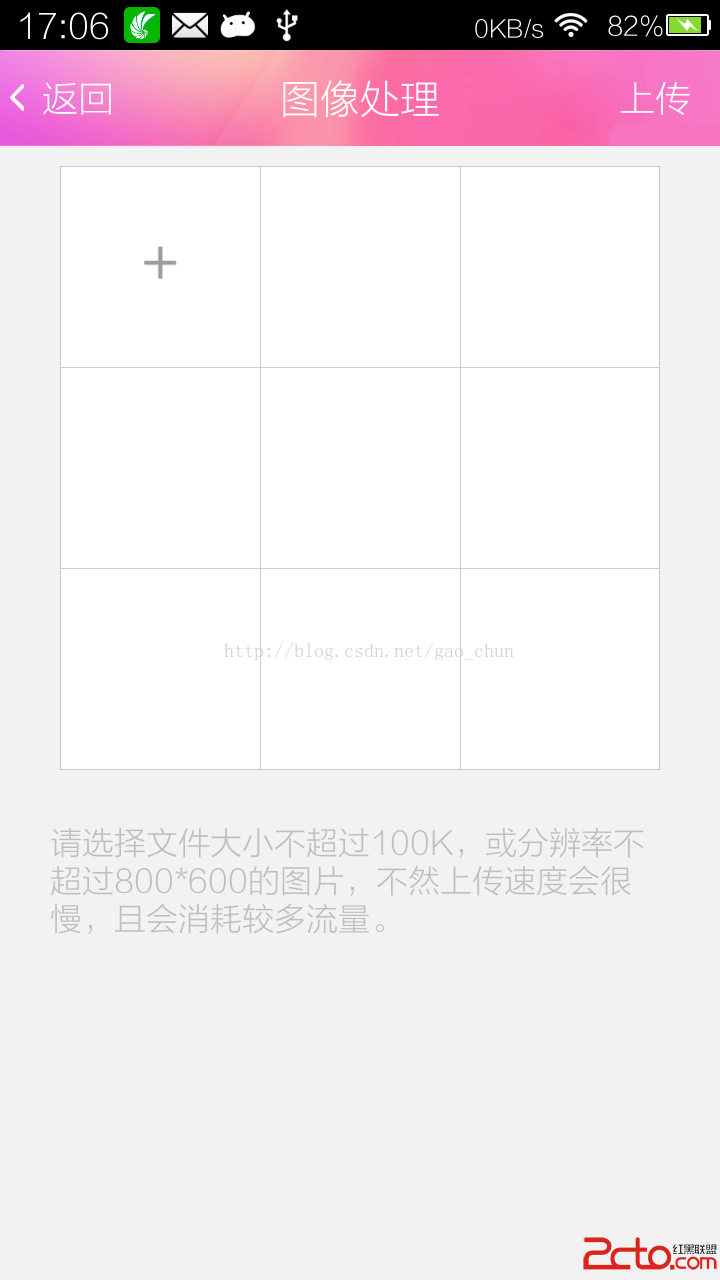
Android自定義動態布局 — 多圖片上傳 本文介紹Android中動態布局添加圖片,多圖片上傳。 項目中效果圖: 技術點
 學習Android從0開始之基礎篇(3)-視圖組件之布局管理器
Android布局管理器Android的Activity組件通過setContentView(xml resId) 來為activity綁定顯示界面,然而為了更好的更方便
 Android操作SQLite數據庫(增、刪、改、查、分頁等)及ListView顯示數據的方法詳解
本文實例講述了Android操作SQLite數據庫(增、刪、改、查、分頁等)及ListView顯示數據的方法。分享給大家供大家參考,具體如下:由於剛接觸android開發