編輯:關於Android編程
圖片有各種形狀和大小。在許多情況下這些圖片是遠遠大於我們的用戶界面(UI)且占據著極大的內存空間,如果我們不對位圖進行壓縮處理,我們的程序會發生內存洩露的錯誤。
MainActivity的代碼
package com.example.g08_bitmap;

import android.os.Bundle;
import android.app.Activity;
import android.content.res.Resources;
import android.graphics.Bitmap;
import android.graphics.BitmapFactory;
import android.widget.ImageView;

public class MainActivity extends Activity {
	private ImageView imageView;

	@Override
	protected void onCreate(Bundle savedInstanceState) {
		super.onCreate(savedInstanceState);
		setContentView(R.layout.activity_main);
		imageView = (ImageView) this.findViewById(R.id.imageView1);
		imageView.setImageBitmap(decodeSampledBitmapFromResource(
				getResources(), R.drawable.a, 300, 300));
	}

	public static Bitmap decodeSampledBitmapFromResource(Resources res,
			int resId, int reqWidth, int reqHeight) {
		final BitmapFactory.Options options = new BitmapFactory.Options();
		//先將inJustDecodeBounds屬性設置為true,解碼避免內存分配
		options.inJustDecodeBounds = true;
		// 將圖片傳入選擇器中
		BitmapFactory.decodeResource(res, resId, options);
		// 對圖片進行指定比例的壓縮
		options.inSampleSize = calculateInSampleSize(options, reqWidth,
				reqHeight);
		//待圖片處理完成後再進行內存的分配,避免內存洩露的發生
		options.inJustDecodeBounds = false;
		return BitmapFactory.decodeResource(res, resId, options);
	}

	// 計算圖片的壓縮比例
	public static int calculateInSampleSize(BitmapFactory.Options options,
			int reqWidth, int reqHeight) {
		// Raw height and width of image
		final int height = options.outHeight;
		final int width = options.outWidth;
		int inSampleSize = 1;

		if (height > reqHeight || width > reqWidth) {

			final int heightRatio = Math.round((float) height
					/ (float) reqHeight);
			final int widthRatio = Math.round((float) width / (float) reqWidth);
			// 選擇長寬高較小的比例,成為壓縮比例
			inSampleSize = heightRatio < widthRatio ? heightRatio : widthRatio;
		}
		return inSampleSize;
	}

}
 OpenglES2.0 for Android:紋理映射
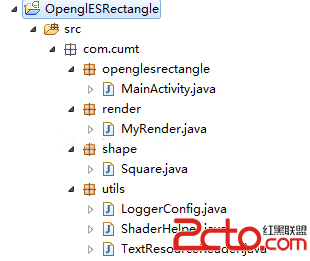
OpenglES2.0 for Android:紋理映射前言 紋理映射又叫做紋理貼圖,是將紋理空間中的紋理像素映射到屏幕空間中的像素的過程。就是把一幅圖像貼到三
 Retrofit+OKHttp 教你怎麼持久化管理Cookie
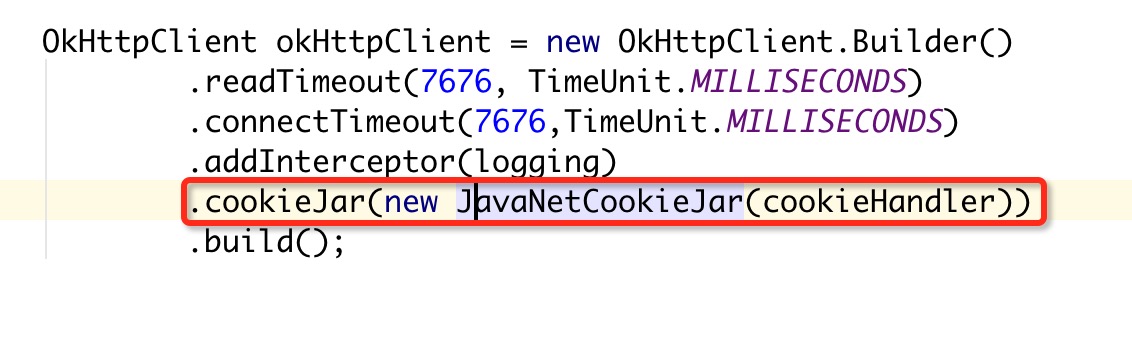
緒論今天小編來給大家分享點什麼呢?對,就是它:Retrofit,話說Retrofit最近真的很火啊,Retrofit+OKHttp現在似乎已經成為了Android網絡請求
 Android app開發中Retrofit框架的初步上手使用
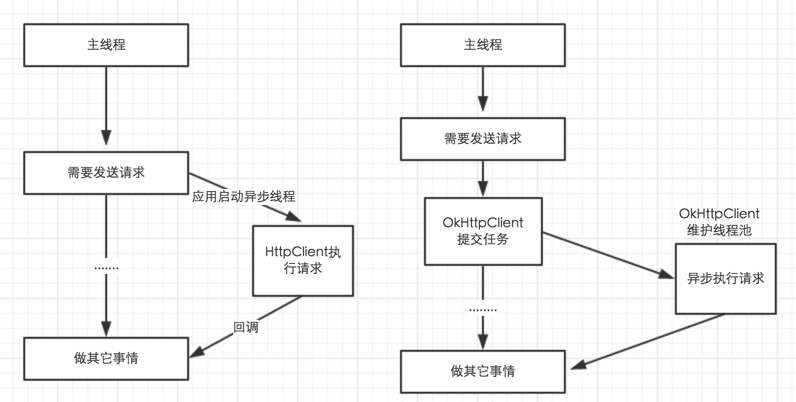
Retrofit 2.0先來說一下Retrofit 2.0版本中一些引人注意的地方。在Retrofit 2.0中,最大的改動莫過於減小庫的體積,首先,Retrofit 2
 Android開發之自定義控件(二)---onLayout詳解
話說一個乞丐在看一個程序員寫程序,程序員遇到一個問題怎麼都解決不了,這時乞丐說這少個分號,程序員照做結果問題解決了,就問:你怎麼知道?乞丐笑笑說: