編輯:關於Android編程
的。不管你之前是使用SQLiteOpenHelper還是第三方庫來進行數據庫操作,本文都非常適合你。
public class Book {
   public Long _id;
   public String title;
   public Author author;
   public Date publishDate;
}
接下來,我們將Book這個實體存儲到數據庫中。(變量名對應數據庫中的字段名)
使用CupBoard來操作數據庫,要用withDatabase()這個方法,並且CupBoard要求須提前將實體注入到SQLiteOpenHelper,我們使用static initializer block 在這裡也許是最好的方法。下面看例子:
首先創建數據庫:
public class CupboardSQLiteOpenHelper extends SQLiteOpenHelper {
    private static final String DATABASE_NAME = "myapp.db";
    private static final int DATABASE_VERSION = 1;

    static {
        // register our models
        cupboard().register(Book.class);
        cupboard().register(Author.class);
    }

    public CupboardSQLiteOpenHelper(Context context) {
        super(context, DATABASE_NAME, null, DATABASE_VERSION);
    }

    @Override
    public void onCreate(SQLiteDatabase db) {
        // this will ensure that all tables are created
        cupboard().withDatabase(db).createTables();
        // add indexes and other database tweaks
    }

    @Override
    public void onUpgrade(SQLiteDatabase db, int oldVersion, int newVersion) {
        // this will upgrade tables, adding columns and new tables.
        // Note that existing columns will not be converted
        cupboard().withDatabase(db).upgradeTables();
        // do migration work
    }
}
需要注意的是, 從上面代碼看到,我們只添加了一個static初始化塊和
cupboard().withDatabase(db).createTables();
cupboard().withDatabase(db).upgradeTables();
而沒有任何的繼承(extends)和重寫(override)。如何你使用的不是SQLiteOpenHelper,同樣你也要添加一個static初始化塊和update、upgrade
存儲Objects
存儲數據時使用withDatabase(db).put()方法。
Book book = ...
long id = cupboard().withDatabase(db).put(book);
讀取Objects
通過id獲得一條數據:讀取id為12的數據對象,如果沒有返回null。
Book book = cupboard().withDatabase(db).get(Book.class, 12L);我們還可以使用query()來遍歷數據庫
// get the first book in the result
Book book=cupboard().withDatabase(db).query(Book.class).get();
// Get the cursor for this query
Cursor books=cupboard().withDatabase(db).query(Book.class).getCursor();
try{
     // Iterate books
     QueryResultIterableitr=cupboard().withDatabase(db).query(Book.class).iterate();
     for(Book book:itr){
      // do something with book
      }
}finally{
        // close the cursor
        itr.close();
}
// Get the first matching book with title Android
Book book=cupboard().withDatabase(db).query(Book.class).withSelection("title = ?","Android").get();
更改Objects
要是更改整個實體對象,我們可以用put()方法,若是更改一個實體的部分或者是一次更改多個實體,這時使用update().
ContentValues values = new ContentValues(1);
values.put("title", "Android")
// update all books where the title is 'android'
cupboard().withDatabase(db).update(Book.class, values, "title = ?", "android");
刪除Objects
刪除和讀get()、寫put()一樣簡單
// by id cupboard().withDatabase(db).delete(Book.class, 12L); // by passing in the entity cupboard().withDatabase(db).delete(book); // or by selection cupboard().withDatabase(db).delete(Book.class, "title = ?", "android");提示與技巧
1、某些情況下,如果你需要調用SQLiteDatabase,可以將任何注冊過的實體轉換為ContentValues對象
ContentValues values = cupboard().withEntity(Book.class).toContentValues(book);
// you can also reuse ContentValues
values = cupboard().withEntity(Book.class).toContentValues(book, values);
2、讀一個數據庫進行多個操作
public void doDatabaseWork(SQLiteDatabase database, Book book) {
	DatabaseCompartment dbc = cupboard().withDatabase(database);
	dbc.put(book);
	dbc.update(Book.class, "title = ?", "android");
}
3、下載Jar or 使用Maven
Gradle:nl.qbusict cupboard1.0.6
compile 'nl.qbusict:cupboard:1.0.6'
更多內容:https://bitbucket.org/Jabin/cupboard or blog.csdn.net/zjbpku
 Android插件化的思考——仿QQ一鍵換膚,思考比實現更重要!
今天群友希望寫一個關於插件的Blog,思來想去,插件也不是很懂,只是用大致的思路看看能不能模擬一個,思路還是比較重要的,如果你有興趣的話,也可以加群:555974449,
 Android_Sqlbrite入門使用
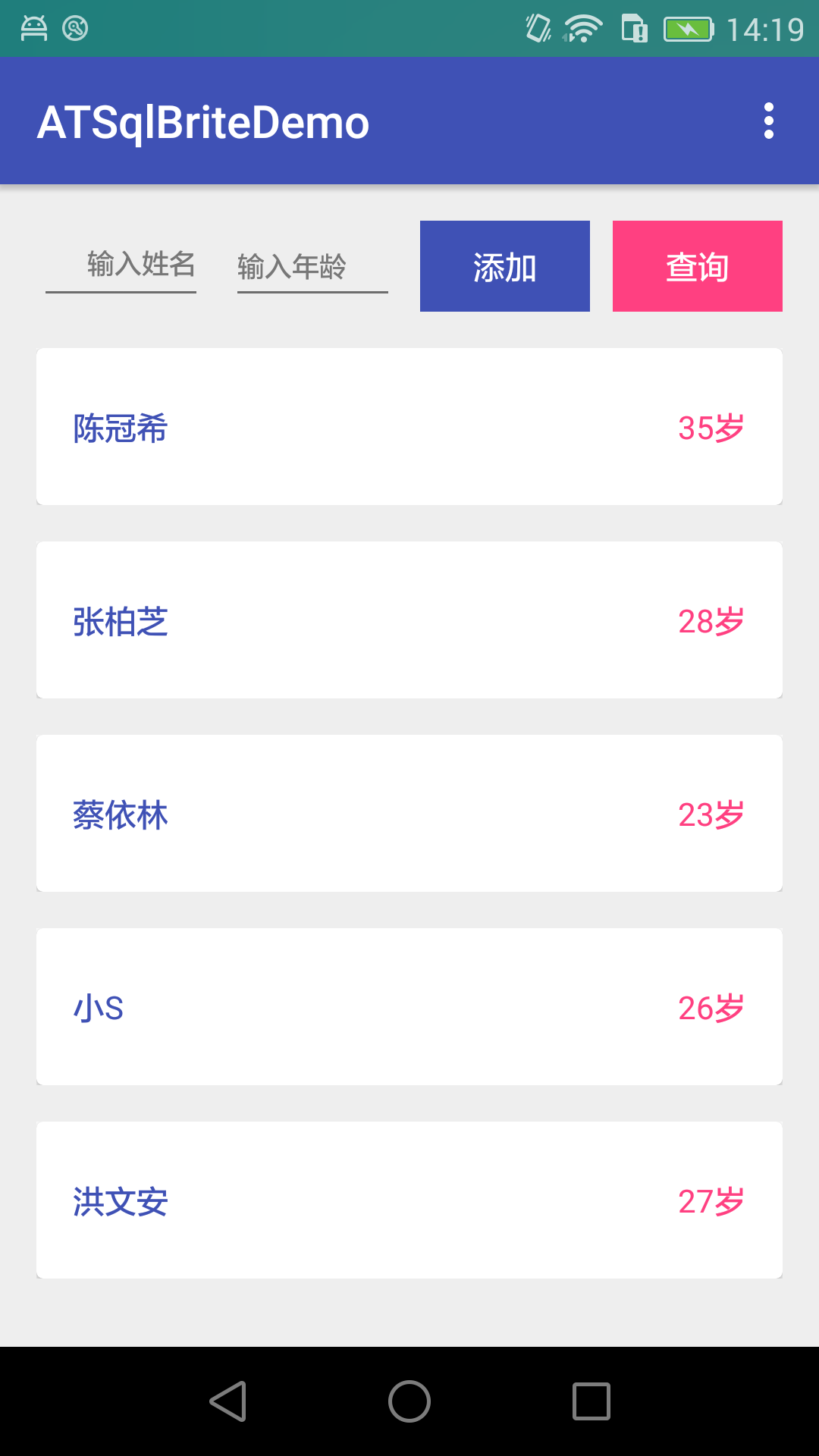
除非迫不得已,要不然不要在你的APP裡面使用數據庫,記不得是哪個書的話了!現在Android平台下的ORM框架very多,比如GreenDao,曾經寫過一篇關於Green
 JSON解析和XML解析區別對比
JSON解析和XML解析是較為普遍的兩種解析方式,其中JSON解析的市場分額更大。本文系統的分析兩種解析方式的區別,為更好地處理數據作准備。由於目前階段主要是做移動開發,
 android 微信朋友分享,朋友圈分享
android 微信朋友分享,朋友圈分享包名必須寫成 com.weixinWXEntryActivitypackage com.weixin.wxapi;import a