編輯:關於Android編程
原因是 官方規定intent傳遞時,數據不能超過1M
The Binder transaction buffer has a limited fixed size, currently 1Mb, which is shared by all transactions in progress for
the process. (http://developer.android.com/intl/zh-cn/reference/android/os/TransactionTooLargeException.html)
所以必須對圖進行縮放處理
private Bitmap zoombitmap(Bitmap tmpBitmap) {
		int rawHeight = tmpBitmap.getHeight();
    	int rawWidth = tmpBitmap.getWidth();
    	System.out.println("原圖高:"+rawHeight+"寬:"+rawWidth);
    	// 設定圖片新的高寬,根據圖片長寬進行設置 縮略圖長寬
    	int newHeight=100;
    	int newWidth=200;
    	// 計算縮放因子
    	float heightScale = ((float) newHeight) / rawHeight;
    	float widthScale = ((float) newWidth) / rawWidth;
    	// 新建立矩陣
    	Matrix matrix = new Matrix();
    	matrix.postScale(heightScale, widthScale);
    	 Bitmap resizeBmp =Bitmap.createBitmap(tmpBitmap,0,0,rawWidth,rawHeight,matrix,true);
    	return resizeBmp;

}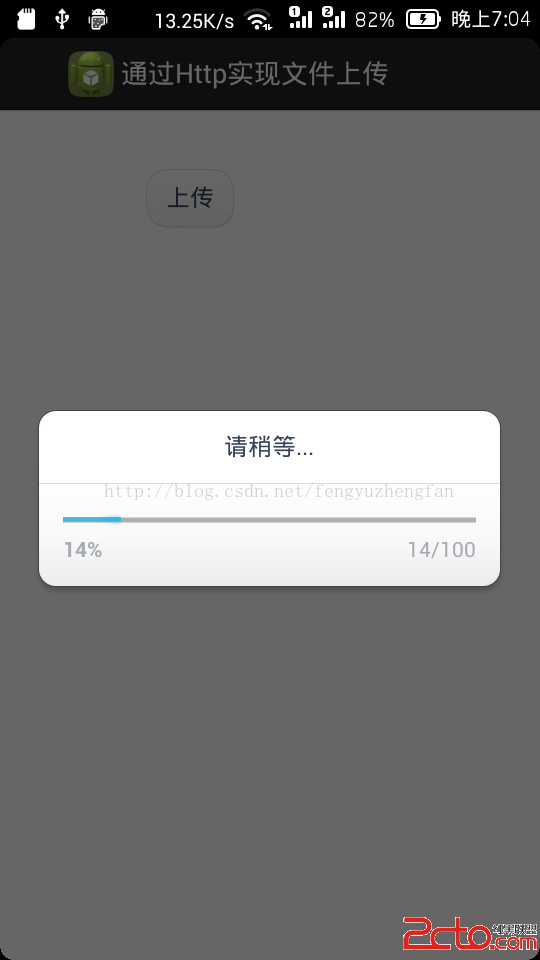 Android網絡編程之使用HttpClient批量上傳文件(二)AsyncTask+HttpClient並實現上傳進度監聽
請尊重他人的勞動成果,轉載請注明出處: Android網絡編程之使用HttpClient批量上傳文件(二)AsyncTask+HttpClient並實現上傳進
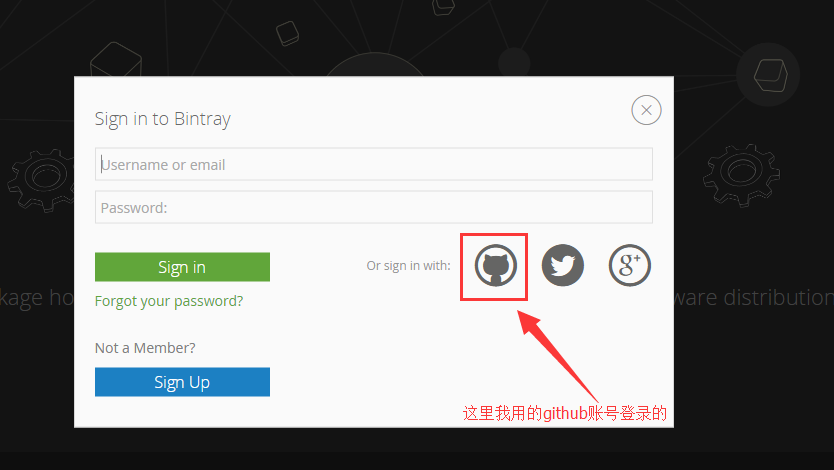 android開源庫發布到jcenter圖文詳解與填坑
相信很多人都用過開源項目,特別是android studio普及以後,使用開源庫更方便簡單。而如何上傳開源庫到jcenter供大家方便使用,雖然網上也有教程,但還是遇坑
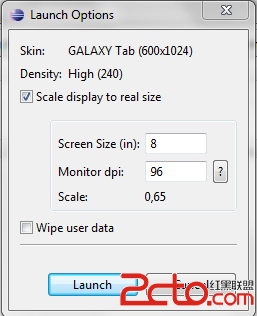 Android (supports-sceeens)的用法,適應屏幕大小
我們都知道,Android 2.3(姜餅) SDK發布的時候,在SDK中增加了第三方add-ons,其中就包括了針對平板電腦的Galaxy Tab Addon。 當我
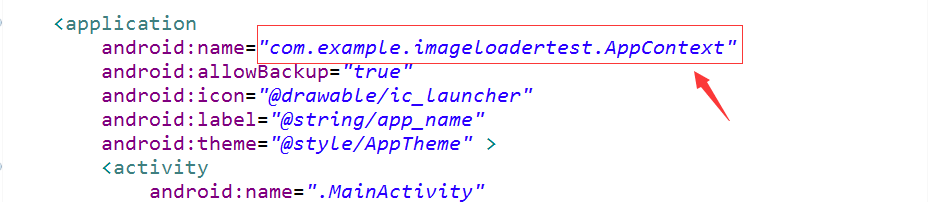 Android中使用ImageLoader加載圖片
Android上讓人頭疼的莫過於從網絡上獲取圖片,然後顯示圖片,最後還要考慮到圖片的回收問題,這之間只要有任何一個環節有問題都可能直接OOM。尤其在需要展示圖片的列表頁面