編輯:關於Android編程
本文實例講述了Android編程實現長按彈出選項框View進行操作的方法。分享給大家供大家參考,具體如下:
長按彈出選項框View進行操作
主要代碼解釋
private void showPopWindows(View v) {
    /** pop view */
    View mPopView = LayoutInflater.from(this).inflate(R.layout.popup, null);
    final PopupWindow mPopWindow = new PopupWindow(mPopView, ViewGroup.LayoutParams.WRAP_CONTENT,
        ViewGroup.LayoutParams.WRAP_CONTENT, true);
    /** set */
    mPopWindow.setBackgroundDrawable(new ColorDrawable(Color.TRANSPARENT));
    /** 這個很重要 ,獲取彈窗的長寬度 */
    mPopView.measure(MeasureSpec.UNSPECIFIED, MeasureSpec.UNSPECIFIED);
    int popupWidth = mPopView.getMeasuredWidth();
    int popupHeight = mPopView.getMeasuredHeight();
    /** 獲取父控件的位置 */
    int[] location = new int[2];
    v.getLocationOnScreen(location);
    /** 顯示位置 */
    mPopWindow.showAtLocation(v, Gravity.NO_GRAVITY, (location[0] + v.getWidth() / 2) - popupWidth / 2, location[1]
        - popupHeight);
    mPopWindow.update();
    final String copyTxt = (String) v.getTag();
    mPopView.findViewById(R.id.tv_copy_txt).setOnClickListener(new View.OnClickListener() {
      @Override
      public void onClick(View v) {
        copyToClip(copyTxt);
        if (mPopWindow != null) {
          mPopWindow.dismiss();
        }
      }
    });
}
layout
<?xml version="1.0" encoding="utf-8"?>
<LinearLayout xmlns:android="http://schemas.android.com/apk/res/android"
  android:layout_width="wrap_content"
  android:layout_height="wrap_content"
  android:background="@drawable/pop_bg" >
  <TextView
    android:id="@+id/tv_copy_txt"
    android:layout_width="wrap_content"
    android:layout_height="wrap_content"
    android:layout_gravity="center_vertical"
    android:gravity="center"
    android:text="復制邀請碼"
    android:textColor="@android:color/white"
    android:textSize="12sp" />
</LinearLayout>
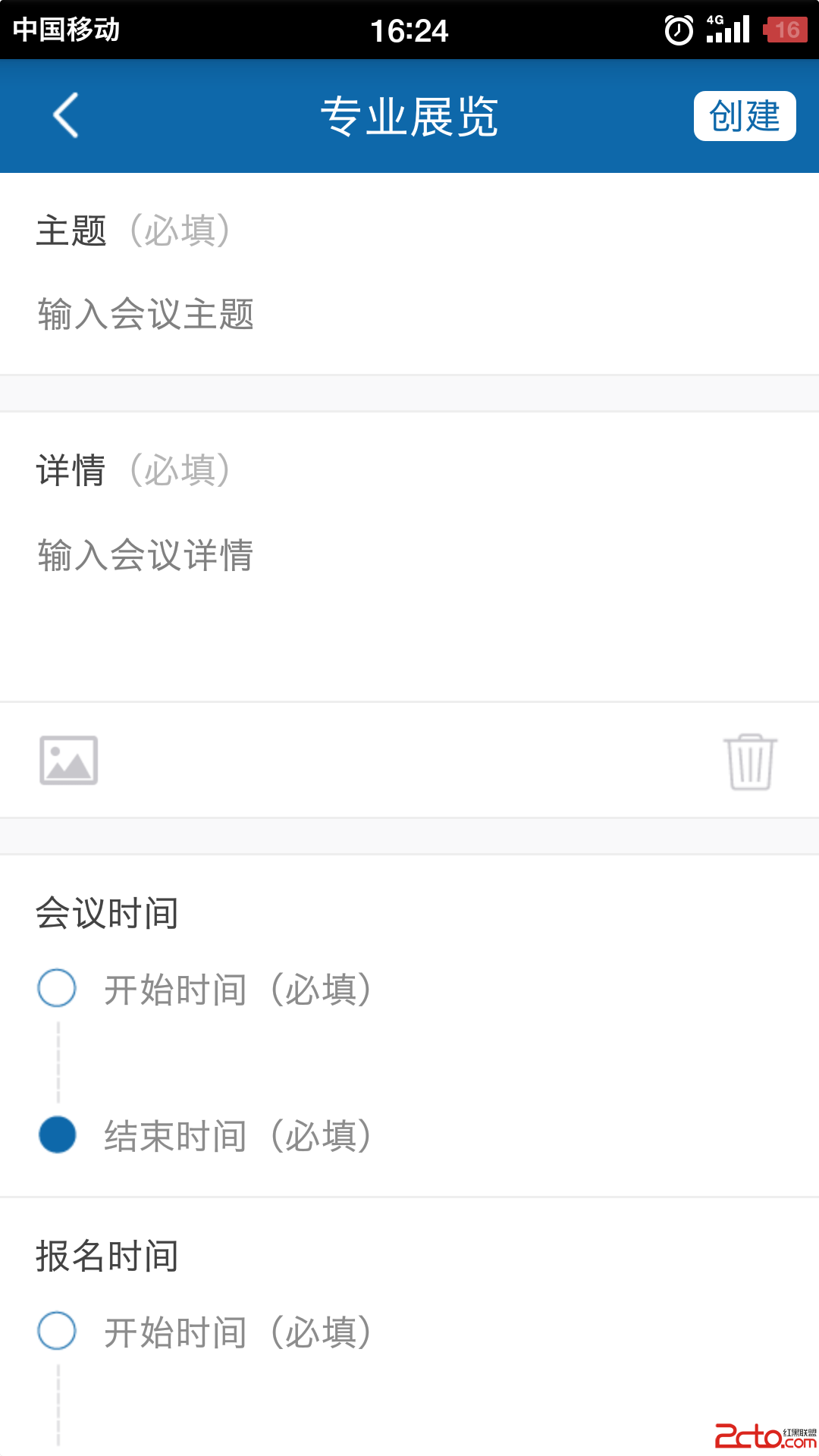
效果圖:

根據上面可以自行調整位置。
完整實例代碼點擊此處本站下載。
更多關於Android相關內容感興趣的讀者可查看本站專題:《Android控件用法總結》、《Android開發入門與進階教程》、《Android視圖View技巧總結》、《Android編程之activity操作技巧總結》、《Android數據庫操作技巧總結》及《Android資源操作技巧匯總》
希望本文所述對大家Android程序設計有所幫助。
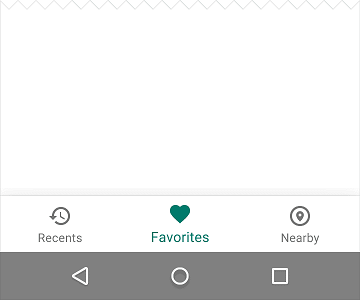 Android官方底部Tab欄設計規范
上一篇《仿微信底部Tab欄》中粗略的講了下底部Tab欄的封裝,不少同學在實際運用中發現了一些問題,比如我demo中的title用了actionbar,所以如果新建的Act
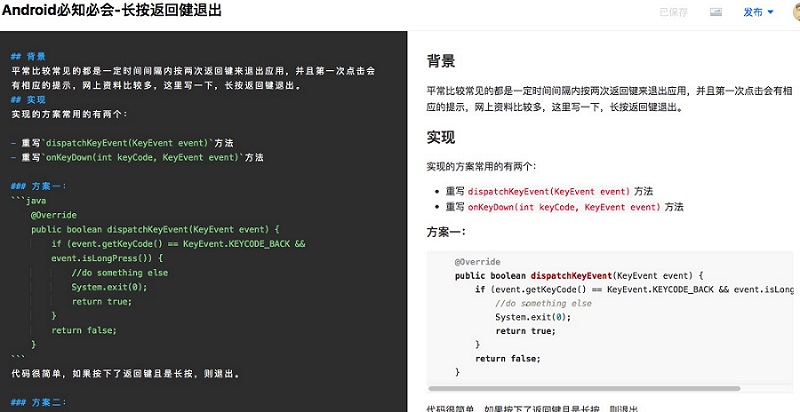 Android 兩種方法實現長按返回健退出
Android 長按返回健退出背景平常比較常見的都是一定時間間隔內按兩次返回鍵來退出應用,並且第一次點擊會有相應的提示,網上資料比較多,這裡寫一下,長按返回鍵
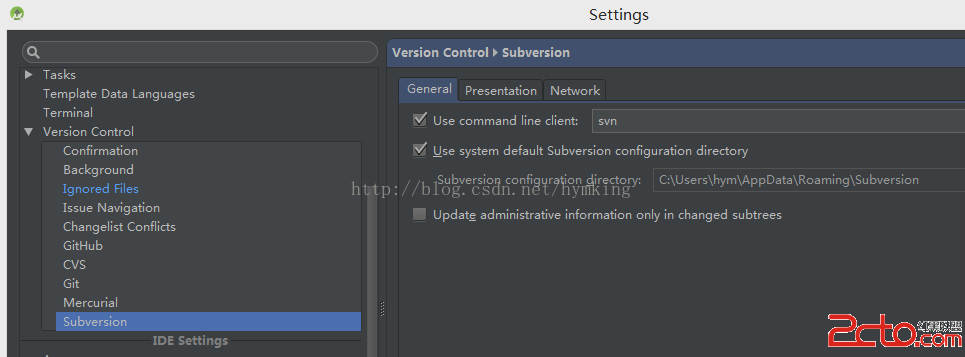 Android studio share項目到svn倉庫
我們有新的項目要進行開發了,一直想用用android studio。所以在新項目上,果斷使用。這裡是我將android studio項目share到svn倉庫的全過程。後
 android-----View工作原理系列(二)
看過《Android開發藝術探索》View的繪制源碼之後,裡面在講解繪制最開始執行的方法是ViewRootImpl裡面的performTraversals,覺得有點費解,