

編輯:Android 程式設計入門
ImageView 是 Android 中最基礎的圖片顯示元件,掌握它才能真正做好介面呈現。本文將說明它的基本概念、關鍵屬性,並透過實作釐清 src 與 background 的差異。
顧名思義,ImageView 就是用來在介面上顯示圖片的控制元件,使用極為廣泛。
android:src 設定 ImageView 的內容圖片
android:background 設定 ImageView 的背景圖片
android:color 設定 ImageView 的 RGB 顏色
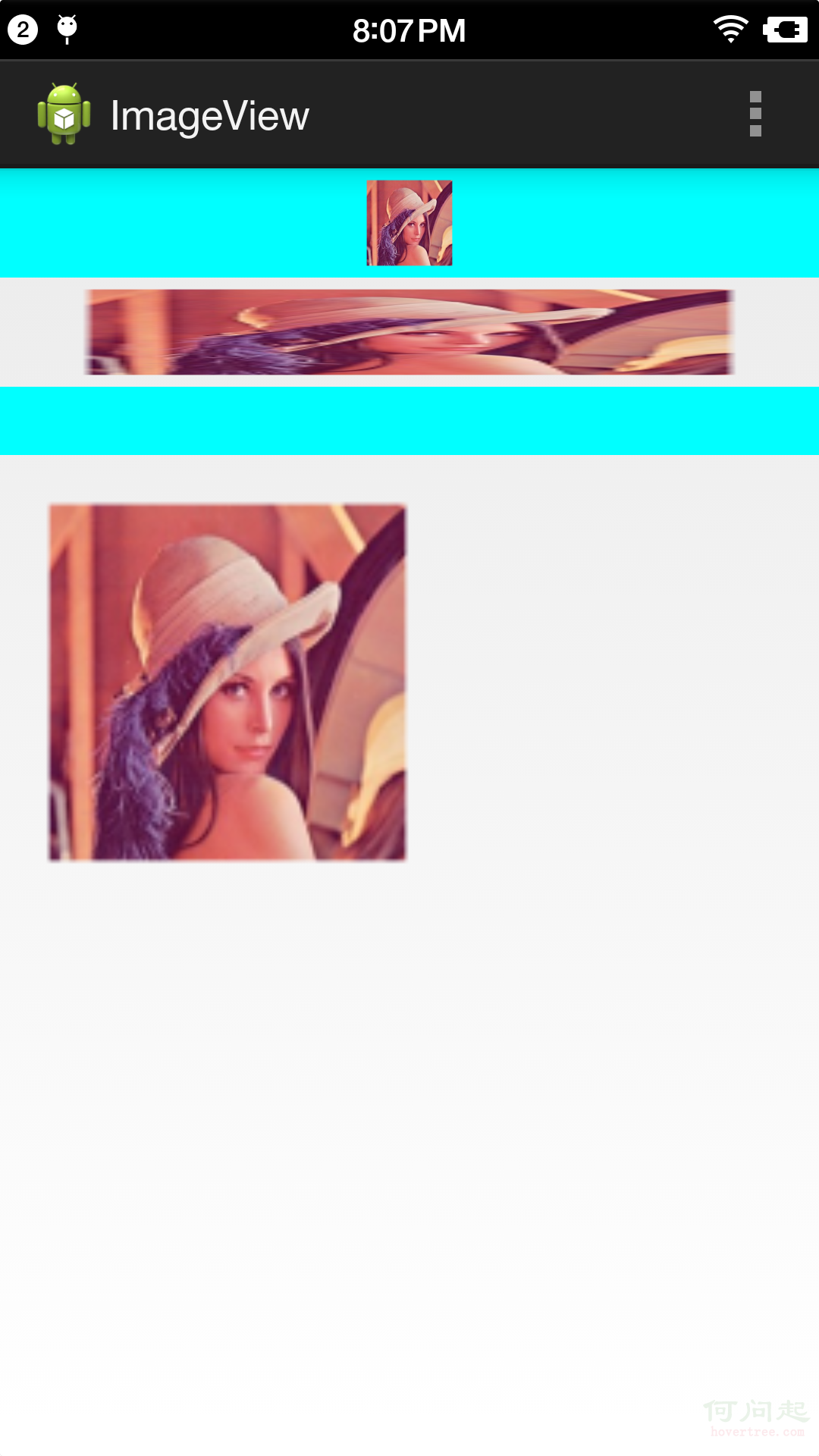
為了清楚展示兩者的差異,筆者在專案中新增了一張名為 ic_lena 的圖片。這個範例的目的正是要說明 src 與 background 的不同,同時也證明這兩個屬性可以並存。以下為 ImageView 部分的程式片段:
<ImageView android:id="@+id/imageView1" android:layout_width="match_parent" android:layout_height="wrap_content" android:src="@drawable/ic_lena" android:background="#00FFFF" />


完整的 fragment_main.xml:
<LinearLayout xmlns:android="https://schemas.android.com/apk/res/android" xmlns:tools="https://schemas.android.com/tools" android:layout_width="match_parent" android:layout_height="match_parent" android:orientation="vertical" > <ImageView android:id="@+id/imageView1" android:layout_width="match_parent" android:layout_height="wrap_content" android:src="@drawable/ic_lena" android:background="#00FFFF" /> <ImageView android:id="@+id/imageView2" android:layout_width="match_parent" android:layout_height="wrap_content" android:background="@drawable/ic_lena" /> <ImageView android:id="@+id/imageView3" android:layout_width="match_parent" android:layout_height="30dp" android:background="#00FFFF" /> <ImageView android:id="@+id/imageView3" android:layout_width="200dp" android:layout_height="200dp" android:background="@drawable/ic_lena" /> </LinearLayout>
不同解析度下圖片的顯示:
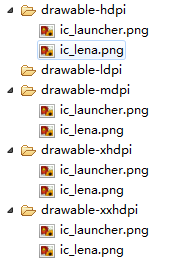
ic_lena 圖片:

運行效果:
 Android 基礎知識整理(二)
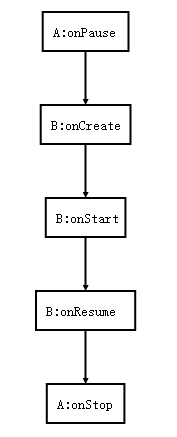
近來在複習 Android 基礎知識,順手把一些常見知識點整理出來,以後遺忘了也可以翻出來看一看。 一、Activity 的生命週期 API 文檔中對生命週期回調函數的
 Android IPC 通訊機制(二):序列化介面與 Binder 原理
本篇談 IPC 的幾個基礎概念:Serializable 介面、Parcelable 介面,以及 Binder。核心在最後那個 IBookManager.java。 一
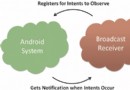 Android Broadcast Receiver教學:如何接收系統與自訂廣播訊息
什麼是Broadcast Receiver? Broadcast Receiver是Android中用來接收廣播訊息的元件。這些訊息可能來自系統,也可能來自其他應用。例如
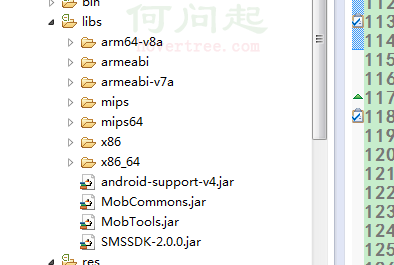 Android 學習筆記:短信驗證碼的取得與讀取
驗證碼應用場景短信驗證碼常用於註冊、登入與身份確認。開發時通常需要先初始化驗證碼 SDK,再請求驗證碼,最後把使用者輸入的值提交給服務端或 SDK 驗證。取得與驗證流程以