

編輯:Android 開發實例
登入畫面常用來驗證使用者身份。實作時通常需要兩個輸入欄位:使用者名稱與密碼,並加上登入按鈕。為了避免暴力嘗試,還可以限制錯誤次數。
<EditText
    android:id="@+id/editText1"
    android:layout_width="wrap_content"
    android:layout_height="wrap_content" />

<EditText
    android:id="@+id/editText2"
    android:layout_width="wrap_content"
    android:layout_height="wrap_content"
    android:inputType="textPassword" />
<Button
    android:id="@+id/button1"
    android:layout_width="wrap_content"
    android:layout_height="wrap_content"
    android:onClick="login"
    android:text="@string/Login" />
public void login(View view) {
    if (username.getText().toString().equals("admin") &&
        password.getText().toString().equals("admin")) {
        // 登入成功
    } else {
        // 登入失敗
    }
}
int counter = 3;
counter--;
if (counter == 0) {
    login.setEnabled(false);
}
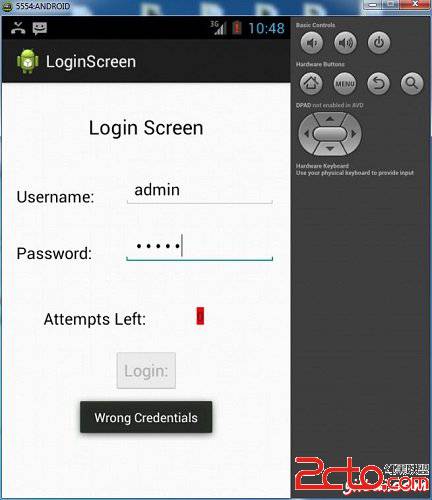
範例會顯示剩餘嘗試次數。當次數歸零,登入按鈕會被停用。

輸入錯誤的帳號或密碼後,會看到錯誤提示與剩餘次數。
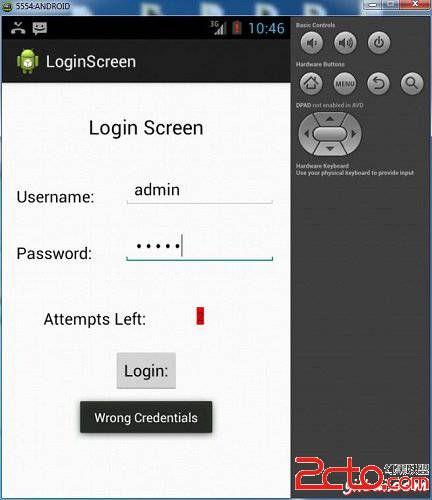
當嘗試次數用完,登入按鈕將無法再按。
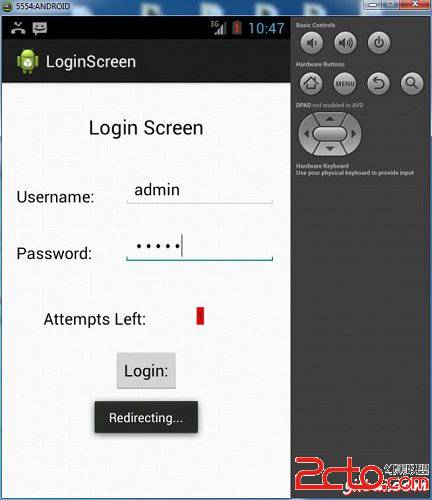
重新開啟應用並輸入正確帳號密碼後,即可成功登入。
 Android WebView 播放 Flash 與外掛偵測
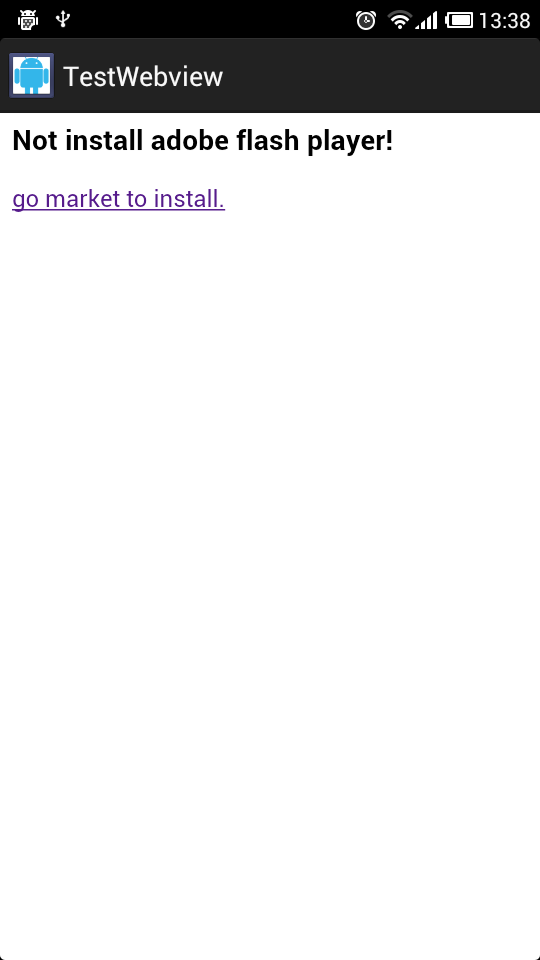
需求情境 某些舊專案可能需要在 WebView 中播放 SWF 或 Flash 內容。由於 Flash 已逐漸退出主流環境,實作時需先確認系統是否支援相關外掛。 偵測
 Android 菜單(Menu)實作全解:Options Menu、Context Menu 與 Submenu
菜單幾乎是每個應用的標配。Android 早期更是把實體 Menu 鍵做進了每一支手機,可見其地位。SDK 一共提供三種菜單型態:Options Menu(選項菜單)、C
 WindowManagerService 服務如何以堆疊形式組織視窗
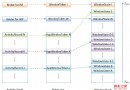
我們知道,在 Android 系統中,Activity 是以堆疊的形式組織在 ActivityManagerService 服務裡的。與 Activity 類似,系統中的
 Android 中的 TCP 與 UDP 傳輸實作
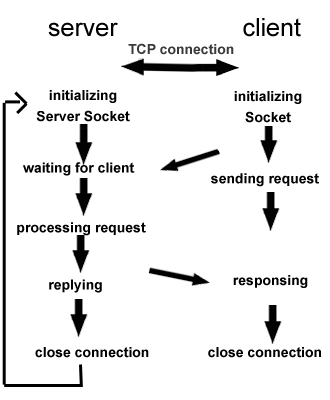
TCP 與 UDP 是 Android 網路開發中常見的傳輸協定。TCP 面向連接、可靠且按序傳輸;UDP 無連接、低延遲,適合理會即時性較高的場景。TCP 通訊概念TC