

編輯:Android 開發實例
在 Android 中,每個元件可以擁有一個或多個 intent filter。它在主設定檔 AndroidManifest.xml 中註冊,作用是告訴系統:Activity、Service、Broadcast Receiver 這三類元件能夠響應哪些「隱式 Intent」。
Intent Filter 由三部分構成:action、data、category。理解它們的分工,是搞懂 Android 元件如何被系統找到、啟動的關鍵。
<intent-filter android:label="@string/Asen's blog">
<action android:name="android.intent.action.MAIN" />
<action android:name="android.intent.action.VIEW" />
<action android:name="android.intent.action.EDIT" />
<category android:name="android.intent.category.DEFAULT" />
<category android:name="android.intent.category.LAUNCHER" />
<category android:name="android.intent.category.ALTERNATIVE" />
<data android:mimeType="video/mpeg" android:scheme="http".../>
<data android:mimeType="audio/mpeg" android:content="com.example.project:200/folder/subfolder/etc"/>
</intent-filter>
每個 action、category、data 各佔一行,有多個就多寫幾行。
action 是一段字串,描述這個元件能處理的「動作」。範例中宣告了三個:MAIN、VIEW、EDIT。其中 "android.intent.action.MAIN" 與 "android.intent.category.LAUNCHER" 這兩個組合是程式入口點的必要條件。
什麼是入口點?以短信這個應用為例,當你點擊桌面圖標啟動後,眼前出現的第一個畫面(所有已收短信的列表)就是入口點。通俗地說,就是應用啟動後顯示的第一個介面。
"android.intent.category.DEFAULT" 用來指明元件是否可以接收隱式 Intent。因此規則很明確:除了程式入口點那個 filter 不需要 DEFAULT 之外,其餘所有 intent filter 都必須包含這個 category,否則隱式啟動時系統會找不到你的元件。
而 LAUNCHER 的作用是讓這個 Activity 出現在桌面啟動器中,ALTERNATIVE 則常用於「用其他應用開啟」這類選單場景。
data 由兩部分構成:資料類型(mimeType)與 URI。每個 URI 包含四個屬性參數,形如:
scheme://host:port/path
舉例來說,content://com.examplproject:200/folder/subfolder/etc 之中,scheme 是 content,host 是 com.examplproject,port 是 200,path 是 folder/subfolder/etc。
要特別注意的是:如果在 intent filter 中宣告了這些屬性,那麼只有當所有屬性都匹配成功時,URI 資料匹配才會成立——並非符合 scheme 就算通過。
總結來說,Intent Filter 與 Intent 兩者相互配合,實現了 Android 四大元件之間的「信使」功能:元件用 filter 昭告自己能做什麼,系統拿 Intent 去逐一比對,找出最合適的那一個來接手。
 Android ViewFlipper 實作:手勢滑動切換與進出動畫設定
左右滑動切換的實作方式不少:ViewPager、自訂 ViewGroup、Gallery 都做得到。本文示範用 ViewFlipper 來完成,順便把動畫串進去。會用到的
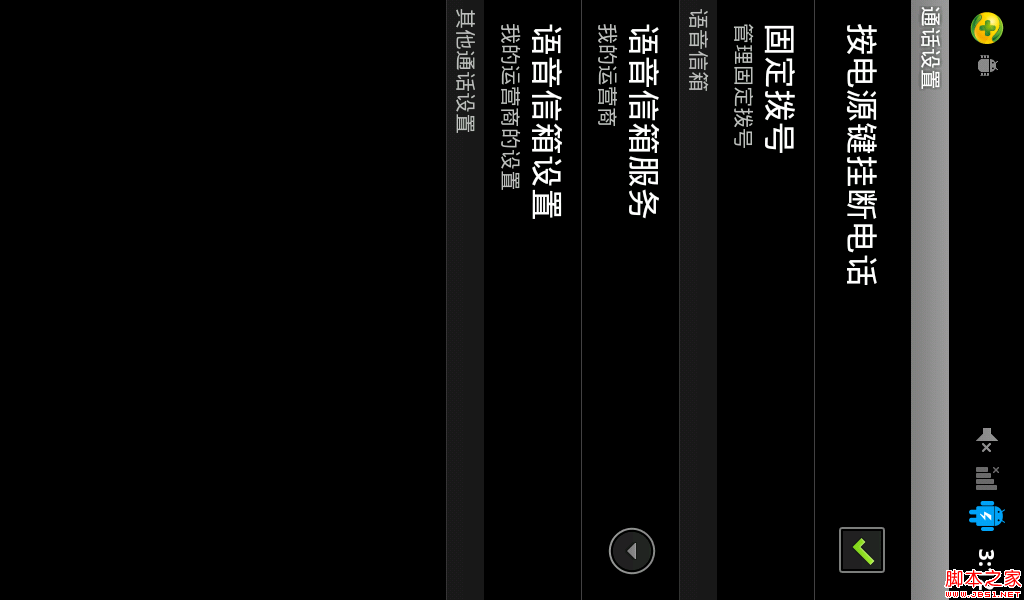 為 Android 系統加入「按電源鍵掛斷電話」功能
現在多數 Android 手機都內建了「按電源鍵結束通話」的選項,通常放在通話設定裡。但在原生原始碼中,這一項並不存在,得自己加。以下記錄我在學習過程中改動原生碼的完整思
 用 JSONObject 拆解 API 回傳:Android JSON 解析的分層取值邏輯
JSON 這個名稱來自 JavaScript,但它早已脫離該語言,成為一門獨立的資料交換格式,也是 XML 最常被替換的對象。對 Android 開發者而言,理解 JSO
 Android 多語言支援入門:values 資料夾與 strings.xml 的組織方式
一個上架到 Google Play 的 App,可能同時被德國、日本、巴西的使用者安裝。如果畫面上的字永遠只有英文,對不懂英文的使用者來說,這個 App 等於不存在。本地