

編輯:Android 開發實例
Android 的 ImageView 可透過 AnimationDrawable 實現逐格動畫。做法是先在 drawable 目錄建立 animation-list,再於程式碼中啟動動畫。
animation-list 中可設定 oneshot 是否只播放一次,並以多個 item 指定每張圖與持續時間。每個 item 的 duration 單位為毫秒。
取得 ImageView 背景後,轉型為 AnimationDrawable,再呼叫 start。若 ImageView 本身已有圖片,可先設定空 Drawable,避免背景動畫被覆蓋。
AnimationDrawable animator = (AnimationDrawable) imageView.getBackground();
imageView.setImageDrawable(null);
animator.start();停止時可呼叫 stop,並將 ImageView 重設為靜態圖片。
AnimationDrawable animator = (AnimationDrawable) imageView.getBackground();
animator.stop();
imageView.setImageResource(R.drawable.icon);
這種方式適合簡單的載入動畫、狀態提示或逐格圖片效果。
 Android TextView 顯示 HTML 樣式文字
有時 App 需要在一行文字中混合不同顏色或字體大小,例如通知訊息中的姓名與數量。若使用 SpannableString,雖然可以控制樣式,但需要處理位置與替換規則,較
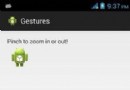 Android 手勢(Gesture)處理:從單擊、滑動到多點縮放
觸控螢幕上的操作千變萬化,Android 把幾種常見的動作抽象成「手勢」:點擊、長按、滑動、快速滑動(Fling)、雙指捏合縮放等。應用程式只要攔截這些手勢,就能提供更自
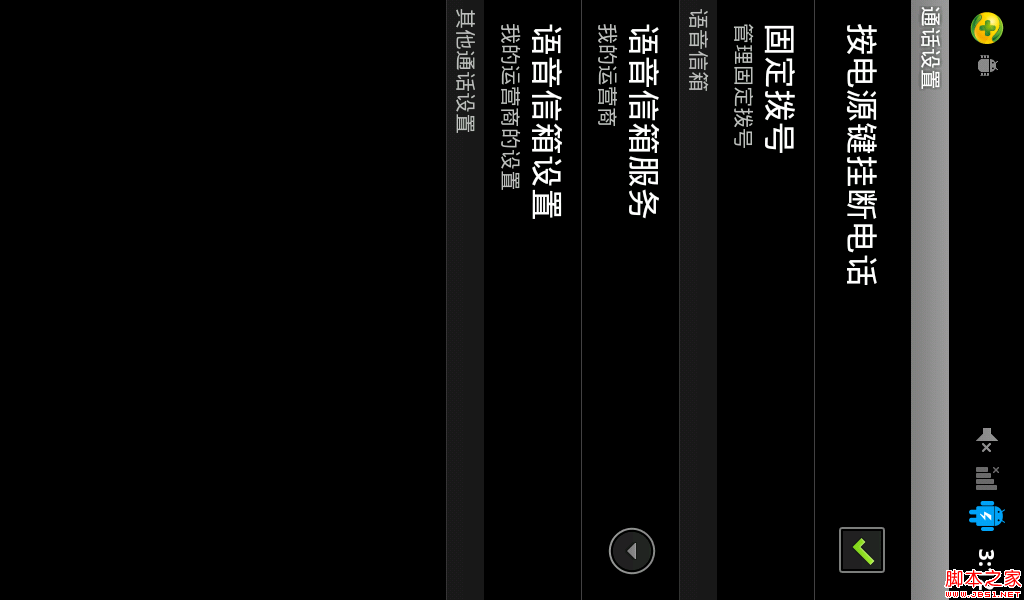 為 Android 系統加入「按電源鍵掛斷電話」功能
現在多數 Android 手機都內建了「按電源鍵結束通話」的選項,通常放在通話設定裡。但在原生原始碼中,這一項並不存在,得自己加。以下記錄我在學習過程中改動原生碼的完整思
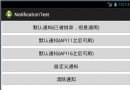 Android Notification 用法總整理:四種建立方式與版本演進
手機來了簡訊而你沒點開,狀態欄上方會留一個小圖示提醒你——這就是 Notification。想在自己的應用裡做類似的事,就得把 Notification 這套 API 摸