

編輯:Android 資訊
Context 可能是 Android 應用中最常用的元素,也可能是最容易被誤用的。
Context 物件如此常見且被四處傳遞,很容易產生並非你所預期的情形。載入資源、啟動新 Activity、取得系統服務、取得內部檔案路徑以及建立 View(其實遠不止這些)全都需要 Context 物件來完成。我(原文作者)想做的,是給大家提供一些 Context 運作方式的見解,以及在應用中更有效使用 Context 的技巧。
並非所有 Context 實例都等價。根據 Android 應用元件的不同,你存取的 Context 會有些微差別。
第一個要解決的問題是:在一個物件或類別內部保存 Context 引用,而它的生命週期卻超過了保存引用物件本身的生命週期。例如,建立一個自定義單例,它需要 Context 來載入資源或取得 ContentProvider,於是保存了一個指向當前 Activity 或 Service 的引用。
糟糕的單例
public class CustomManager { private static CustomManager sInstance; public static CustomManager getInstance(Context context) { if (sInstance == null) { sInstance = new CustomManager(context); } return sInstance; } private Context mContext; private CustomManager(Context context) { mContext = context; } }
問題在於,我們不知道這個 Context 從哪裡來,而保存一個最終指向 Activity 或 Service 的引用並不安全。這是因為單例在類別內部維持一個唯一的靜態引用,這意味著我們的物件及它所引用的所有其他物件,將永遠無法被垃圾回收。假如這個 Context 是一個 Activity,我們就會保存與該 Activity 相關的所有 View 及其他大型物件,從而導致內存洩露。
為了解決這個問題,我們修改單例,讓它永遠只保存 Application Context:
改善的單例:
public class CustomManager { private static CustomManager sInstance; public static CustomManager getInstance(Context context) { if (sInstance == null) { //Always pass in the Application Context sInstance = new CustomManager(context.getApplicationContext()); } return sInstance; } private Context mContext; private CustomManager(Context context) { mContext = context; } }
現在這個例子中,我們的 Context 來自哪裡都不重要,因為保存引用是安全的。Application Context 本身就是單例,所以再建立一個 static 引用不會造成任何內存洩露。另一個很好的例子是:在背景執行緒或一個等待的 Handler 中保存 Context 引用時,也可以用這樣的方法。
那為什麼我們不能總是引用 Application Context 呢?正如前面所說,引用 Application Context 永遠不用擔心內存洩露。答案就像我在開頭介紹中說的——因為不同 Context 並不等價。
Context 能做的通用操作,取決於這個 Context 最初來源於哪裡。下表列出應用中常見會收到的 Context 物件,以及對應每種情況它能用於哪些地方:
注:
從前面的表格可以看到,Application Context 有許多不適合執行的功能,而這些功能都與 UI 相關。實際上,只有 Activity 能處理所有與 UI 相關的任務,其他類別的 Context 實例功能都差不多。
幸好,應用中這三種操作基本上都不需要在 Activity 範圍外進行,這很可能是 Android 框架刻意如此設計的。嘗試用 Application Context 顯示 Dialog,或用 Application Context 啟動 Activity,系統會拋出異常讓應用崩潰,強烈告知你某些地方出了問題。
一個並不明顯的問題是填充布局(inflating layout)。如果你讀過我(原文作者)上一篇關於 Layout inflation 的文章,就知道它是一個相當神秘的過程,伴隨一些隱藏行為,而使用正確的 Context 關乎其中一個行為。當你用 Application Context 來 inflate 一個布局時,框架並不會報錯,而是回傳一個使用系統預設主題建立的完美 View 給你,完全沒有考慮你 App 自定義的主題和樣式。這是因為 Activity 是唯一綁定了 manifest 檔中所定義主題的 Context,其他 Context 實例都會用系統預設主題來 inflate 你的 View,導致顯示結果並非你所期望的。
可能有讀者已經得出兩個規則互相矛盾的結論。在某些應用設計中,我們可能既必須長期保存一個引用,又為了完成與 UI 相關的工作而必須保存一個 Activity。若出現這種情況,我會強烈建議你重新考慮設計,它將會是一個很好的「反框架」教材。
絕大多數情況下,使用你所在元件內部能直接取得的 Context。只要這個引用沒有超過該元件的生命週期,你就可以安全保存它。一旦你要保存的 Context 引用超過了 Activity 或 Service 的生命週期範圍(哪怕是暫時的),就需要將引用轉換為 Application Context。
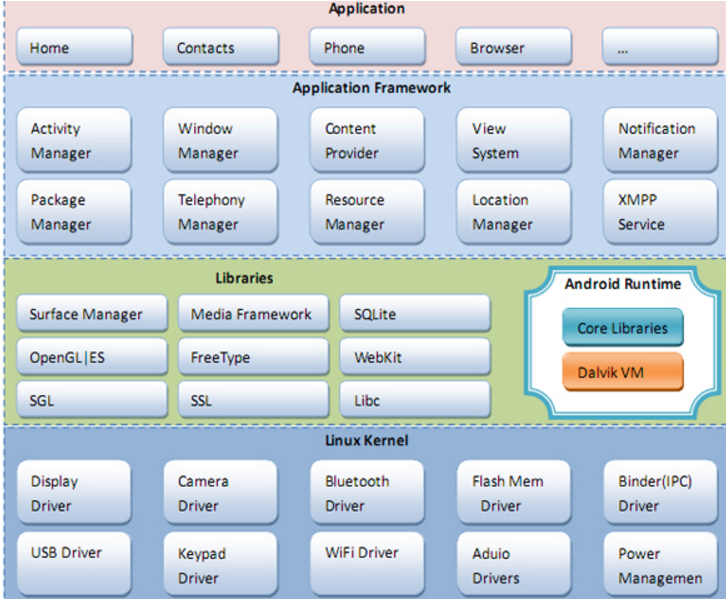 從系統啟動到 App 運行:Android 底層原理全景梳理
前言 好久沒有認真寫過部落格了,突然意識到許多學過的知識若不及時總結消化,終究無法真正內化為自己的東西。而寫部落格的好處之一,就是能在梳理的過程中發現當初學習時未曾留意的
 Android 安全加密:非對稱加密與 RSA 原理實戰
Android 安全加密系列文章索引 Android 安全加密:對稱加密 Android 安全加密:非對稱加密 Android 安全加密:消息摘要 Message Di
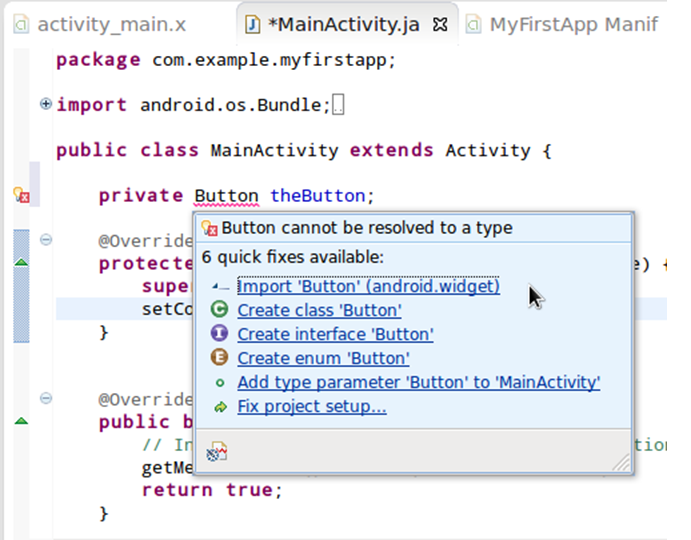 Android SDK 簡明教程:使用者互動
在這篇教程中,我們將對之前所加入的 Button 元素進行設定,以實現對使用者點擊的檢測與響應。為了達成這一目標,我們需要在應用程式的主 Activity 類中略微涉及
 Android 圖片平滑滾動元件 Glide
本文由碼農網 – 小峰原創,轉載請看清文末的轉載要求,歡迎參與我們的付費投稿計劃! Glide 是一款基於 Android 的圖片載入與圖片快取元件,可以最大性能地在 A