

編輯:Android 資訊
我在 Android 開發時經常遇到這個錯誤。一般來說,造成此錯誤最普遍的情況有兩種:
1、Android 設備的網路連線沒打開,例如 3G 網路與 WIFI 網路。因此遇到這種錯誤時,請先檢查網路是否已正常連線。
2、Manifest 檔案沒有標明網路存取權限。若確認網路已正常連線卻仍出現此錯誤,那麼請檢查你的 Manifest 是否標明了應用需要網路存取權限,否則一樣無法連線。
錯誤提示:
Failed to install helloworld.apk on device 'emulator-5554': timeout
或者
the user data image is used
原因:由於模擬器已經開啟而未關閉,或非法關閉所引起的。
解法:刪除對應版本 .avd 目錄下所有以 .lock 結尾的資料夾。
或者:
Failed to install *.apk on device *:
timeout Launch canceled!
還有一種辦法:在 window -> preferences -> Android -> DDMS -> ADB connection time out (ms) 中,將這個值設大一點,預設為 5000,可設成 500000,即可解決。
打開 Eclipse(Android 開發環境)時,發現以下報錯:
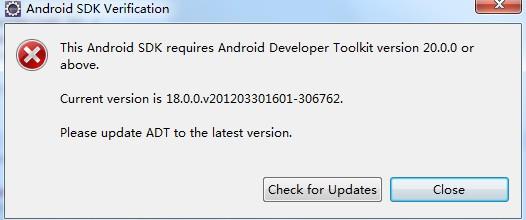
提示資訊為:Android SDK 要求 ADT(Android Developer Toolkit)版本在 20.0.0 或以上,檢測到當前版本為 18.0.0,請更新最新的 ADT。
出現這樣的提示,根本原因是 Eclipse 啟動時會檢測 android-sdk 目錄下 toolslibplugin.prop 檔案,其內容為:
begin plugin.prop
plugin.version=20.0.0
# end plugin.prop
如此便容易理解——需求插件版本為 20.0.0。此時我們只需改成:
begin plugin.prop
plugin.version=18.0.0
# end plugin.prop
接著重新啟動 Eclipse,看看是否解決了這個問題。
使用 ADT 16.0 時,在定義一個 ImageView 時總會提示 [Accessibility] Missing contentDescription attribute on image 警告。雖說可以不理會,但總覺得怪怪的。上網一搜才發現這是 ADT 16.0 的新特性:在一些沒有文字顯示的控制項(如 ImageView、ImageButton 等)裡,ADT 會提示你定義一個 android:contentDescription 屬性,用來描述這個控制項的作用。
解決方式就是為 ImageView 設定 android:contentDescription 屬性:
android:contentDescription="@string/desc"
其原理是:ADT 16 的 Android Lint 會拋出此警告,以確保圖片控制項提供了 contentDescription。這段文字主要用於無障礙(accessibility)用途,因為有些檢視沒有文字表示,這個屬性便能為其提供描述。像 ImageView、ImageButton 這類非文字控制項,應使用 contentDescription 屬性來指定文字描述,讓螢幕閱讀器等無障礙工具能充分描述使用者介面。
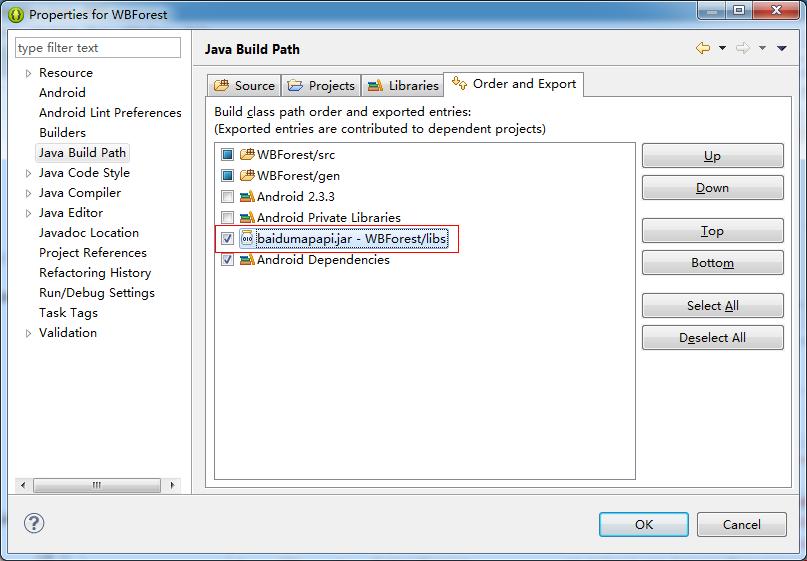
使用百度地圖時,可能因為把工程複製到了其他位置而出錯。
解法:
1、右鍵點擊項目 -> properties -> Java Build Path -> Order and Export,在需要引用的套件前面打勾。
2、Project -> Clean...
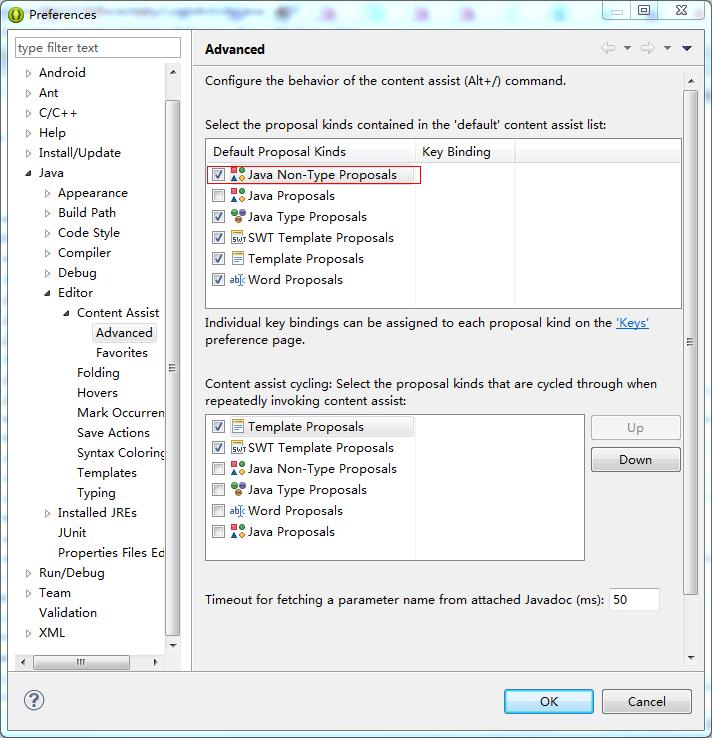
前往 window -> Preferences -> Java -> Editor -> Content Assist -> Advanced,在上方的「Select the proposal kinds contained in the 'default' content assist list」選項卡中,加入【Java Non-Type Proposals】即可。
 Android 動態高斯模糊實作:RenderScript 完整解析
寫在前面 最近忙著準備畢業設計,評估下來可能會用到模糊效果,於是就著手研究高斯模糊的實現方式。這個領域最有名的方案莫過於 FastBlur 以及一連串基於它的優化變體,另
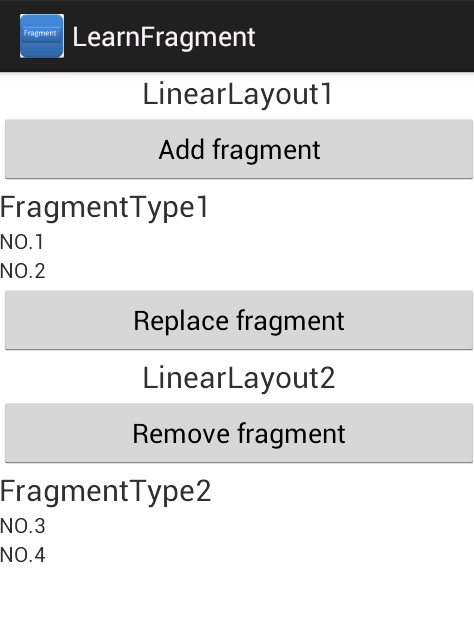 用 FragmentManager 管理 Android fragments
Fragment 的動態管理是 Android 開發中相當核心的一塊,而這件事主要交給 FragmentManager 負責。本文從 FragmentManager 的基
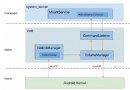 Android 存儲系統架構解析:MountService、Vold 與 Kernel 的協作
Android 存儲系統看起來離應用層很遠,但它其實與檔案讀寫、外部儲存、SD 卡掛載、加密目錄等基礎能力密切相關。本文以 Android 6.0 架構為基礎,從全局視角
 每個 Android 開發者都該認識的 Kotlin:特性、優勢與上手
Android 開發者在語言層面長期受限:官方支持停留在 Java 6(語言本身在 Java 7 上做過少量改進),結果是大量樣板代碼與脆弱易錯的表達方式,可讀性與可維護