

編輯:關於 Android 程式設計
把一套原本跑在 Windows / Visual Studio 2012 上的 C++ 工程搬到 Android(NDK + CMake + GCC/Clang)平台,需要改動的地方比想像中多得多。
我們當初為了保留跨平台的可能,在 Windows 端就用 CMake 建立工程,CMakeLists.txt 也預先寫好了相關分支處理,但實際上那個階段只保證了 Windows 環境能編譯、能跑。真正換到 Android 之後,才發現一堆平台差異造成的問題。以下把過程與解法整理成清單,記錄下來也給同樣在做移植的人一個參考。
1. 修改 CMakeLists.txt,補上 Android 相關的 define 與 macro
2. cmake ./../  →  Build files have been written to: /home/andriod_a/build
11. 移植 jpeg 這類第三方庫:複製原始碼 → 改寫 CMakeLists.txt → 建立 build 目錄 →
    在該目錄開終端機執行 cmake ./../ ,最後 make 即可產出
3. size_t problem:補上 #include <cstddef>
5. memcpy 定義在 <string.h>,改用 .so 版本時要注意
9. error: 'memcmp' was not declared in this scope → #include <string.h>
22. abs() → fabs()
25. itoa 在 Android 不存在,改用 stringstream:
    #include <sstream>
    std::ostringstream oss;
    std::string str = "";
    oss << _counter;
    str = oss.str();
29. xstring → <string>
31. error: 'atof' was not declared in this scope
    std::stringstream oss;
    int temp_int;
    oss << _pri_string;
    oss >> temp_int;
    _var = temp_int;
33. malloc no declare → #include <malloc.h>
8. warning: inline function 'double const& rw_math::vector3d::operator[](int) const'
   used but never defined [enabled by default]
12. multiple definition of 'std::__lg(int)' —— 自己把函式標成 inline 反而出錯
13. inline 函式的實作必須放在標頭檔,不能寫在 *.cpp;
    若不遵守,就把標頭檔裡的 inline 字樣移除
23. rw_terrian_manager.h:69:12: error: 'terrian_tile' was not declared in this scope
    GCC 無法辨識 friend class 的前向宣告,改成條件式宣告:
    #ifdef __linux__
    class terrian_tile;
    #endif
這一類是移植時最常見的錯誤:GCC 對「把暫存物件綁到非 const 參照」檢查得比 MSVC 嚴格得多,一律要先落到具名變數。
6. no match for 'operator=' in
   'inverse = rw_math::matrix3f::operator*(float) const((1.0e+0f / det))'
   → matrix3f temp = inverse * (1.0f / det); inverse = temp;

7. no match for 'operator=' in
   'rot_mat = rw_math::matrix4f::make_rotation_matrix(...)'
   → matrix4f matrix4f_tmp = make_rotation_matrix(axis_, angle_in_rad_);
     rot_mat = matrix4f_tmp;

10. initializing argument 2 of 'char* strncat(char*, char const*, size_t)' [-fpermissive]
16. temp variable can't assign to non-const reference
    rw_shared_ptr_shadow temp_shadow = entity_.to_shared_ptr_shadow();
    pt2model_entity_define::ptr temp_ptr = temp_shadow.to_shared_ptr<pt2model_entity_define>();
    build_pt2model_entity(_pGeometry, _pSymbol, temp_ptr);

20. error: invalid initialization of non-const reference of type 'std::string&'
    from an rvalue of type 'std::string'
    → string temp_str = request_.get()->get_url();
      string& tmp_req_url = temp_str;

21. no matching function for call(同样是临时变量问题)
    matrix4d temp_mat = world_mat * t_mat;
    render_system_->set_world_matrix(temp_mat);

26. error: taking address of temporary
    box3d bbox = (instances_[i]->get_bounding());
    if (!manipulate_geo_hash(instances_[i]->get_id(), &bbox, update_geo_hash)) ...

30. invalid cast of an rvalue expression of type 'rw::multi_point::ptr'
    (rw_shared_ptr 暫存值不可轉成 rw::multi_point*&)
15. no matching function for call to 'transform()'
    transform(ext_.begin(), ext_.end(), ext_.begin(), ::tolower);

27. error: no matching function for call to 'transform(... <unresolved overloaded function type>)'
    transform(_texture_type.begin(), _texture_type.end(), _texture_type.begin(), ::tolower);
    → ::tolower 是過載函式,需轉成明確的函式指標或使用 lambda
Windows 習慣用反斜線寫 include 路徑,在 Linux/Android 上必須改成正斜線。
17. fatal error: json\json.h: No such file or directory
    #include <json\json.h>  →  #include <json/json.h>
18. fatal error: zlib\zconf.h: No such file or directory
    → #include "zlib/zlib.h"
4. error: extra qualification 'rw::scoped_lock::' on member 'scoped_lock' [-fpermissive]
   → 移除類別名稱限定
14. conflicts with previous declaration
    'typedef class rw::rw_shared_ptr<rw_json::json_value_iterator> ...'
    → 同一份檔案裡有多處定義,找出重複的那一個刪掉
19. error: cannot pass objects of non-trivially-copyable type
    'const mapped_type {aka const struct std::basic_string<char>}'
    → 改成 (content_type_field).c_str();
24. Windows.h: No such file or directory
    → Linux 端不編譯該模組,用巨集排除後提交
28. GetModuleFileName((HINSTANCE)&__ImageBase, buffer, 256);
    → string buffer = getcwd(NULL, 0);
      string execution_path = buffer;
32. conflicts with previous declaration(同上,多處定義要清理)
34. image_info_->image_type = image_type_;
    rw_image : image_type("ccccccccccccccccc"),   // 別這樣寫

35. 不要這樣連續呼叫同一個 getter:
    _runtime->register_service(_aaaa_multi_service_pid, get_aaa_multi_service());
    ((_driver_multi_service_impl*)get_aaa_multi_service())->init(_runtime);
    ((_driver_multi_service_impl*)get_aaa_multi_service())->set_runtime(_runtime);

36. add_multi_service 時,register_service 要放在最後:
    ((terrian_data_sqlite_service_impl*)tms)->init();
    _runtime->register_service(terrian_data_sqlite_service_pid, tms);

37. DOM 不顯示:Android 系統不支援多執行緒渲染,
    因此要把 upload 動作放到 draw 執行緒中執行。

38. 在 Android 上編譯時,記得於 rw_render_object_creator.cpp 中
    設定 RW_INDEX 為 rw_uint16,否則保持原樣即可。
整趟移植下來最大的體會是:MSVC 寬鬆的地方,GCC/Clang 幾乎都會擋下來,而這些錯誤其實多半指向真正該修正的寫法。把清單留著,下次換平台時能少走不少彎路。
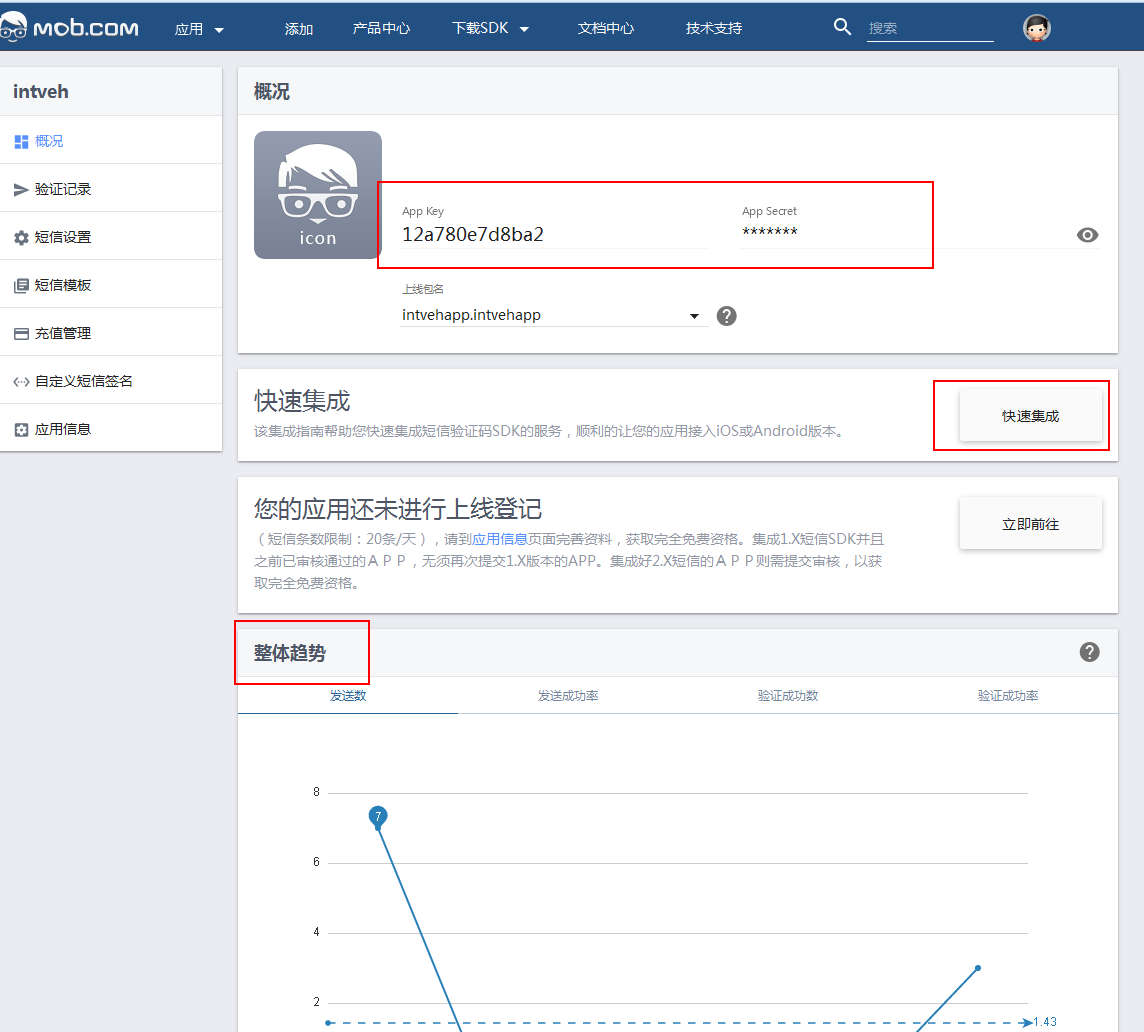 Android App 整合 Mob 簡訊驗證碼:從申請到無 GUI 接入
為什麼選擇 Mob 簡訊驗證碼許多 App 在註冊、登入或通知時都需要簡訊能力。對個人開發者或小團隊而言,自行接電信服務成本較高,Mob 提供的簡訊驗證碼 SDK 是一個
 Android 刮刮樂效果實作:自定義擦除視圖
效果原理刮刮樂效果的本質,是在文字或圖案上覆蓋一層可擦除的遮罩。當使用者手指滑過時,遮罩被擦開,底下的內容逐漸顯現。自定義擦除元件可建立一個自訂 TextView,內部使
 Android 打造 miniTwitter 登入介面:漸層背景、圓角卡片與版面配置全解析
一個好看的登入頁,能大幅提升使用者對 App 的第一印象。本文以 miniTwitter 為例,一步步拆解這個登入介面的實作方式,讓你也能做出精緻的登入畫面。 先看成品:
 Android 4.2.2 CameraService 服務啟動與應用端 Camera 初始化流程
前面十篇博文主要記錄了 Android 4.2.2 中 SurfaceFlinger 的相關內容。之所以投入那麼多時間,是因為先前研究 camera 架構時,遇到了本地的