

編輯:關於 Android 程式設計
在某些應用場景中,可能需要兩個 Service 互相監視,當其中一個中斷或崩潰時,另一個能嘗試重新啟動或重新綁定對方。以下示範兩個 Service 透過 AIDL 與 ServiceConnection 互相監測的做法。
public class ServiceA extends Service {
    private MyBinder mBinder;
    private MyServiceConnection mServiceConnection;

    @Override
    public void onCreate() {
        super.onCreate();
        mBinder = new MyBinder();
        mServiceConnection = new MyServiceConnection();
    }

    @Override
    public int onStartCommand(Intent intent, int flags, int startId) {
        bindService(
            new Intent(this, ServiceB.class),
            mServiceConnection,
            Context.BIND_IMPORTANT
        );
        return START_STICKY;
    }

    @Override
    public IBinder onBind(Intent intent) {
        return mBinder;
    }

    public class MyBinder extends IBridgeInterface.Stub {
        @Override
        public String getName() throws RemoteException {
            return "ServiceA";
        }
    }

    class MyServiceConnection implements ServiceConnection {
        @Override
        public void onServiceConnected(ComponentName name, IBinder service) {
            try {
                String remoteName = IBridgeInterface.Stub
                    .asInterface(service)
                    .getName();
                Toast.makeText(
                    ServiceA.this,
                    remoteName + "連接成功",
                    Toast.LENGTH_SHORT
                ).show();
            } catch (RemoteException e) {
                e.printStackTrace();
            }
        }

        @Override
        public void onServiceDisconnected(ComponentName name) {
            startService(new Intent(ServiceA.this, ServiceB.class));
            bindService(
                new Intent(ServiceA.this, ServiceB.class),
                mServiceConnection,
                Context.BIND_IMPORTANT
            );
        }
    }
}
public class ServiceB extends Service {
    private MyBinder mBinder;
    private MyServiceConnection mServiceConnection;

    @Override
    public void onCreate() {
        super.onCreate();
        mBinder = new MyBinder();
        mServiceConnection = new MyServiceConnection();
    }

    @Override
    public int onStartCommand(Intent intent, int flags, int startId) {
        bindService(
            new Intent(this, ServiceA.class),
            mServiceConnection,
            Context.BIND_IMPORTANT
        );
        return START_STICKY;
    }

    @Override
    public IBinder onBind(Intent intent) {
        return mBinder;
    }

    public class MyBinder extends IBridgeInterface.Stub {
        @Override
        public String getName() throws RemoteException {
            return "ServiceB";
        }
    }

    class MyServiceConnection implements ServiceConnection {
        @Override
        public void onServiceConnected(ComponentName name, IBinder service) {
            try {
                String remoteName = IBridgeInterface.Stub
                    .asInterface(service)
                    .getName();
                Toast.makeText(
                    ServiceB.this,
                    remoteName + "連接成功",
                    Toast.LENGTH_SHORT
                ).show();
            } catch (RemoteException e) {
                e.printStackTrace();
            }
        }

        @Override
        public void onServiceDisconnected(ComponentName name) {
            startService(new Intent(ServiceB.this, ServiceA.class));
            bindService(
                new Intent(ServiceB.this, ServiceA.class),
                mServiceConnection,
                Context.BIND_IMPORTANT
            );
        }
    }
}
interface IBridgeInterface {
    String getName();
}
<service android:name=".services.ServiceA" />
<service
    android:name=".services.ServiceB"
    android:process=":remote" />
由於 ServiceB 使用獨立進程,因此在 onServiceConnected 中不能直接轉型成本地 Binder,而必須透過:
IBridgeInterface.Stub.asInterface(service)
取得遠端介面。
onStartCommand 的回傳值決定了 Service 被系統終止後的重建行為:
START_NOT_STICKY:若沒有待處理 Intent,Service 不會重建。START_STICKY:Service 會被重建,但不會重新傳遞最後一個 Intent。START_REDELIVER_INTENT:Service 會重建,並重新傳遞最後一個 Intent。透過這種互相綁定與斷線重連機制,兩個 Service 可以在一定程度上達到彼此監視與恢復的效果。
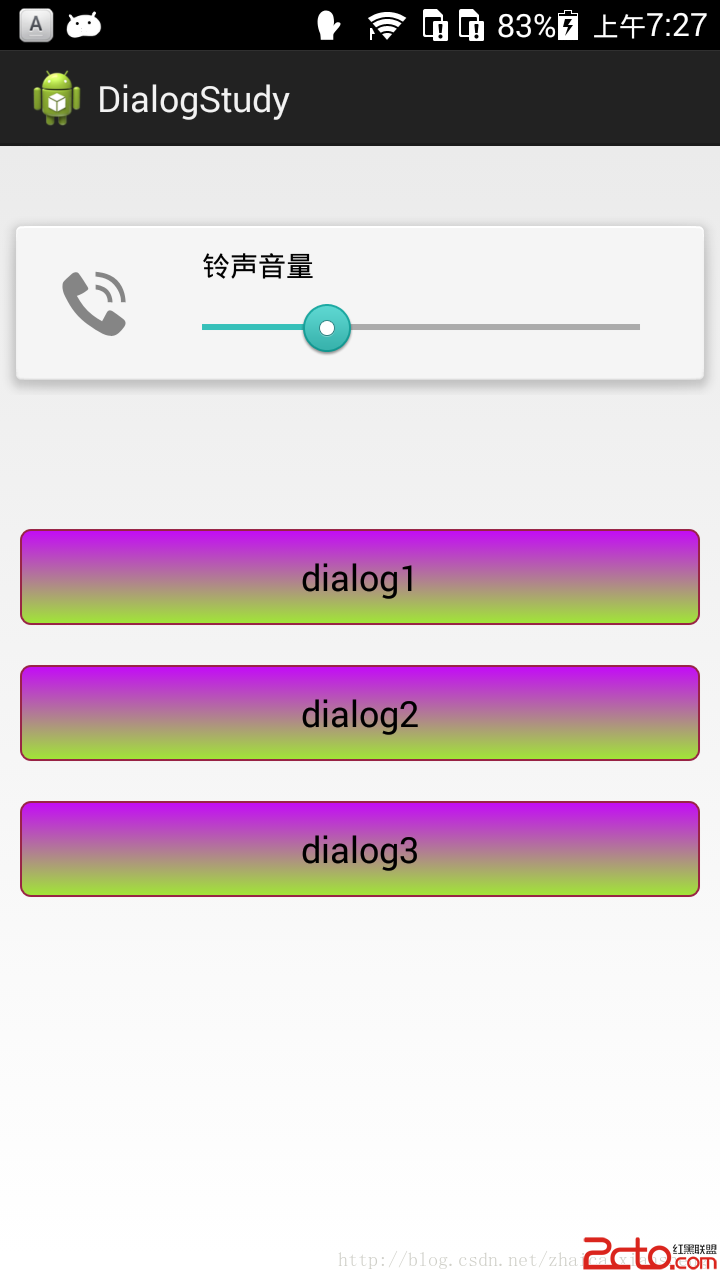 Android 對話框全面總結:系統 Dialog 與自定義 Dialog 怎麼選
一、什麼是對話框 對話框是一種次要視窗,內含按鈕與各種選項,用來完成某個特定指令或任務。它與一般視窗有別:沒有最大化鈕、沒有最小化鈕,而且大多不能改變大小形狀(「開啟檔案
 Android 創建與引用 Library Project(庫項目)完整教程
開發過程中,为了实现某個陌生的效果或功能,我們常常會求助於網上優秀的開源項目。使用時會發現,引用開源的 Library Project(庫項目)確實能解決不少問題,也提供
 Android 入門:如何自訂一個狀態選擇器(State List)
有這樣一種常見場景:點擊某個按鈕或圖片(View)後,它的樣式(通常是背景顏色)隨之改變。實現這種效果的一種方案,就是狀態選擇器。接下來就說明如何打造它。 步驟如下: 一
 Android 自定義 View 繪製圓環占比動畫
下圖展示圓環占比動畫的效果,通常用於流量、任務完成度或進度提示。 自定義 View 的整體結構 MyProgressView 主要負責繪製圓形背景、完整圓環、已使用圓環