

編輯:關於 Android 程式設計
做閱讀器時,翻頁是最核心的交互之一。本文分享一個 BookPage 類,把「上一頁、下一頁、跨章節翻頁」等動作全部封裝成接口,供視圖層調用。它負責把章節正文按屏幕尺寸切分成一頁頁的行數據,並維護當前所在的頁碼與章節。
這個類的職責是:翻到章節最後一頁時,若後面還有章節就自動進入下一章,否則提示已讀完;往前翻時同理,若已是第一章則提示已到開頭。它在初始化時根據屏幕寬高、字號等參數,用 breakText 把段落按可視寬度折行,再進一步按每頁行數分頁。
package com.horse.util; import java.text.DecimalFormat; import java.util.Vector; import com.horse.bean.Chapter; import android.graphics.Bitmap; import android.graphics.Canvas; import android.graphics.Color; import android.graphics.Paint; import android.graphics.Paint.Align; import android.text.format.Time; public class BookPage { private int screenWidth; private int screenHeight; private int fontSize; private int lineHgight; private int marginWidth = 15; private int marginHeight = 15; private int textColor; private Bitmap bgBitmap; private int bgColor; private Paint paint; private Paint paintBottom; private int visibleWidth; private int visibleHeight; private Chapter chapter; private Vector<String> linesVe; private int lineCount; private String content; private int chapterLen; private int charBegin; private int charEnd; private boolean isfirstPage; private boolean islastPage; private Vector<Vector<String>> pagesVe; int pageNum; public BookPage(int screenWidth, int screenHeight, Chapter chapter) { this.screenHeight = screenHeight; this.screenWidth = screenWidth; this.chapter = chapter; init(); } protected void init() { bgBitmap = null; bgColor = 0xffff9e85; textColor = Color.BLACK; content = chapter.getContent(); chapterLen = content.length(); charBegin = 0; charEnd = 0; fontSize = 30; lineHgight = fontSize + 8; linesVe = new Vector<String>(); paint = new Paint(Paint.ANTI_ALIAS_FLAG); paint.setTextAlign(Align.LEFT); paint.setTextSize(fontSize); paint.setColor(textColor); paintBottom = new Paint(Paint.ANTI_ALIAS_FLAG); paintBottom.setTextAlign(Align.LEFT); paintBottom.setTextSize(fontSize / 2); paintBottom.setColor(textColor); visibleWidth = screenWidth - marginWidth * 2; visibleHeight = screenHeight - marginHeight * 2; lineCount = visibleHeight / lineHgight - 2; isfirstPage = true; islastPage = false; pagesVe = new Vector<Vector<String>>(); pageNum = -1; slicePage(); } public Vector<String> getCurPage() { return linesVe; } protected void slicePage() { pagesVe.clear(); int curPos = 0; while (curPos < chapterLen) { Vector<String> lines = new Vector<String>(); charBegin = curPos; while (lines.size() < lineCount && curPos < chapterLen) { int i = content.indexOf("\n", curPos); String paragraphStr = content.substring(curPos, i); if (curPos == i) lines.add(""); while (paragraphStr.length() > 0) { int horSize = paint.breakText(paragraphStr, true, visibleWidth, null); lines.add(paragraphStr.substring(0, horSize)); paragraphStr = paragraphStr.substring(horSize); curPos += horSize; if (lines.size() > lineCount) break; } if (paragraphStr.length() == 0) curPos += "\n".length(); } pagesVe.add(lines); } } public boolean nextPage() { if (isLastPage()) { if (!nextChapter()) return false; } linesVe = pagesVe.get(++pageNum); return true; } public boolean prePage() { if (isFirstPage()) { if (!preChapter()) return false; } linesVe = pagesVe.get(--pageNum); return true; } public boolean nextChapter() { int order = chapter.getOrder(); Chapter tempChapter = IOHelper.getChapter(order + 1); if (tempChapter == null) return false; chapter = tempChapter; content = chapter.getContent(); chapterLen = content.length(); charBegin = 0; charEnd = 0; slicePage(); pageNum = -1; return true; } public boolean preChapter() { int order = chapter.getOrder(); Chapter tempChapter = IOHelper.getChapter(order - 1); if (tempChapter == null) return false; chapter = tempChapter; content = chapter.getContent(); chapterLen = content.length(); charBegin = chapterLen; charEnd = chapterLen; slicePage(); pageNum = pagesVe.size(); return true; } public boolean isFirstPage() { if (pageNum <= 0) return true; return false; } public boolean isLastPage() { if (pageNum >= pagesVe.size() - 1) return true; return false; } public void draw(Canvas c) { if (linesVe.size() == 0) nextPage(); if (linesVe.size() > 0) { if (bgBitmap == null) c.drawColor(bgColor); else c.drawBitmap(bgBitmap, 0, 0, null); int y = marginHeight; for (String line : linesVe) { y += lineHgight; c.drawText(line, marginWidth, y, paint); } } float percent = (float) ((pageNum + 1) * 1.0 / pagesVe.size()); DecimalFormat df = new DecimalFormat("#0.0"); String percetStr = df.format(percent * 100) + "%"; Time time = new Time(); time.setToNow(); String timeStr; if (time.minute < 10) timeStr = "" + time.hour + " : 0" + time.minute; else timeStr = "" + time.hour + " : " + time.minute; int pSWidth = (int) paintBottom.measureText("99.9%") + 2; int titWidth = (int) paintBottom.measureText(chapter.getTitle()); c.drawText(timeStr, marginWidth / 2, screenHeight - 5, paintBottom); c.drawText(chapter.getTitle(), screenWidth / 2 - titWidth / 2, screenHeight - 5, paintBottom); c.drawText(percetStr, screenWidth - pSWidth, screenHeight - 5, paintBottom); } public void setBgBitmap(Bitmap bMap) { bgBitmap = Bitmap.createScaledBitmap(bMap, screenWidth, screenHeight, true); } }
章節信息很簡單,只包含標題、正文與排序號三個字段:
package com.horse.bean; public class Chapter { private String title; private String content; private int order; public String getTitle() { return title; } public void setTitle(String title) { this.title = title; } public String getContent() { return content; } public void setContent(String content) { this.content = content; } public int getOrder() { return order; } public void setOrder(int order) { this.order = order; } }
這個類把「分頁計算」與「翻頁動作」集中在模型層,視圖層只需調用 nextPage、prePage 並重繪即可,職責劃分清晰。值得一提的是,作者最初糾結於用接口還是抽象類,最終認為由於實現類需要保存較多狀態數據,抽象類在代碼重用上更合適。以上就是本文的全部內容,希望對大家有所幫助。
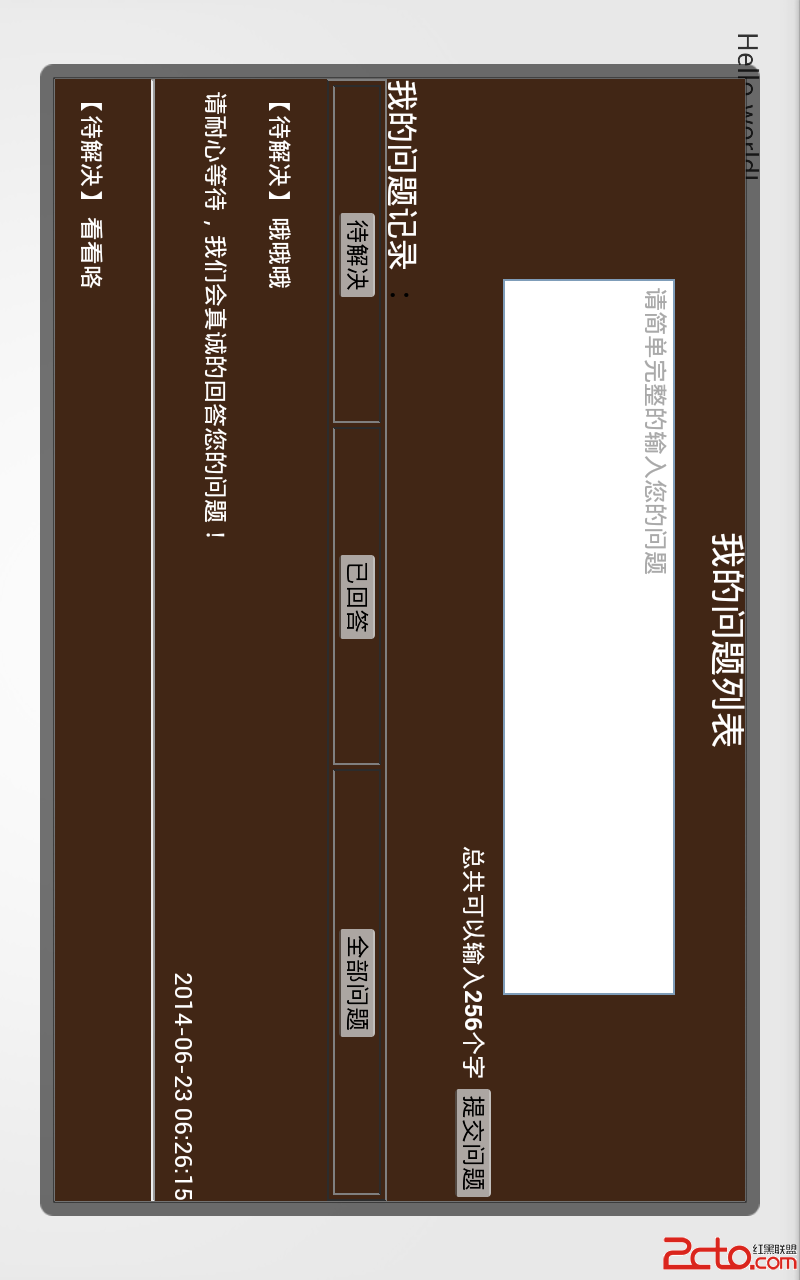 讓 Android Activity 變成半透明浮動視窗
有時候,我們希望 Activity 不要以全螢幕形式出現,而是像浮動視窗一樣,置中顯示並帶有半透明背景。這可以透過調整 Window 參數與自訂主題來完成。調整 Acti
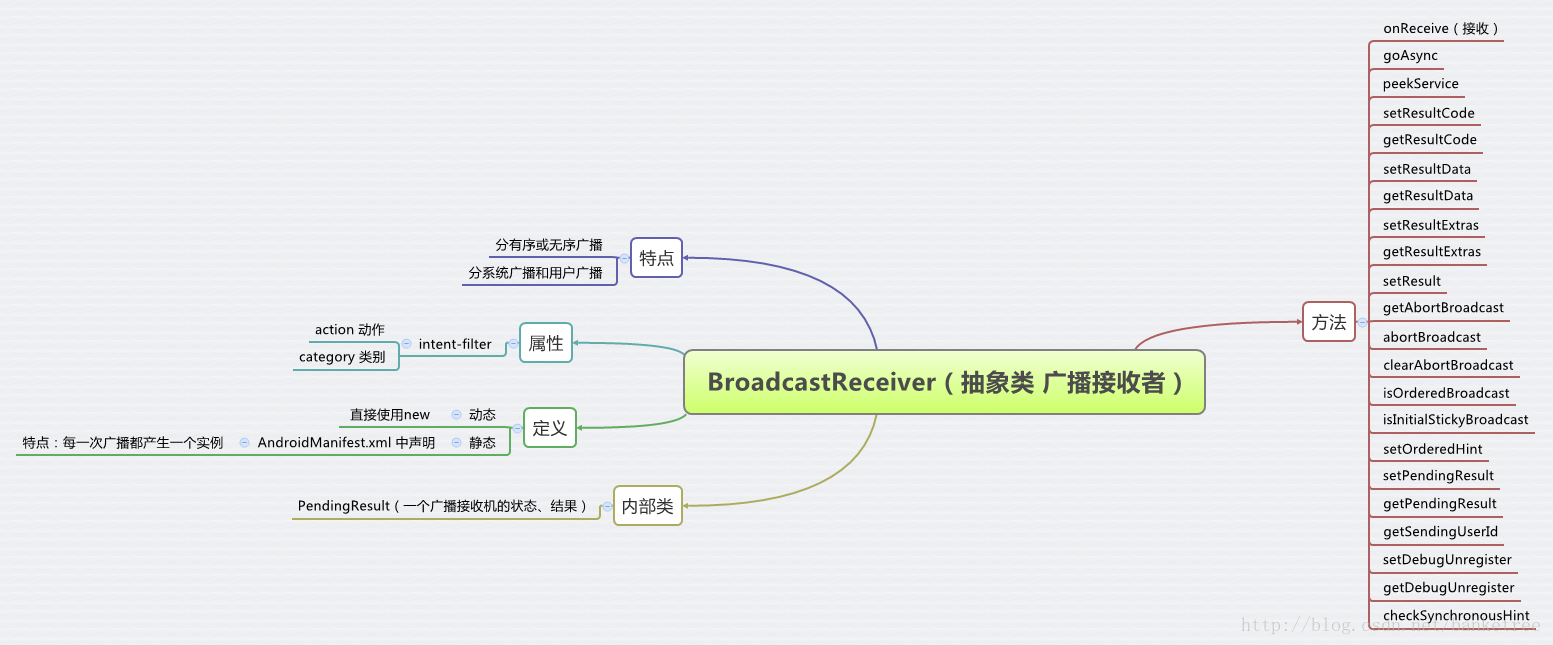 Android 廣播、服務、數據庫、通知、包等核心術語圖解介紹
簡介 Android 系統運用了許多機制,例如廣播、服務、數據庫、通知、包等等。本文將逐一介紹這些核心術語的概念,並搭配示意圖幫助理解。 什麼是廣播?Broadcast
 Android 作業系統的記憶體回收機制:從 Application Framework 到 Linux 內核
本文以早期 Android 版本(約 2.3 世代)的 ActivityManagerService 原始碼為例,梳理 Android 的兩層記憶體回收設計。後續版本(4
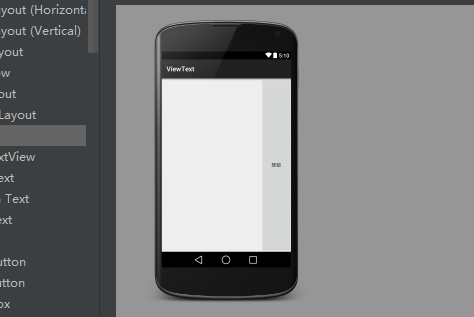 Android UI 編程入門:常用佈局與控制項
Android 應用的畫面大多由 View 與其子類構成,而 ViewGroup 則負責排列與管理子 View。本文整理常見佈局管理器與控制項,作為 UI 編程的基礎參考