

編輯:關於 Android 程式設計
Android 應用的畫面大多由 View 與其子類構成,而 ViewGroup 則負責排列與管理子 View。本文整理常見佈局管理器與控制項,作為 UI 編程的基礎參考。
LinearLayout 會把子元件依照水平或垂直方向排列,是最常用的佈局之一。透過 android:orientation 可切換方向,透過 layout_weight 則可用比例分配空間。
<LinearLayout
    android:layout_width="match_parent"
    android:layout_height="match_parent"
    android:orientation="vertical">

    <Button
        android:layout_width="wrap_content"
        android:layout_height="wrap_content"
        android:text="按鈕" />

</LinearLayout>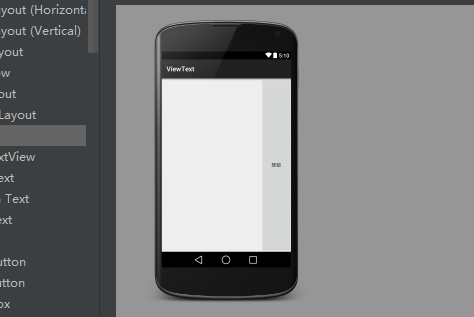
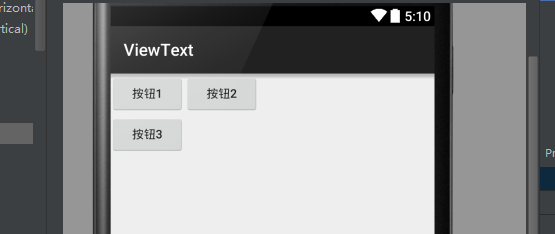
TableLayout 本質上仍屬於線性佈局,但以列與欄的方式管理元件。通常透過 TableRow 定義每一列,並可用 collapseColumns、shrinkColumns、stretchColumns 控制欄位行為。
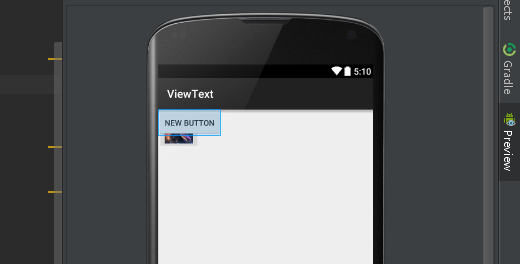
FrameLayout 會讓子元件疊在同一個區域,常用於需要堆疊畫面的情境,例如浮層、遮罩或自訂容器中。
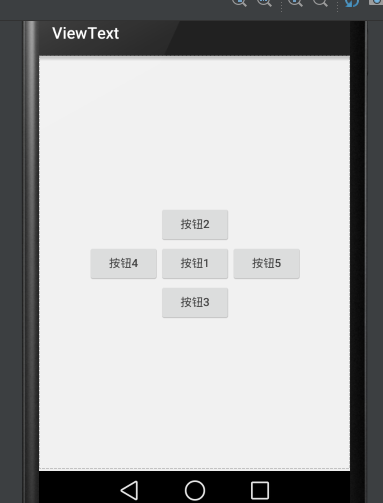
RelativeLayout 允許子元件相對於父容器或其他兄弟元件定位,適合製作較複雜但需要減少層級的畫面。
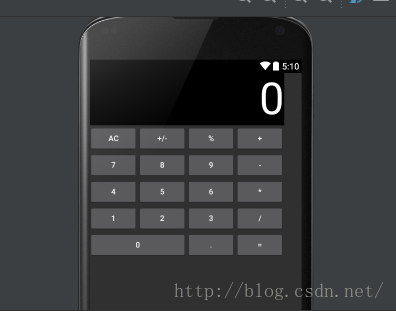
GridLayout 會把容器劃分成多個行列,每個格子可放置元件,也可讓元件跨列或跨行,適合計算機、表單等介面。
AbsoluteLayout 以精確座標定位元件,但容易在不同螢幕尺寸下走形,目前已被不建議使用。
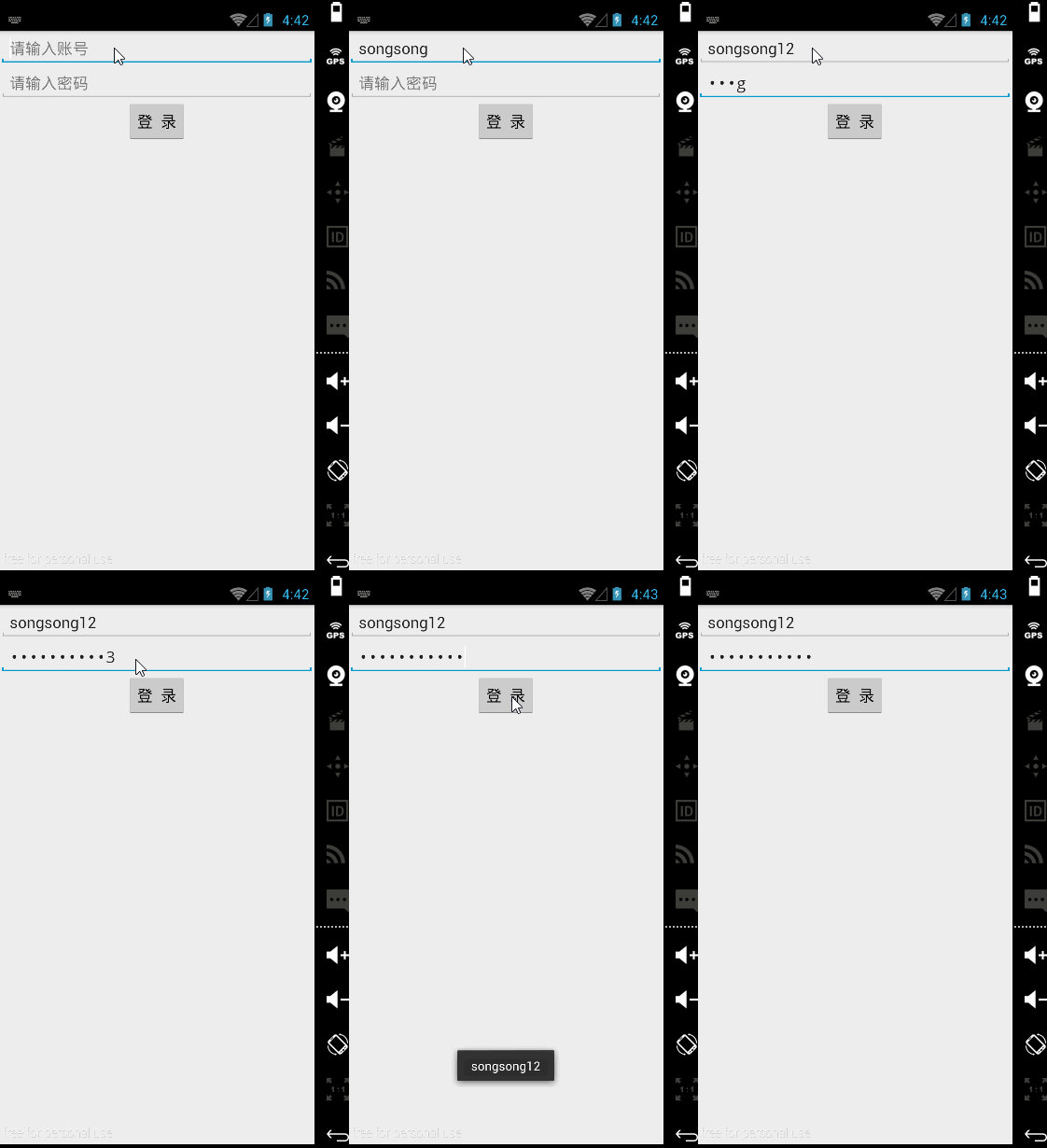
TextView 主要用於顯示文字,EditText 則可讓使用者輸入內容。登入表單常用 hint 提示輸入格式,並以 inputType 指定密碼、數字或電話等鍵盤類型。
<EditText
    android:layout_width="match_parent"
    android:layout_height="wrap_content"
    android:hint="請輸入密碼"
    android:inputType="textPassword" />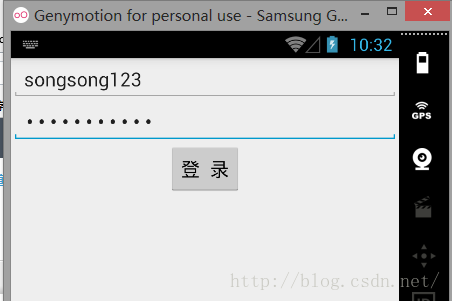
Button 繼承自 TextView,是最常見的點擊控制項。可透過 setOnClickListener 或 XML 的 onClick 綁定事件。
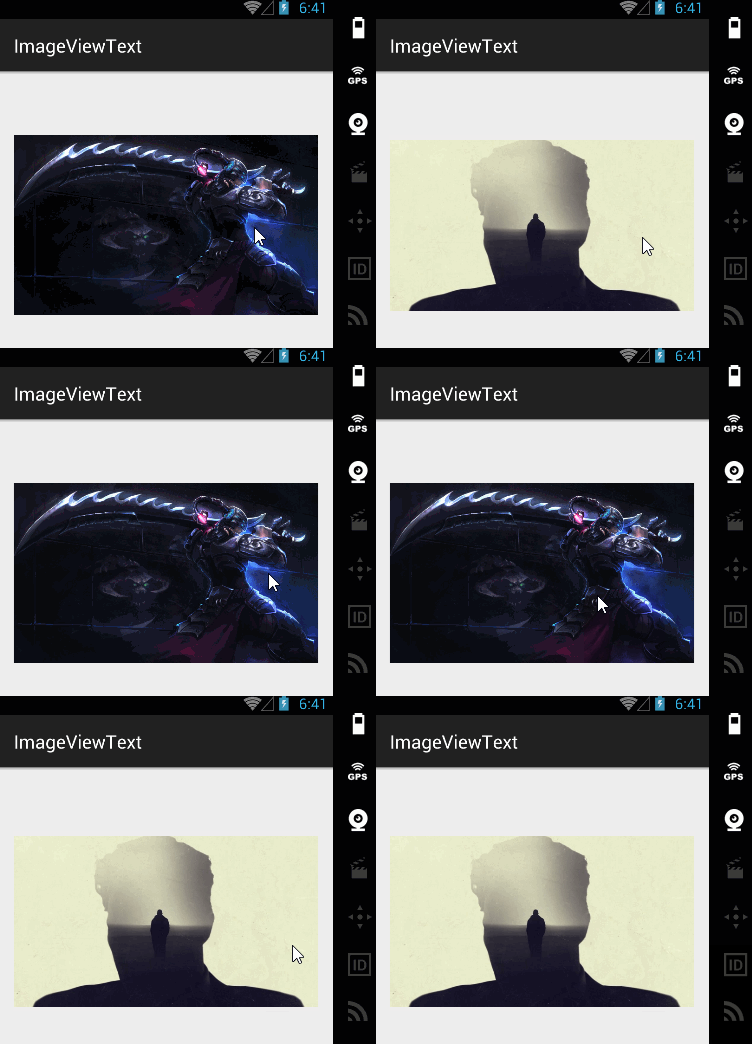
ImageView 可顯示 Drawable 資源,透過 scaleType 可控制圖片縮放與對齊方式,例如 fitCenter、centerCrop 等。
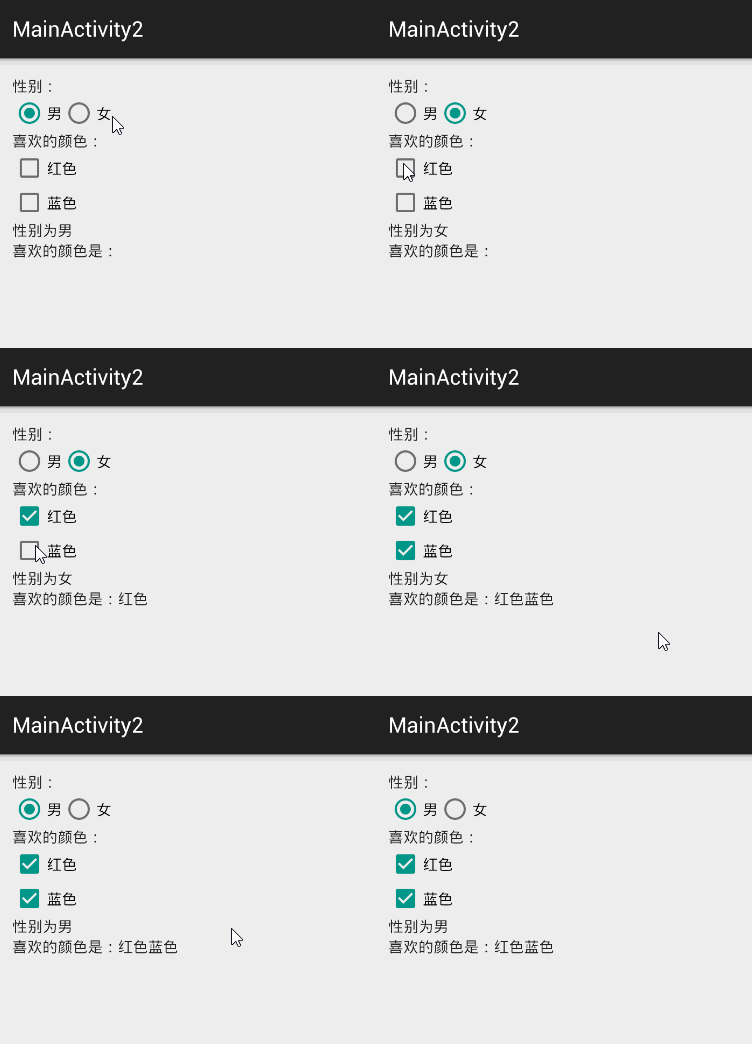
RadioButton 通常用於單選群組,需與 RadioGroup 搭配;CheckBox 則可獨立多選。兩者都適合表單設定。
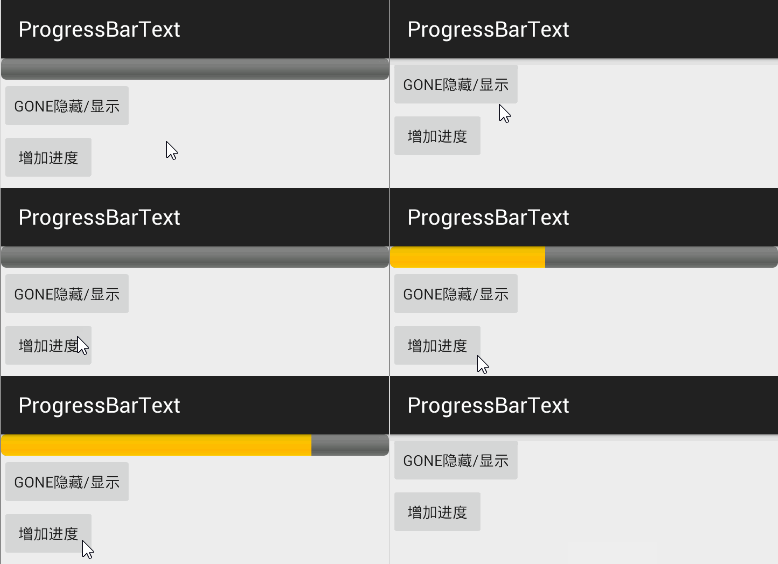
ProgressBar 可表示載入或長時間作業的進度,也能以隱藏或顯示方式提示使用者目前狀態。
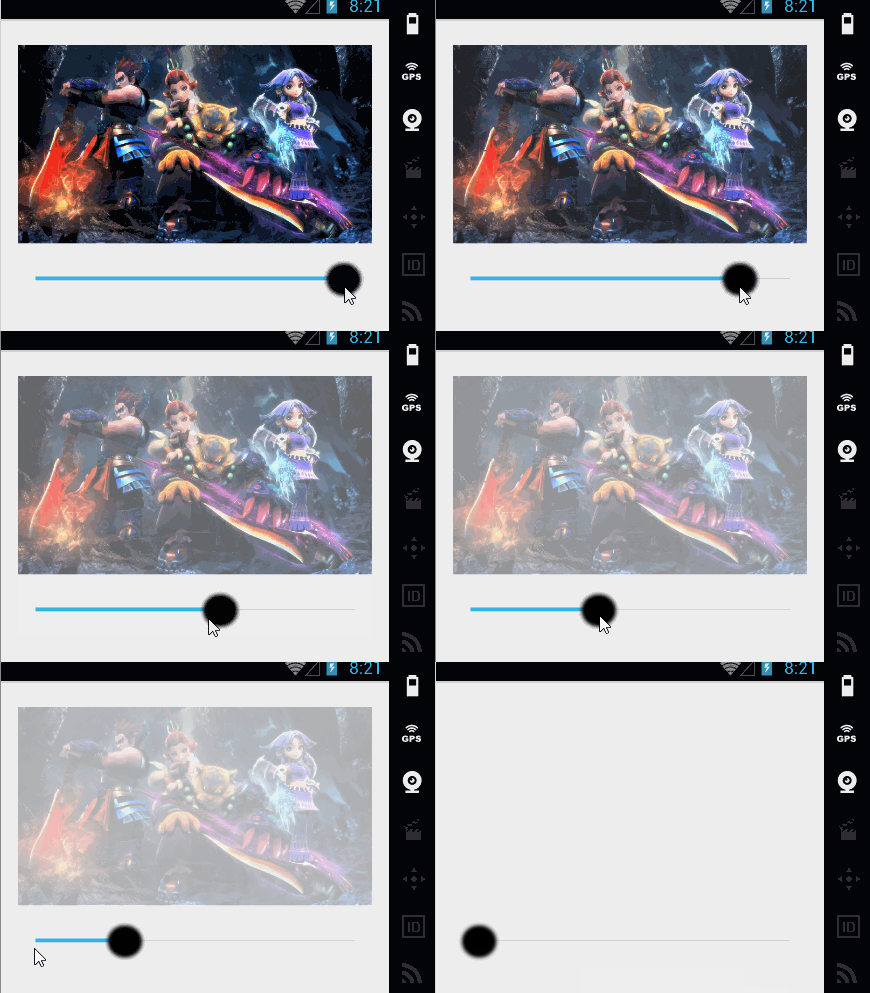
SeekBar 允許使用者拖動滑桿調整數值,常用於音量、亮度或透明度設定。
AlertDialog 可用於提示、確認或自訂表單。透過 Builder 可設定標題、訊息、按鈕與自訂 View。
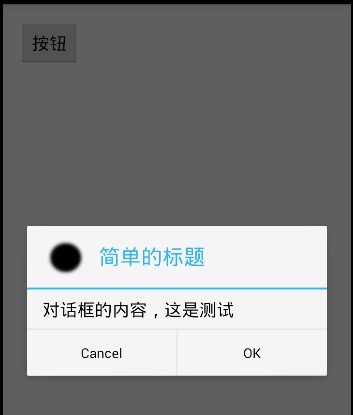
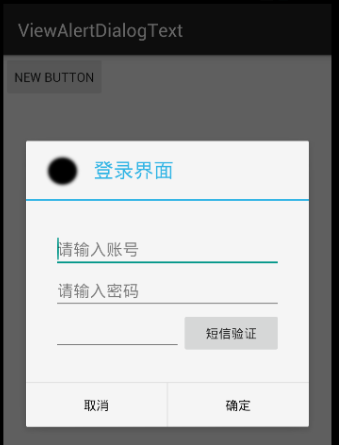
ProgressDialog 適合表示需要等待的作業;選單則可透過 Menu 或 Toolbar 提供操作入口。現代應用中,也能用 Snackbar、DialogFragment 或下拉式選單呈現類似互動。
學習 Android UI 時,建議先理解 View 與 ViewGroup 的關係,再熟悉各控制項屬性與事件模型。能靈活搭配佈局與控制項,才能做出清楚、易用且效能良好的介面。
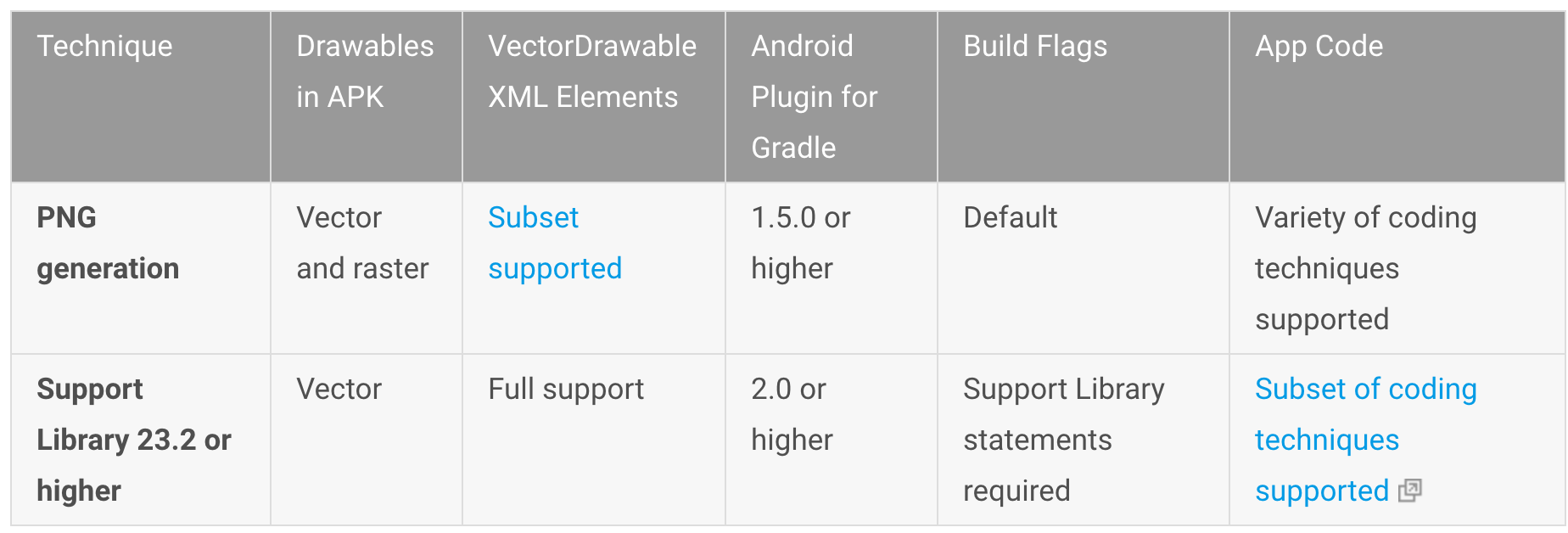 Android Studio 教學:用 Vector Asset Studio 加入多密度向量圖形
Android Studio 裡有個常被忽略的好用工具——Vector Asset Studio(向量工具)。它能幫你加入各種圖示,也能把可縮放的向量圖形檔匯入專案,作為
 Android 打造酷炫的頂部欄:Toolbar 與 AppBarLayout 完全解析
AppBarLayout 是繼承自 LinearLayout 的 ViewGroup 容器組件,專為 Material Design 風格的 App Bar 而生,支持手
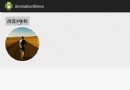 Android 屬性動畫完全指南:從 ValueAnimator 到 AnimatorSet
一、三種動畫,各自的位置 Android 提供了 View Animation、Drawable Animation 與 Property Animation 三套動畫體
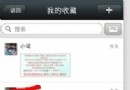 微信收藏怎麼刪除?圖文步驟一次學會
微信收藏可以保存圖片、文字、連結與影片,但內容變多後反而不好找。若想刪除,可用以下方法。 刪除步驟 1. 開啟微信,進入「我」,選擇「我的收藏」。 2. 在收藏列表中,找