

編輯:關於 Android 程式設計
在 ListView 等 AdapterView 上動態添加、刪除列表項時,稍不留神就會踩坑。本文就帶大家一起揭開這個經典陷阱的真相。
先準備一份字符串數組作為列表的加載內容:
<resources> <string name="app_name">MyListView</string> <string-array name="language"> <item>Java</item> <item>C</item> <item>C++</item> <item>PHP</item> </string-array>
為了讓編輯框與按鈕始終固定在底部,把 ListView 的 layout_weight 設為 1:
<?xml version="1.0" encoding="utf-8"?> <LinearLayout xmlns:android="https://schemas.android.com/apk/res/android" android:layout_width="match_parent" android:layout_height="match_parent" android:orientation="vertical"> <ListView android:id="@android:id/list" android:layout_width="fill_parent" android:layout_height="0dip" android:layout_weight="1" /> <LinearLayout android:layout_width="wrap_content" android:layout_height="wrap_content" android:orientation="horizontal"> <EditText android:id="@+id/addLangEdit" android:layout_width="200px" android:layout_height="wrap_content" /> <Button android:id="@+id/addButton" android:layout_width="wrap_content" android:layout_height="wrap_content" android:text="添加" /> </LinearLayout> </LinearLayout>
public class MyListView extends ListActivity { private ArrayAdapter<CharSequence> mAdapter; private ListView mListView; private EditText mLanguageText; private Button mAddButton; @Override public void onCreate(Bundle savedInstanceState) { super.onCreate(savedInstanceState); setContentView(R.layout.mylist1); mListView = getListView(); mLanguageText = (EditText) findViewById(R.id.addLangEdit); mAddButton = (Button) findViewById(R.id.addButton); mAdapter = ArrayAdapter.createFromResource(this, R.array.language, android.R.layout.simple_list_item_1); mListView.setAdapter(mAdapter); mAddButton.setOnClickListener(mOnClickListener); } private OnClickListener mOnClickListener = new View.OnClickListener() { @Override public void onClick(View v) { String text = mLanguageText.getText().toString(); if(null == text || "".equals(text.trim())) { Toast.makeText(MyListView.this, "輸入不能為空", Toast.LENGTH_SHORT).show(); }else { mAdapter.add(text); mAdapter.notifyDataSetChanged(); mLanguageText.setText(""); } } }; }
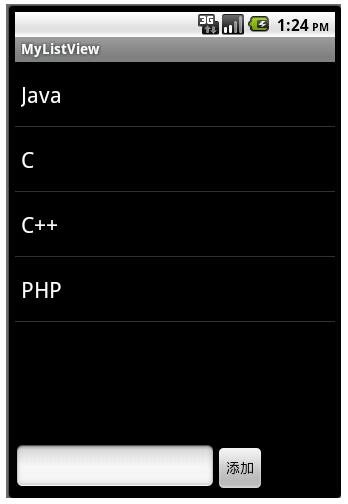
界面能正常顯示,但每次點擊「添加」卻拋出 java.lang.UnsupportedOperationException。明明按 API 文檔,add、remove 等方法本應能在運行時增刪列表項,問題究竟出在哪?
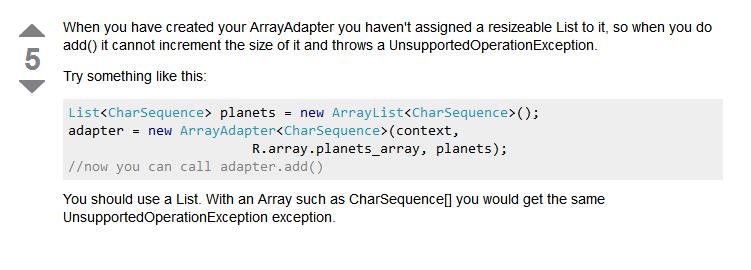
查閱資料後找到線索:要動態改變列表大小,必須使用可變長度的 List(如 ArrayList),而不能用固定長度的數組,否則就會拋出 UnsupportedOperationException。由於我們從資源文件加載內容,很自然地想到用 ArrayAdapter.createFromResource(...) 來構造 adapter,而這個方法恰恰導致了問題。我們再深入源碼一探究竟。
public class ArrayAdapter<T> extends BaseAdapter implements Filterable { private List<T> mObjects; public ArrayAdapter(Context context, int textViewResourceId, List<T> objects) { init(context, textViewResourceId, 0, objects); } public ArrayAdapter(Context context, int textViewResourceId, T[] objects) { // 注意這裡的 Arrays.asList(...) 方法!!! init(context, textViewResourceId, 0, Arrays.asList(objects)); } public static ArrayAdapter<CharSequence> createFromResource(Context context, int textArrayResId, int textViewResId) { CharSequence[] strings = context.getResources().getTextArray(textArrayResId); return new ArrayAdapter<CharSequence>(context, textViewResId, strings); } private void init(Context context, int resource, int textViewResourceId, List<T> objects) { mContext = context; mInflater = (LayoutInflater)context.getSystemService(Context.LAYOUT_INFLATER_SERVICE); mResource = mDropDownResource = resource; mObjects = objects; mFieldId = textViewResourceId; } public void add(T object) { if (mOriginalValues != null) { synchronized (mLock) { mOriginalValues.add(object); if (mNotifyOnChange) notifyDataSetChanged(); } } else { mObjects.add(object); // 若該 mObjects 為固定長度 List,此處將拋異常!!! if (mNotifyOnChange) notifyDataSetChanged(); } } }
從源碼不難看出,ArrayAdapter 並未單獨維護數組,而是統一轉換為 List 存進 mObjects。createFromResource(...) 內部調用了 ArrayAdapter(Context, int, T[]) 構造方法,而該方法使用了 Arrays 的靜態方法 asList(...) 把數組轉為 List。熟悉 Java 的朋友都知道,Arrays.asList(...) 返回的並不是 java.util.ArrayList,而是 Arrays 的內部類,這個 List 不支持增刪操作,一旦調用 add 就會拋出 UnsupportedOperationException!至此,真相終於水落石出。
只需稍微改動,把數據包一層真正的 ArrayList 即可:
public class MyListView extends ListActivity { private ArrayAdapter<CharSequence> mAdapter; private ListView mListView; private EditText mLanguageText; private Button mAddButton; @Override public void onCreate(Bundle savedInstanceState) { super.onCreate(savedInstanceState); setContentView(R.layout.mylist1); mListView = getListView(); mLanguageText = (EditText) findViewById(R.id.addLangEdit); mAddButton = (Button) findViewById(R.id.addButton); // 用真正的 ArrayList 包裹 List<CharSequence> objects = new ArrayList<CharSequence>(Arrays.asList(getResources().getTextArray(R.array.language))); mAdapter = new ArrayAdapter<CharSequence>(this, android.R.layout.simple_list_item_1, objects); mListView.setAdapter(mAdapter); mAddButton.setOnClickListener(mOnClickListener); } private OnClickListener mOnClickListener = new View.OnClickListener() { @Override public void onClick(View v) { String text = mLanguageText.getText().toString(); if(null == text || "".equals(text.trim())) { Toast.makeText(MyListView.this, "輸入不能為空", Toast.LENGTH_SHORT).show(); }else { mAdapter.add(text); mAdapter.notifyDataSetChanged(); mLanguageText.setText(""); } } }; }
以上就是關於 Android ListView 動態增刪數據項的深入分析,希望對大家的學習有所幫助。
 Android JNI 進階:從 C 語言呼叫 Java 方法更新介面
C 與 Java 雙向呼叫 JNI 不只可以讓 Java 呼叫 C,也可以讓 C 回呼 Java 方法。這種能力常用於底層感測器、硬體監控或跨語言資料回報。若 C 端取得
 使用 DrawerLayout 建立 Android 導覽抽屜
DrawerLayout 的基本結構 DrawerLayout 適合用來建立側邊導覽。根節點必須是 DrawerLayout,第一個子元素通常是主要內容,第二個子元素則是
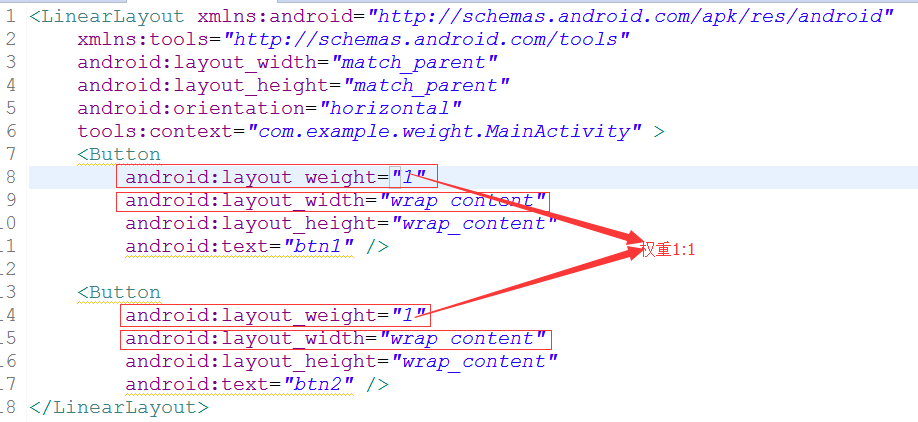 Android layout_weight 權重機制深度解析
layout_weight 是 LinearLayout 中常用的布局屬性,用於按比例分配剩餘空間。很多開發者只把它理解為「比例」,但實際上,它的效果會受到子 View
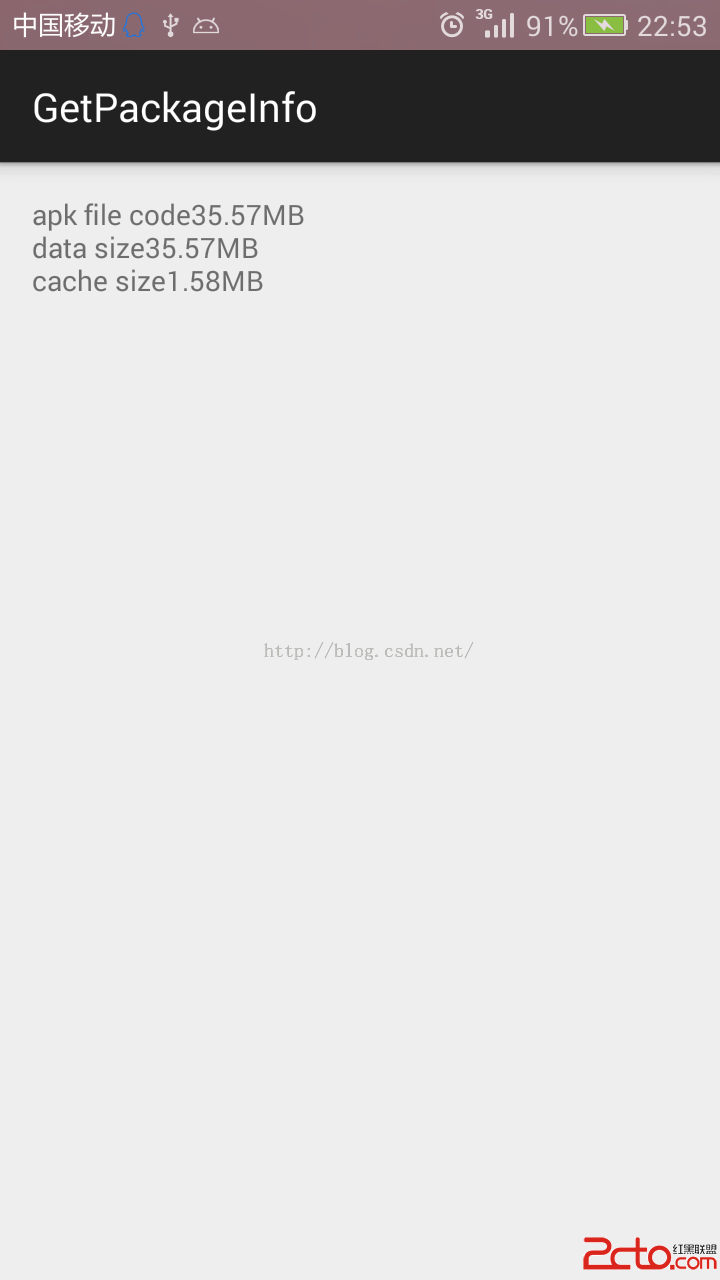 Android 取得應用程式資訊:查詢快取大小與套件統計
為何需要查詢應用程式快取 許多應用需要在設定頁或清理頁面顯示快取大小,讓使用者知道目前佔用空間並決定是否清理。Android 本身有相關 API,但直接呼叫方式較繁瑣,因