

編輯:關於 Android 程式設計
OOM(OutOfMemory)幾乎是每個 Android 開發者都遇過的攔路虎。Java 雖然不需手動管理物件生命週期,但我們仍能透過「引用類型」來暗示 JVM:某些物件在記憶體吃緊時可以被犧牲。這正是軟引用與弱引用的用武之地。
自 Java SE 2 起,共提供四種引用:強、軟、弱、虛。設計它們有兩個目的:讓程式設計師能用程式碼決定物件生命週期,並方便 JVM 執行垃圾回收。
這就是我們平常到處在寫的一般引用:
Object object = new Object(); String str = "hello";
只要物件仍有強引用指向它,JVM 絕不會回收——即使記憶體不足,寧可拋出 OOM 也不動它。
public class Main { public static void main(String[] args) { new Main().fun1(); } public void fun1() { Object object = new Object(); Object[] objArr = new Object[1000]; } }
執行到 Object[] objArr = new Object[1000]; 時若記憶體不足,JVM 會拋出 OOM 而非回收 object。但要注意,fun1() 執行完畢後,區域變數消失,它們指向的物件也就無人引用,自然會被回收。想主動中斷強引用,把引用設為 null 即可——Vector 的 remove() 正是這麼做的:
/** * Removes the element at the specified position in this Vector. * Shifts any subsequent elements to the left (subtracts one from their * indices). Returns the element that was removed from the Vector. * * @throws ArrayIndexOutOfBoundsException if the index is out of range * ({@code index < 0 || index >= size()}) * @param index the index of the element to be removed * @return element that was removed * @since 1.2 */ public synchronized E remove(int index) { modCount++; if (index >= elementCount) throw new ArrayIndexOutOfBoundsException(index); Object oldValue = elementData[index]; int numMoved = elementCount - index - 1; if (numMoved > 0) System.arraycopy(elementData, index+1, elementData, index, numMoved); elementData[--elementCount] = null; // Let gc do its work return (E)oldValue; }
軟引用用來描述「有用但非必需」的物件,只有記憶體不足時才會被回收。這個特性天生適合做快取——網頁快取、圖片快取都是經典場景。它也可以與 ReferenceQueue 搭配,物件被回收後,對應的軟引用會被放進佇列中,供程式察覺。
import java.lang.ref.SoftReference; public class Main { public static void main(String[] args) { SoftReference<String> sr = new SoftReference<String>(new String("hello")); System.out.println(sr.get()); } }
弱引用同樣描述非必需物件,但更嚴格:只要 JVM 進行垃圾回收,無論記憶體是否充足,被弱引用關聯的物件都會被回收。
import java.lang.ref.WeakReference; public class Main { public static void main(String[] args) { WeakReference<String> sr = new WeakReference<String>(new String("hello")); System.out.println(sr.get()); System.gc(); //通知JVM的gc進行垃圾回收 System.out.println(sr.get()); } }
輸出為 hello 之後接著 null。前提是「只有弱引用與之關聯」——若同時存在強引用,垃圾回收時仍不會回收該物件(軟引用同理)。
虛引用最特殊:它完全不影響物件生命週期,透過 get() 永遠拿到 null。它必須與 ReferenceQueue 一起使用——當回收器準備回收物件時,若發現還有虛引用,會把虛引用放進佇列,程式可藉此在記憶體正式釋放前做一些善後處理。
import java.lang.ref.PhantomReference; import java.lang.ref.ReferenceQueue; public class Main { public static void main(String[] args) { ReferenceQueue<String> queue = new ReferenceQueue<String>(); PhantomReference<String> pr = new PhantomReference<String>(new String("hello"), queue); System.out.println(pr.get()); } }
兩者都描述非必需物件,差別只在回收時機:記憶體不足才回收的是軟引用,一遇 GC 就回收的是弱引用。SoftReference 只有兩個建構子與一個 get() 方法(WeakReference 類似):
public SoftReference(T referent) { super(referent); this.timestamp = clock; } public SoftReference(T referent, ReferenceQueue<? super T> q) { super(referent, q); this.timestamp = clock; }
get() 在物件已被回收時會回傳 null,因此每次取值都該判空。另外,System.gc() 只是「通知」,JVM 不保證立刻執行,不能拿它當作測試回收行為的可靠手段。
假設某個應用要讀取大量本地圖片,每次都從磁碟讀會嚴重影響效能,全部塞進記憶體又可能 OOM——這時軟引用正好派上用場。設計思路是:用一個 HashMap 保存「圖片路徑 → 軟引用」的對應,記憶體吃緊時由 JVM 自動回收這些快取物件。
private Map<String, SoftReference<Bitmap>> imageCache = new HashMap<String, SoftReference<Bitmap>>(); .... public void addBitmapToCache(String path) { // 強引用的Bitmap對象 Bitmap bitmap = BitmapFactory.decodeFile(path); // 軟引用的Bitmap對象 SoftReference<Bitmap> softBitmap = new SoftReference<Bitmap>(bitmap); // 添加該對象到Map中使其緩存 imageCache.put(path, softBitmap); } public Bitmap getBitmapByPath(String path) { // 從緩存中取軟引用的Bitmap對象 SoftReference<Bitmap> softBitmap = imageCache.get(path); // 判斷是否存在軟引用 if (softBitmap == null) { return null; } // 取出Bitmap對象,如果由於內存不足Bitmap被回收,將取得空 Bitmap bitmap = softBitmap.get(); return bitmap; }
這種寫法把快取淘汰策略整個交給了 JVM,簡單但可控性低。若要更精細(例如自訂淘汰規則),就得自己實作快取類,那時會面臨 FIFO、LFU、LRU 等策略的選擇。值得一提的是,Android 後續推出的 LruCache 正是為此而生——它以記憶體用量而非引用類型來管理快取,比單純依賴軟引用更可預測,如今已是圖片快取的首選。
 Android 右鍵式上下文菜單實作教學
Android 中的 ContextMenu 可以對應到電腦上的右鍵選單概念。當使用者長按某個檢視或列表項目時,系統會顯示一個與該項目相關的浮動選單。本文示範如何為 Li
 Lumia手機也能暢讀電子書:WiFi傳書實作
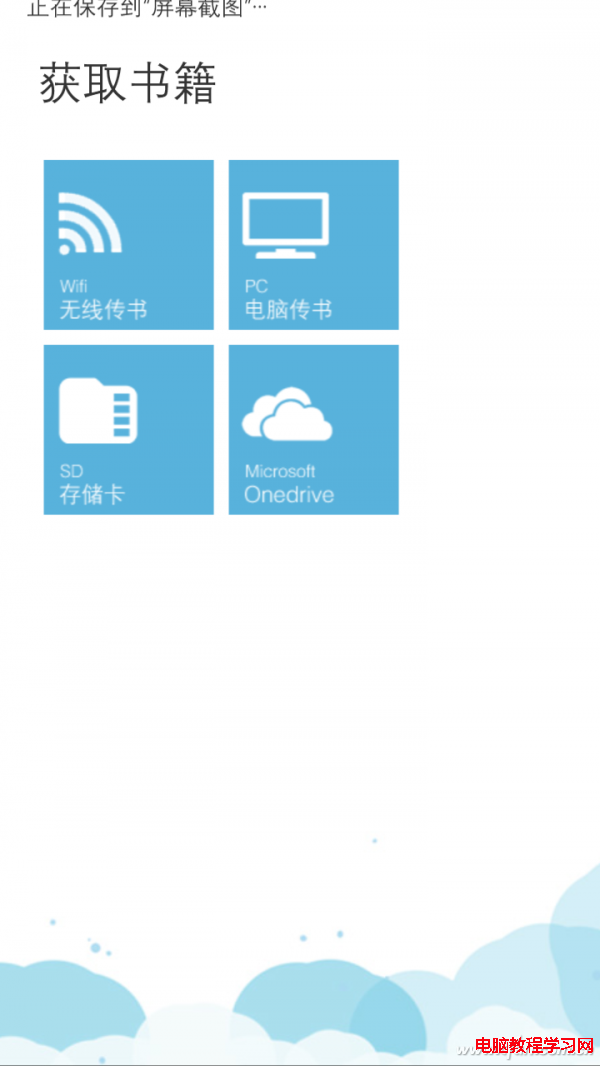
Lumia看電子書可用Anyview閱讀的WiFi傳書。開啟軟體選擇點我導書、WiFi傳書,取得IP位址後,在PC瀏覽器輸入並上傳txt檔。 手機與PC需在同一Wi-Fi
 Android 斷點續傳多執行緒下載實作詳解
本文示範如何在 Android 上實作具備斷點續傳能力的多執行緒下載。為了方便測試,我們先在 Tomcat 6.0 的 webapps/ROOT 目錄下放一個 .exe
 Android 隱藏狀態欄與判斷 Activity 是否可啟動
在 Android 開發中,全螢幕或客製化遊戲畫面經常需要隱藏標題列與狀態列;另外,在啟動外部元件前,也可能需要先確認該 Activity 是否存在。以下兩個技巧都很實用