

編輯:關於 Android 程式設計
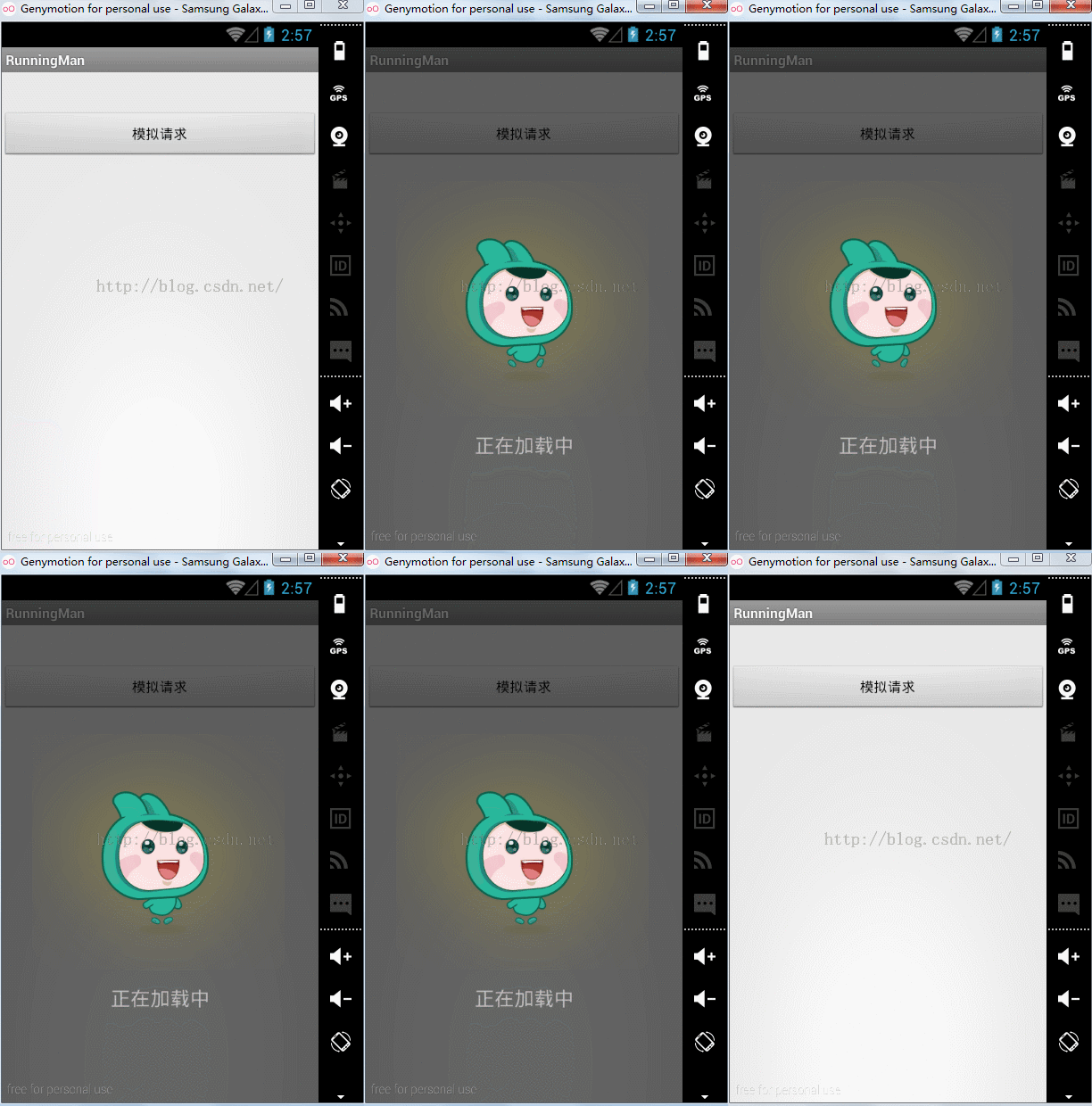
美團風格的等待提示框通常以動畫呈現。這裡可透過兩張圖片輪流切換,模擬人物奔跑或等待中的動畫效果。

<animation-list xmlns:android="https://schemas.android.com/apk/res/android" android:oneshot="false">
    <item android:drawable="@drawable/progress_loading_image_01" android:duration="150"/>
    <item android:drawable="@drawable/progress_loading_image_02" android:duration="150"/>
</animation-list>
public class MeituanProgressDialog extends ProgressDialog {
    private AnimationDrawable mAnimation;
    private ImageView mImageView;
    private TextView mLoadingTv;

    public MeituanProgressDialog(Context context, String content, int id) {
        super(context);
        this.mLoadingTip = content;
        this.mResid = id;
        setCanceledOnTouchOutside(true);
    }

    @Override
    protected void onCreate(Bundle savedInstanceState) {
        super.onCreate(savedInstanceState);
        setContentView(R.layout.progress_dialog);
        mLoadingTv = (TextView) findViewById(R.id.loadingTv);
        mImageView = (ImageView) findViewById(R.id.loadingIv);
        mImageView.setBackgroundResource(mResid);
        mAnimation = (AnimationDrawable) mImageView.getBackground();
        mImageView.post(new Runnable() {
            @Override
            public void run() {
                mAnimation.start();
            }
        });
        mLoadingTv.setText(mLoadingTip);
    }
}
MeituanProgressDialog dialog = new MeituanProgressDialog(this, "正在加載中", R.anim.frame_meituan);
dialog.show();
 Android TCP客戶端Service與廣播通信實作
在Android中,若需要長期維持TCP連線並持續接收服務端訊息,通常會把網路邏輯放在Service中。這樣即使畫面切換,連線與接收任務仍能繼續運行。 Service中的
 Android 百度語音整合實務:語音喚醒、識別與合成的完整交互
百度語音提供語音喚醒、語音識別與語音合成能力,適合用來打造免手動的語音交互流程。使用者說出喚醒詞後,應用可進入識別狀態,並透過合成語音回饋結果。 整合重點 使用百度語音
 Android 動畫 Interpolator 插值器全解析
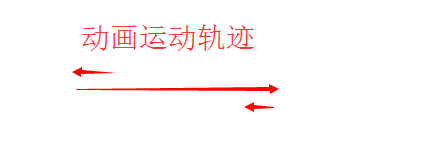
Interpolator 是 Animation 類別的一個 XML 屬性,因此 alpha、scale、rotate、translate、set 都會繼承到它。Inte
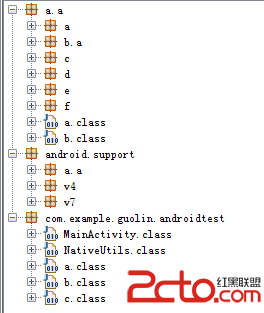 Android 安全攻防:反編譯與混淆技術完全解析(下)
上篇介紹了反編譯與重新打包,本文接著說明代碼混淆。混淆並不是阻止反編譯,而是把類名、方法名、變量名改成無意義名稱,增加逆向理解成本。對計算機而言,名稱只是符號;對破解者而