

編輯:關於 Android 程式設計
在與服務端交互時,JSON 是最常見的數據交換格式。就解析而言,可以把它分為兩類:一類是普通對象結構,另一類是帶數組的結構。下面分別說明。
服務端返回的 JSON 如下:
{"userbean":{"Uid":"100196","Showname":"瘋狂的猴子","Avtar":null,"State":1}}
解析思路是:先判斷 HTTP 狀態碼,若為 200,則讀取響應流並構造 JSONObject,再逐個取出字段。
int res = 0;
res = httpClient.execute(httpPost).getStatusLine().getStatusCode();
if (res == 200) {
HttpResponse httpResponse = httpClient.execute(httpPost);
StringBuilder builder = new StringBuilder();
BufferedReader bufferedReader2 = new BufferedReader(
new InputStreamReader(httpResponse.getEntity().getContent()));
for (String s = bufferedReader2.readLine(); s != null; s = bufferedReader2.readLine()) {
builder.append(s);
}
JSONObject jsonObject = new JSONObject(builder.toString()).getJSONObject("userbean");
String Uid = jsonObject.getString("Uid");
String Showname = jsonObject.getString("Showname");
String Avtar = jsonObject.getString("Avtar");
String State = jsonObject.getString("State");
}
服務端返回的數據結構如下:
{"calendar":
{"calendarlist":
[
{"calendar_id":"1705","title":"(親子)ddssd","category_name":"默認分類","showtime":"1288927800","endshowtime":"1288931400","allDay":false},
{"calendar_id":"1706","title":"(旅行)","category_name":"默認分類","showtime":"1288933200","endshowtime":"1288936800","allDay":false}
]
}
}
解析時,先取出 calendar 對象,再取出其中的 calendarlist 數組,然後遍歷數組,將每一項封裝成對象加入集合:
JSONObject jsonObject = new JSONObject(builder.toString()).getJSONObject("calendar");
JSONArray jsonArray = jsonObject.getJSONArray("calendarlist");
for (int i = 0; i < jsonArray.length(); i++) {
JSONObject jsonObject2 = (JSONObject) jsonArray.opt(i);
CalendarInfo calendarInfo = new CalendarInfo();
calendarInfo.setCalendar_id(jsonObject2.getString("calendar_id"));
calendarInfo.setTitle(jsonObject2.getString("title"));
calendarInfo.setCategory_name(jsonObject2.getString("category_name"));
calendarInfo.setShowtime(jsonObject2.getString("showtime"));
calendarInfo.setEndtime(jsonObject2.getString("endshowtime"));
calendarInfo.setAllDay(jsonObject2.getBoolean("allDay"));
calendarInfos.add(calendarInfo);
}
總的來說,普通形式只需使用 JSONObject 逐層取值;而帶數組的形式則需要借助 JSONArray,將數據遍歷後轉換為 List 集合,方便後續使用。
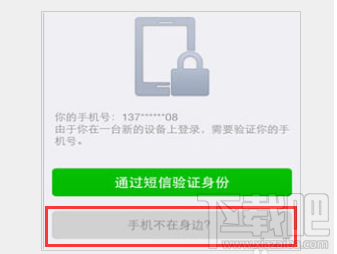 微信換手機號怎麼登入?圖解微信解除舊手機綁定
微信幾乎成了每天的必備工具,登入時又常需要手機驗證。那麼問題來了:換了新門號之後要怎麼登入?手機不在身邊時能不能用別台裝置上線?舊門號的綁定又該怎麼解除?下面一次把這些狀
 Android 仿開心消消樂:大樹星星無限循環滾動效果實作
先不囉嗦,直接上效果圖。下面這個是我項目裡實際跑出來的樣子: 而這個則是我把相關邏輯抽出來做成的 demo,基本的屏幕適配我都處理好了,其他額外功能暫未添加: 實現
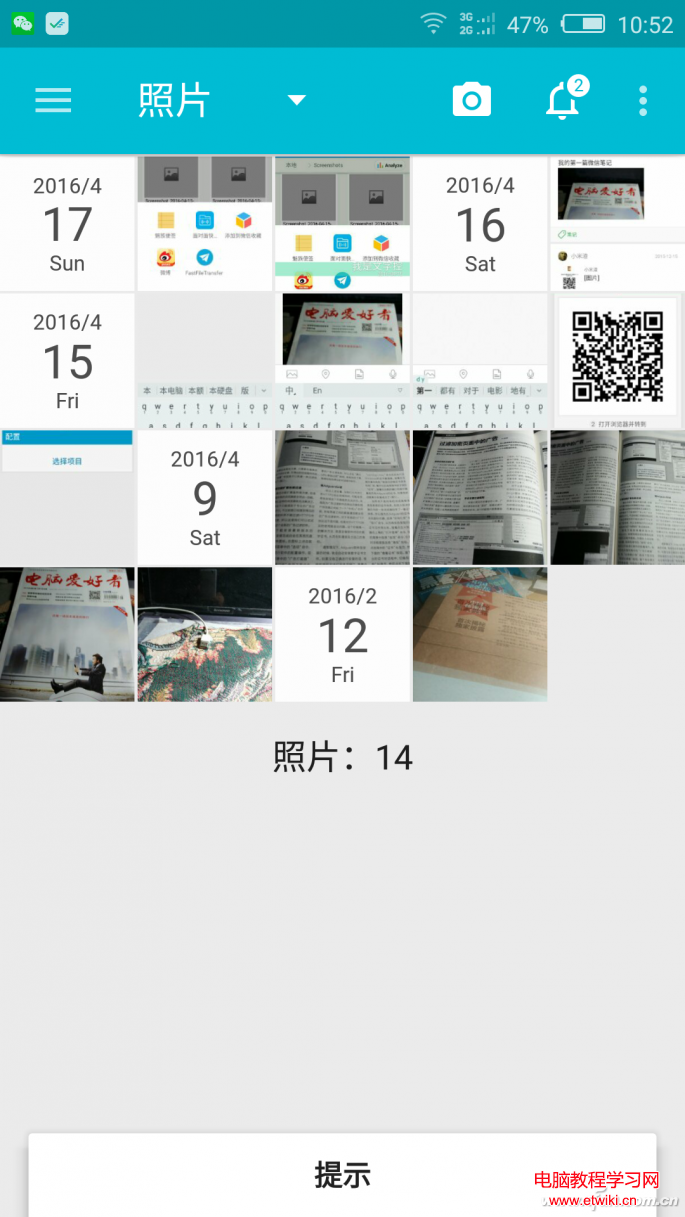 手機相冊太多太亂?利用時間牆管理這些圖片
用Scene時間牆管理手機照片 手機照片越來越多時,傳統相冊往往難以快速定位。Scene提供了以時間為核心的照片管理方式。 打開Scene後,首頁會顯示照片時間牆,按拍
 如何用字體管家為 QQ 換字型
字體管家是一款不錯的字型工具,提供下載、備份、預覽與修復功能,永久免費。以下示範怎麼用它替 QQ 換上新的字型。 &nbs