

編輯:關於 Android 程式設計
Android 提供了 Alpha(透明度)、Scale(縮放)、Translate(平移)、Rotate(旋轉)四種基本動畫,本文用四顆按鈕分別觸發,示範完整的呼叫方式。
先在 AbsoluteLayout 中宣告四顆按鈕,分別對應四種動畫:
<?xml version="1.0" encoding="utf-8"?>
<AbsoluteLayout
android:id="@+id/widget32"
android:layout_width="fill_parent"
android:layout_height="fill_parent"
xmlns:android="https://schemas.android.com/apk/res/android"
>
<TextView
android:id="@+id/widget29"
android:layout_width="fill_parent"
android:layout_height="wrap_content"
android:text="@string/hello"
android:layout_x="0px"
android:layout_y="0px"
>
</TextView>
<Button
android:id="@+id/button_Alpha"
android:layout_width="150px"
android:layout_height="150px"
android:text="Alpha動畫"
android:textSize="50px"
android:layout_x="0px"
android:layout_y="30px">
</Button>
<Button
android:id="@+id/button_Scale"
android:layout_width="150px"
android:layout_height="150px"
android:text="Scale動畫"
android:textSize="50px"
android:layout_x="0px"
android:layout_y="180px">
</Button>
<Button
android:layout_width="150px"
android:layout_height="150px"
android:text="Translate動畫"
android:layout_x="161px"
android:layout_y="30px"
android:textSize="30px"
android:id="@+id/button_Translate">
</Button>
<Button
android:id="@+id/button_Rotate"
android:layout_width="150px"
android:layout_height="150px"
android:text="Rotate動畫"
android:layout_y="180px"
android:layout_x="161px"
android:textSize="44px">
</Button>
</AbsoluteLayout>
透過 AnimationUtils.loadAnimation 載入各自動畫檔,並在點擊時呼叫 startAnimation 播放:
import android.app.Activity;
import android.os.Bundle;
import android.view.View;
import android.view.View.OnClickListener;
import android.view.animation.Animation;
import android.view.animation.AnimationUtils;
import android.widget.Button;

public class myActionAnimation extends Activity implements OnClickListener {
private Button button_alpha;
private Button button_scale;
private Button button_translate;
private Button button_rotate;
private Animation myAnimation_Alpha;
private Animation myAnimation_Scale;
private Animation myAnimation_Translate;
private Animation myAnimation_Rotate;
@Override
public void onCreate(Bundle savedInstanceState) {
super.onCreate(savedInstanceState);
setContentView(R.layout.main);

button_alpha = (Button) findViewById(R.id.button_Alpha);
button_alpha.setOnClickListener(this);

button_scale = (Button) findViewById(R.id.button_Scale);
button_scale.setOnClickListener(this);

button_translate = (Button) findViewById(R.id.button_Translate);
button_translate.setOnClickListener(this);

button_rotate = (Button) findViewById(R.id.button_Rotate);
button_rotate.setOnClickListener(this);
}
public void onClick(View button) {
switch (button.getId()) {
case R.id.button_Alpha: {
myAnimation_Alpha = AnimationUtils.loadAnimation(this,R.layout.my_alpha_action);
button_alpha.startAnimation(myAnimation_Alpha);
}
break;
case R.id.button_Scale: {
myAnimation_Scale= AnimationUtils.loadAnimation(this,R.layout.my_scale_action);
button_scale.startAnimation(myAnimation_Scale);
}
break;
case R.id.button_Translate: {
myAnimation_Translate= AnimationUtils.loadAnimation(this,R.layout.my_translate_action);
button_translate.startAnimation(myAnimation_Translate);
}
break;
case R.id.button_Rotate: {
myAnimation_Rotate= AnimationUtils.loadAnimation(this,R.layout.my_rotate_action);
button_rotate.startAnimation(myAnimation_Rotate);
}
break;
default:
break;
}
}
}
效果圖如下:

 Android 自訂進度條:只改樣子,不重造輪子
為什麼要繼承 ProgressBar 需要進度條時,先上 GitHub 翻了一圈,發現多數好看的實作都是直接繼承 View,從零打造一個進度條。但盯著那些炫麗的效果想了一
 Android Studio 安裝與使用入門指南
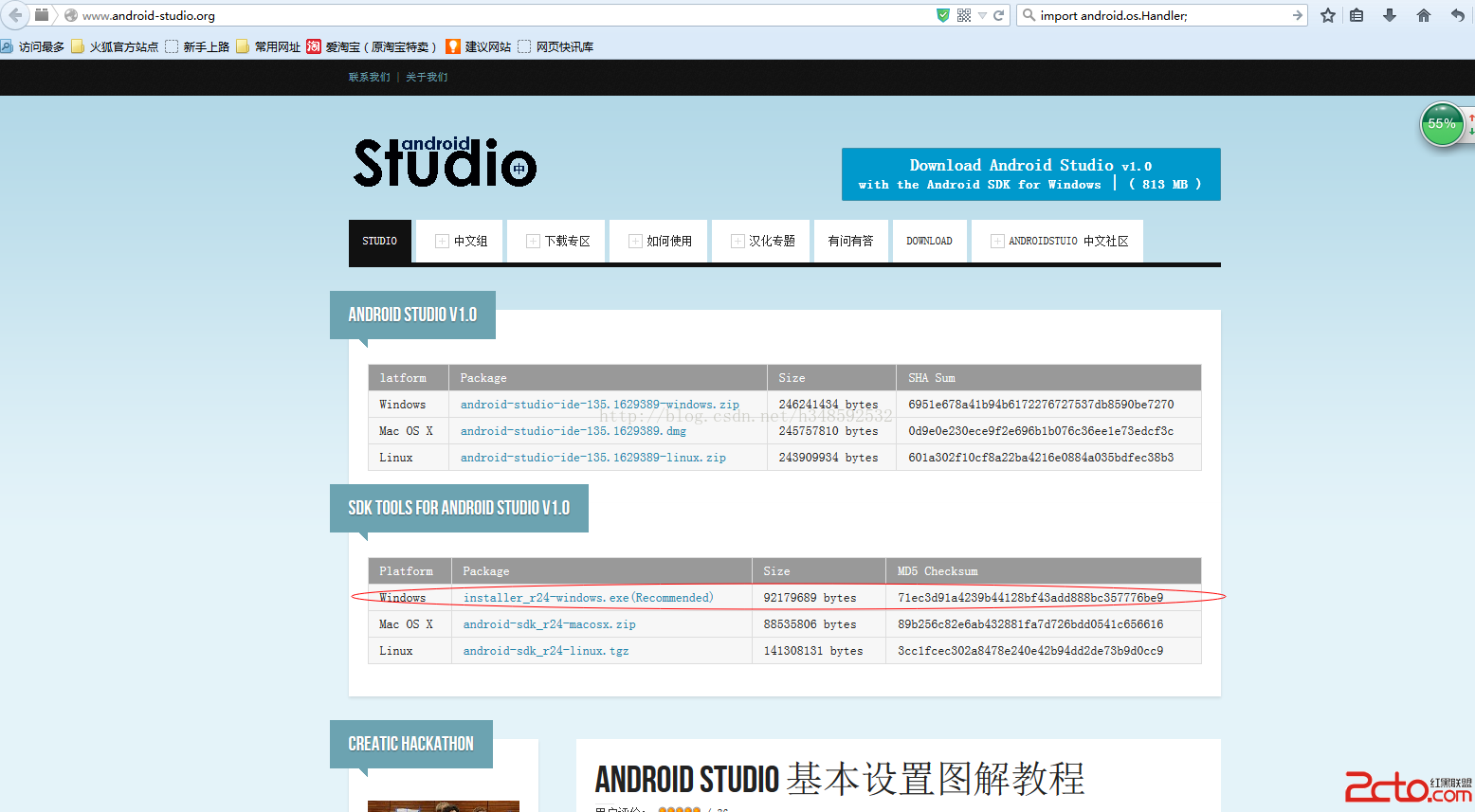
Android Studio 的下載地址為 https://www.android-studio.org/ ,新手為避免麻煩,建議選擇自帶 SDK 的版本。 1. 安
 透視 Android 系統架構與記憶體管理優化
要把 App 寫好、寫穩,理解底下這層系統怎麼運作會有決定性的幫助。本文從 Android 的整體分層講起,一路談到 Dalvik 虛擬機的設計取捨、Low Memory
 RecyclerView通用適配器進階實戰:多佈局、點擊事件與頭部視圖
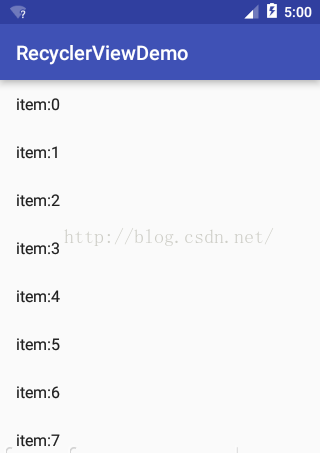
前言 在專案中,RecyclerView已經大量取代傳統ListView。為了提升開發效率,可以基於RecyclerView封裝通用適配器,讓列表開發更簡潔。 本文以一個