

編輯:關於 Android 程式設計
Android 中提供了四種基本動畫:
本文聚焦於 RotateAnimation(旋轉動畫)。
RotateAnimation(float fromDegrees, float toDegrees, int pivotXType, float pivotXValue, int pivotYType, float pivotYValue)
以下範例讓 ImageView 繞自身中心旋轉一圈(0 度到 360 度):
public class MainActivity extends Activity {
ImageView image;
Button start;
Button cancel;
@Override
public void onCreate(Bundle savedInstanceState) {
super.onCreate(savedInstanceState);
setContentView(R.layout.activity_main);
image = (ImageView) findViewById(R.id.main_img);
start = (Button) findViewById(R.id.main_start);
cancel = (Button) findViewById(R.id.main_cancel);
/** 設置旋轉動畫 */
final RotateAnimation animation =new RotateAnimation(0f,360f,Animation.RELATIVE_TO_SELF,
0.5f,Animation.RELATIVE_TO_SELF,0.5f);
animation.setDuration(3000);// 設置動畫持續時間
/** 常用方法 */
//animation.setRepeatCount(int repeatCount);// 設置重複次數
//animation.setFillAfter(boolean);// 動畫執行完後是否停留在執行完的狀態
//animation.setStartOffset(long startOffset);// 執行前的等待時間
start.setOnClickListener(new OnClickListener() {
public void onClick(View arg0) {
image.setAnimation(animation);
/** 開始動畫 */
animation.startNow();
}
});
cancel.setOnClickListener(new OnClickListener() {
public void onClick(View v) {
/** 結束動畫 */
animation.cancel();
}
});
}
}
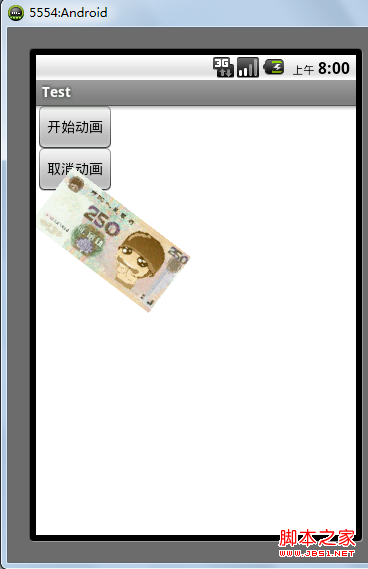
效果圖:
 打造炫目圓形菜單,輕鬆高仿建行圓形菜單
一、概述 今天打開建行 App 看存款,一看悲從中來;再一看:欸,這個圓形菜單挺炫的。於是為了排遣悲痛,我決定親手實現一次這個效果。當然還有另一個原因——當初剛學 And
 Android 開發:用 MediaRecorder 錄製音訊
要在 Android 應用中錄音,Android 提供了 MediaRecorder 類別。關於它的完整 API 說明可參考《Android 開發之 MediaRecor
 Android 中 android:exported 屬性詳解
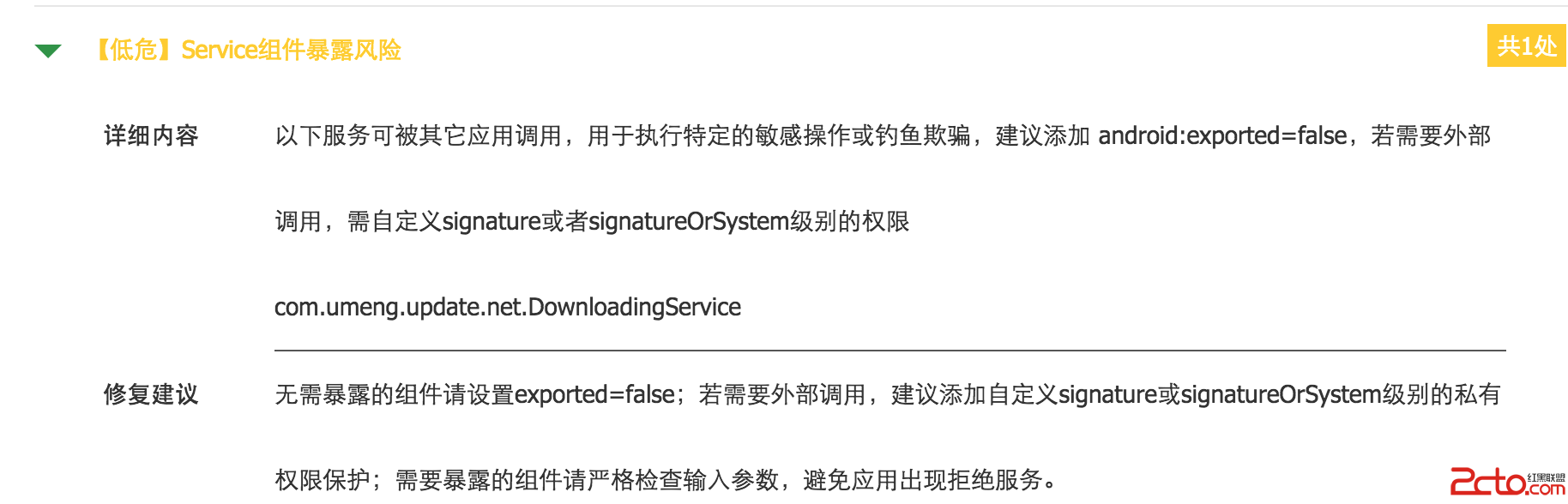
某天用 360 掃描應用漏洞時,掃描結果跳出了一個 android:exported 屬性。老實說,在此之前我根本不知道有這個屬性,更不清楚它的用途,詳見下圖: 於是
 Android 自訂 Button 樣式:讓按鈕點擊時變色
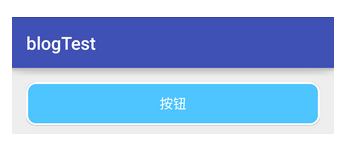
預設的 Button 外觀通常撐不起設計稿的要求。要做出「按下去顏色會變」的效果,最正統的做法是用 selector 搭配 shape,完全不需要寫任何 Java 程式碼