

編輯:關於 Android 程式設計
其實只要一行程式碼就能搞定:
mScrollView.fullScroll(ScrollView.FOCUS_DOWN);
原始碼中實現該功能的兩個關鍵方法如下。
首先是 fullScroll:
public boolean fullScroll(int direction) {
    boolean down = direction == View.FOCUS_DOWN;
    int height = getHeight();
    mTempRect.top = 0;
    mTempRect.bottom = height;
    if (down) {
        int count = getChildCount();
        if (count > 0) {
            View view = getChildAt(count - 1);
            mTempRect.bottom = view.getBottom() + mPaddingBottom;
            mTempRect.top = mTempRect.bottom - height;
        }
    }
    return scrollAndFocus(direction, mTempRect.top, mTempRect.bottom);
}
接著是 scrollAndFocus:
private boolean scrollAndFocus(int direction, int top, int bottom) {
    boolean handled = true;
    int height = getHeight();
    int containerTop = getScrollY();
    int containerBottom = containerTop + height;
    boolean up = direction == View.FOCUS_UP;
    View newFocused = findFocusableViewInBounds(up, top, bottom);
    if (newFocused == null) {
        newFocused = this;
    }
    if (top >= containerTop && bottom <= containerBottom) {
        handled = false;
    } else {
        int delta = up ? (top - containerTop) : (bottom - containerBottom);
        doScrollY(delta);
    }
    if (newFocused != findFocus()) newFocused.requestFocus(direction);
    return handled;
}
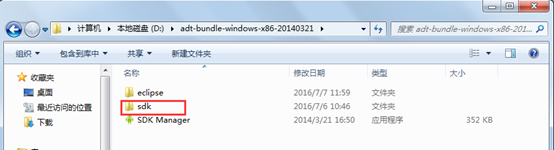 MonkeyRunner 之安卓開發環境搭建教程(一)
在學習 MonkeyRunner 之前,先來搭建好 Eclipse 的 Android 開發環境。對於開發人員而言 Eclipse 並不陌生,但要在其中開發 Androi
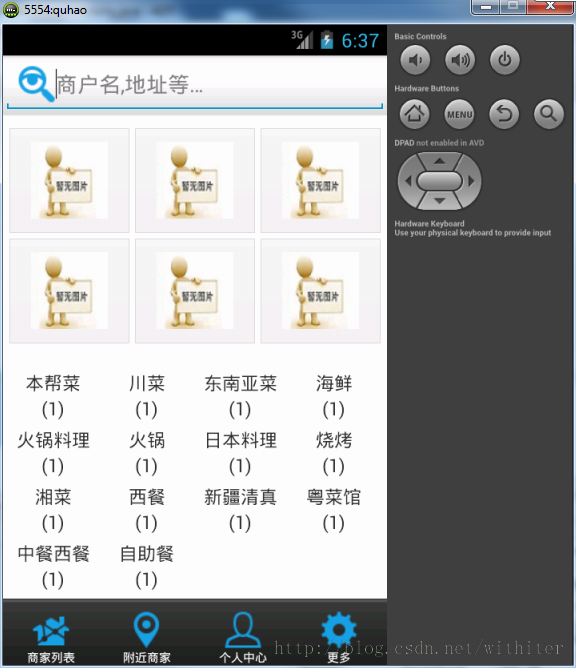 Android 自訂返回按鈕轉場動畫
在 Android 中,頁面切換動畫能提升操作流暢度。若希望返回上一頁時也有滑動效果,可以利用 overridePendingTransition 來指定進入與退出動畫。
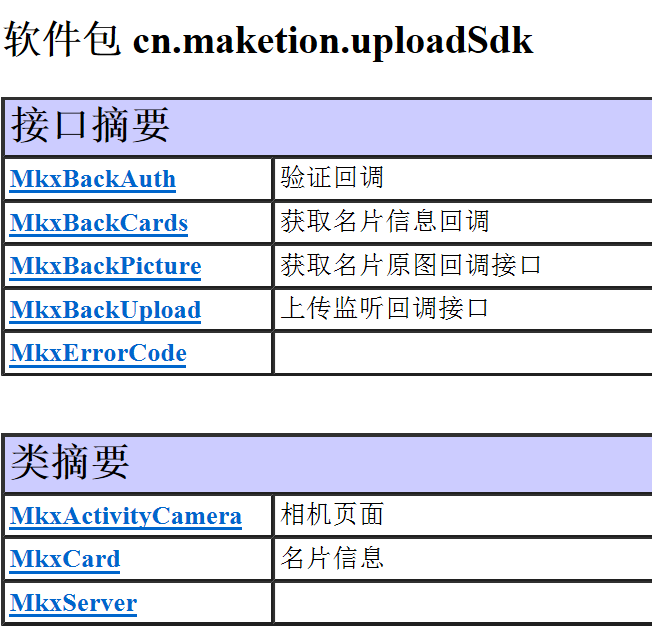 Android 名片掃描功能整合:Maketion ScanCard SDK 入門
SDK 使用前準備若要在 Android 應用中加入名片掃描功能,可以接入第三方名片辨識 SDK。以 Maketion ScanCard SDK 為例,開發者需要先申請
 Kotlin 初探:在 Android 專案中加入 Kotlin 的實用指南
Kotlin 是什麼 Kotlin 是一套可運行於 JVM、Android 與瀏覽器環境的靜態型別語言,最大特色是與 Java 高度互操作。對 Android 開發者而言