

編輯:關於 Android 程式設計
今天有位 Android 新手在使用 strings.xml 進行格式化時,遇到了佔位符報錯:Multiple substitutions specified in non-positional format; did you mean to add the formatted="false" attribute?,前來請教如何解決。這是一個非常典型的錯誤,本文就來徹底講清楚它的成因與解法。
具體的錯誤信息如下:
Error:(16) Multiple substitutions specified in non-positional format;
did you mean to add the formatted="false" attribute?
Error:(16) Unexpected end tag string
Error:Execution failed for task ':app:processDebugResources'.
> com.android.ide.common.process.ProcessException: ... aapt.exe' finished with non-zero exit value 1
Information:BUILD FAILED

查看 strings.xml 源碼後發現,報錯的那一行是這樣寫的:

游戲%s,作者:%s
仔細檢查後發現,問題正是出在 string 中的兩個 %s。當一個字符串裡出現多個格式化佔位符時,Android 要求使用「位置化」的寫法,也就是把 %s 改成 %1$s 這樣帶序號的形式,否則 aapt 在編譯資源時就會報錯。
把原來的寫法:
游戲%s,作者:%s
改為帶位置序號的形式:
游戲%1$s,作者:%2$s
然後重新編譯,即可成功通過。
小貼士:位置化佔位符不僅能解決編譯報錯,還有一個實用好處——在後續的代碼調用中,你可以自由調整參數的傳入順序而不影響顯示結果,這在同時進行多語言翻譯時尤為方便。另一種替代方案是在 string 標籤上添加 formatted="false" 屬性,但這種做法會關閉整個字符串的格式化解析,一般不如位置化佔位符推薦。
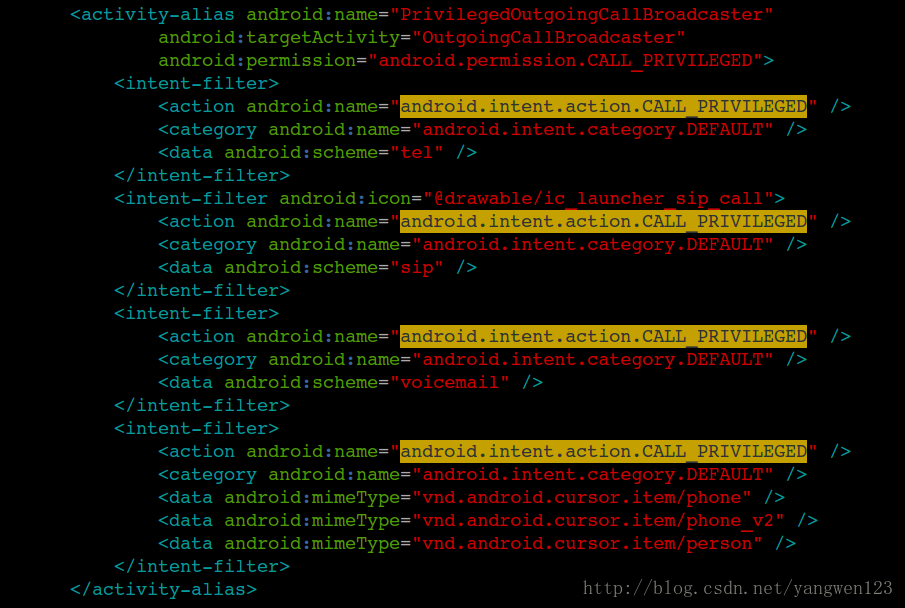 Android 電話撥打流程源碼深度剖析
在之前的文章中,我們已經分析了電話撥號界面與電話呼叫界面。由於 Android 的電話 Phone 模塊設計相當複雜,因此我們選擇先從 UI 層入手分析。 想了解 And
 Android 登入頁實作:自訂可清空輸入框與抖動提示
先看成果 自訂 ClearEditText 這個控件在 EditText 上疊了一個「清除」圖示:有內容且取得焦點時才顯示,點它就清空。因為 EditText 本身無法
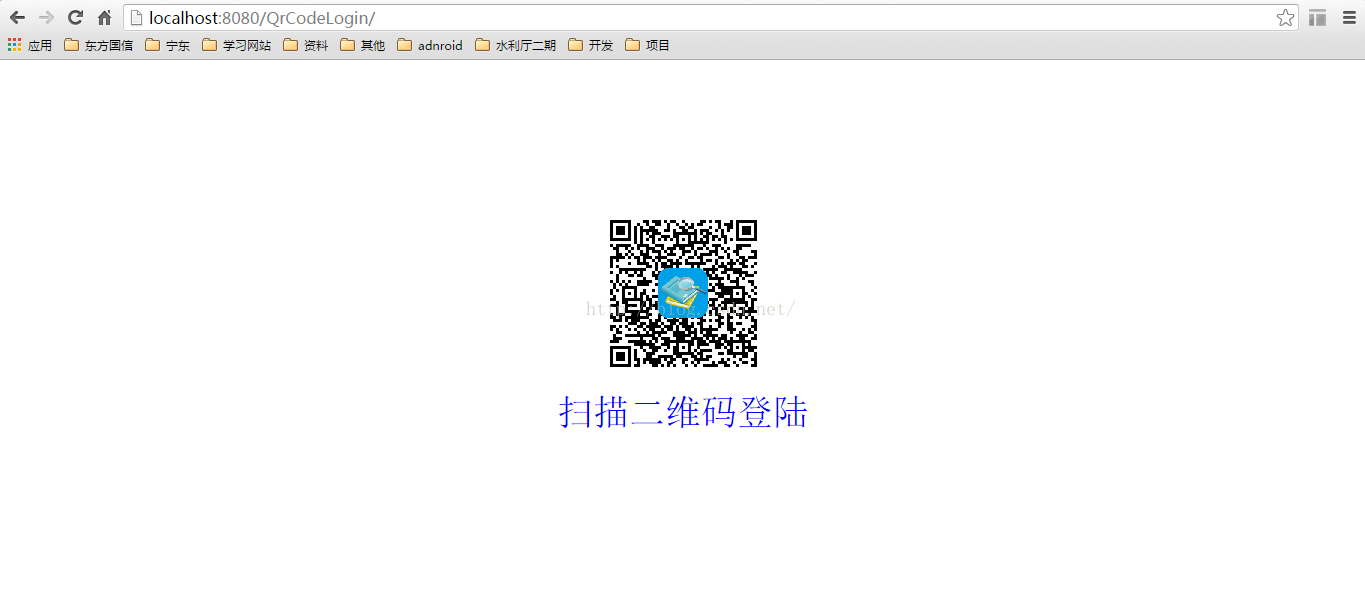 手機掃碼登入網頁:Android 二維碼掃描登入的完整實作
用手機掃一下螢幕上的二維碼就完成網頁登入,這個體驗現在很常見。它的原理其實不複雜,核心就是「以二維碼裡的 uuid 作為一座橋」,把手機端已登入的狀態傳回網頁端。 整體
 Android 自定義相簿元件:開源 ImageSelector 圖片選擇器完整使用指南
做過社群或電商類 App 的人都知道,「從相簿挑幾張圖」這件事看似簡單,實際上要處理單選、多選、拍照、記憶體、權限、UI 客製等一堆細節。開源的 ImageSelecto